Anycubic Kobra S1 ACE 2 Pro Combo vs Bambu Lab A1 Mini Combo
Head-to-head 3D printer comparison, 2026
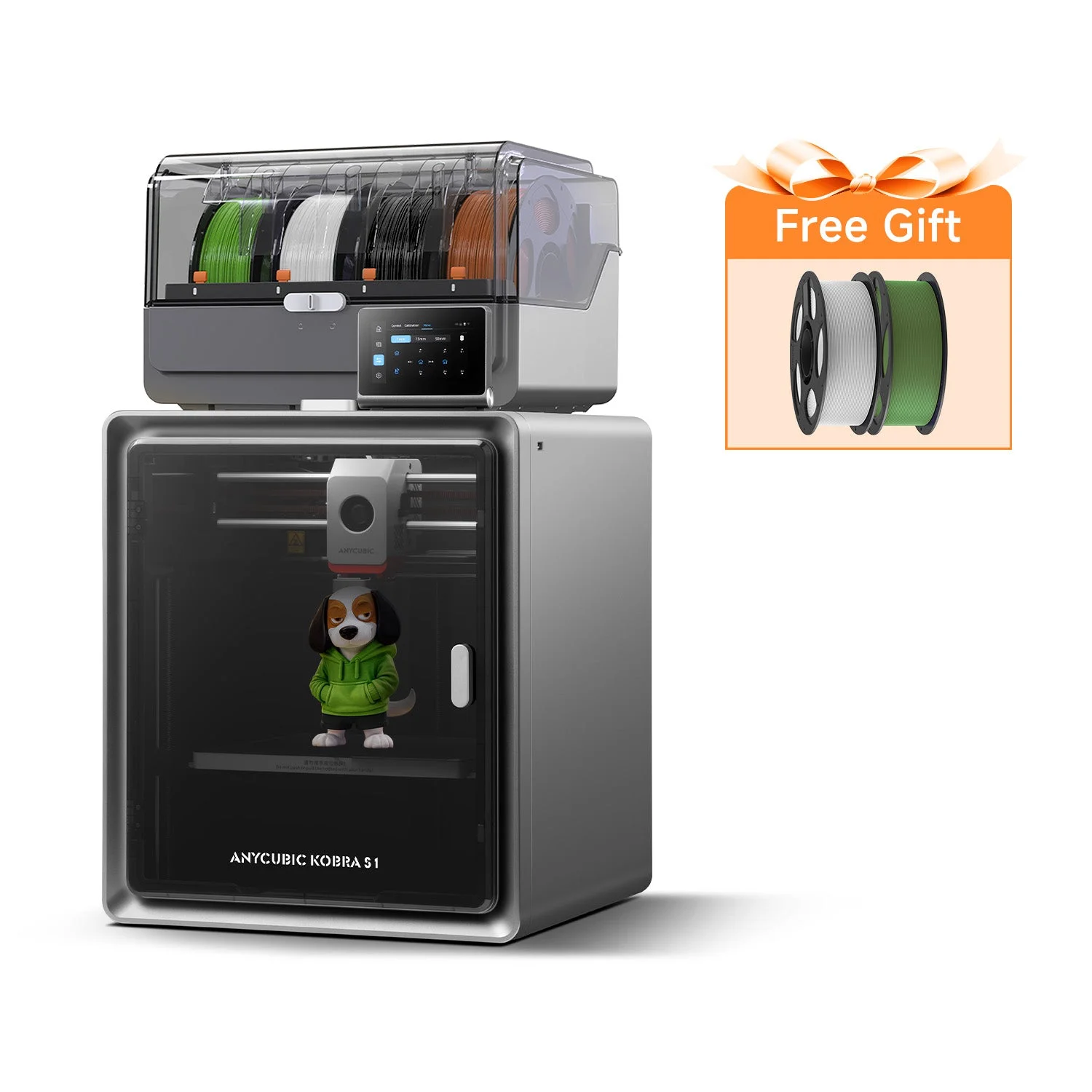
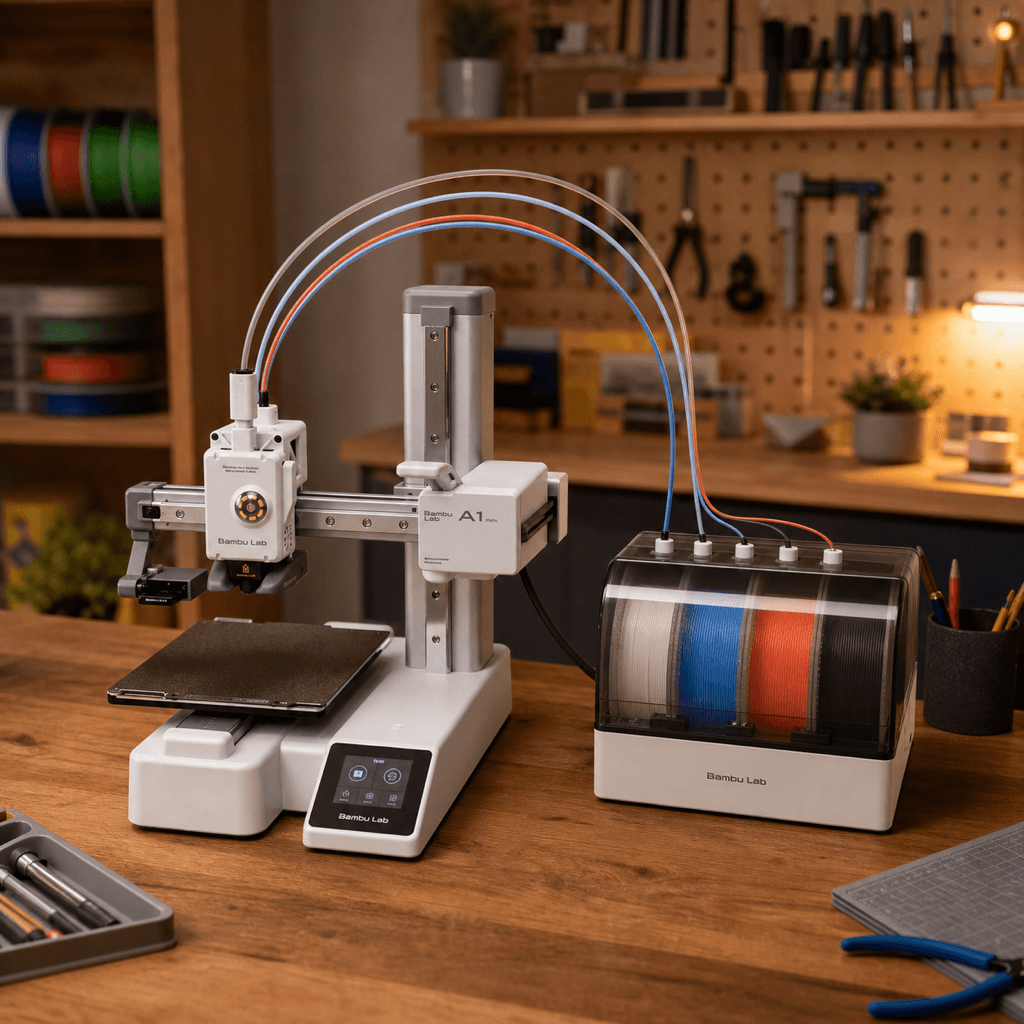
The Anycubic Kobra S1 ACE 2 Pro Combo and Bambu Lab A1 Mini Combo are both FDM 3D printers competing in different tiers, $459 vs $299. Both are scored across value, beginner-friendliness, quality, speed, and reliability. Here's the full breakdown.
Our Verdict
The Bambu Lab A1 Mini Combo takes the crown with 9.2/10 vs 8/10. It pulls ahead in Value, Beginner Friendliness, Reliability.
Score Breakdown
Specifications
| Spec | Anycubic Kobra S1 ACE 2 Pro Combo | Bambu Lab A1 Mini Combo |
|---|---|---|
| Price | $459 | $299 |
| Type | FDM | FDM |
| Build Volume | 250 x 250 x 250 mm | 180 x 180 x 180 mm |
| Print Speed | 600 mm/s | 500 mm/s |
| Min Resolution | 0.05 mm | 0.05 mm |
| Weight | 13 kg | 6.8 kg |
| Overall Score | 8/10 | 9.2/10 |
Pros & Cons
Anycubic Kobra S1 ACE 2 Pro Combo
+16-color capable (4 colors standard; 16 colors requires 4x ACE 2 Pro units purchased separately). Doubles the 8-color S1 Combo and quadruples the Bambu A1 Combo (4)
+Fully enclosed CoreXY handles ABS, ASA, and engineering filaments without warping
+44dB quiet mode is unusually low for a 600mm/s CoreXY — apartment-friendly
+Upgraded hotend is rated for the full Anycubic filament range
+Early bird €459 undercuts the Bambu P2S (€549) and matches pricing of the older 8-color S1 Combo
−Brand new product — early adopter risk on firmware and ACE 2 Pro reliability
−Anycubic slicer still trails Bambu Studio on automation and profile polish
−ACE 2 Pro adds significant desk footprint
−Early bird pricing ends May 31 — regular price expected to climb
Bambu Lab A1 Mini Combo
+Multi-color printing for $299, the cheapest entry point in the Bambu ecosystem
+AMS Lite included, no separate $100 purchase required
+Desk footprint smaller than a sheet of A4 paper, even with AMS Lite attached
+Bambu's full software stack and reliability at the lowest price they've ever offered it
−180mm cube limits you to smaller prints; anything bigger needs the A1 Combo
−AMS Lite tops out at 4 colors; step up to AMS proper for more
−Open frame means ABS is a non-starter without an enclosure
Who Should Buy Which?
Choose the Anycubic Kobra S1 ACE 2 Pro Combo if you want:
- A great printer for multi-color
- A great printer for speed
- A great printer for enclosed
- ACE 2 Pro multi-color system (up to 16 colors)
- Fully-enclosed CoreXY architecture
- Upgraded hotend (all-filament compatible)
Choose the Bambu Lab A1 Mini Combo if you want:
- A great printer for beginners
- A great printer for multi-color
- A great printer for compact
- A great printer for budget
- Multi-color (AMS Lite, 4 colors)
- Auto bed leveling
- WiFi
Frequently Asked Questions
Is the Anycubic Kobra S1 ACE 2 Pro Combo better than the Bambu Lab A1 Mini Combo?
By the numbers, the Bambu Lab A1 Mini Combo scores higher (9.2/10). But "better" depends on your use case, the Anycubic Kobra S1 ACE 2 Pro Combo may be the smarter buy if you need multi-color.
Which is better for beginners, Anycubic Kobra S1 ACE 2 Pro Combo or Bambu Lab A1 Mini Combo?
The Bambu Lab A1 Mini Combo is more beginner-friendly (10/10 vs 7/10) with easier setup and a gentler learning curve.
Is the Anycubic Kobra S1 ACE 2 Pro Combo worth $160 more than the Bambu Lab A1 Mini Combo?
The Bambu Lab A1 Mini Combo actually scores higher (9.2/10) despite costing $160 less. The Anycubic Kobra S1 ACE 2 Pro Combo only makes sense if you specifically need multi-color.
What's the main difference between Anycubic Kobra S1 ACE 2 Pro Combo and Bambu Lab A1 Mini Combo?
Build volume (250x250x250mm vs 180x180x180mm) and print speed (600 vs 500 mm/s). The Anycubic Kobra S1 ACE 2 Pro Combo is best for multi-color; the Bambu Lab A1 Mini Combo targets beginners.