Anycubic Kobra S1 Combo vs Flashforge Creator 5 Pro
Head-to-head 3D printer comparison, 2026
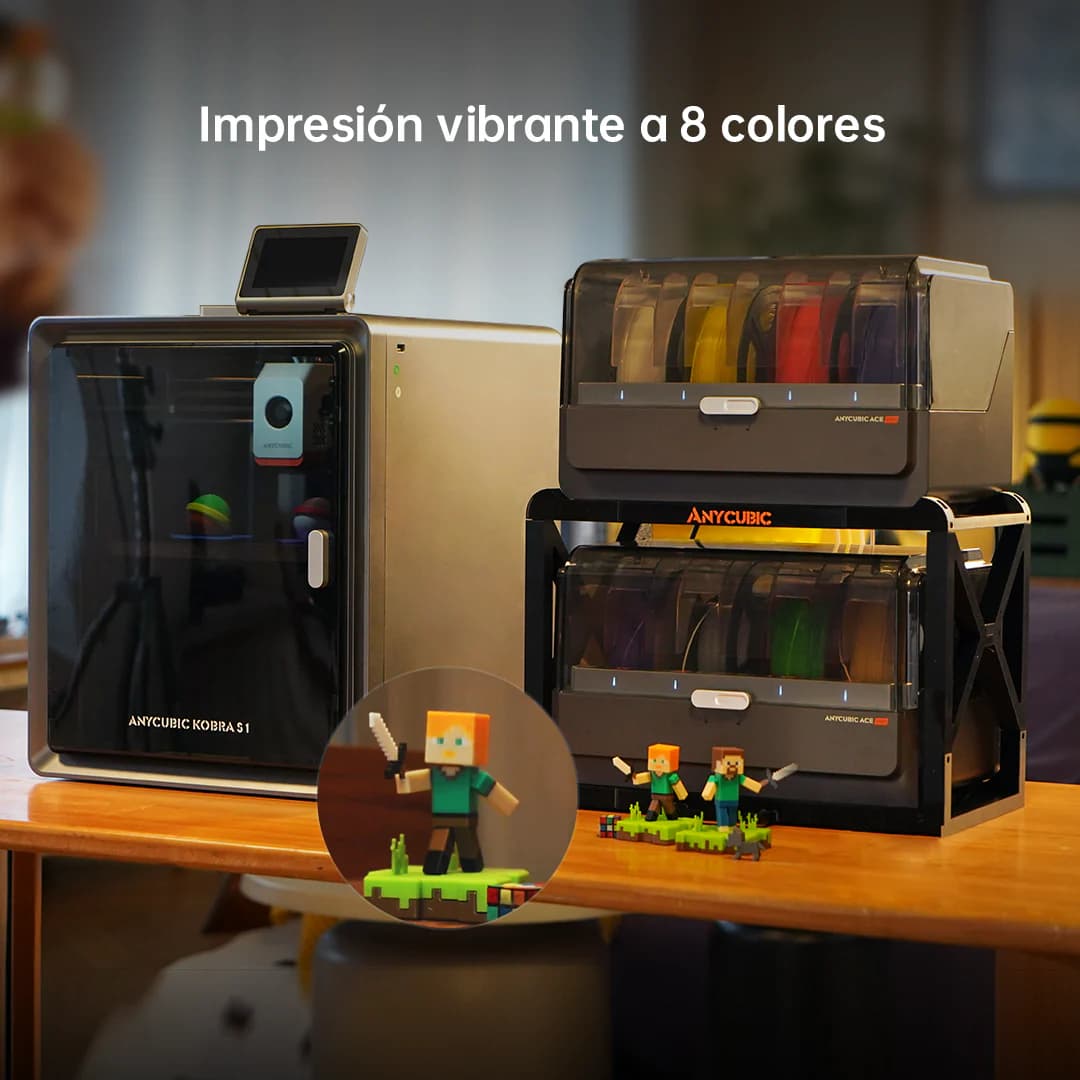
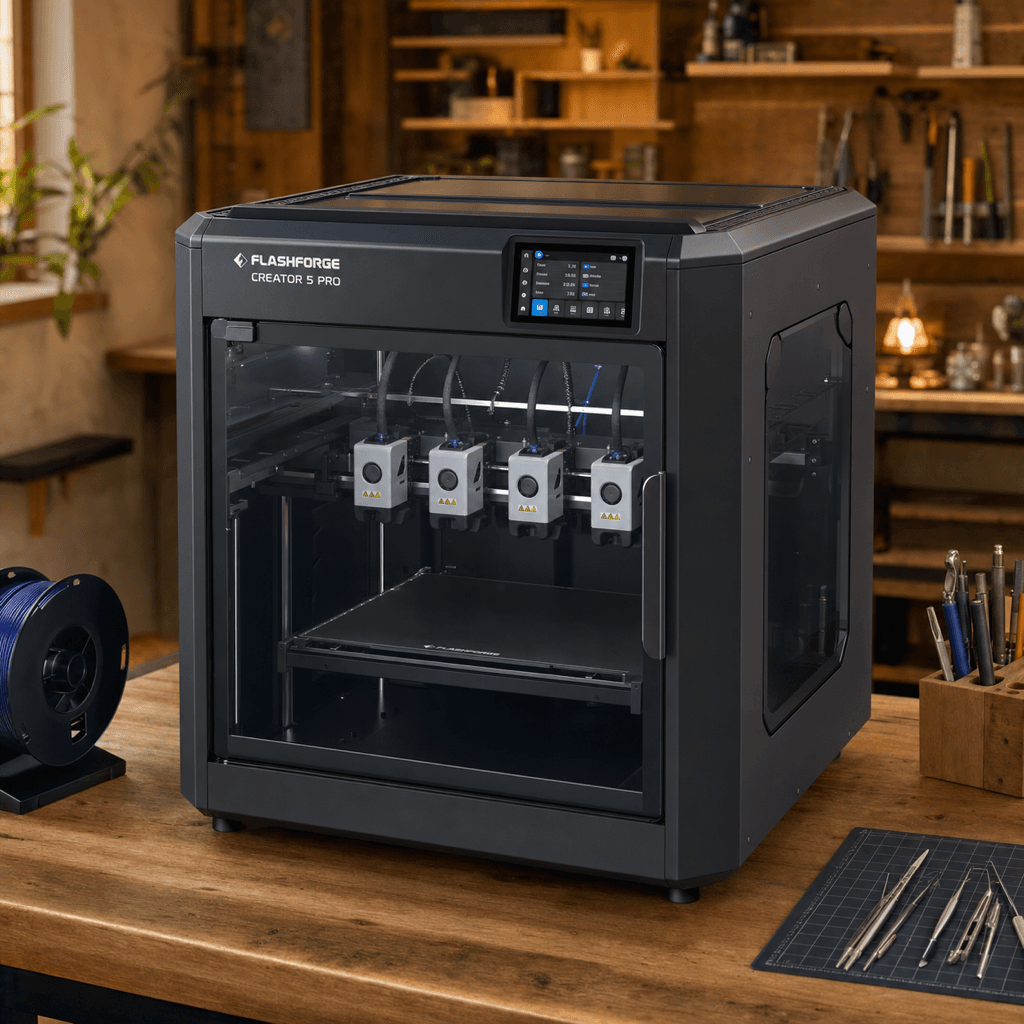
The Anycubic Kobra S1 Combo and Flashforge Creator 5 Pro are both FDM 3D printers competing in different tiers, $499 vs $949. Both are scored across value, beginner-friendliness, quality, speed, and reliability. Here's the full breakdown.
Our Verdict
The Anycubic Kobra S1 Combo takes the crown with 8.2/10 vs 8/10. It pulls ahead in Beginner Friendliness. The Flashforge Creator 5 Pro still puts up a fight in Print Quality.
Score Breakdown
Specifications
| Spec | Anycubic Kobra S1 Combo | Flashforge Creator 5 Pro |
|---|---|---|
| Price | $499 | $949 |
| Type | FDM | FDM |
| Build Volume | 250 x 250 x 260 mm | 256 x 256 x 256 mm |
| Print Speed | 600 mm/s | 600 mm/s |
| Min Resolution | 0.05 mm | 0.05 mm |
| Weight | 12.5 kg | 22 kg |
| Overall Score | 8.2/10 | 8/10 |
Pros & Cons
Anycubic Kobra S1 Combo
+8 colors out of the box, double what the Bambu A1 Combo offers
+CoreXY speed at a competitive price point
+ACE Pro 2 wastes less filament on color swaps than its predecessor
+Paint-on multi-color tools in the Anycubic slicer are genuinely good
−Anycubic's software is solid but still behind Bambu Studio
−Community is smaller than Bambu or Creality
−No enclosure
−ACE Pro 2 takes up a lot of desk space
Flashforge Creator 5 Pro
+Zero purge waste is real: tool-changing means no filament is sacrificed on color transitions
+4 toolheads swap faster than AMS/CFS-style systems on short color-change runs
+65C heated chamber handles ABS, nylon, and engineering filaments without enclosure mods
+Dual-layer filtration means ABS fumes stay inside the enclosure
−$949 standard price (check for launch discount through June 2026)
−New product, no long-term reliability data yet on the FlashSwap mechanism
−Flashforge's software and community are smaller than Bambu or Creality
−4 toolheads is the maximum; for more colors you need a different architecture
Who Should Buy Which?
Choose the Anycubic Kobra S1 Combo if you want:
- A great printer for multi-color
- A great printer for speed
- A great printer for beginners
- 8-color ACE Pro 2 multi-color system
- CoreXY architecture
- Auto bed leveling
Choose the Flashforge Creator 5 Pro if you want:
- A great printer for multi-color
- A great printer for engineering
- A great printer for professional
- A great printer for speed
- 4 independent toolheads (FlashSwap tool-changer)
- Enclosed CoreXY with 65C active chamber heating
- Zero purge waste (physical tool swap, no filament purging)
Frequently Asked Questions
Is the Anycubic Kobra S1 Combo better than the Flashforge Creator 5 Pro?
By the numbers, the Anycubic Kobra S1 Combo scores higher (8.2/10). But "better" depends on your use case, the Flashforge Creator 5 Pro may be the smarter buy if you need multi-color.
Which is better for beginners, Anycubic Kobra S1 Combo or Flashforge Creator 5 Pro?
The Anycubic Kobra S1 Combo is more beginner-friendly (8/10 vs 5/10) with easier setup and a gentler learning curve.
Is the Flashforge Creator 5 Pro worth $450 more than the Anycubic Kobra S1 Combo?
The Anycubic Kobra S1 Combo actually scores higher (8.2/10) despite costing $450 less. The Flashforge Creator 5 Pro only makes sense if you specifically need multi-color.
What's the main difference between Anycubic Kobra S1 Combo and Flashforge Creator 5 Pro?
Build volume (250x250x260mm vs 256x256x256mm) and print speed (600 vs 600 mm/s). The Anycubic Kobra S1 Combo is best for multi-color; the Flashforge Creator 5 Pro targets multi-color.