Bambu Lab A1 Mini Combo vs Creality Ender 3 V3 Plus
Head-to-head 3D printer comparison, 2026
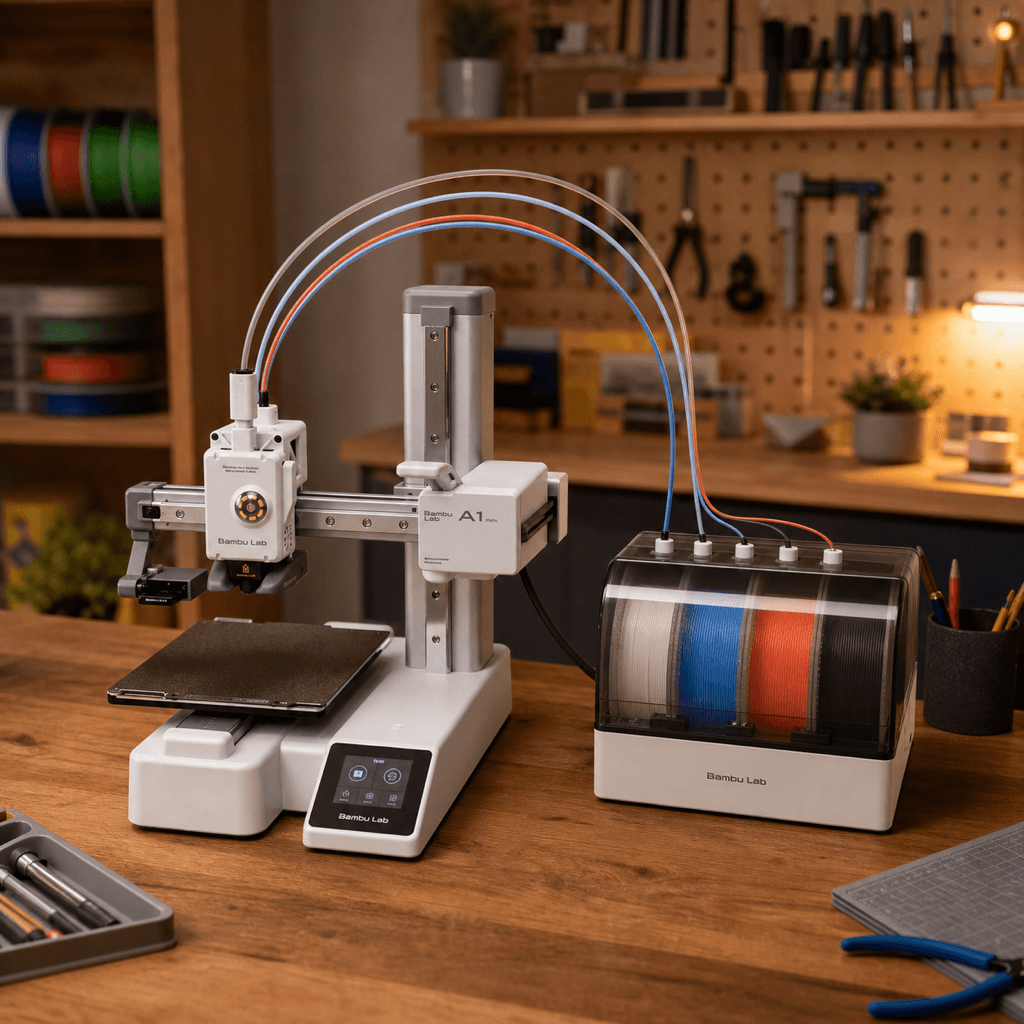
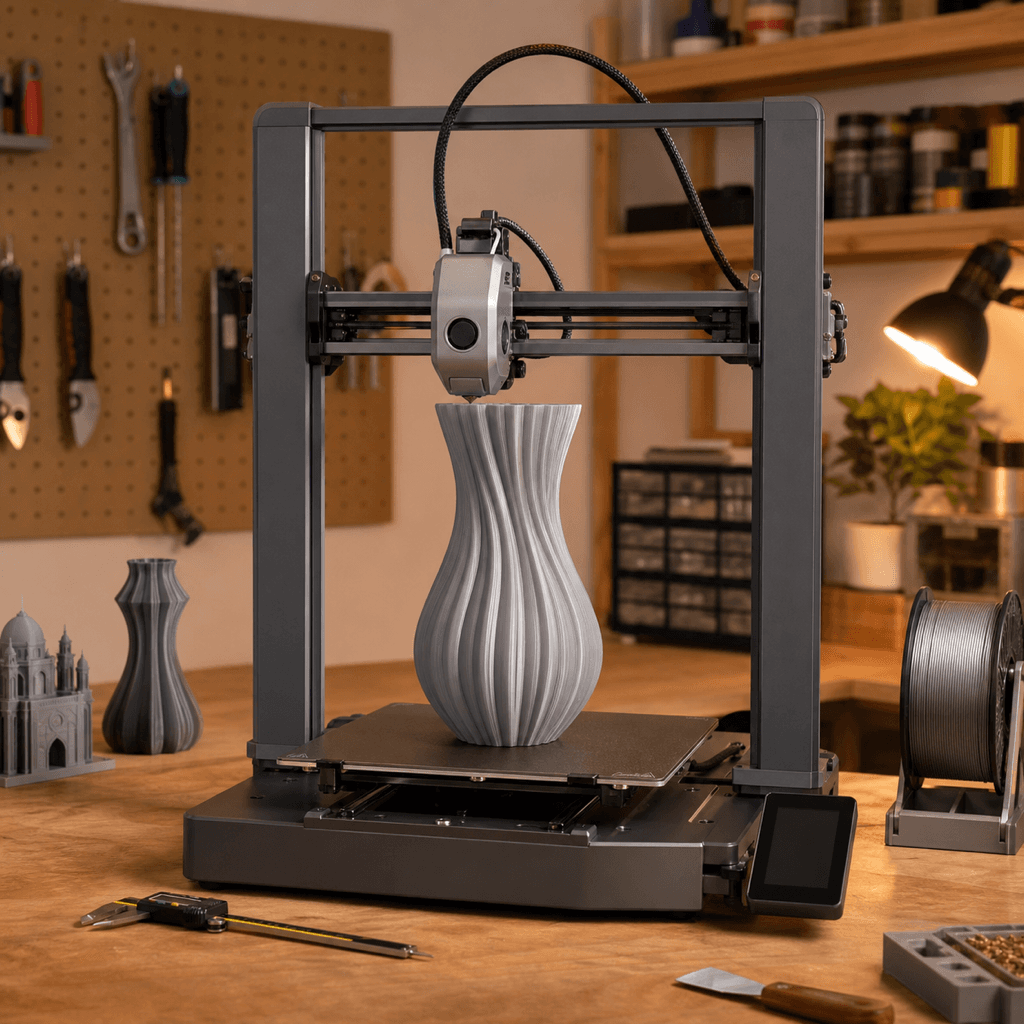
The Bambu Lab A1 Mini Combo and Creality Ender 3 V3 Plus are both FDM 3D printers competing in the same price bracket, $299 vs $299. Both are scored across value, beginner-friendliness, quality, speed, and reliability. Here's the full breakdown.
Our Verdict
The Bambu Lab A1 Mini Combo takes the crown with 9.2/10 vs 8.6/10. It pulls ahead in Beginner Friendliness, Reliability.
Score Breakdown
Specifications
| Spec | Bambu Lab A1 Mini Combo | Creality Ender 3 V3 Plus |
|---|---|---|
| Price | $299 | $299 |
| Type | FDM | FDM |
| Build Volume | 180 x 180 x 180 mm | 300 x 300 x 330 mm |
| Print Speed | 500 mm/s | 600 mm/s |
| Min Resolution | 0.05 mm | 0.05 mm |
| Weight | 6.8 kg | 9.7 kg |
| Overall Score | 9.2/10 | 8.6/10 |
Pros & Cons
Bambu Lab A1 Mini Combo
+Multi-color printing for $299, the cheapest entry point in the Bambu ecosystem
+AMS Lite included, no separate $100 purchase required
+Desk footprint smaller than a sheet of A4 paper, even with AMS Lite attached
+Bambu's full software stack and reliability at the lowest price they've ever offered it
−180mm cube limits you to smaller prints; anything bigger needs the A1 Combo
−AMS Lite tops out at 4 colors; step up to AMS proper for more
−Open frame means ABS is a non-starter without an enclosure
Creality Ender 3 V3 Plus
+$299 for 300×300×330mm and 600mm/s — no other printer at this price gets close on volume and speed simultaneously
+CoreXZ keeps the gantry lightweight for reliable high-speed moves
+Direct-drive Sprite extruder handles flexible filaments without a bowden gap
+Klipper-based firmware means real input shaping, not marketing figures
+PEI sheet gives excellent adhesion and clean part release
−Open-frame means ABS and ASA warping without an aftermarket enclosure
−CoreXZ means Y-axis moves the bed — large heavy prints can shift if acceleration is too high
−600mm/s is achievable but real-world quality prints run at 200-300mm/s
−Support quality from Creality varies; community forums are more reliable
Who Should Buy Which?
Choose the Bambu Lab A1 Mini Combo if you want:
- A great printer for beginners
- A great printer for multi-color
- A great printer for compact
- A great printer for budget
- Multi-color (AMS Lite, 4 colors)
- Auto bed leveling
- WiFi
Choose the Creality Ender 3 V3 Plus if you want:
- A great printer for large-format
- A great printer for value
- A great printer for speed
- A great printer for beginner
- CoreXZ motion system (vs CoreXY on the K1C)
- 300×300×330mm large build volume
- 600mm/s max print speed with input shaping
Frequently Asked Questions
Is the Bambu Lab A1 Mini Combo better than the Creality Ender 3 V3 Plus?
By the numbers, the Bambu Lab A1 Mini Combo scores higher (9.2/10). But "better" depends on your use case, the Creality Ender 3 V3 Plus may be the smarter buy if you need large-format.
Which is better for beginners, Bambu Lab A1 Mini Combo or Creality Ender 3 V3 Plus?
The Bambu Lab A1 Mini Combo is more beginner-friendly (10/10 vs 8/10) with easier setup and a gentler learning curve.
Which is the better value, Bambu Lab A1 Mini Combo or Creality Ender 3 V3 Plus?
Same price ($299), so it comes down to features. The Bambu Lab A1 Mini Combo edges ahead on value score.
What's the main difference between Bambu Lab A1 Mini Combo and Creality Ender 3 V3 Plus?
Build volume (180x180x180mm vs 300x300x330mm) and print speed (500 vs 600 mm/s). The Bambu Lab A1 Mini Combo is best for beginners; the Creality Ender 3 V3 Plus targets large-format.