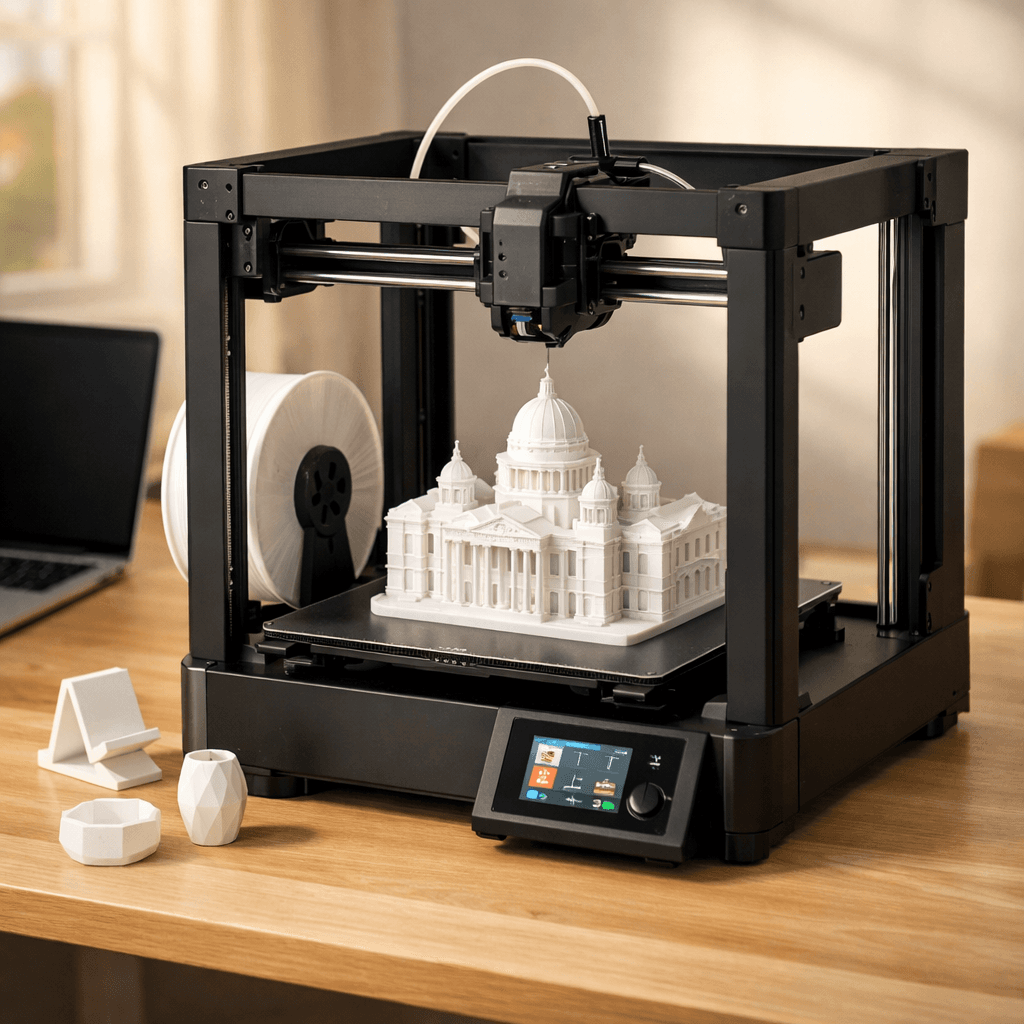
Bambu Lab A1
- Speed
- 500 mm/s
- Score
- 9.2/10
- Wins
- 4/5
Specs from the PrintPick catalog, checked 2026-09-29. Scores are PrintPick ratings out of 10.
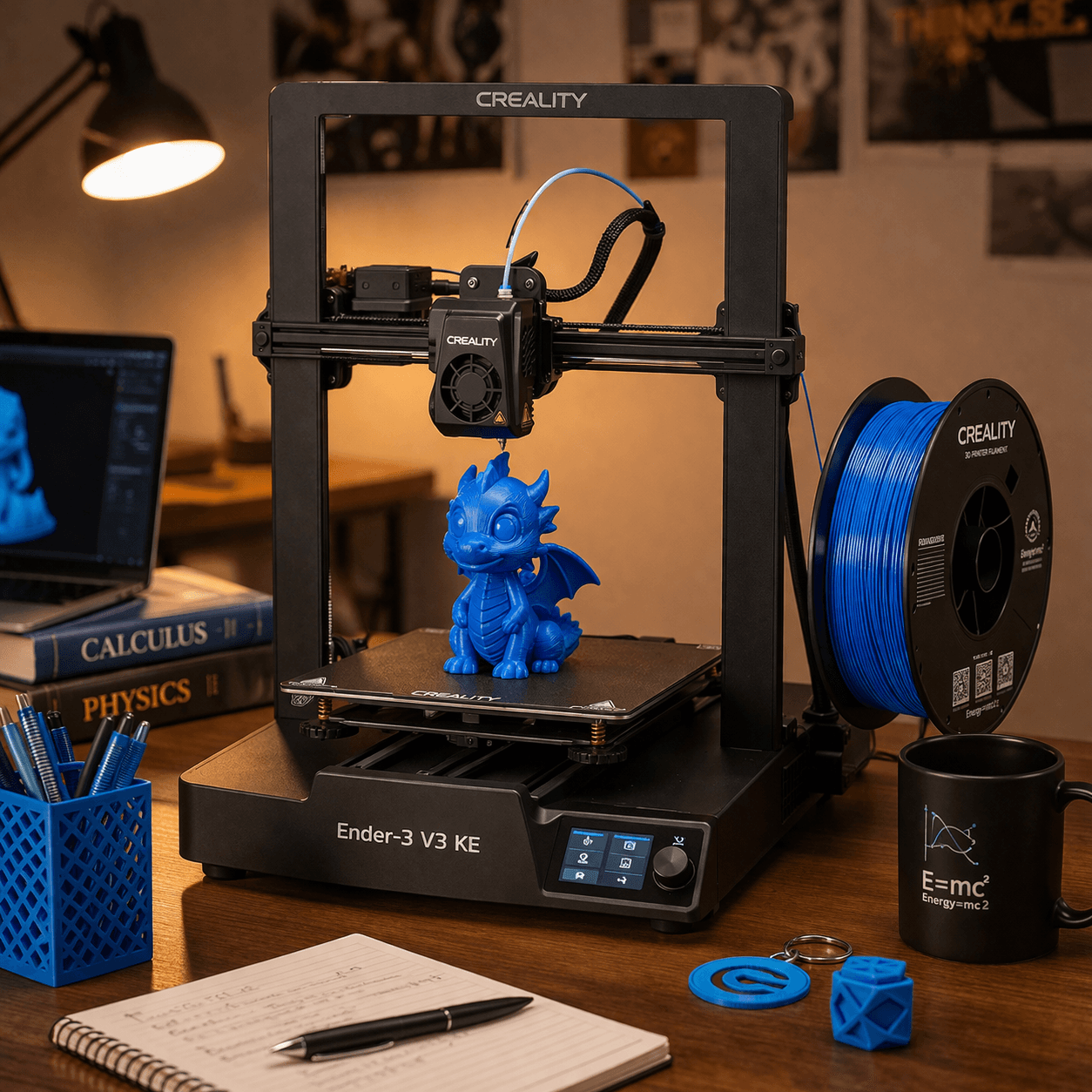
Buy the A1.
9.2/10 vs Ender 3 V3 KE's 8.4/10, and it wins 4 of 5 categories. If you know you don't care about multi-color, this is the cleanest buy in 3D printing. The A1 Combo costs a bit more and includes multi-color; most people should just spend the extra.
Teal wins the row.
| A1 | Spec | Ender 3 V3 KE |
|---|---|---|
| 16.8 L (wins) | Build volume | 11.6 L |
| 500 mm/s | Top speed | 500 mm/s |
| 0.05 mm | Finest layer | 0.05 mm |
| 9.05 kg | Weight | 8 kg |
| A1 | Feature | Ender 3 V3 KE |
|---|---|---|
| Yes | Auto bed leveling | Yes |
| Yes | WiFi | Yes |
| Yes | Camera | No |
| Yes | Vibration compensation | No |
| Yes | Direct drive | Yes |
| Yes | Full-size A1 bed | No |
| No | Klipper firmware | Yes |
| No | PEI build plate | Yes |
| No | Color screen | Yes |
| A1 | Spec | Ender 3 V3 KE |
|---|---|---|
| 9 | Value | 10 (wins) |
| 10 (wins) | Beginner Friendliness | 8 |
| 9 (wins) | Print Quality | 8 |
| 9 (wins) | Speed | 8 |
| 9 (wins) | Reliability | 8 |
| 9.2 (wins) | Overall | 8.4 |
The A1 without AMS is the best single-color printer you can buy at this price. Bar none.A1 owner, r/3Dprinting
Same great hardware as the Combo, just without the color changer. Perfect for most people.A1 owner, Make Anything (YouTube)
Klipper and WiFi for [this price]? Creality is not playing around anymore.Ender 3 V3 KE owner, r/Creality
The KE is what the Ender 3 should have been years ago. Solid printer.Ender 3 V3 KE owner, 3DPrintBeginner (YouTube)
A printer does nothing without these. Grab them in the same order.
By the numbers, the Bambu Lab A1 scores higher (9.2/10). But "better" depends on your use case, the Creality Ender 3 V3 KE may be the smarter buy if you need budget.
The Bambu Lab A1 is more beginner-friendly (10/10 vs 8/10) with easier setup and a gentler learning curve.
The Bambu Lab A1 scores higher overall (9.2/10 vs 8.4/10). The extra money gets you full 256mm build volume, same as the combo but cheaper.
Build volume (256x256x256mm vs 220x220x240mm) and print speed (500 vs 500 mm/s). The Bambu Lab A1 is best for beginners; the Creality Ender 3 V3 KE targets budget.