Bambu Lab P1S Combo vs Creality K1 Max
Head-to-head 3D printer comparison, 2026
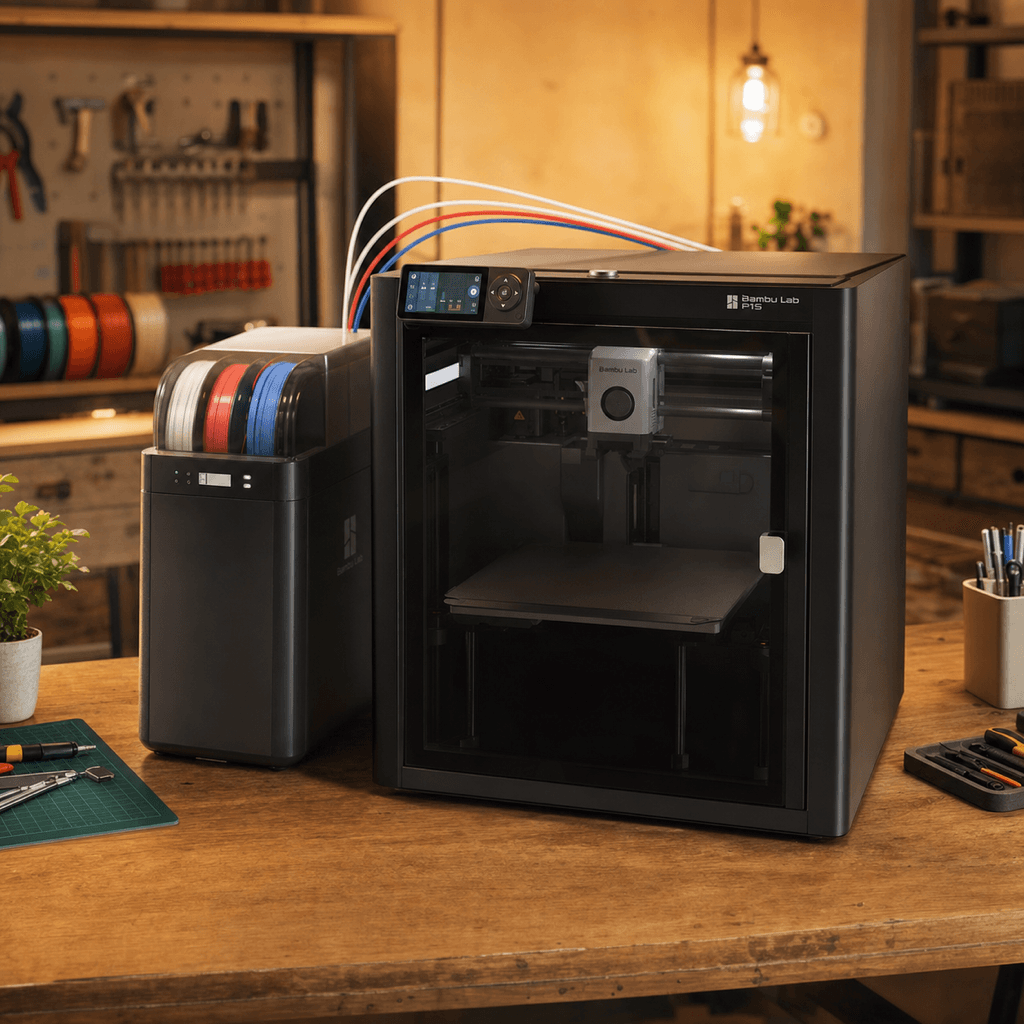
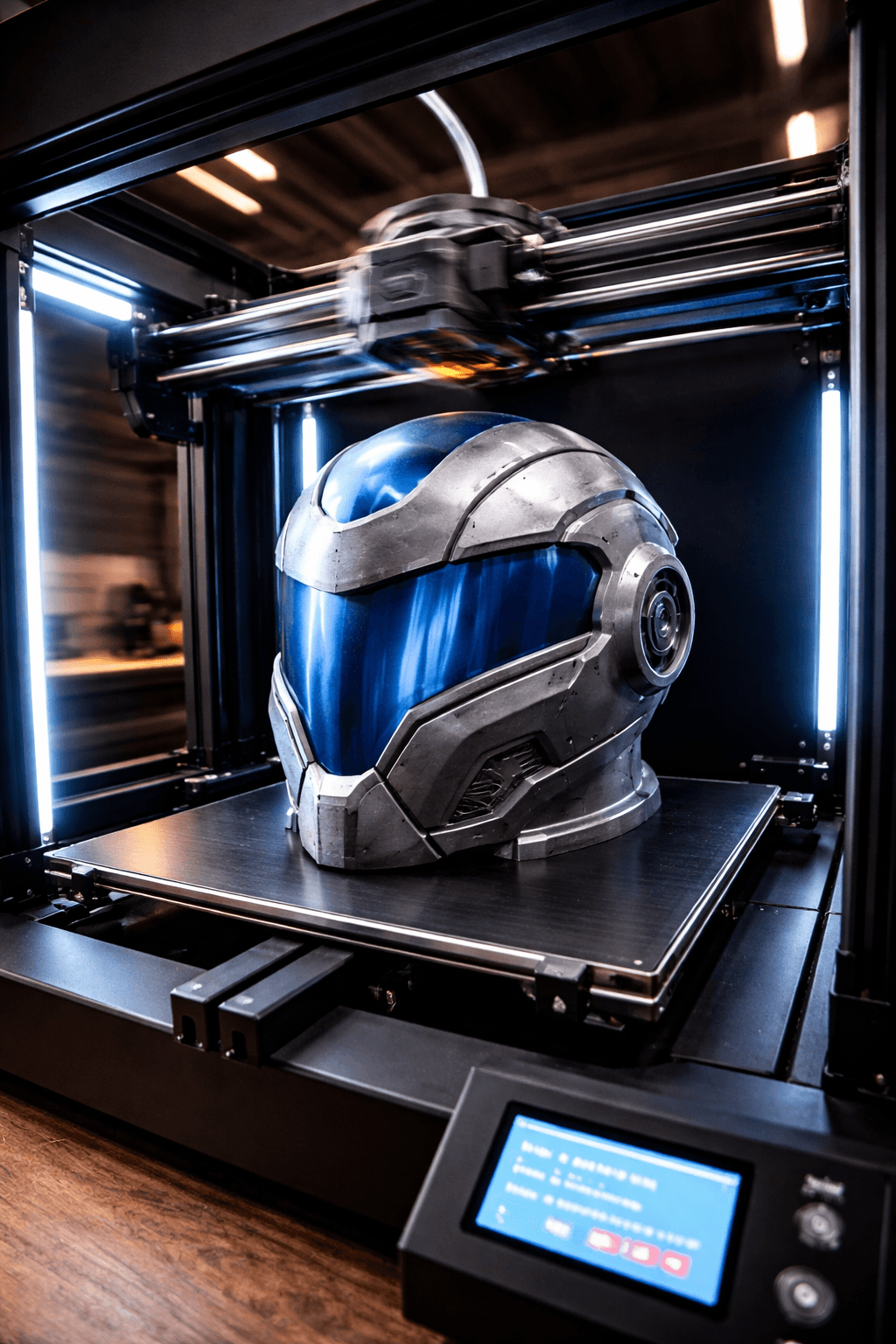
The Bambu Lab P1S Combo and Creality K1 Max are both FDM 3D printers competing in different tiers, $699 vs $599. Both are scored across value, beginner-friendliness, quality, speed, and reliability. Here's the full breakdown.
Our Verdict
The Bambu Lab P1S Combo takes the crown with 8.8/10 vs 8/10. It pulls ahead in Print Quality, Reliability. That said, the Creality K1 Max saves you $100 and wins on Speed.
Score Breakdown
Specifications
| Spec | Bambu Lab P1S Combo | Creality K1 Max |
|---|---|---|
| Price | $699 | $599 |
| Type | FDM | FDM |
| Build Volume | 256 x 256 x 256 mm | 300 x 300 x 300 mm |
| Print Speed | 500 mm/s | 600 mm/s |
| Min Resolution | 0.05 mm | 0.05 mm |
| Weight | 17.5 kg | 18 kg |
| Overall Score | 8.8/10 | 8/10 |
Pros & Cons
Bambu Lab P1S Combo
+Enclosed chamber plus AMS multi-material in one box, no separate AMS purchase
+HEPA filter handles ABS fumes; the enclosure keeps chamber temperature stable
+Up to 16 colors by daisy-chaining 4 AMS units
+Bambu's reliability track record is the best in the consumer market
−$699 is a significant step up from the A1 Combo's $399
−The P1S hardware is being superseded by the P2S; check current pricing before buying
−AMS still wastes filament on color transitions; purge blocks help but don't eliminate it
−Enclosure lid has to come off to reach prints mid-job
Creality K1 Max
+300mm cube enclosed: print a Mandalorian helmet without splitting it
+600mm/s speed means the size doesn't slow you down as much as you'd expect
+AI camera catches spaghetti before it ruins a 6-hour print
+Creality's community already has calibration guides for everything
−Gets loud pushing near 600mm/s, noticeable in a quiet room
−Early firmware had issues; patch it before you do anything else
−38cm footprint needs a proper desk, not a side table
Who Should Buy Which?
Choose the Bambu Lab P1S Combo if you want:
- A great printer for engineering
- A great printer for abs
- A great printer for enclosed
- A great printer for multi-color
- Enclosed CoreXY
- Multi-material (AMS, up to 16 colors with 4 units)
- WiFi
Choose the Creality K1 Max if you want:
- A great printer for large-prints
- A great printer for speed
- A great printer for cosplay
- Large build volume
- AI camera
- Auto bed leveling
Frequently Asked Questions
Is the Bambu Lab P1S Combo better than the Creality K1 Max?
By the numbers, the Bambu Lab P1S Combo scores higher (8.8/10). But "better" depends on your use case, the Creality K1 Max may be the smarter buy if you need large-prints.
Which is better for beginners, Bambu Lab P1S Combo or Creality K1 Max?
Both score 7/10 for beginners. Go with the Creality K1 Max to save $100.
Is the Bambu Lab P1S Combo worth $100 more than the Creality K1 Max?
The Bambu Lab P1S Combo scores higher overall (8.8/10 vs 8/10). The extra $100 gets you enclosed chamber plus ams multi-material in one box, no separate ams purchase.
What's the main difference between Bambu Lab P1S Combo and Creality K1 Max?
Build volume (256x256x256mm vs 300x300x300mm) and print speed (500 vs 600 mm/s). The Bambu Lab P1S Combo is best for engineering; the Creality K1 Max targets large-prints.