Bambu Lab X1 Carbon Combo vs Creality K2 Plus
Head-to-head 3D printer comparison, 2026

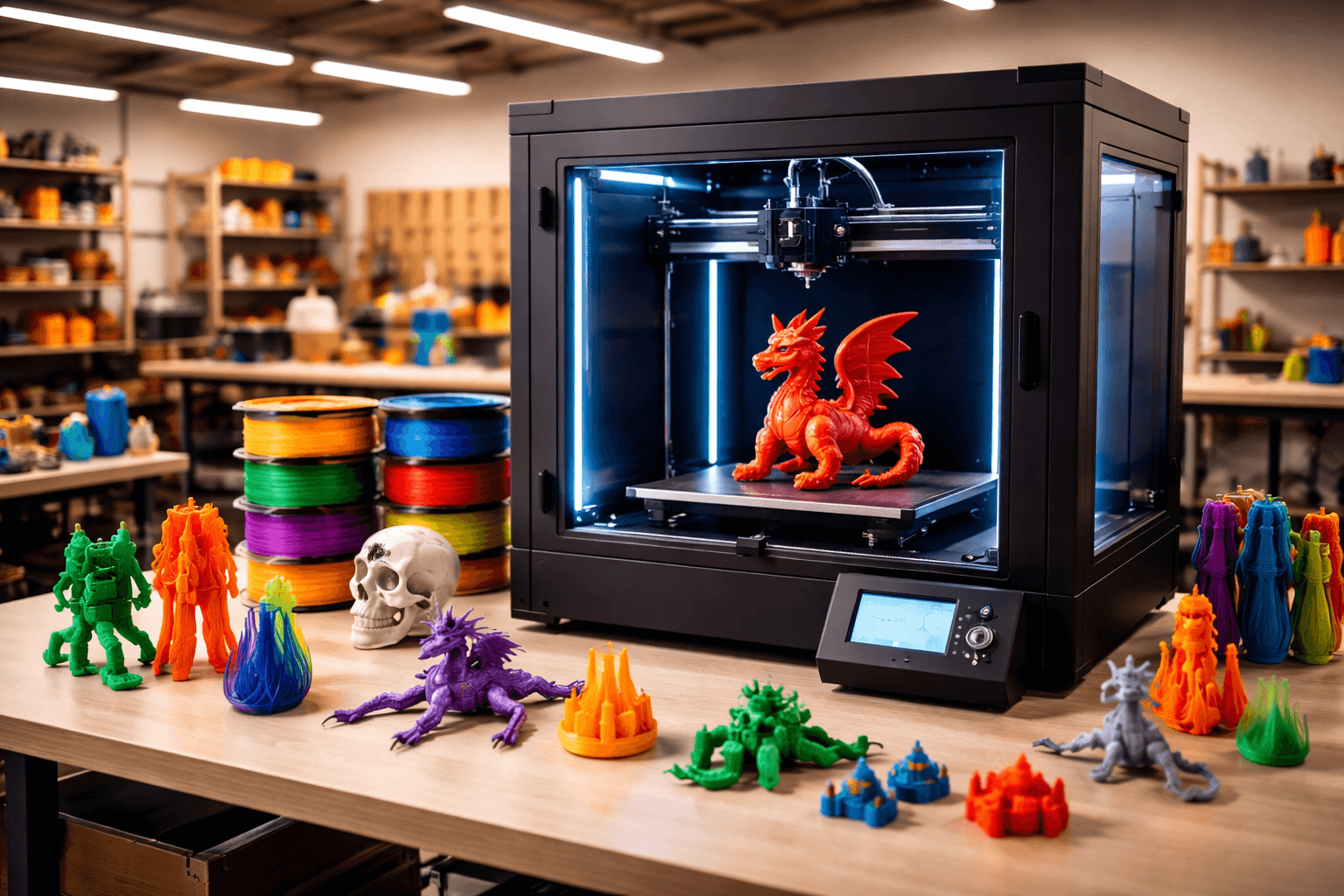
The Bambu Lab X1 Carbon Combo and Creality K2 Plus are both FDM 3D printers competing in different tiers, $1199 vs $899. Both are scored across value, beginner-friendliness, quality, speed, and reliability. Here's the full breakdown.
Our Verdict
The Bambu Lab X1 Carbon Combo takes the crown with 8.8/10 vs 7.8/10. It pulls ahead in Value, Beginner Friendliness, Print Quality, Reliability. That said, the Creality K2 Plus saves you $300.
Score Breakdown
Specifications
| Spec | Bambu Lab X1 Carbon Combo | Creality K2 Plus |
|---|---|---|
| Price | $1199 | $899 |
| Type | FDM | FDM |
| Build Volume | 256 x 256 x 256 mm | 350 x 350 x 350 mm |
| Print Speed | 500 mm/s | 600 mm/s |
| Min Resolution | 0.05 mm | 0.05 mm |
| Weight | 15.8 kg | 27 kg |
| Overall Score | 8.8/10 | 7.8/10 |
Pros & Cons
Bambu Lab X1 Carbon Combo
+Lidar + auto-calibration eliminates first-layer anxiety on high-value prints
+AMS in the box: no separate multi-material module purchase needed
+HEPA filtration makes ABS/ASA printing genuinely office-safe
+Expandable to 16 colors by daisy-chaining up to 4 AMS units
+Bambu's reliability track record is the strongest in the consumer market
−$1,199 is a premium ask; the P1S Combo at $699 covers 90% of use cases for less
−Lidar calibration adds setup time on every new filament type
−AMS still purges filament on color transitions; purge blocks reduce waste but don't eliminate it
−Bambu ecosystem lock-in: proprietary slicing workflow works best with Bambu Studio
Creality K2 Plus
+350mm enclosed cube: nothing else in the consumer space matches this volume at the price
+Multi-color CFS means you're not limited to single-filament on big jobs
+Active carbon filtration handles ABS fumes at this scale
+Independent dual Z keeps the bed level on a platform this large
−27kg means you set it up once and it stays there
−CFS adds setup complexity that single-color users don't need to pay for
−At $899, this is a commitment; make sure you need 350mm before buying
Who Should Buy Which?
Choose the Bambu Lab X1 Carbon Combo if you want:
- A great printer for engineering
- A great printer for multi-color
- A great printer for speed
- A great printer for professional
- A great printer for enclosed
- Enclosed CoreXY
- AMS multi-material (4 colors, expandable to 16 with 3 additional AMS units)
- Lidar sensor for first-layer and flow calibration
Choose the Creality K2 Plus if you want:
- A great printer for large-prints
- A great printer for professional
- A great printer for multi-color
- Enclosed
- 350mm build volume
- CFS multi-color
Frequently Asked Questions
Is the Bambu Lab X1 Carbon Combo better than the Creality K2 Plus?
By the numbers, the Bambu Lab X1 Carbon Combo scores higher (8.8/10). But "better" depends on your use case, the Creality K2 Plus may be the smarter buy if you need large-prints.
Which is better for beginners, Bambu Lab X1 Carbon Combo or Creality K2 Plus?
The Bambu Lab X1 Carbon Combo is more beginner-friendly (7/10 vs 6/10) with easier setup and a gentler learning curve.
Is the Bambu Lab X1 Carbon Combo worth $300 more than the Creality K2 Plus?
The Bambu Lab X1 Carbon Combo scores higher overall (8.8/10 vs 7.8/10). The extra $300 gets you lidar + auto-calibration eliminates first-layer anxiety on high-value prints.
What's the main difference between Bambu Lab X1 Carbon Combo and Creality K2 Plus?
Build volume (256x256x256mm vs 350x350x350mm) and print speed (500 vs 600 mm/s). The Bambu Lab X1 Carbon Combo is best for engineering; the Creality K2 Plus targets large-prints.