Creality K1 Max vs Flashforge Creator 5 Pro
Head-to-head 3D printer comparison, 2026
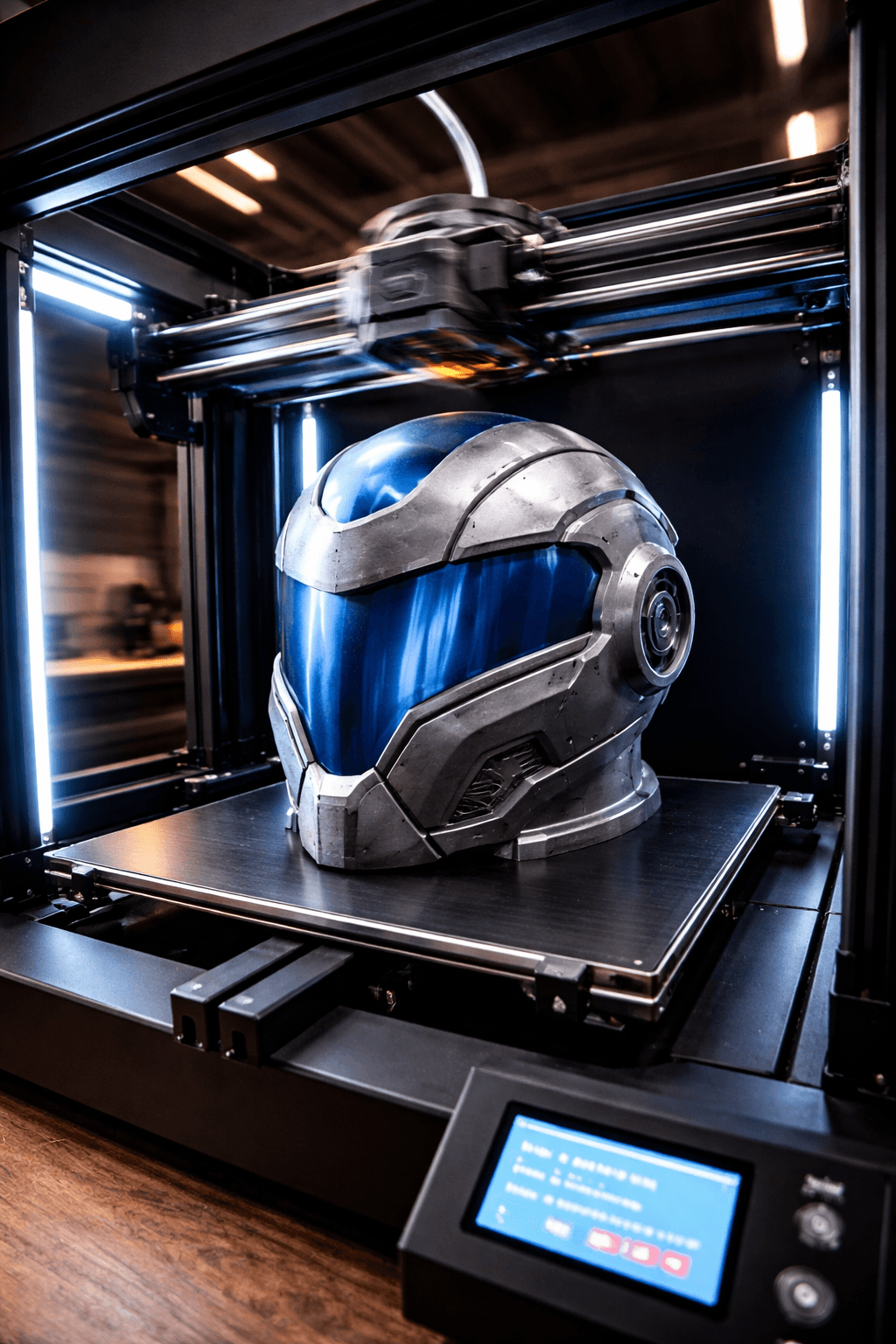
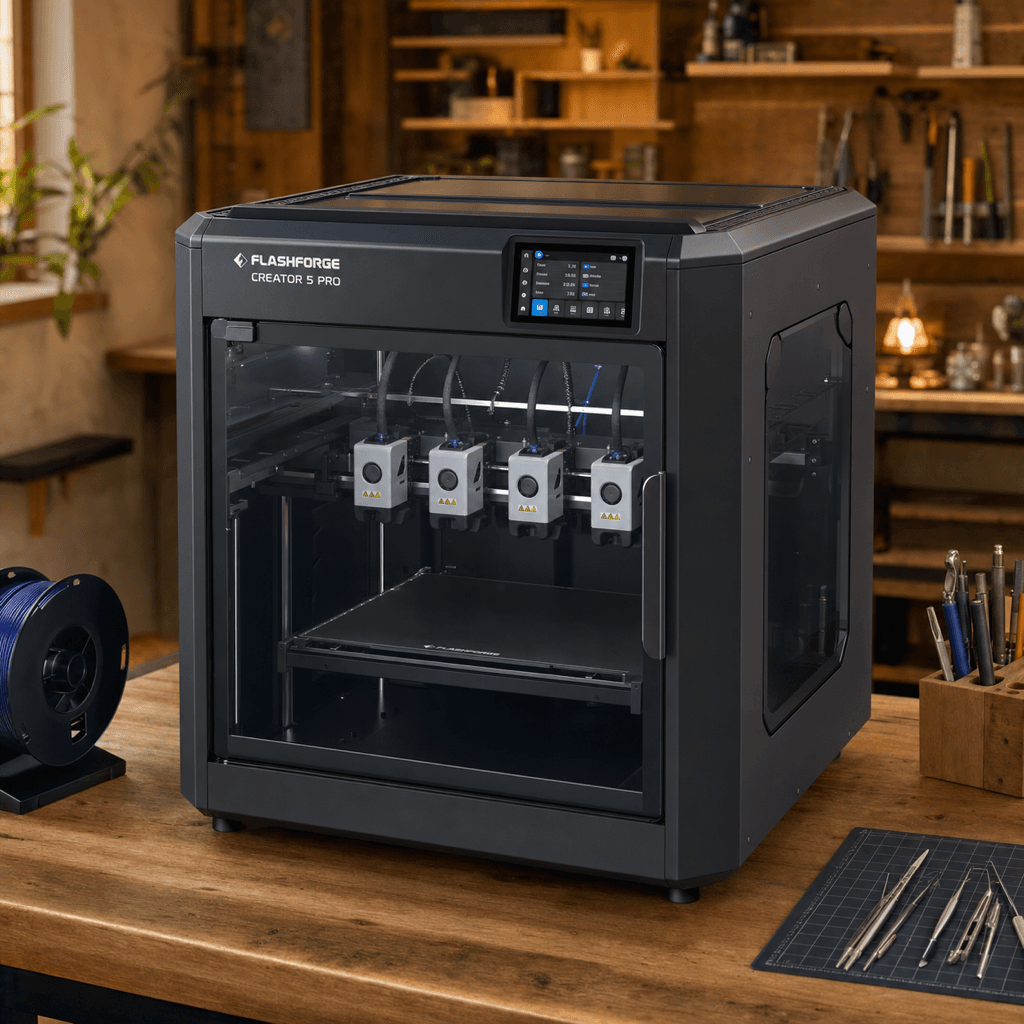
The Creality K1 Max and Flashforge Creator 5 Pro are both FDM 3D printers competing in different tiers, $599 vs $949. Both are scored across value, beginner-friendliness, quality, speed, and reliability. Here's the full breakdown.
Our Verdict
It's a dead heat, both score 8/10 overall. The Creality K1 Max wins in Beginner Friendliness, Speed, while the Flashforge Creator 5 Pro takes Print Quality, Reliability. Pick based on which strengths matter more to you.
Score Breakdown
Specifications
| Spec | Creality K1 Max | Flashforge Creator 5 Pro |
|---|---|---|
| Price | $599 | $949 |
| Type | FDM | FDM |
| Build Volume | 300 x 300 x 300 mm | 256 x 256 x 256 mm |
| Print Speed | 600 mm/s | 600 mm/s |
| Min Resolution | 0.05 mm | 0.05 mm |
| Weight | 18 kg | 22 kg |
| Overall Score | 8/10 | 8/10 |
Pros & Cons
Creality K1 Max
+300mm cube enclosed: print a Mandalorian helmet without splitting it
+600mm/s speed means the size doesn't slow you down as much as you'd expect
+AI camera catches spaghetti before it ruins a 6-hour print
+Creality's community already has calibration guides for everything
−Gets loud pushing near 600mm/s, noticeable in a quiet room
−Early firmware had issues; patch it before you do anything else
−38cm footprint needs a proper desk, not a side table
Flashforge Creator 5 Pro
+Zero purge waste is real: tool-changing means no filament is sacrificed on color transitions
+4 toolheads swap faster than AMS/CFS-style systems on short color-change runs
+65C heated chamber handles ABS, nylon, and engineering filaments without enclosure mods
+Dual-layer filtration means ABS fumes stay inside the enclosure
−$949 standard price (check for launch discount through June 2026)
−New product, no long-term reliability data yet on the FlashSwap mechanism
−Flashforge's software and community are smaller than Bambu or Creality
−4 toolheads is the maximum; for more colors you need a different architecture
Who Should Buy Which?
Choose the Creality K1 Max if you want:
- A great printer for large-prints
- A great printer for speed
- A great printer for cosplay
- Large build volume
- AI camera
- Auto bed leveling
Choose the Flashforge Creator 5 Pro if you want:
- A great printer for multi-color
- A great printer for engineering
- A great printer for professional
- A great printer for speed
- 4 independent toolheads (FlashSwap tool-changer)
- Enclosed CoreXY with 65C active chamber heating
- Zero purge waste (physical tool swap, no filament purging)
Frequently Asked Questions
Is the Creality K1 Max better than the Flashforge Creator 5 Pro?
They tie at 8/10. The Creality K1 Max suits large-prints and speed, while the Flashforge Creator 5 Pro is aimed at multi-color and engineering.
Which is better for beginners, Creality K1 Max or Flashforge Creator 5 Pro?
The Creality K1 Max is more beginner-friendly (7/10 vs 5/10) with easier setup and a gentler learning curve.
Is the Flashforge Creator 5 Pro worth $350 more than the Creality K1 Max?
The Creality K1 Max actually scores higher (8/10) despite costing $350 less. The Flashforge Creator 5 Pro only makes sense if you specifically need multi-color.
What's the main difference between Creality K1 Max and Flashforge Creator 5 Pro?
Build volume (300x300x300mm vs 256x256x256mm) and print speed (600 vs 600 mm/s). The Creality K1 Max is best for large-prints; the Flashforge Creator 5 Pro targets multi-color.