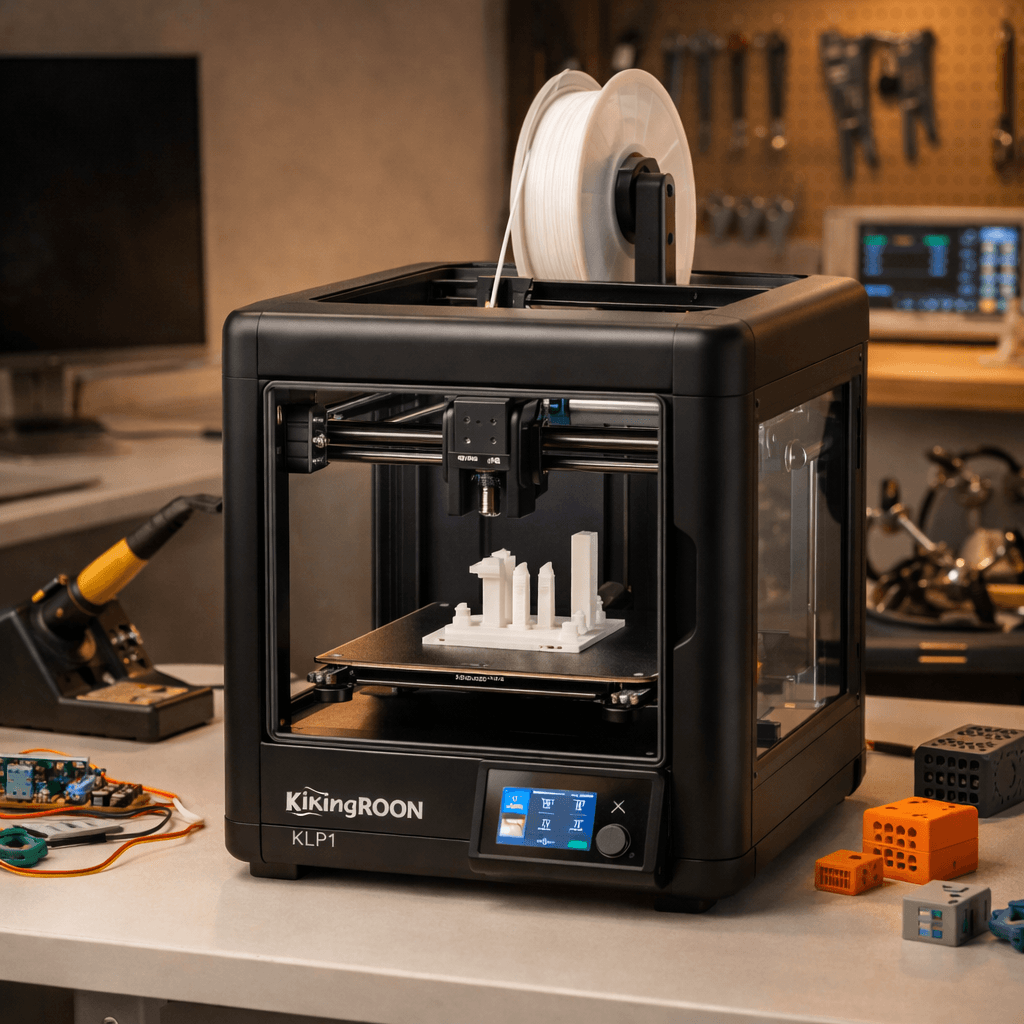
Kingroon KLP1Discontinued
- Speed
- 500 mm/s
- Score
- 7.6/10
- Wins
- 2/5
Discontinued. Replaced by the Bambu Lab A1.
Specs from the PrintPick catalog, checked 2026-09-29. Scores are PrintPick ratings out of 10.
Discontinued. Replaced by the Bambu Lab A1.
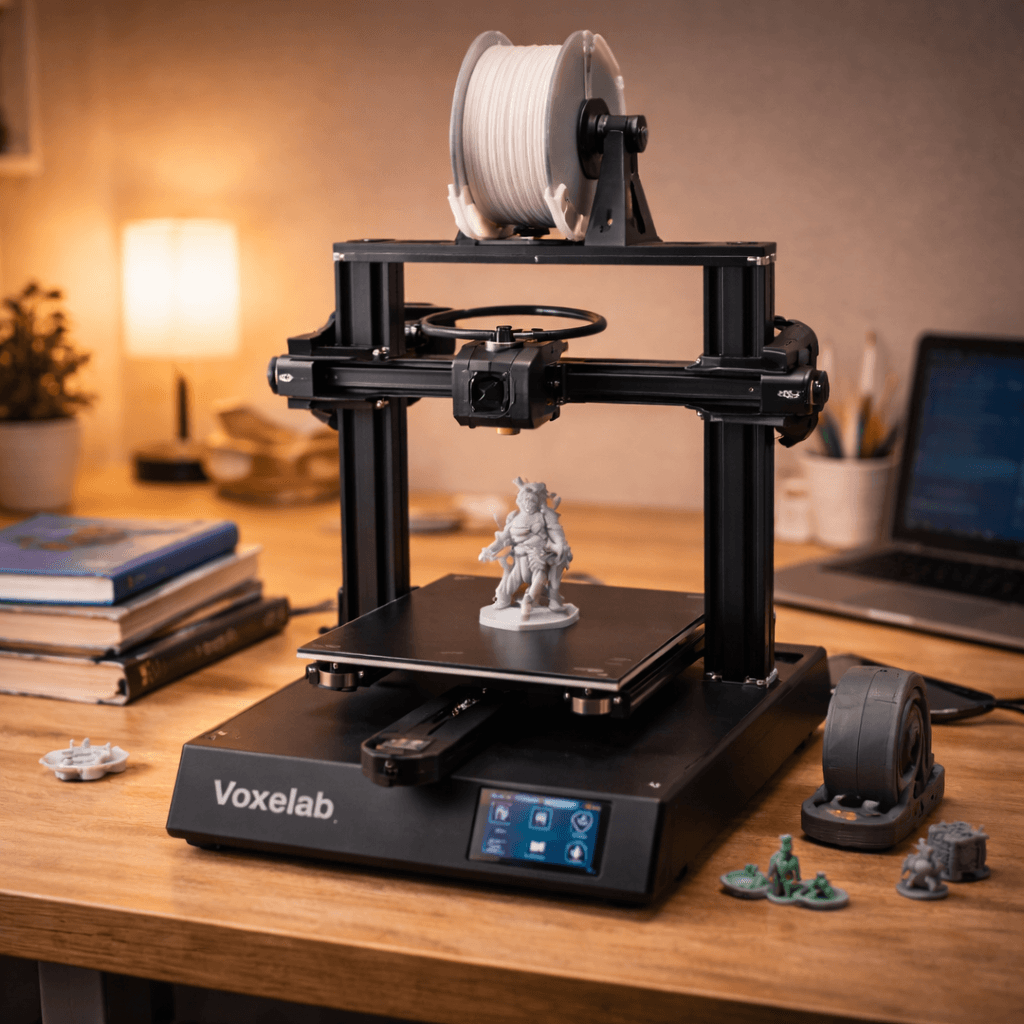
Buy the Aquila X2.
The KLP1 scores higher but is discontinued. This is the budget safety net, not the recommended choice. If the Ender 3 V3 SE is in stock and in budget, buy that instead. The Aquila is for when budget is a hard ceiling.
Teal wins the row.
| KLP1 | Spec | Aquila X2 |
|---|---|---|
| 8.0 L | Build volume | 12.1 L (wins) |
| 500 mm/s (wins) | Top speed | 180 mm/s |
| 0.05 mm | Finest layer | 0.05 mm |
| 8.5 kg | Weight | 7.8 kg |
| KLP1 | Feature | Aquila X2 |
|---|---|---|
| Yes | Enclosed | No |
| Yes | Linear rails | No |
| Yes | CoreXY | No |
| Yes | Auto bed leveling | No |
| Yes | Klipper firmware | No |
| Yes | WiFi | No |
| No | Resume printing | Yes |
| No | Filament runout sensor | Yes |
| No | Glass build plate | Yes |
| No | Silent stepper drivers | Yes |
| KLP1 | Spec | Aquila X2 |
|---|---|---|
| 9 | Value | 9 |
| 6 | Beginner Friendliness | 7 (wins) |
| 8 (wins) | Print Quality | 6 |
| 8 (wins) | Speed | 4 |
| 7 | Reliability | 7 |
| 7.6 (wins) | Overall | 6.6 |
Enclosed CoreXY with linear rails [...]. Kingroon is building something special here.KLP1 owner, r/3Dprinting
After tuning, the KLP1 produces prints that rival machines twice the price.KLP1 owner, r/klippers
Solid starter printer. Not flashy, but it works and teaches you the fundamentals.Aquila X2 owner, r/3Dprinting
A printer does nothing without these. Grab them in the same order.
By the numbers, the Kingroon KLP1 scores higher (7.6/10). But "better" depends on your use case, the Voxelab Aquila X2 may be the smarter buy if you need budget.
The Voxelab Aquila X2 is more beginner-friendly (7/10 vs 6/10) with easier setup and a gentler learning curve.
The Kingroon KLP1 scores higher overall (7.6/10 vs 6.6/10). The extra money gets you enclosed corexy with linear rails and klipper at this price: this combination normally costs $400+.
Build volume (200x200x200mm vs 220x220x250mm) and print speed (500 vs 180 mm/s). The Kingroon KLP1 is best for enclosed; the Voxelab Aquila X2 targets budget.