Best Value
At a glance
Elegoo · FDM (filament)
- Score
- 8.4/10
- Rank
- #15/51
- Build
- 39.4 L
- Speed
- 500 mm/s
- Layer
- 0.05 mm
The store sets the current price. Check it there before you buy.
Specs from the PrintPick catalog, checked 2026-09-29. Scores are PrintPick ratings out of 10.
By Shadman Rahman · Prices checked
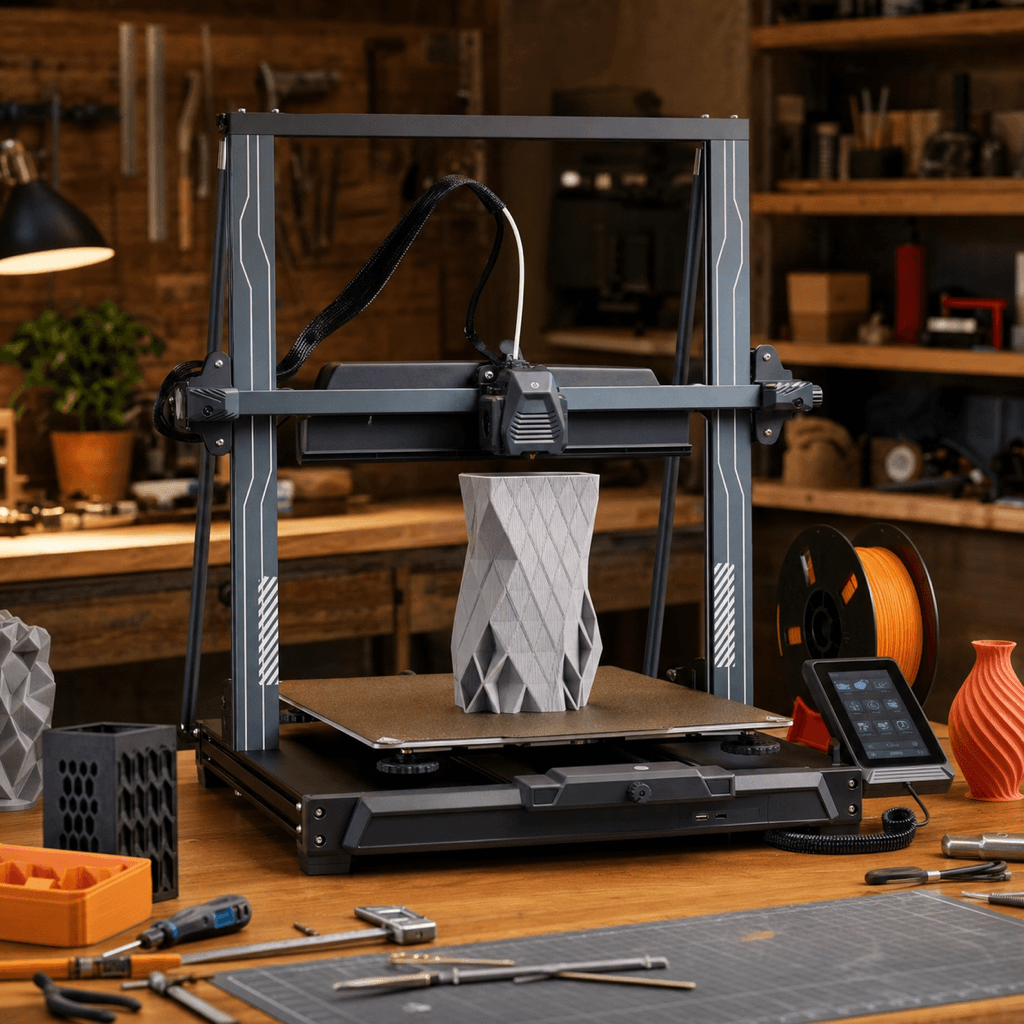
Elegoo · FDM (filament)
The store sets the current price. Check it there before you buy.
Buy the Neptune 4 Plus. 8.4/10, #15 of 51 FDM printers.
The Neptune 4 Plus competes directly with the Ender 3 V3 Plus for the large-budget title. It wins on raw build volume (385mm height vs 330mm) and ships with stock Klipper instead of Creality's fork. The Ender 3 V3 Plus has a larger community and is marginally faster at 600mm/s. Choose Neptune 4 Plus if height matters or you want clean stock Klipper; choose Ender 3 V3 Plus if community resources are a priority.
Right side is the average of the 51 current FDM printers we track. Teal wins the row.
| Neptune 4 Plus | Spec | Average of 51 |
|---|---|---|
| 39.4 L (wins) | Build volume | 21.6 L |
| 500 mm/s (wins) | Top speed | 476 mm/s |
| 0.05 mm (wins) | Finest layer | 0.054 mm |
| 12.5 kg | Weight | 14.7 kg |
| Neptune 4 Plus | Spec | Average of 51 |
|---|---|---|
| 10 (wins) | Value | 8.5 |
| 8 (wins) | Beginner | 7.4 |
| 8 | Print quality | 8.4 (wins) |
| 8 (wins) | Speed | 7.9 |
| 8 | Reliability | 8.1 (wins) |
| 8.4 (wins) | Overall | 8.1 |
The Neptune 4 Plus offers an impressive build volume and genuine Klipper firmware at a price that makes larger, pricier printers hard to justify.3DPrintBeginner
Elegoo's Neptune 4 Plus is a serious large-format contender: stock Klipper and a huge bed at [this price] is hard to argue with.All3DP
| Build volume | 320 × 320 × 385 mm |
|---|---|
| Layer resolution | 0.05 to 0.35 mm |
| Top speed | 500 mm/s |
| Weight | 12.5 kg |
| Type | FDM (filament) |
A printer does nothing without these. Grab them in the same order.
The Elegoo Neptune 4 Plus has a build volume of 320 x 320 x 385 mm.
The Elegoo Neptune 4 Plus scores 8/10 for beginner-friendliness. It's a great choice for beginners.
Pros: 320×320×385mm on a budget: the largest build volume at this price point. Stock Klipper means real input shaping, pressure advance, and Moonraker API access. Direct-drive handles TPU and flexible filaments without clog risk. Mainsail interface enables remote monitoring and print farm integration. Dual Z-axis prevents gantry sag on tall prints. Cons: Open-frame limits material compatibility — ABS/ASA require an enclosure. 500mm/s achievable but optimal quality typically at 200-300mm/s. Large bed means longer homing and leveling cycles. Elegoo's support and community is smaller than Creality's.
 fdm
Bambu Lab
Multi-color printing out of the box, reliable enough for beginners, fast enough for anyone who's tired of watching a print head crawl.
 fdm
Bambu Lab
Bambu quality on a budget. Desk footprint small enough that it fits next to your monitor without crowding anything out.
