Anycubic Kobra 2 Pro vs Creality K1C
Head-to-head 3D printer comparison, 2026

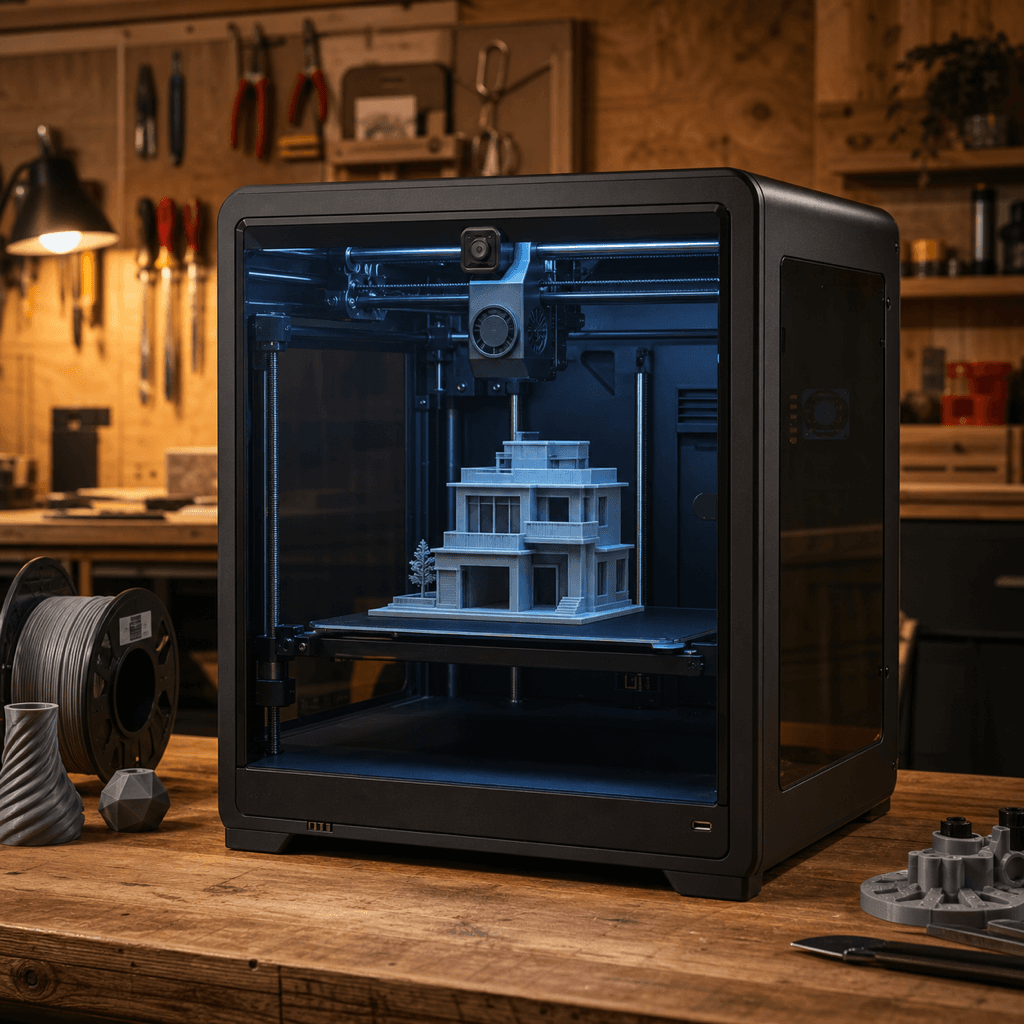
The Anycubic Kobra 2 Pro and Creality K1C are both FDM 3D printers competing in different tiers, $249 vs $399. Both are scored across value, beginner-friendliness, quality, speed, and reliability. Here's the full breakdown.
Our Verdict
The Anycubic Kobra 2 Pro takes the crown with 8.4/10 vs 8.2/10. It pulls ahead in Beginner Friendliness. The Creality K1C still puts up a fight in Speed.
Score Breakdown
Specifications
| Spec | Anycubic Kobra 2 Pro | Creality K1C |
|---|---|---|
| Price | $249 | $399 |
| Type | FDM | FDM |
| Build Volume | 220 x 220 x 250 mm | 220 x 220 x 250 mm |
| Print Speed | 500 mm/s | 600 mm/s |
| Min Resolution | 0.05 mm | 0.05 mm |
| Weight | 6.5 kg | 13.5 kg |
| Overall Score | 8.4/10 | 8.2/10 |
Pros & Cons
Anycubic Kobra 2 Pro
+Klipper at $249: real input shaping and pressure advance out of the box
+Direct drive handles flexibles without a fight
+26-point mesh leveling means first-layer failures are rare
+Anycubic's ecosystem has solid community support and replacement parts
−220x220mm bed is smaller than newer $250 competitors like the Neptune 4 Plus
−Open frame limits material options; ABS is borderline without modification
−Anycubic's Klipper fork is more locked-down than Elegoo or Creality stock Klipper
Creality K1C
+Carbon fiber and PA support at $399 — no other enclosed CoreXY comes close at this price
+600mm/s with input shaping produces genuinely usable parts, not just benchmark numbers
+All-metal hotend is a free upgrade vs the standard K1
+Active enclosure helps with ABS/ASA warping without a separate enclosure purchase
+Creality's largest installed base means community fixes land fast
−220×220×250mm build volume is tight for large prints
−Creality OS is Klipper-based but not stock Klipper — some community configs don't transfer cleanly
−No multi-color support without third-party add-ons
−Fan noise at full speed is audible
Who Should Buy Which?
Choose the Anycubic Kobra 2 Pro if you want:
- A great printer for beginners
- A great printer for budget
- A great printer for speed
- Klipper firmware with input shaping and pressure advance
- 500mm/s max print speed
- Direct-drive extruder
Choose the Creality K1C if you want:
- A great printer for speed
- A great printer for enclosed
- A great printer for engineering
- A great printer for value
- Enclosed CoreXY architecture
- Carbon-fiber-capable all-metal hotend (up to 300°C)
- 600mm/s max print speed
Frequently Asked Questions
Is the Anycubic Kobra 2 Pro better than the Creality K1C?
By the numbers, the Anycubic Kobra 2 Pro scores higher (8.4/10). But "better" depends on your use case, the Creality K1C may be the smarter buy if you need speed.
Which is better for beginners, Anycubic Kobra 2 Pro or Creality K1C?
The Anycubic Kobra 2 Pro is more beginner-friendly (9/10 vs 7/10) with easier setup and a gentler learning curve.
Is the Creality K1C worth $150 more than the Anycubic Kobra 2 Pro?
The Anycubic Kobra 2 Pro actually scores higher (8.4/10) despite costing $150 less. The Creality K1C only makes sense if you specifically need speed.
What's the main difference between Anycubic Kobra 2 Pro and Creality K1C?
Build volume (220x220x250mm vs 220x220x250mm) and print speed (500 vs 600 mm/s). The Anycubic Kobra 2 Pro is best for beginners; the Creality K1C targets speed.