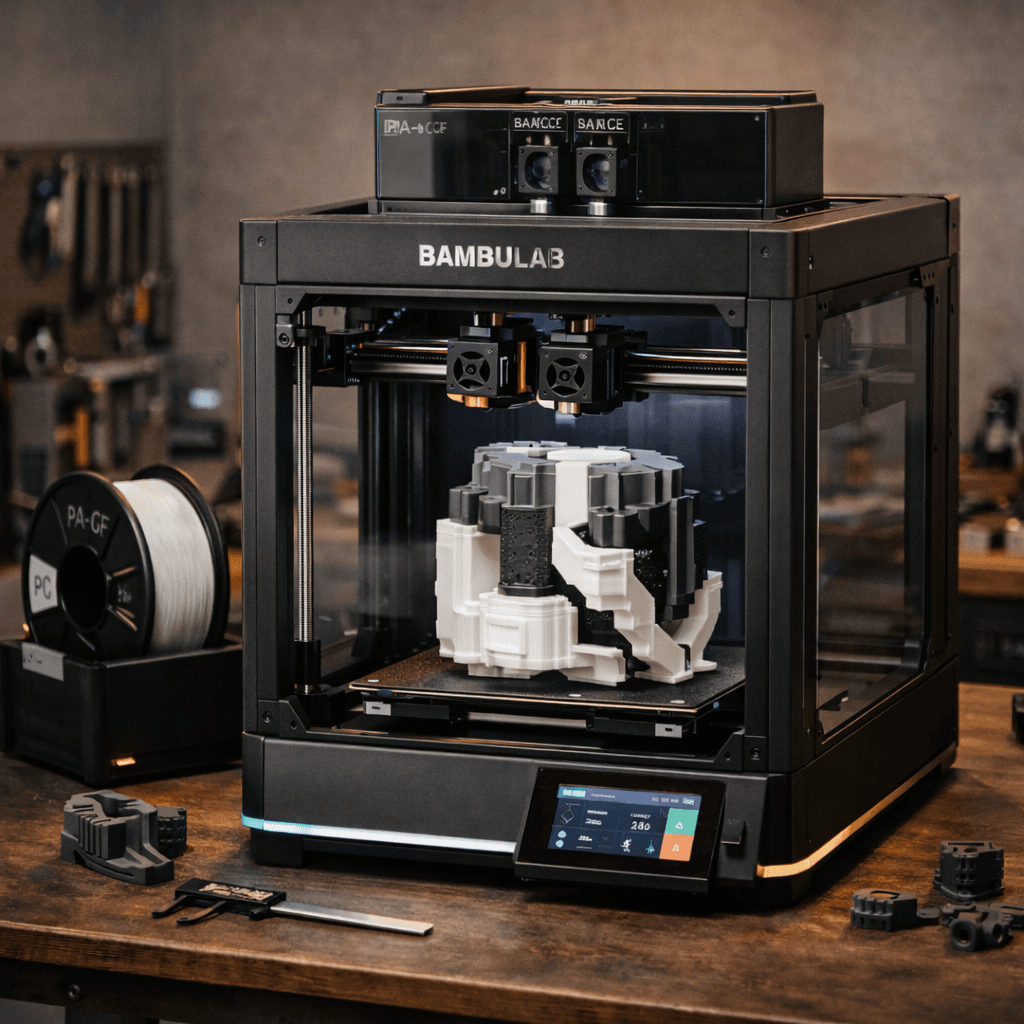
Creality K1C
$399
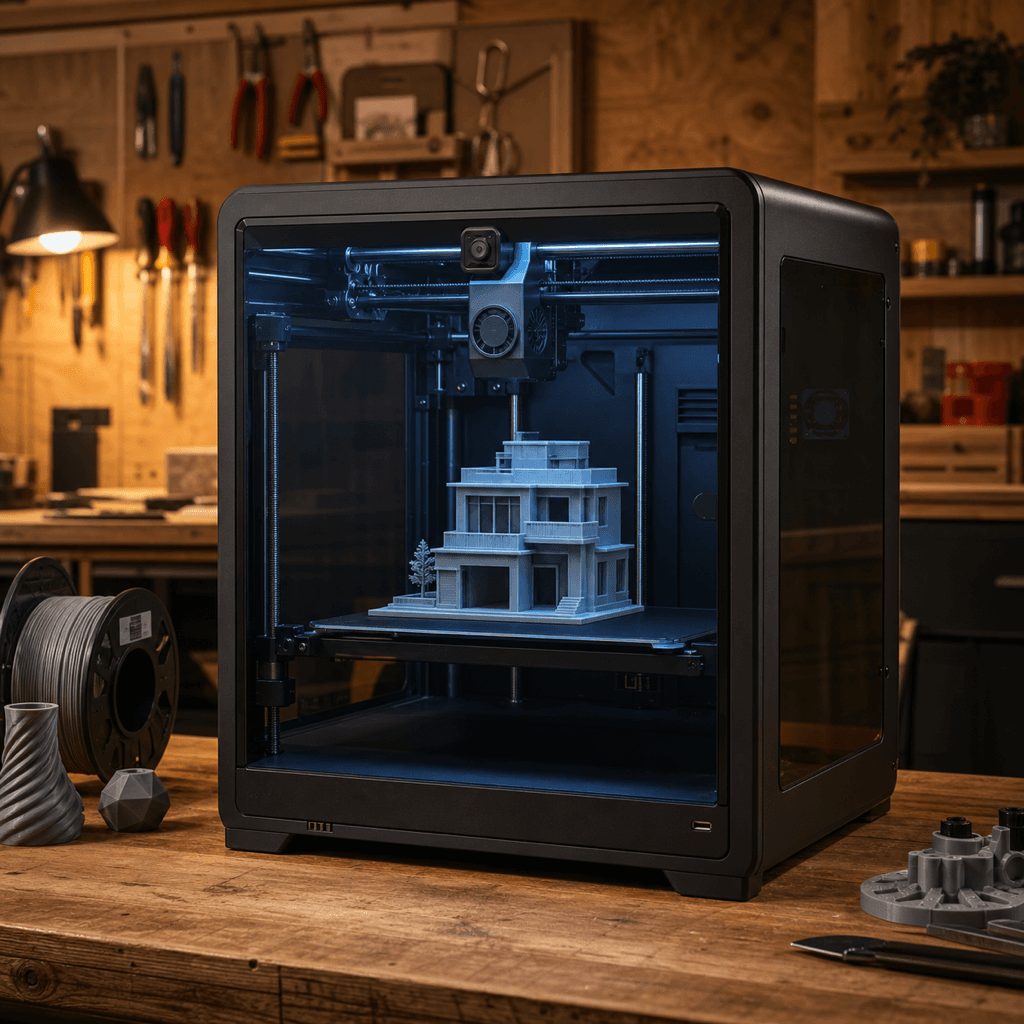
Illustration generated with AI from the manufacturer's published design. Not a photograph.
Creality · FDM
Creality K1C
By Shadman Rahman · Prices checked
Creality's carbon-fiber-ready enclosed CoreXY at $399. All-metal hotend, 600mm/s, active enclosure, and Klipper-based firmware. Best price-to-capability ratio for engineering filaments in 2025.
via Amazon
How It Scores
Pros
- +Carbon fiber and PA support at $399 — no other enclosed CoreXY comes close at this price
- +600mm/s with input shaping produces genuinely usable parts, not just benchmark numbers
- +All-metal hotend is a free upgrade vs the standard K1
- +Active enclosure helps with ABS/ASA warping without a separate enclosure purchase
- +Creality's largest installed base means community fixes land fast
Cons
- −220×220×250mm build volume is tight for large prints
- −Creality OS is Klipper-based but not stock Klipper — some community configs don't transfer cleanly
- −No multi-color support without third-party add-ons
- −Fan noise at full speed is audible
What Owners Say
“The K1C is an impressive upgrade over the standard K1, with the ability to print carbon fiber filaments being a major selling point.”
— 3DPrintBeginner
“For under $400, the K1C delivers exceptional speed and material versatility that was previously reserved for much pricier machines.”
— All3DP
Specs
| Build Volume | 220 x 220 x 250 mm |
| Layer Resolution | 0.05mm - 0.35mm |
| Max Print Speed | 600 mm/s |
| Weight | 13.5 kg |
| Type | FDM (Filament) |
| Features | Enclosed CoreXY architecture, Carbon-fiber-capable all-metal hotend (up to 300°C), 600mm/s max print speed, Auto-leveling with 121-point mesh bed, AI camera with failure detection (optional), Klipper-based firmware (Creality OS), Input shaping via ADXL345 accelerometer, Dual Z-axis lead screws |
Verdict
If you need an enclosed printer that handles carbon fiber and engineering filaments under $400, the K1C is the obvious pick. The step up from the standard K1 — all-metal hotend and better thermal management — costs nothing. The build volume is a real constraint; if you regularly print parts larger than 220mm, look at the Ender 3 V3 Plus instead.
You'll Also Need
Things you'll want before your first print.
Also Worth Considering
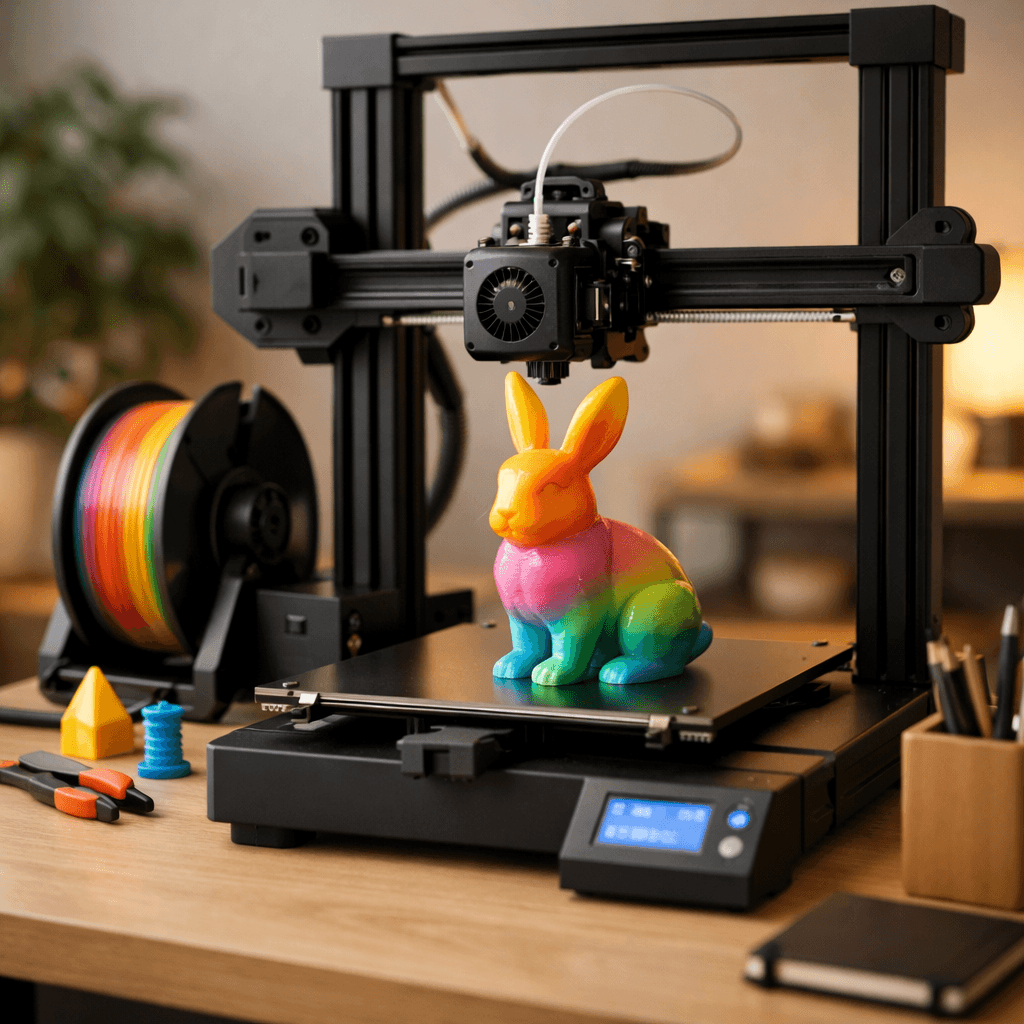 fdm
fdmBambu Lab A1 Combo
Bambu Lab
Multi-color printing out of the box, reliable enough for beginners, fast enough for anyone who's tired of watching a print head crawl.
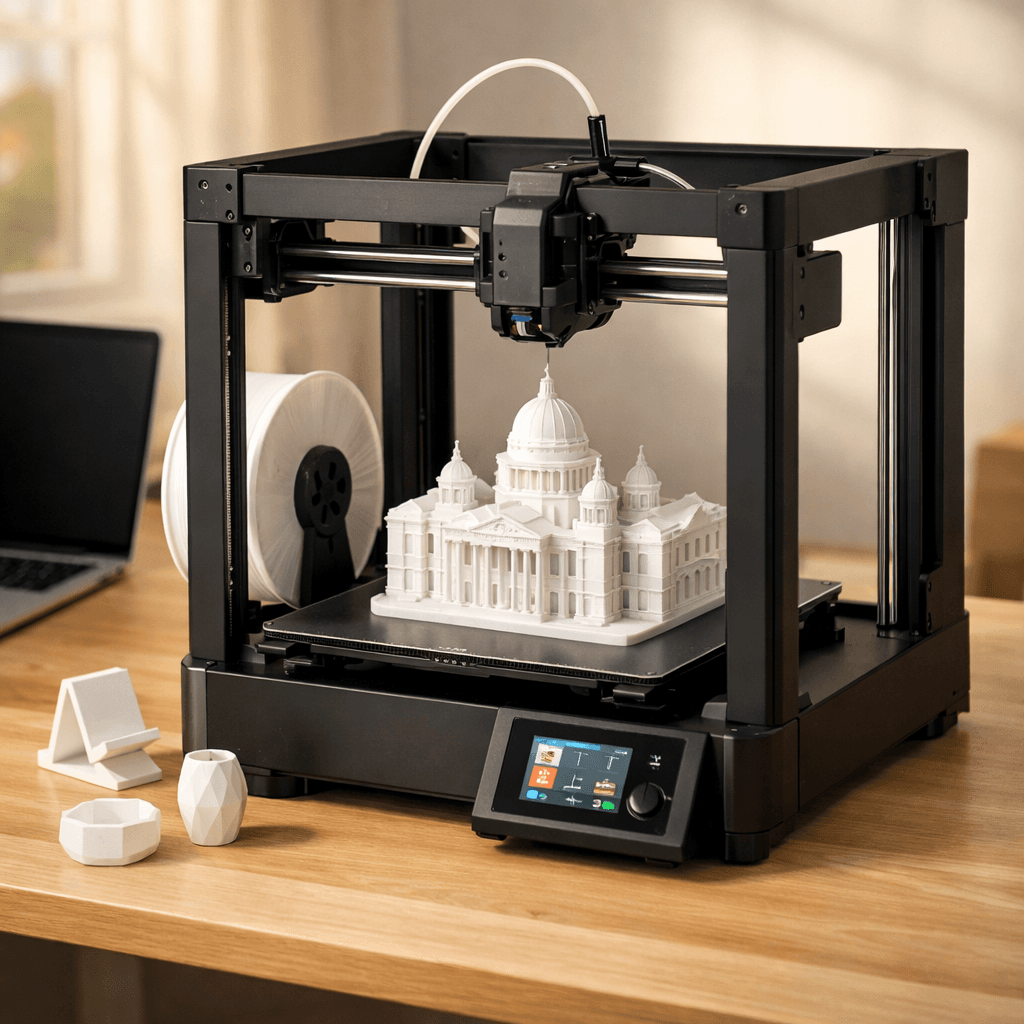 fdm
fdmBambu Lab A1
Bambu Lab
The A1 without the AMS Lite. Full 256mm bed, full Bambu quality, single-color only.