Anycubic Kobra S1 Combo vs QIDI X-Max 3
Head-to-head 3D printer comparison, 2026
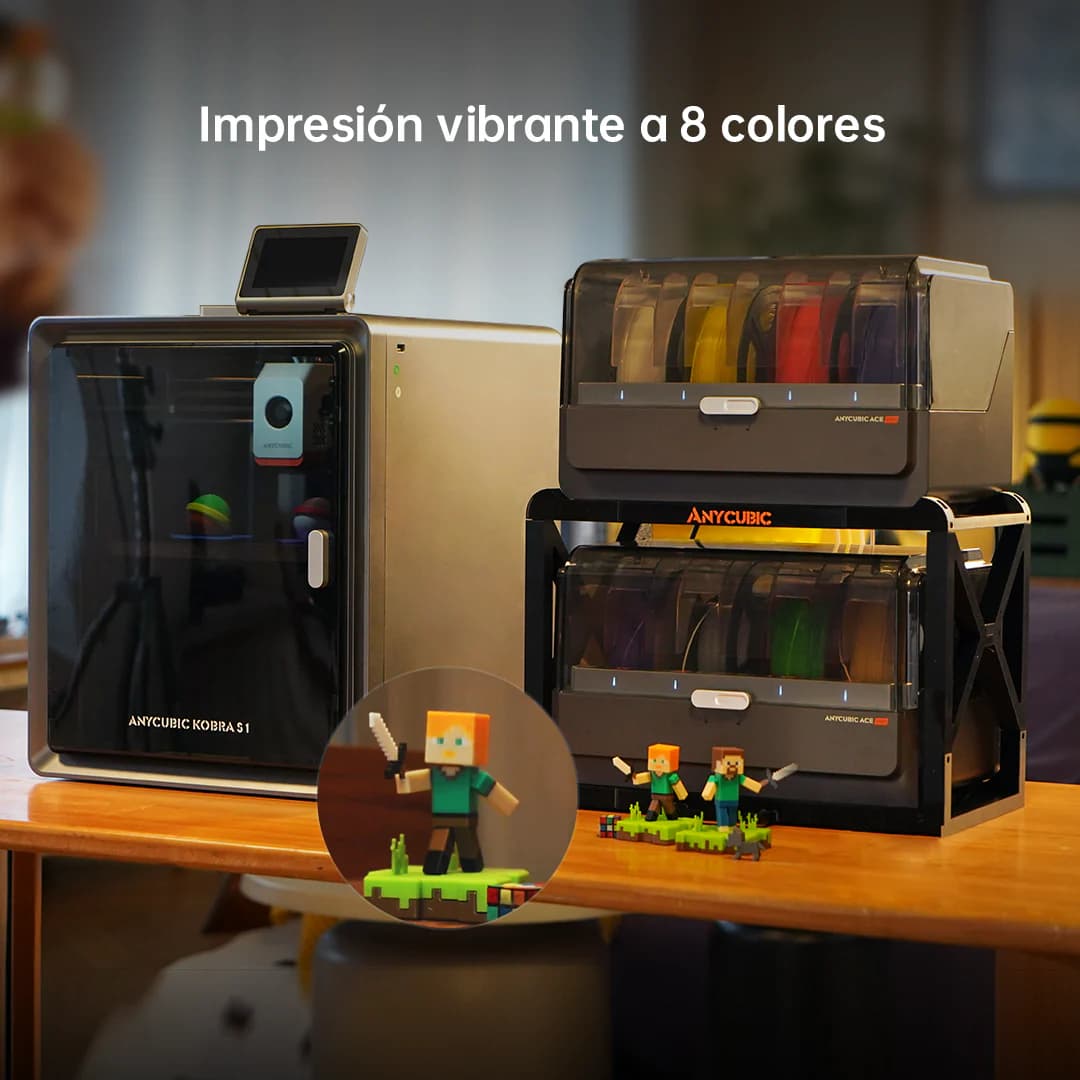
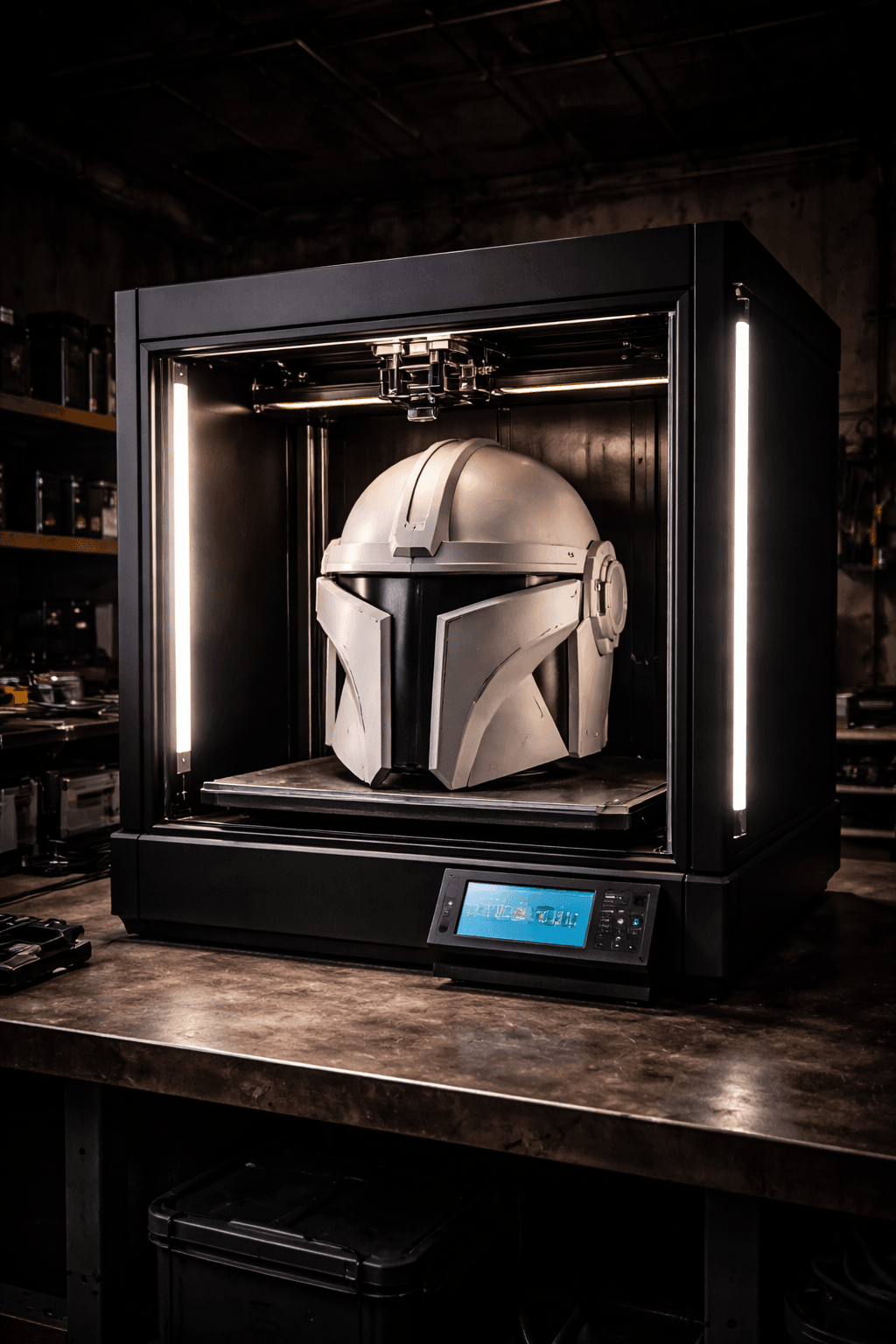
The Anycubic Kobra S1 Combo and QIDI X-Max 3 are both FDM 3D printers competing in different tiers, $499 vs $799. Both are scored across value, beginner-friendliness, quality, speed, and reliability. Here's the full breakdown.
Our Verdict
The Anycubic Kobra S1 Combo takes the crown with 8.2/10 vs 8/10. It pulls ahead in Beginner Friendliness. The QIDI X-Max 3 still puts up a fight in Print Quality.
Score Breakdown
Specifications
| Spec | Anycubic Kobra S1 Combo | QIDI X-Max 3 |
|---|---|---|
| Price | $499 | $799 |
| Type | FDM | FDM |
| Build Volume | 250 x 250 x 260 mm | 325 x 325 x 315 mm |
| Print Speed | 600 mm/s | 600 mm/s |
| Min Resolution | 0.05 mm | 0.05 mm |
| Weight | 12.5 kg | 25 kg |
| Overall Score | 8.2/10 | 8/10 |
Pros & Cons
Anycubic Kobra S1 Combo
+8 colors out of the box, double what the Bambu A1 Combo offers
+CoreXY speed at a competitive price point
+ACE Pro 2 wastes less filament on color swaps than its predecessor
+Paint-on multi-color tools in the Anycubic slicer are genuinely good
−Anycubic's software is solid but still behind Bambu Studio
−Community is smaller than Bambu or Creality
−No enclosure
−ACE Pro 2 takes up a lot of desk space
QIDI X-Max 3
+325mm enclosed with 60C active heating is a combination you almost can't find under $1,500
+Independent Z motors keep the bed trammed even on 24-hour prints
+Handles PA-CF and PC natively without a fight
+600mm/s in a large-format heated chamber is rare at any price
−25kg: set it up once and it lives there
−$799 with a smaller community than Bambu means you're mostly on your own troubleshooting
−QIDI's slicer profiles are thin for specialty materials
Who Should Buy Which?
Choose the Anycubic Kobra S1 Combo if you want:
- A great printer for multi-color
- A great printer for speed
- A great printer for beginners
- 8-color ACE Pro 2 multi-color system
- CoreXY architecture
- Auto bed leveling
Choose the QIDI X-Max 3 if you want:
- A great printer for large-prints
- A great printer for engineering
- A great printer for professional
- Enclosed
- Large CoreXY
- Chamber heating (60C)
Frequently Asked Questions
Is the Anycubic Kobra S1 Combo better than the QIDI X-Max 3?
By the numbers, the Anycubic Kobra S1 Combo scores higher (8.2/10). But "better" depends on your use case, the QIDI X-Max 3 may be the smarter buy if you need large-prints.
Which is better for beginners, Anycubic Kobra S1 Combo or QIDI X-Max 3?
The Anycubic Kobra S1 Combo is more beginner-friendly (8/10 vs 6/10) with easier setup and a gentler learning curve.
Is the QIDI X-Max 3 worth $300 more than the Anycubic Kobra S1 Combo?
The Anycubic Kobra S1 Combo actually scores higher (8.2/10) despite costing $300 less. The QIDI X-Max 3 only makes sense if you specifically need large-prints.
What's the main difference between Anycubic Kobra S1 Combo and QIDI X-Max 3?
Build volume (250x250x260mm vs 325x325x315mm) and print speed (600 vs 600 mm/s). The Anycubic Kobra S1 Combo is best for multi-color; the QIDI X-Max 3 targets large-prints.