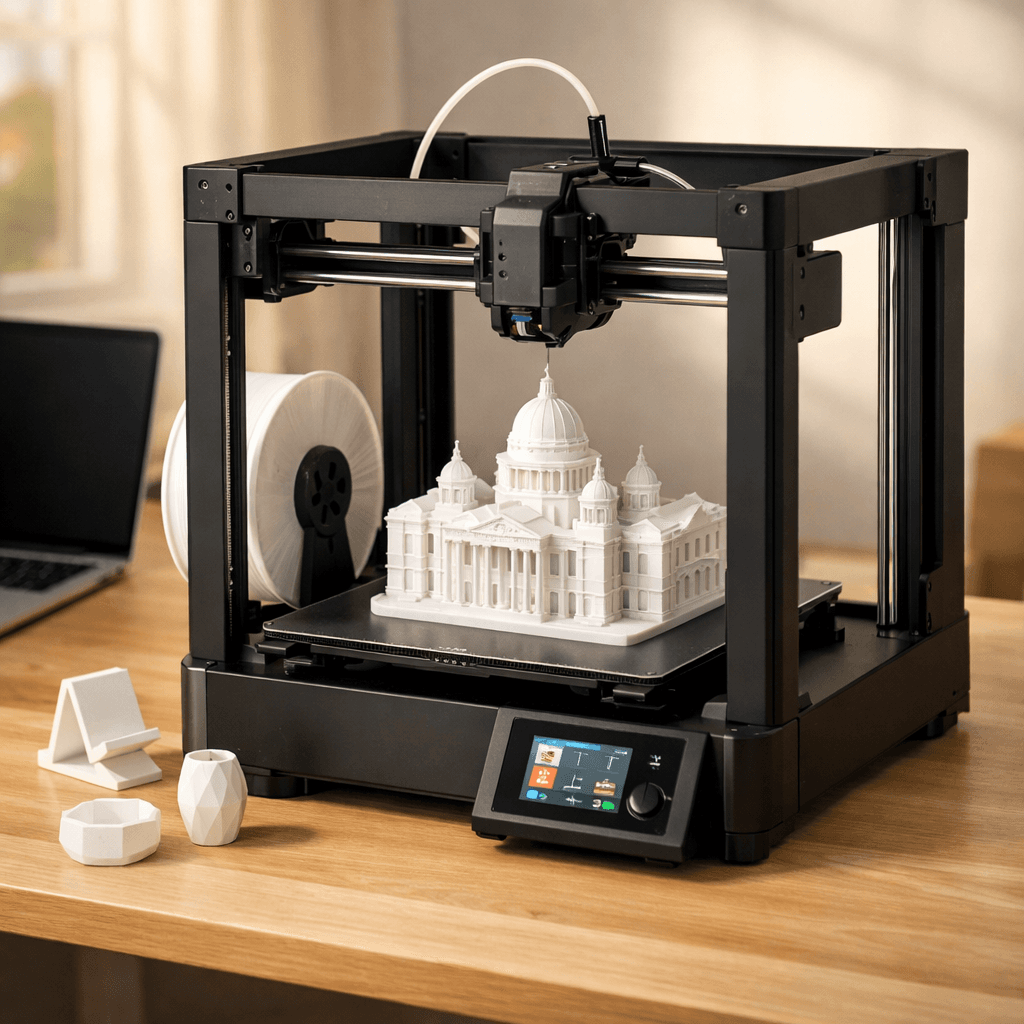
Bambu Lab A1
- Price
- $299
- Score
- 9.2/10
- Wins
- 5/5
Specs and US prices from the PrintPick catalog, checked 2026-09-29. Scores are PrintPick ratings out of 10.
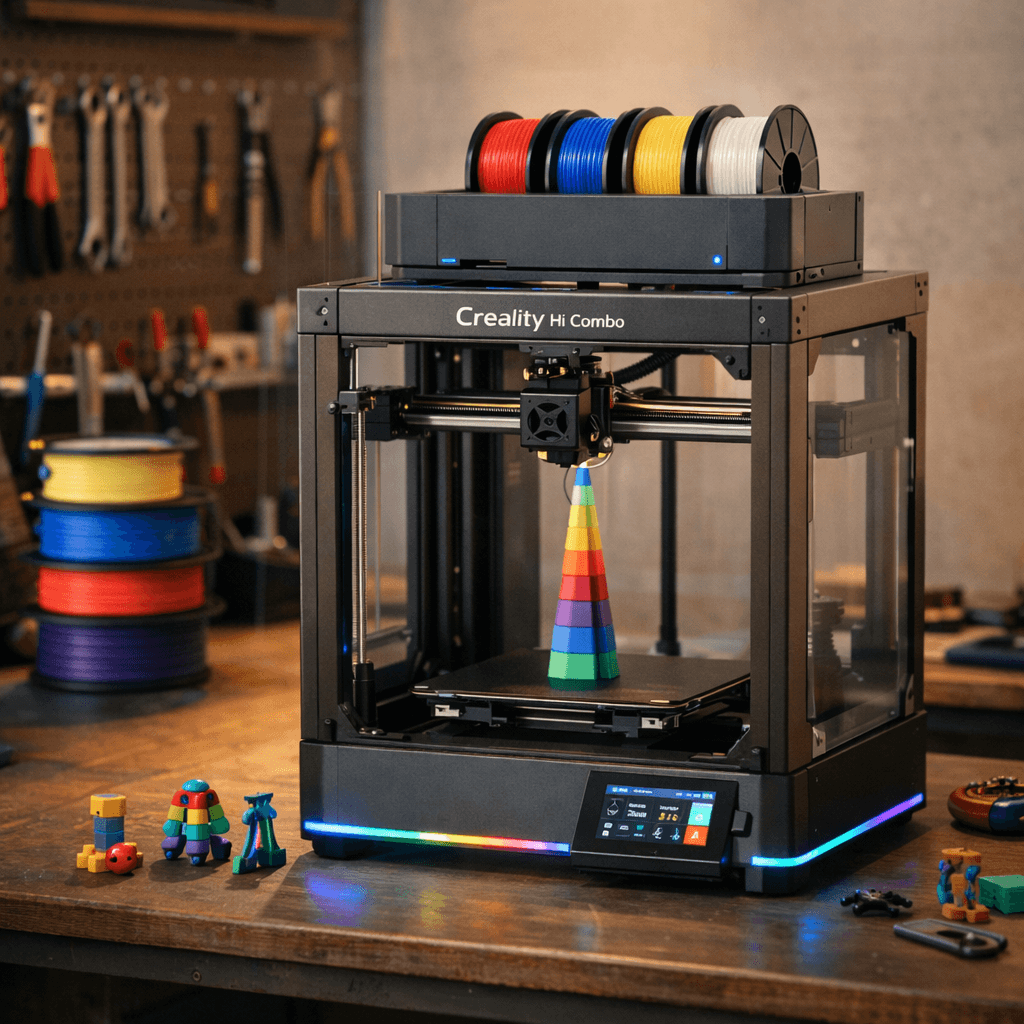
Buy the A1.
9.2/10 vs Hi Combo's 7.6/10, and it wins 5 of 5 categories. If you know you don't care about multi-color, this is the cleanest $299 in 3D printing. The A1 Combo is $100 more and includes multi-color; most people should just spend the extra $100.
Teal wins the row.
| A1 | Spec | Hi Combo |
|---|---|---|
| $299 (wins) | Price | $399 |
| 16.8 L | Build volume | 20.3 L (wins) |
| 500 mm/s | Top speed | 500 mm/s |
| 0.05 mm (wins) | Finest layer | 0.1 mm |
| 9.05 kg | Weight | 13.31 kg |
| A1 | Feature | Hi Combo |
|---|---|---|
| Yes | Auto bed leveling | No |
| Yes | WiFi | No |
| Yes | Camera | No |
| Yes | Vibration compensation | No |
| Yes | Direct drive | No |
| Yes | Full-size A1 bed | No |
| No | CoreXY motion system | Yes |
| No | Up to 16-color printing (4x CFS) | Yes |
| No | Die-cast aluminum unibody | Yes |
| No | Tri-metal quick-swap nozzle | Yes |
| No | Auto calibration | Yes |
| No | Direct drive extruder | Yes |
$299 ÷ 16.8 L and $399 ÷ 20.3 L. Lower is more printer for the money.
| A1 | Spec | Hi Combo |
|---|---|---|
| $17.82 (wins) | $ per liter | $19.67 |
| $0.60 (wins) | $ per mm/s | $0.80 |
| A1 | Spec | Hi Combo |
|---|---|---|
| 9 (wins) | Value | 8 |
| 10 (wins) | Beginner Friendliness | 7 |
| 9 (wins) | Print Quality | 8 |
| 9 (wins) | Speed | 8 |
| 9 (wins) | Reliability | 7 |
| 9.2 (wins) | Overall | 7.6 |
The A1 without AMS is the best single-color printer you can buy at this price. Bar none.A1 owner, r/3Dprinting
Same great hardware as the Combo, just without the color changer. Perfect for most people.A1 owner, Make Anything (YouTube)
The safer choice with better build quality and more established support than newer competitors.Hi Combo owner, 3DTechValley
Catching up with color. Creality's multi-color game is improving but the CFS still needs refinement.Hi Combo owner, Tom's Hardware
For the price, you get a solid CoreXY that handles single-color beautifully. Multi-color is a bonus, not a guarantee.Hi Combo owner, 3DWithUs
A printer does nothing without these. Grab them in the same order.
By the numbers, the Bambu Lab A1 scores higher (9.2/10). But "better" depends on your use case, the Creality Hi Combo may be the smarter buy if you need multi-color.
The Bambu Lab A1 is more beginner-friendly (10/10 vs 7/10) with easier setup and a gentler learning curve.
The Bambu Lab A1 actually scores higher (9.2/10) despite costing $100 less. The Creality Hi Combo only makes sense if you specifically need multi-color.
Build volume (256x256x256mm vs 260x260x300mm) and print speed (500 vs 500 mm/s). The Bambu Lab A1 is best for beginners; the Creality Hi Combo targets multi-color.