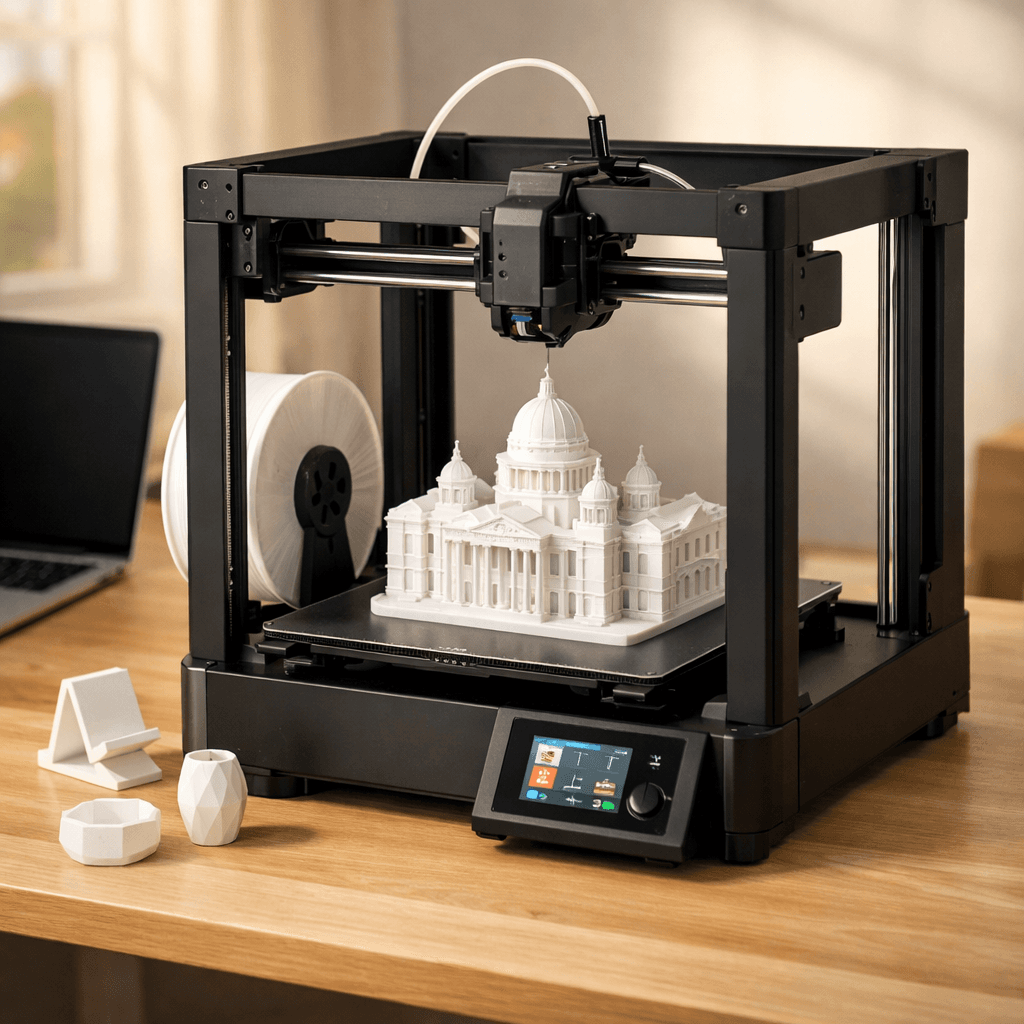
Bambu Lab A1
- Price
- $299
- Score
- 9.2/10
- Wins
- 3/5
Specs and US prices from the PrintPick catalog, checked 2026-09-29. Scores are PrintPick ratings out of 10.
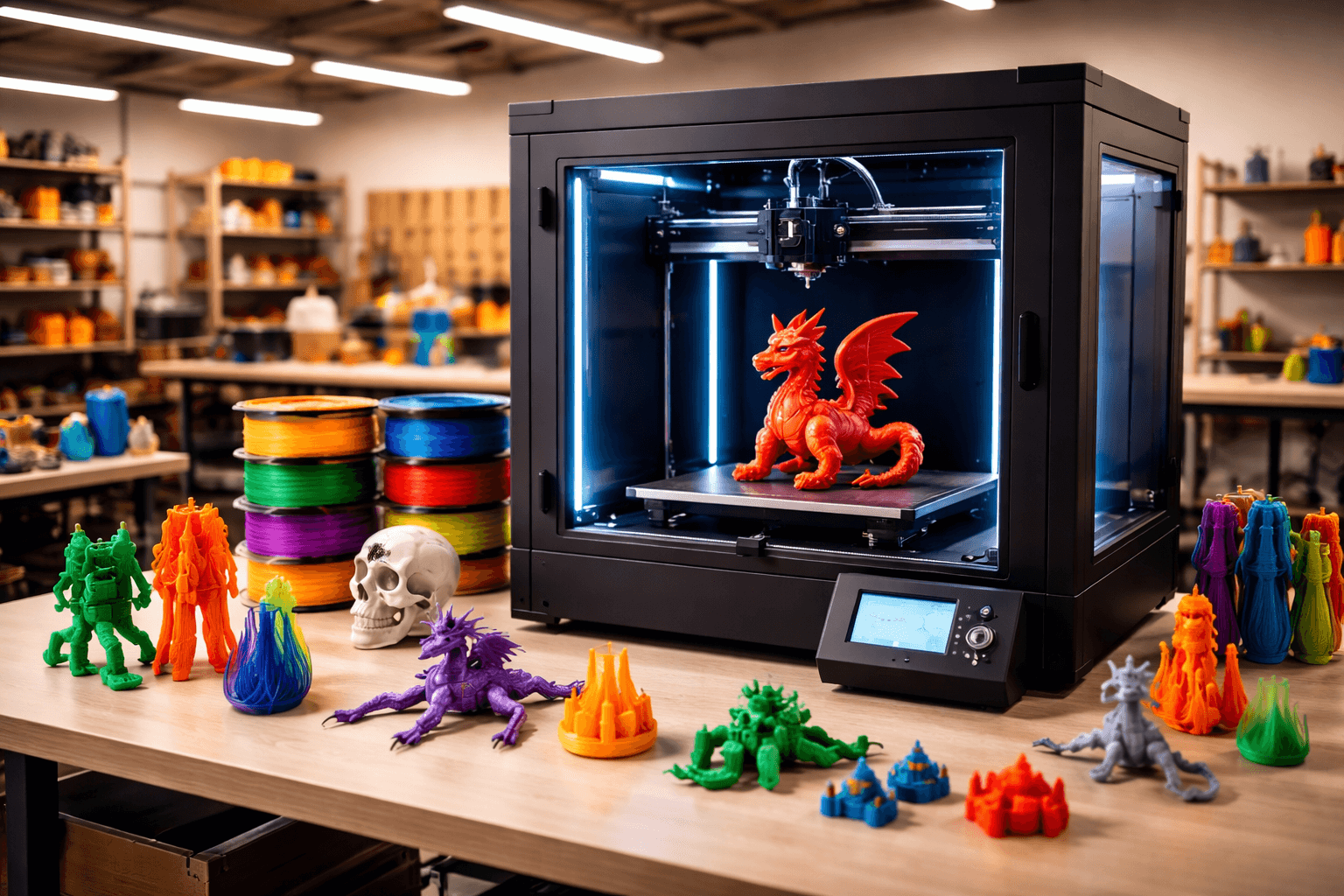
Buy the A1.
9.2/10 vs K2 Plus's 7.8/10, and it wins 3 of 5 categories. If you know you don't care about multi-color, this is the cleanest $299 in 3D printing. The A1 Combo is $100 more and includes multi-color; most people should just spend the extra $100.
Teal wins the row.
| A1 | Spec | K2 Plus |
|---|---|---|
| $299 (wins) | Price | $899 |
| 16.8 L | Build volume | 42.9 L (wins) |
| 500 mm/s | Top speed | 600 mm/s (wins) |
| 0.05 mm | Finest layer | 0.05 mm |
| 9.05 kg | Weight | 27 kg |
| A1 | Feature | K2 Plus |
|---|---|---|
| Yes | Auto bed leveling | No |
| Yes | WiFi | Yes |
| Yes | Camera | Yes |
| Yes | Vibration compensation | No |
| Yes | Direct drive | No |
| Yes | Full-size A1 bed | No |
| No | Enclosed | Yes |
| No | 350mm build volume | Yes |
| No | CFS multi-color | Yes |
| No | Active carbon filter | Yes |
$299 ÷ 16.8 L and $899 ÷ 42.9 L. Lower is more printer for the money.
| A1 | Spec | K2 Plus |
|---|---|---|
| $17.82 (wins) | $ per liter | $20.97 |
| $0.60 (wins) | $ per mm/s | $1.50 |
| A1 | Spec | K2 Plus |
|---|---|---|
| 9 (wins) | Value | 7 |
| 10 (wins) | Beginner Friendliness | 6 |
| 9 | Print Quality | 9 |
| 9 | Speed | 9 |
| 9 (wins) | Reliability | 8 |
| 9.2 (wins) | Overall | 7.8 |
The A1 without AMS is the best single-color printer you can buy at this price. Bar none.A1 owner, r/3Dprinting
Same great hardware as the Combo, just without the color changer. Perfect for most people.A1 owner, Make Anything (YouTube)
Nothing else gives you 350mm enclosed at this price. Period.K2 Plus owner, r/3Dprinting
The K2 Plus is Creality's most ambitious machine yet, and it mostly delivers.K2 Plus owner, Make Anything (YouTube)
A printer does nothing without these. Grab them in the same order.
By the numbers, the Bambu Lab A1 scores higher (9.2/10). But "better" depends on your use case, the Creality K2 Plus may be the smarter buy if you need large-prints.
The Bambu Lab A1 is more beginner-friendly (10/10 vs 6/10) with easier setup and a gentler learning curve.
The Bambu Lab A1 actually scores higher (9.2/10) despite costing $600 less. The Creality K2 Plus only makes sense if you specifically need large-prints.
Build volume (256x256x256mm vs 350x350x350mm) and print speed (500 vs 600 mm/s). The Bambu Lab A1 is best for beginners; the Creality K2 Plus targets large-prints.