Bambu Lab P1P vs Creality K1C
Head-to-head 3D printer comparison, 2026

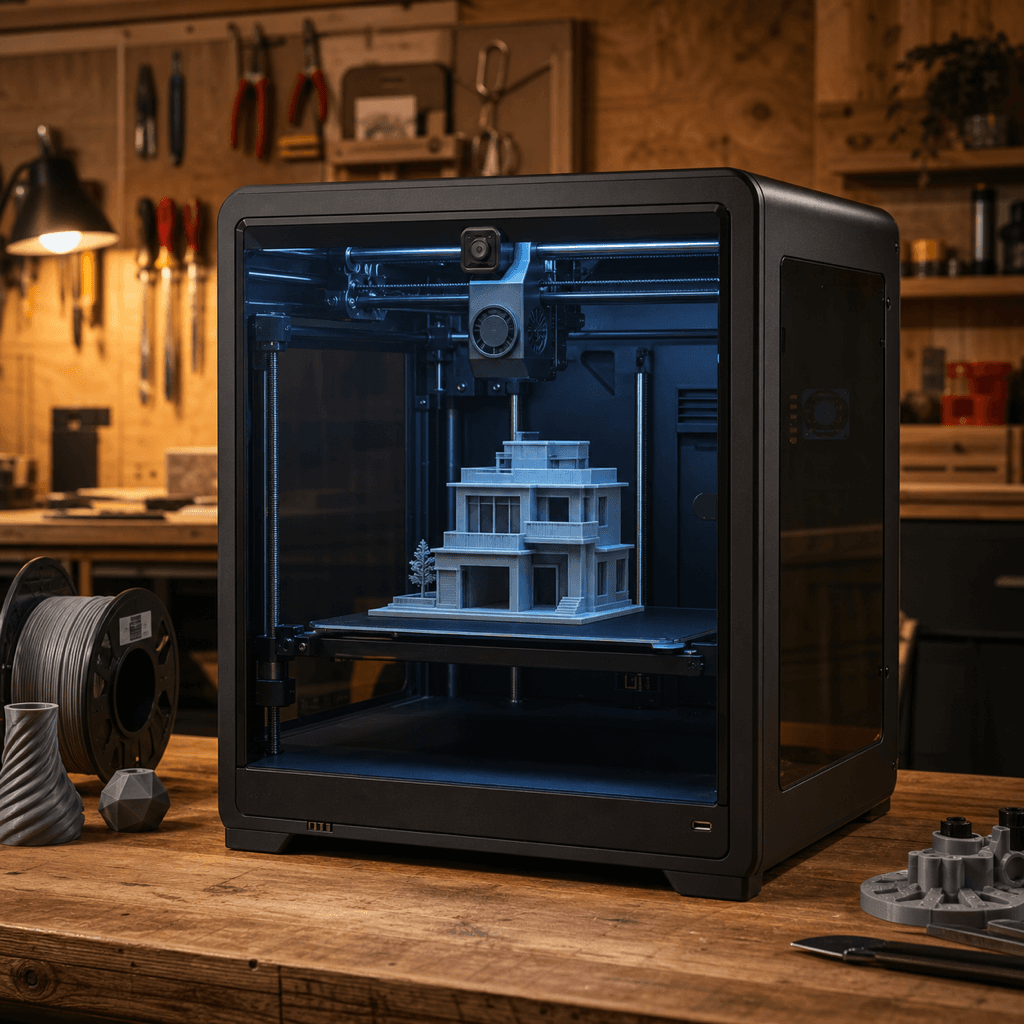
The Bambu Lab P1P and Creality K1C are both FDM 3D printers competing in different tiers, $499 vs $399. Both are scored across value, beginner-friendliness, quality, speed, and reliability. Here's the full breakdown.
Our Verdict
The Bambu Lab P1P takes the crown with 8.8/10 vs 8.2/10. It pulls ahead in Beginner Friendliness, Print Quality, Reliability. That said, the Creality K1C saves you $100 and wins on Value.
Direct answer
Bambu Lab P1P is the better pick for most buyers.
Choose Bambu Lab P1P if you want the stronger overall score, better fit for speed and beginners, and the safer recommendation. Choose Creality K1C only if its specific strengths matter more to you than the overall result.
Winner by buyer type
Best overall
Bambu Lab P1P
Best value
Creality K1C
Best build volume
Bambu Lab P1P
Score Breakdown
Specifications
| Spec | Bambu Lab P1P | Creality K1C |
|---|---|---|
| Price | $499 | $399 |
| Type | FDM | FDM |
| Build Volume | 256 x 256 x 256 mm | 220 x 220 x 250 mm |
| Print Speed | 500 mm/s | 600 mm/s |
| Min Resolution | 0.05 mm | 0.05 mm |
| Weight | 13.5 kg | 13.5 kg |
| Overall Score | 8.8/10 | 8.2/10 |
Pros & Cons
Bambu Lab P1P
+Identical CoreXY motion system as the P1S: same speed, same print head, same quality
+Aftermarket enclosure panels are $60 and turn this into a near-P1S for less money
+Bambu's slicer and cloud ecosystem work the same as on every other Bambu
−$499 open frame when the A1 Combo is $399 with AMS Lite: the value math is awkward
−AMS sold separately: the one thing the A1 Combo has that this doesn't
−Discontinued: replaced by the P2S, which is just better
Creality K1C
+Carbon fiber and PA support at $399 — no other enclosed CoreXY comes close at this price
+600mm/s with input shaping produces genuinely usable parts, not just benchmark numbers
+All-metal hotend is a free upgrade vs the standard K1
+Active enclosure helps with ABS/ASA warping without a separate enclosure purchase
+Creality's largest installed base means community fixes land fast
−220×220×250mm build volume is tight for large prints
−Creality OS is Klipper-based but not stock Klipper — some community configs don't transfer cleanly
−No multi-color support without third-party add-ons
−Fan noise at full speed is audible
Who Should Buy Which?
Choose the Bambu Lab P1P if you want:
- A great printer for speed
- A great printer for beginners
- A great printer for budget
- CoreXY
- Auto bed leveling
- WiFi
Choose the Creality K1C if you want:
- A great printer for speed
- A great printer for enclosed
- A great printer for engineering
- A great printer for value
- Enclosed CoreXY architecture
- Carbon-fiber-capable all-metal hotend (up to 300°C)
- 600mm/s max print speed
Frequently Asked Questions
Is the Bambu Lab P1P better than the Creality K1C?
By the numbers, the Bambu Lab P1P scores higher (8.8/10). But "better" depends on your use case, the Creality K1C may be the smarter buy if you need speed.
Which is better for beginners, Bambu Lab P1P or Creality K1C?
The Bambu Lab P1P is more beginner-friendly (9/10 vs 7/10) with easier setup and a gentler learning curve.
Is the Bambu Lab P1P worth $100 more than the Creality K1C?
The Bambu Lab P1P scores higher overall (8.8/10 vs 8.2/10). The extra $100 gets you identical corexy motion system as the p1s: same speed, same print head, same quality.
What's the main difference between Bambu Lab P1P and Creality K1C?
Build volume (256x256x256mm vs 220x220x250mm) and print speed (500 vs 600 mm/s). The Bambu Lab P1P is best for speed; the Creality K1C targets speed.