Creality SPARKX i7 vs Voxelab Aquila X2
Head-to-head 3D printer comparison, 2026

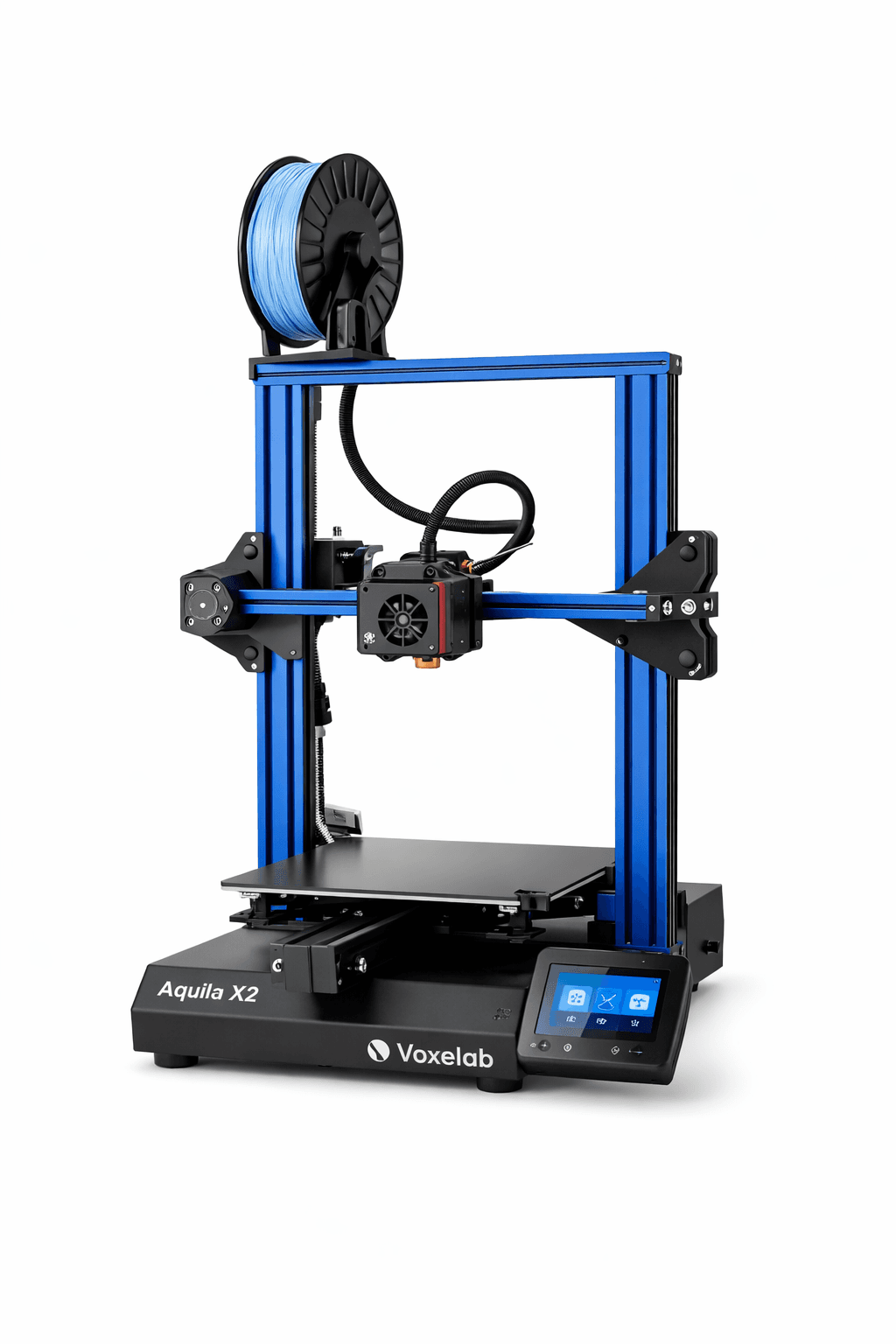
The Creality SPARKX i7 and Voxelab Aquila X2 are both FDM 3D printers competing in different tiers, $449 vs $179. Both are scored across value, beginner-friendliness, quality, speed, and reliability. Here's the full breakdown.
Our Verdict
The Creality SPARKX i7 takes the crown with 8.4/10 vs 6.6/10. It pulls ahead in Beginner Friendliness, Print Quality, Speed, Reliability. That said, the Voxelab Aquila X2 saves you $270.
Score Breakdown
Specifications
| Spec | Creality SPARKX i7 | Voxelab Aquila X2 |
|---|---|---|
| Price | $449 | $179 |
| Type | FDM | FDM |
| Build Volume | 260 x 260 x 255 mm | 220 x 220 x 250 mm |
| Print Speed | 500 mm/s | 180 mm/s |
| Min Resolution | 0.05 mm | 0.05 mm |
| Weight | 11.8 kg | 7.8 kg |
| Overall Score | 8.4/10 | 6.6/10 |
Pros & Cons
Creality SPARKX i7
+Tom's Hardware Best 3D Printer at CES 2026, not a paid placement
+AI monitoring that actually pauses on failures rather than just alerting
+4-color multi-color at a price that doesn't sting
+Creality's community is enormous: mods, fixes, guides everywhere
+AI photo-to-3D is gimmicky but actually fun
+Klipper under the hood, root access included
−16-page privacy policy just to set it up
−Software trails Bambu Studio by a noticeable margin
−AI monitoring needs a cloud connection to work
−Creality Cloud app is a mess
−CFS Lite has no spool retract
−New product. No long-term reliability data yet.
Voxelab Aquila X2
+Silent stepper drivers mean it runs without disturbing the room
+Manual leveling teaches you what auto-leveling actually does
+Ender 3-compatible mods are everywhere and cheap
−Manual bed leveling is a chore you'll do every few prints until you upgrade it
−Bowden extruder makes TPU printing a frustrating exercise
−180mm/s is slow in a world where budget printers hit 500mm/s
Who Should Buy Which?
Choose the Creality SPARKX i7 if you want:
- A great printer for multi-color
- A great printer for beginners
- A great printer for speed
- CFS Lite multi-color (4 colors)
- AI-assisted print monitoring
- Auto bed leveling
Choose the Voxelab Aquila X2 if you want:
- A great printer for budget
- A great printer for beginners
- Resume printing
- Filament runout sensor
- Glass build plate
Frequently Asked Questions
Is the Creality SPARKX i7 better than the Voxelab Aquila X2?
By the numbers, the Creality SPARKX i7 scores higher (8.4/10). But "better" depends on your use case, the Voxelab Aquila X2 may be the smarter buy if you need budget.
Which is better for beginners, Creality SPARKX i7 or Voxelab Aquila X2?
The Creality SPARKX i7 is more beginner-friendly (9/10 vs 7/10) with easier setup and a gentler learning curve.
Is the Creality SPARKX i7 worth $270 more than the Voxelab Aquila X2?
The Creality SPARKX i7 scores higher overall (8.4/10 vs 6.6/10). The extra $270 gets you tom's hardware best 3d printer at ces 2026, not a paid placement.
What's the main difference between Creality SPARKX i7 and Voxelab Aquila X2?
Build volume (260x260x255mm vs 220x220x250mm) and print speed (500 vs 180 mm/s). The Creality SPARKX i7 is best for multi-color; the Voxelab Aquila X2 targets budget.