Reddit FavoriteEditor's Choice
At a glance
Bambu Lab · FDM (filament)
- Score
- 9.2/10
- Rank
- #1/51
- Build
- 16.8 L
- Speed
- 500 mm/s
- Layer
- 0.05 mm
Buy at 3DJake
The store sets the current price. Check it there before you buy.
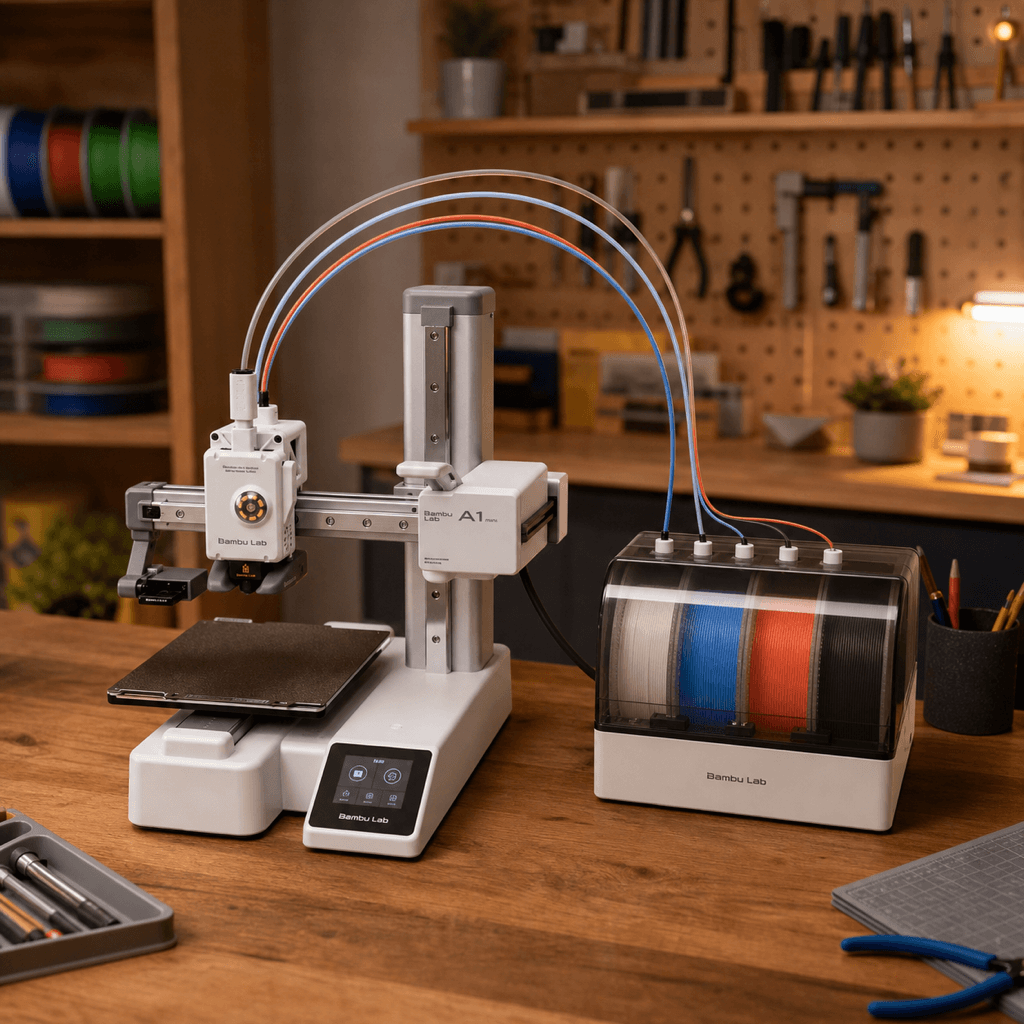
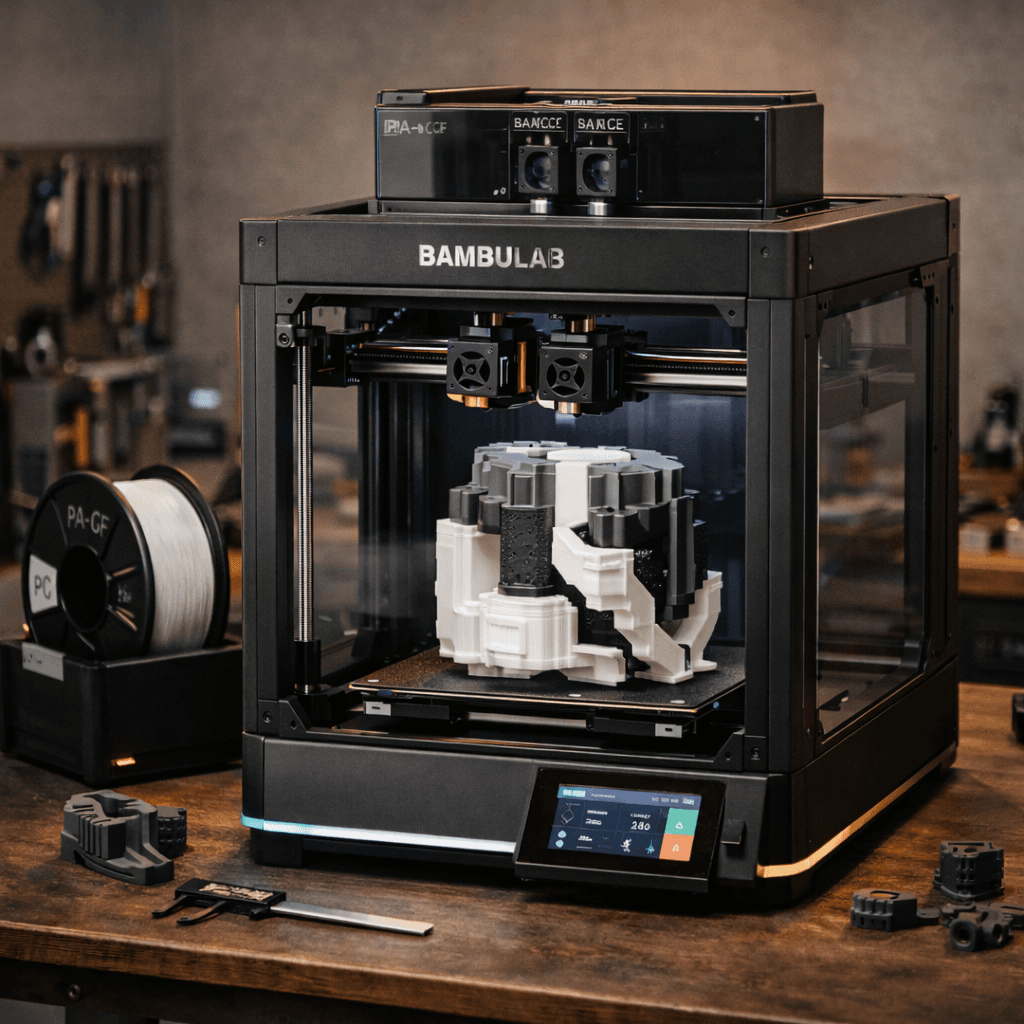
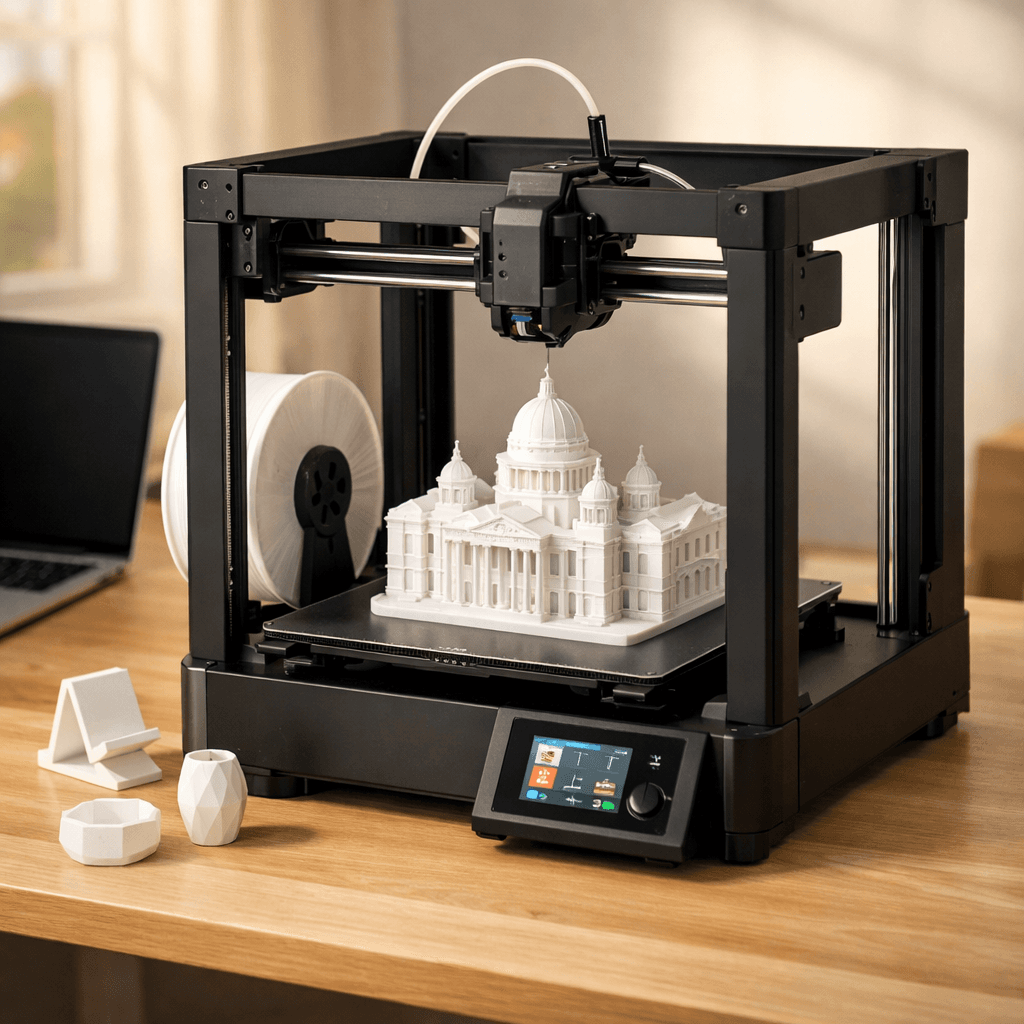
Bambu Lab P2S
Specs from the PrintPick catalog, checked 2026-09-29. Scores are PrintPick ratings out of 10.
By Shadman Rahman · Prices checked
Bambu Lab · FDM (filament)
The store sets the current price. Check it there before you buy.
Buy the P2S. #1 of 51 FDM printers.
Best enclosed CoreXY under $600 right now. New buyers: this is the answer, skip the P1S comparison. P1S owners: the nozzle system and AMS 2 Pro drying tip the scales toward upgrading, but only if you use those features regularly.
Right side is the average of the 51 current FDM printers we track. Teal wins the row.
| P2S | Spec | Average of 51 |
|---|---|---|
| 16.8 L | Build volume | 21.6 L (wins) |
| 500 mm/s (wins) | Top speed | 476 mm/s |
| 0.05 mm (wins) | Finest layer | 0.054 mm |
| 14.9 kg | Weight | 14.7 kg |
| P2S | Spec | Average of 51 |
|---|---|---|
| 9 (wins) | Value | 8.5 |
| 9 (wins) | Beginner | 7.4 |
| 10 (wins) | Print quality | 8.4 |
| 9 (wins) | Speed | 7.9 |
| 9 (wins) | Reliability | 8.1 |
| 9.2 (wins) | Overall | 8.1 |
The quick nozzle swap makes me jealous even as an X1C owner.r/BambuLab
Goldilocks gets a glow up. The P2S refreshes a best seller with meaningful upgrades.Tom's Hardware
For new buyers, the P2S is recommended without hesitation. Meaningfully better than the P1S in every way.3DTechValley
| Build volume | 256 × 256 × 256 mm |
|---|---|
| Layer resolution | 0.05 to 0.35 mm |
| Top speed | 500 mm/s |
| Weight | 14.9 kg |
| Type | FDM (filament) |
A printer does nothing without these. Grab them in the same order.
Where the P2S makes the cut, and what it beats.
 comparisonBambu Lab P2S vs Prusa Core One: Best Enclosed CoreXY?Read the guide
 guideBambu Lab X2D: Full Specs, Price, and What You Need to KnowRead the guide guideBambu Lab vs Creality in 2026: Which Brand Should You Buy?Read the guide
 listicleBest 3D Printer Filaments in 2026: PLA, PETG, ABS & MoreRead the guide guideAnycubic Kobra S1 ACE 2 Pro Combo: 16-Color Enclosed CoreXYRead the guide
The Bambu Lab P2S has a build volume of 256 x 256 x 256 mm.
The Bambu Lab P2S scores 9/10 for beginner-friendliness. It's a great choice for beginners.
Pros: Quick-swap nozzle: no tools, no waiting for cool-down, no thread damage from hot-tightening. 1080p AI camera pauses the print when it detects layer failures, not just notifies you. AMS 2 Pro dries filament while printing so you don't need a separate drybox for standard materials. 5-inch touchscreen is large enough to actually use without squinting at a 2-inch screen. Cons: No LiDAR sensor: that capability is still exclusive to the X-series. P1S owners have no trade-in path; the upgrade cost is the full price. Multi-color purges still waste filament; purge blocks help but don't fix the root issue. The Combo version gets close enough to the H2D's price that a comparison is warranted.
 fdm
Bambu Lab
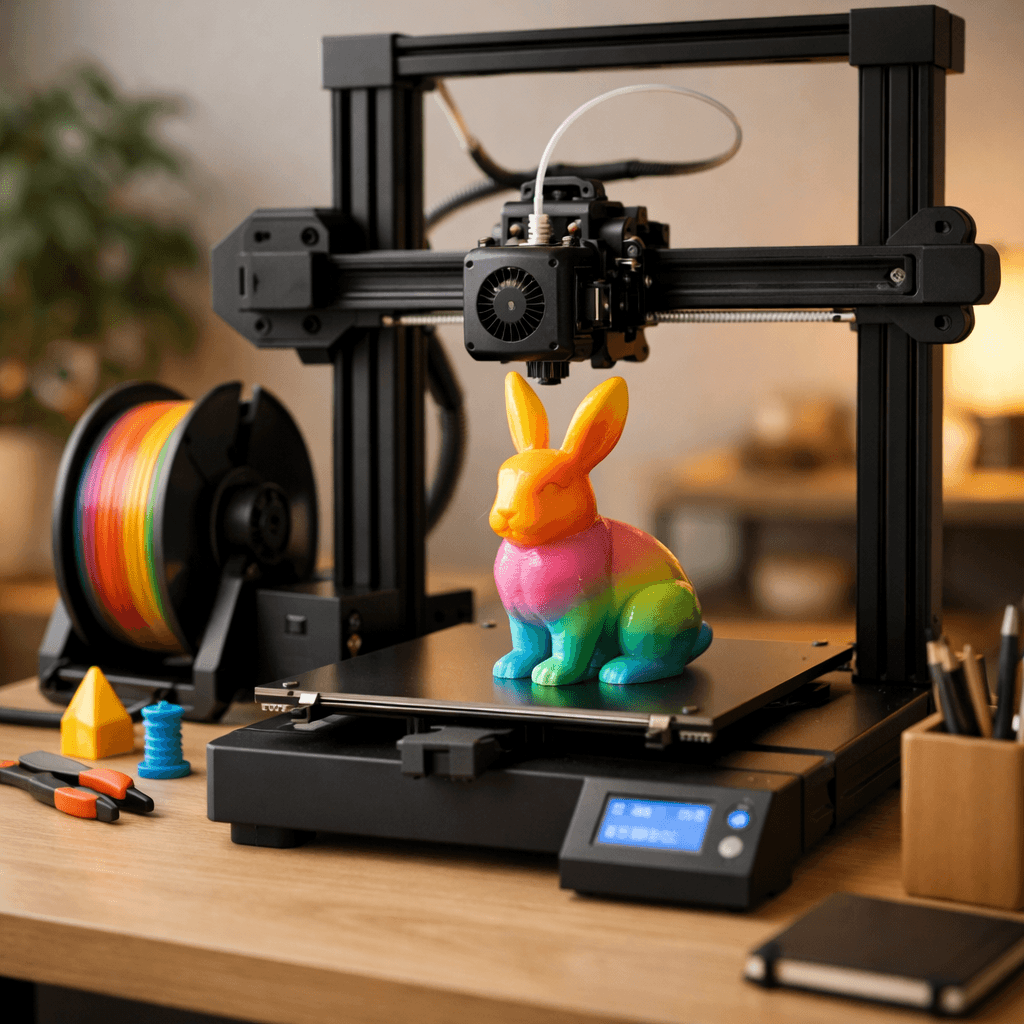
Multi-color printing out of the box, reliable enough for beginners, fast enough for anyone who's tired of watching a print head crawl.
 fdm
Bambu Lab
The A1 without the AMS Lite. Full 256mm bed, full Bambu quality, single-color only.