Pro WorkhorseHidden Gem
At a glance
Flashforge · FDM (filament)
- Score
- 8/10
- Rank
- #28/51
- Build
- 16.8 L
- Speed
- 600 mm/s
- Layer
- 0.05 mm
PrintPick earns a commission when you buy through store links on this site. It does not change the price you pay or which printer wins.
Flashforge Creator 5 Pro
Specs from the PrintPick catalog, checked 2026-09-29. Scores are PrintPick ratings out of 10.
By Shadman Rahman · Specs checked
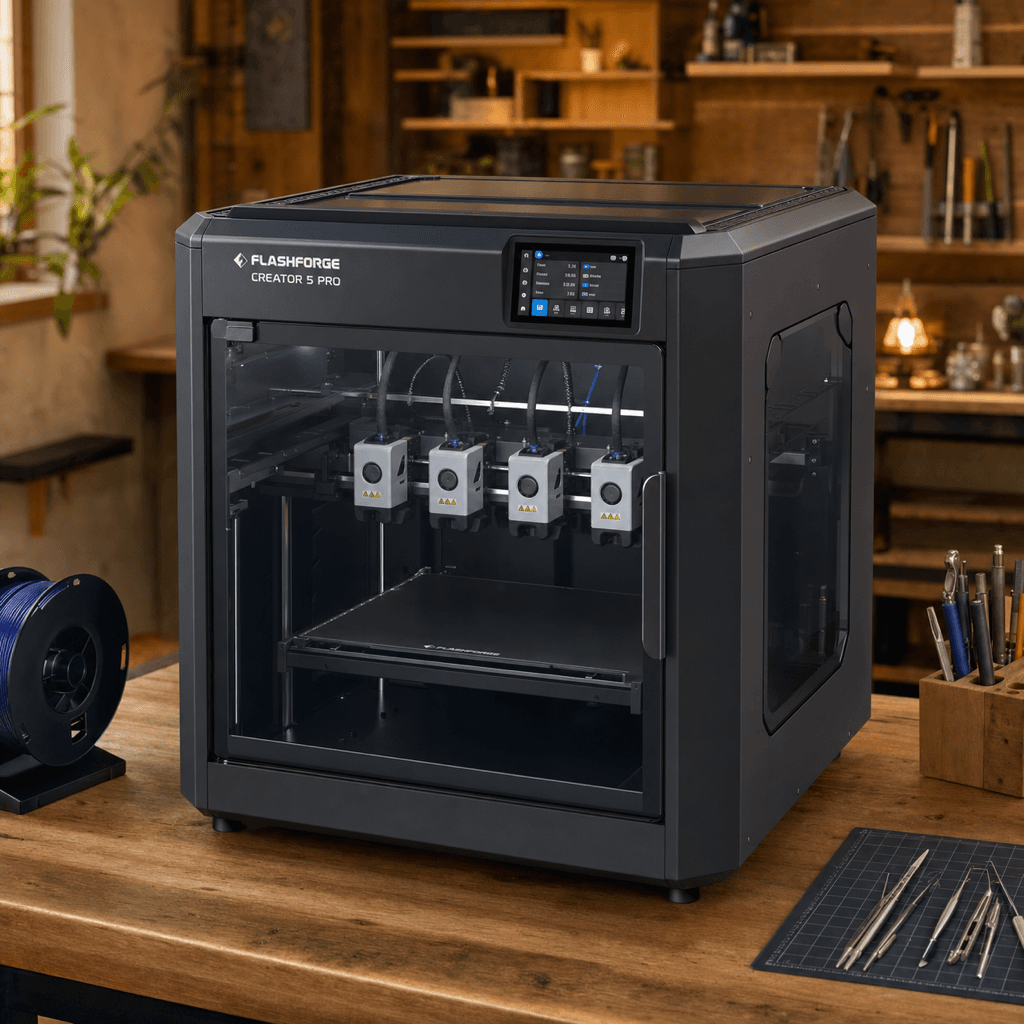
Flashforge · FDM (filament)
Buy the Creator 5 Pro. 8/10, #28 of 51 FDM printers.
The Creator 5 Pro is for buyers who understand why tool-changing beats filament-switching: zero waste on color transitions, true multi-material (not just multi-color), and faster swaps on short runs. It competes with the Bambu H2D range. If you don't need dual nozzles and care more about zero waste than raw build volume, the Creator 5 Pro is the better technical choice. Check for launch pricing before the June 2026 cutoff.
Right side is the average of the 51 current FDM printers we track. Teal wins the row.
| Creator 5 Pro | Spec | Average of 51 |
|---|---|---|
| 16.8 L | Build volume | 21.6 L (wins) |
| 600 mm/s (wins) | Top speed | 476 mm/s |
| 0.05 mm (wins) | Finest layer | 0.054 mm |
| 22.0 kg | Weight | 14.7 kg |
| Creator 5 Pro | Spec | Average of 51 |
|---|---|---|
| 8 | Value | 8.5 (wins) |
| 5 | Beginner | 7.4 (wins) |
| 10 (wins) | Print quality | 8.4 |
| 9 (wins) | Speed | 7.9 |
| 8 | Reliability | 8.1 (wins) |
| 8 | Overall | 8.1 (wins) |
| Build volume | 256 × 256 × 256 mm |
|---|---|
| Layer resolution | 0.05 to 0.35 mm |
| Top speed | 600 mm/s |
| Weight | 22 kg |
| Type | FDM (filament) |
A printer does nothing without these. Grab them in the same order.
The Flashforge Creator 5 Pro has a build volume of 256 x 256 x 256 mm.
The Flashforge Creator 5 Pro scores 5/10 for beginner-friendliness. It's suitable for beginners with some patience.
Pros: Zero purge waste is real: tool-changing means no filament is sacrificed on color transitions. 4 toolheads swap faster than AMS/CFS-style systems on short color-change runs. 65C heated chamber handles ABS, nylon, and engineering filaments without enclosure mods. Dual-layer filtration means ABS fumes stay inside the enclosure. Cons: Check for launch discount through June 2026). New product, no long-term reliability data yet on the FlashSwap mechanism. Flashforge's software and community are smaller than Bambu or Creality. 4 toolheads is the maximum; for more colors you need a different architecture.
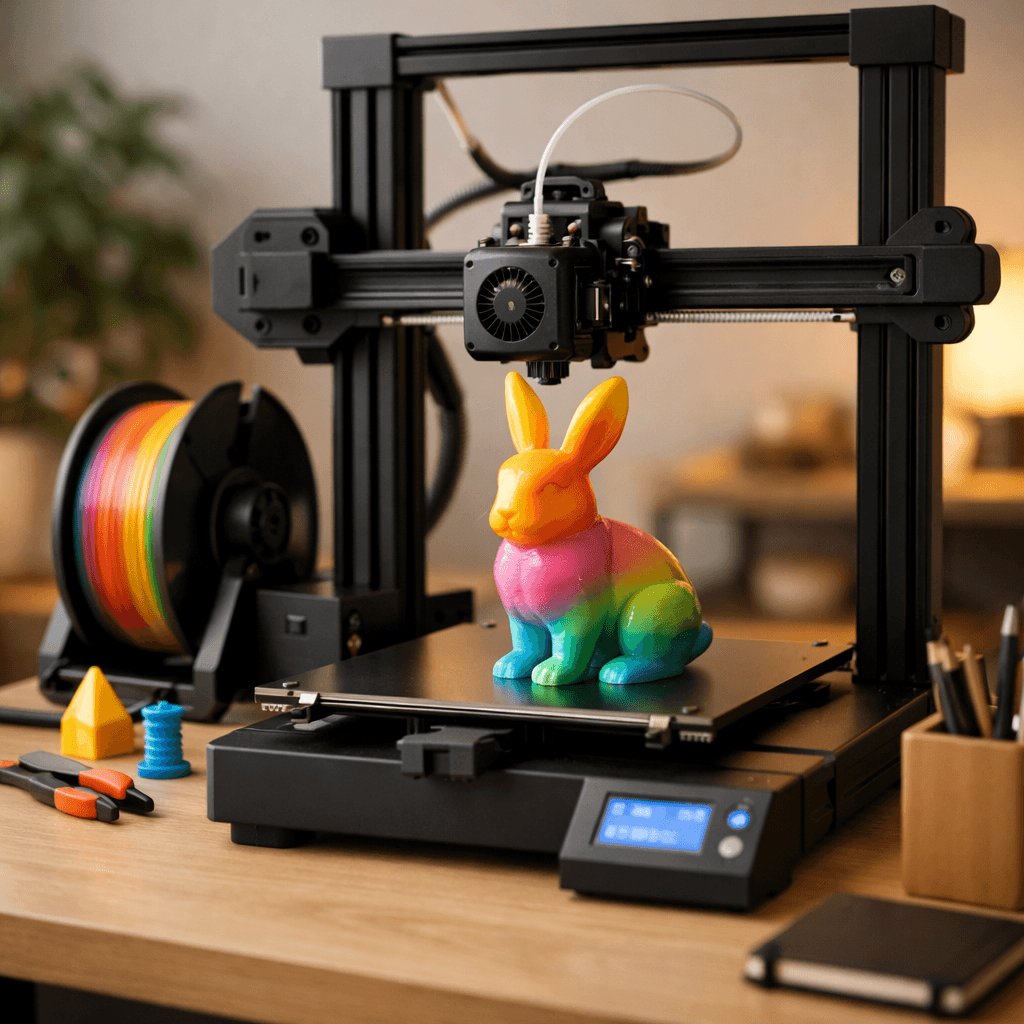 fdm
Bambu Lab
Multi-color printing out of the box, reliable enough for beginners, fast enough for anyone who's tired of watching a print head crawl.
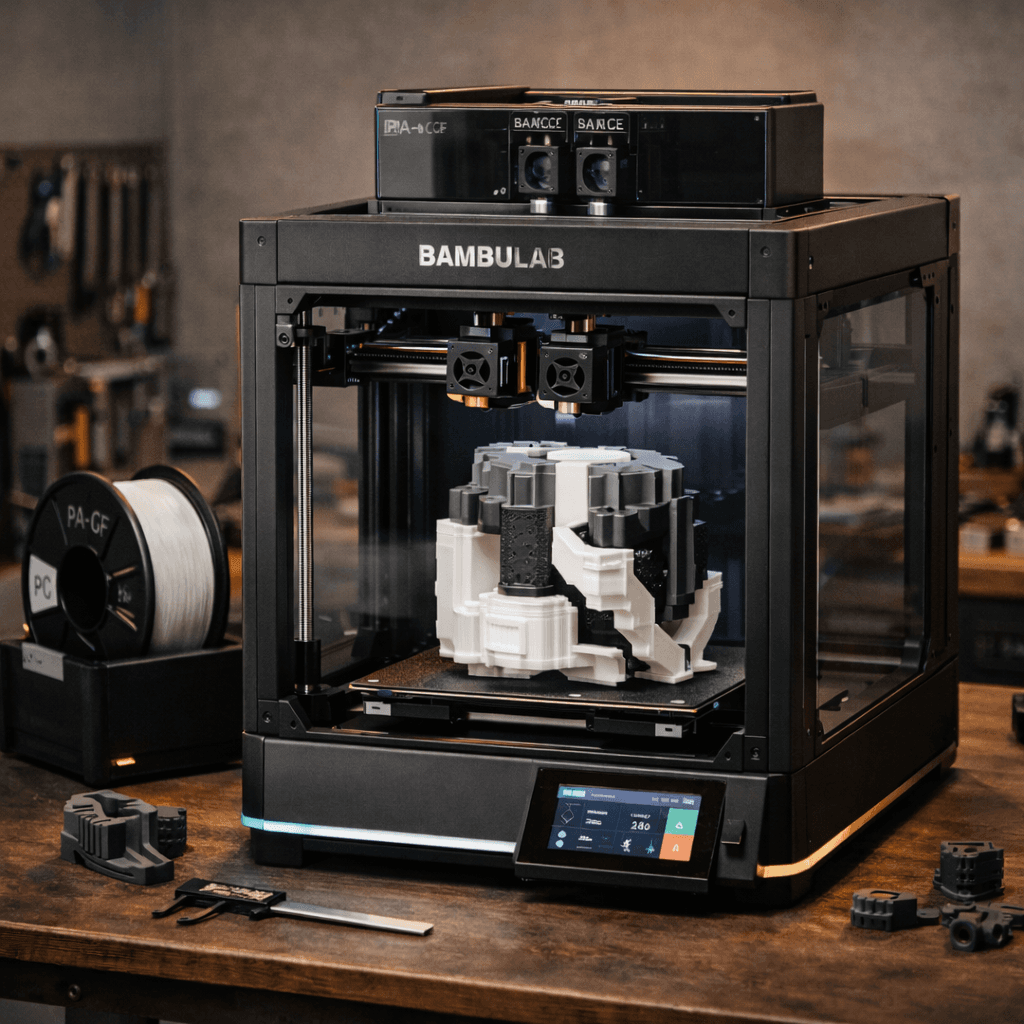 fdm
Bambu Lab
P1S replaced by a meaningfully better machine for a little more. Quick-swap nozzles, 5-inch touchscreen, 1080p AI camera, AMS 2 Pro compatibility.
