How to Fix Stringing on Your 3D Printer: The Complete Guide
Stringing ruining your prints? Learn exactly how to fix it with retraction settings, temperature tuning, and more.
Top pick in this guide
Bambu Lab A1 Combo
$399, PrintPick score 9.2/10. Check the live price before it moves.
Bambu Lab A1 Combo
Fix 1: Retraction Settings (Start Here), Score: 9.2/10, $399
Retraction is the primary anti-stringing mechanism. When the printhead finishes a section and needs to travel to another location, retraction pulls a small amount of filament back into the nozzle, reducing the pressure inside the melt zone and preventing ooze during the travel move. The two key parameters are retraction distance and retraction speed. For direct drive printers (where the extruder motor sits directly above the nozzle, Bambu A1, Prusa MK4S, Ender 3 V3 SE): start with 0.5-1mm retraction distance and 35-45mm/s retraction speed. For Bowden printers (where a long tube carries filament from a remote extruder to the nozzle): start with 4-6mm distance and 45-60mm/s speed, because the longer filament path requires more retraction to relieve pressure. Testing method: print a retraction test tower (free download from Thingiverse or Printables, search 'retraction test'). Start at your current settings and increase retraction distance by 0.5mm per section. The section where strings disappear is your optimal distance. Do not over-retract: too much retraction causes grinding on the filament, gaps at the start of print sections, and clogging. If you need more than 2mm retraction on a direct drive printer or more than 7mm on a Bowden setup, the problem is likely temperature rather than retraction. Most Bambu printers running the stock PLA profile at 220 degrees will string slightly but improve significantly by dropping to 210-215 degrees, retraction alone is not always sufficient.
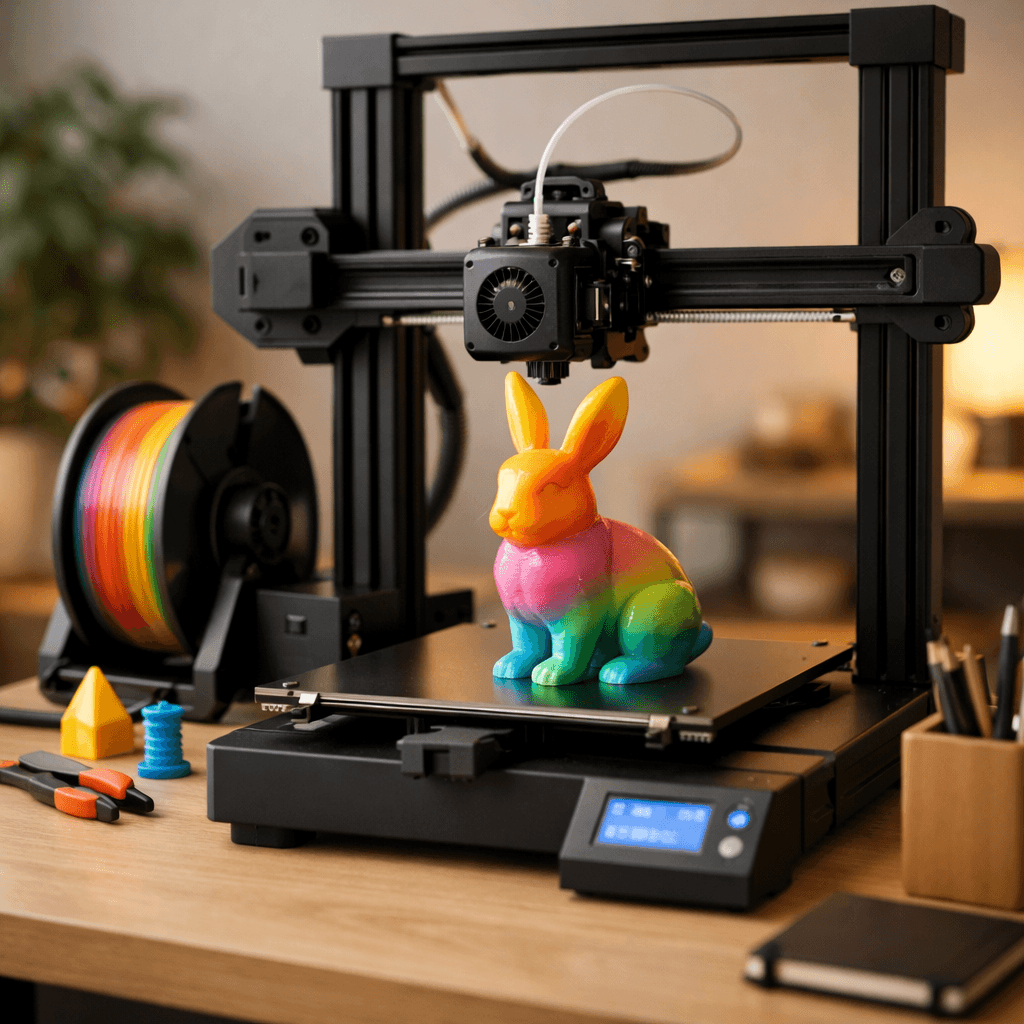
Creality Ender 3 V3 SE
Fix 2: Temperature Reduction, Score: 8/10, $218
Print temperature directly controls how runny the melted filament is. Higher temperature produces lower viscosity (thinner, more liquid plastic) that oozes more easily during travel moves. Lower temperature produces higher viscosity that resists oozing. For most PLA filaments, printing between 195-210 degrees Celsius produces the best balance of adhesion and stringing resistance. The standard approach is printing a temperature tower: a single print where each section uses a different temperature, dropping 5 degrees per section from your maximum (typically 215-220 degrees) down to near the minimum (185-190 degrees). Temperature towers take 40-60 minutes and reveal your filament's optimal temperature clearly. Download a temperature tower model from Thingiverse and use the slicer's 'change filament at height' or 'change settings at height' feature to adjust temperature automatically as the tower builds. Common temperature ranges by material: PLA 190-215 degrees (try 200-205 as a starting point), PETG 225-240 degrees (start at 230), ABS 230-245 degrees, TPU 210-230 degrees. Note that different filament brands behave differently even within the same material type, a budget PLA may string at 210 degrees while a quality PLA prints cleanly at 215 degrees. Temperature towers eliminate the guesswork by empirically identifying the right temperature for your specific filament on your specific machine.
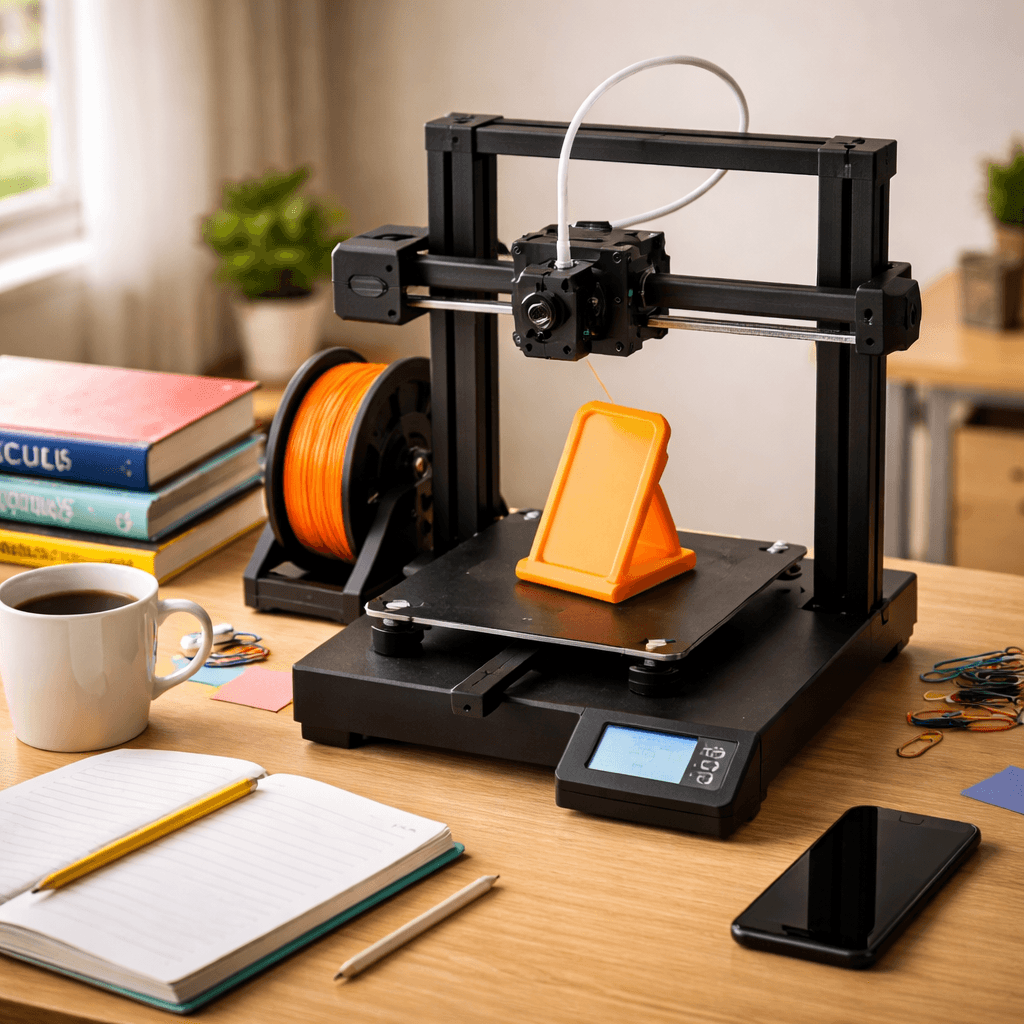
Bambu Lab P1S
Fix 3: Travel Speed and Combing, Score: 9/10, $449
Even with good retraction and optimal temperature, some residual ooze occurs during long travel moves. Two slicer settings address this: travel speed and combing (also called 'avoid crossing perimeters' in some slicers). Travel speed is the speed at which the printhead moves when not extruding. Faster travel means less time for the nozzle to ooze during each move. Most slicers default to 150-200mm/s for travel speed, but many printers can handle 200-300mm/s safely. Increasing travel speed from 150 to 250mm/s reduces ooze opportunity by 40% on each move, visible improvement on prints with many travel moves. Check your printer's maximum travel speed in the slicer settings and push it toward the upper limit. Combing (called 'Avoid Crossing Perimeters' in PrusaSlicer and 'Combing Mode' in Cura) changes how the printhead routes travel moves. Instead of traveling directly from point A to point B in a straight line that may cross over empty space (where any ooze creates visible strings), combing routes the nozzle inside the perimeters of the model. When a string is deposited inside the print, it is buried in infill and invisible in the final result. Combing does not reduce ooze, it hides the evidence. Enable combing in your slicer settings. The only tradeoff is slightly longer travel paths, which adds a small amount of print time. For most prints with significant travel moves, combing is worth enabling as a baseline setting.
The Bottom Line
Work through these fixes in order: retraction settings first (most common cause), then temperature (second most common), then travel speed and combing (refinement). If you have tried all three and still see stringing, check your filament moisture, hygroscopic filaments like PLA, Nylon, and PETG absorb water from the air, which vaporizes during printing and creates pressure that forces ooze through the nozzle regardless of retraction settings. Dry your filament at 45-55 degrees Celsius for 4-8 hours in a food dehydrator or purpose-built filament dryer ($25-40). Wet filament produces a characteristic crackling or popping sound during extrusion. If you hear that, moisture is the problem, and no slicer setting will fully fix it.
Related Articles
Bambu Lab vs Creality in 2026: Which Brand Should You Buy?
The two biggest names in 3D printing go head to head. We compare ecosystems, printers, software, support, and value across every price tier.
Best 3D Printers for TPU & Flexible Filament
Printing flexible filaments like TPU requires a direct drive extruder. These printers handle flex without jamming.
FDM vs Resin 3D Printers: The Complete Guide for 2026
FDM or resin? The definitive comparison covering cost, quality, speed, safety, and best use cases.