Best 3D Printers for TPU & Flexible Filament
Printing flexible filaments like TPU requires a direct drive extruder. These printers handle flex without jamming.
Top pick in this guide
Bambu Lab A1 Combo
$399, PrintPick score 9.2/10. Check the live price before it moves.
Bambu Lab A1 Combo
Best Overall for TPU Printing, Score: 9.2/10, $399
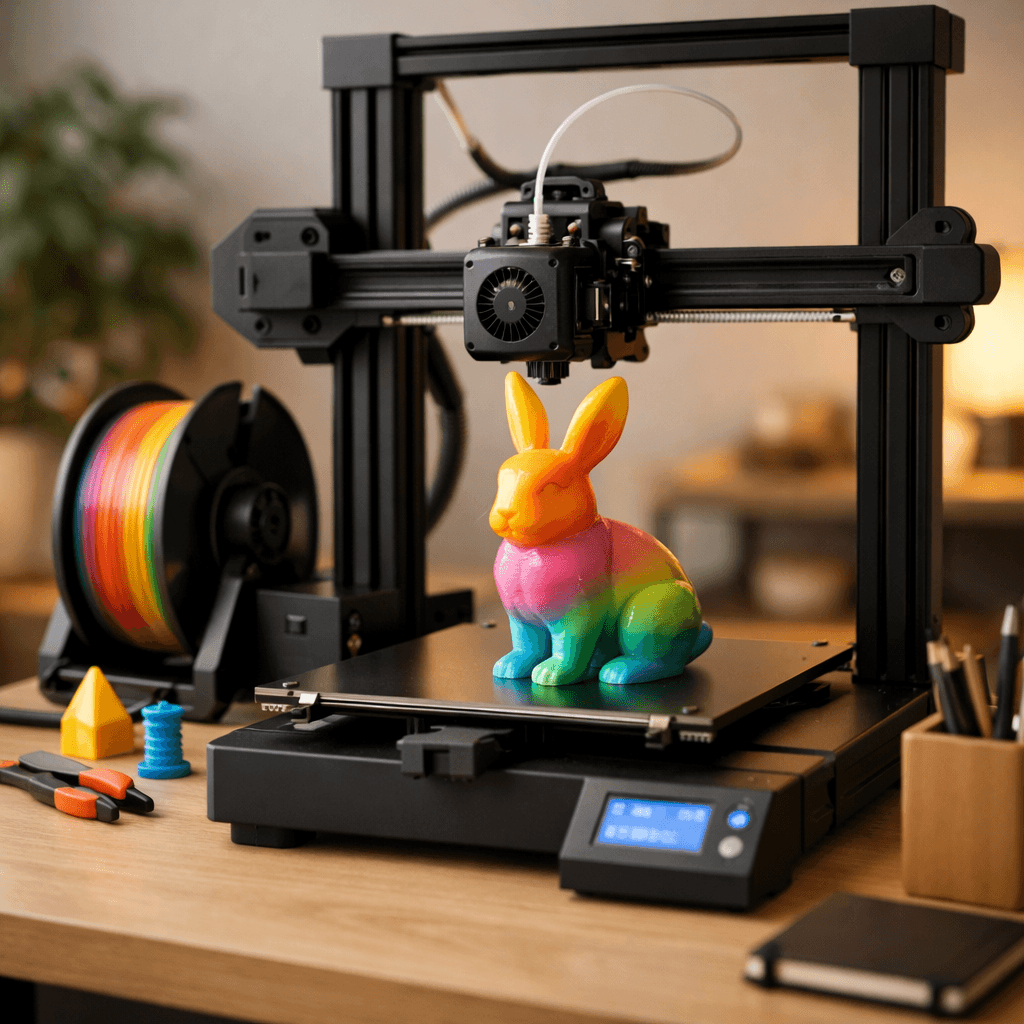
Two reasons the A1 Combo handles TPU better than most printers twice its price: a short direct drive filament path that gives the material nowhere to buckle, and Bambu Studio profiles that are actually tested. Most printers force you to spend an afternoon adjusting retraction distance (0.5-2mm for direct drive), temperature (210-230C for 95A TPU), and speed (25-50mm/s). Bambu Studio picks those settings for you based on filament brand. First-print success rate on TPU is genuinely high here. The open frame is an advantage for flexible filaments specifically. You can watch the feed path during printing and catch any irregularities before they jam. In practice, TPU on the A1 Combo runs at 50-80mm/s. A phone case takes about 90 minutes. A flexible gasket or grip runs 30-60 minutes. TPU bonds well to the PEI plate at 30-40C bed temp and releases cleanly when cooled, no adhesive needed. The limitation is dimensional consistency across batches. TPU in an open room with temperature swings can vary 0.2-0.3mm between prints. Good enough for phone cases; not great for precision seals.
Bambu Lab P1S
Best Enclosed for Dimensional Accuracy, Score: 9/10, $449
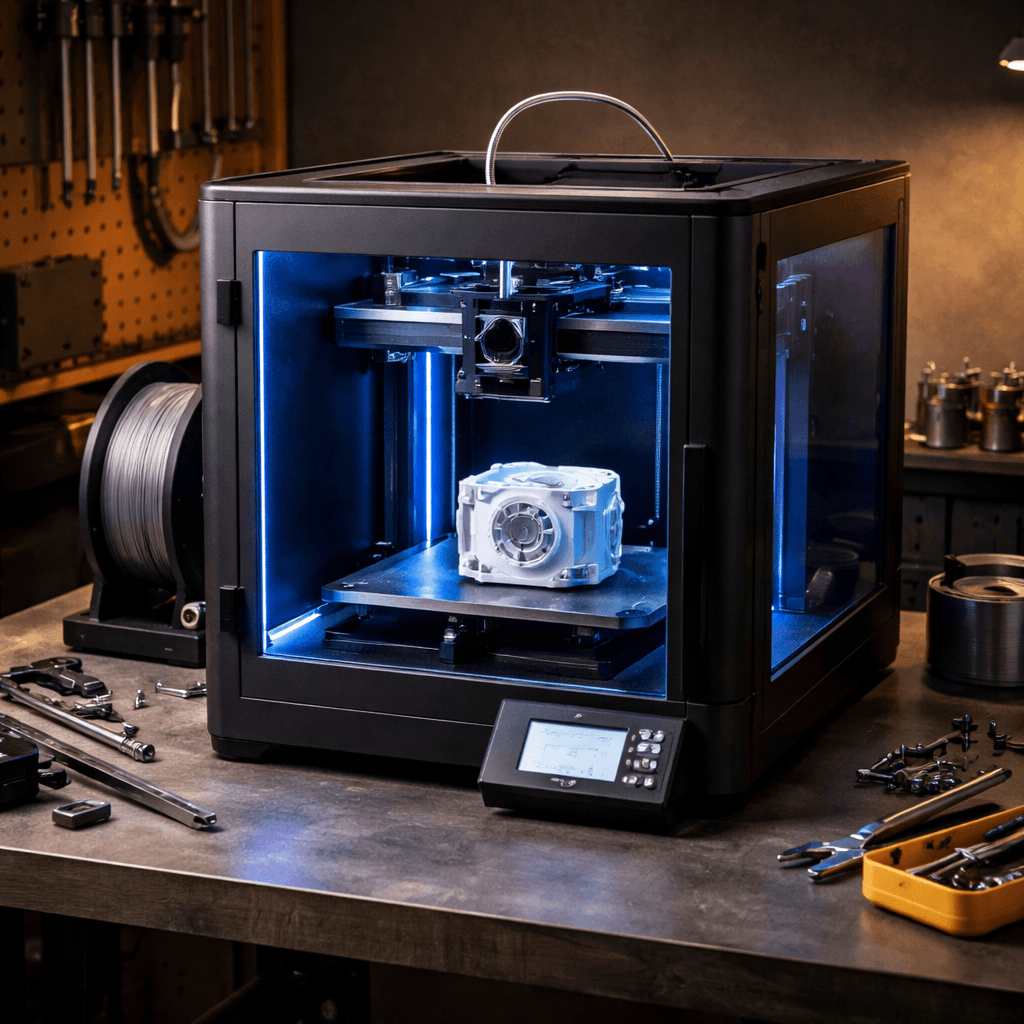
If dimensional accuracy matters for your TPU work, the P1S is the printer to use. Seals, gaskets, custom enclosures, anything where 0.3mm variation ruins the function: the enclosed chamber fixes this. In an open room, temperature drafts cause flexible filaments to cool unevenly. That variance shows up as part-to-part inconsistency across print runs. The P1S maintains stable ambient temps throughout the print, keeping variation under 0.1mm for most 95A TPU grades. The direct drive extruder and Bambu Studio profiles are identical to the A1 Combo. You are paying for the enclosure's thermal stability, not better hardware. TPU does not produce meaningful fumes, but the HEPA filtration is there if you run other materials too. For hobbyists printing phone cases and grips: save your money, the A1 Combo is enough. For anyone producing TPU parts that need to fit precisely, repeatedly, the P1S is the right call.
Creality Ender 3 V3 SE
Best Budget Option for TPU, Score: 8/10, $218
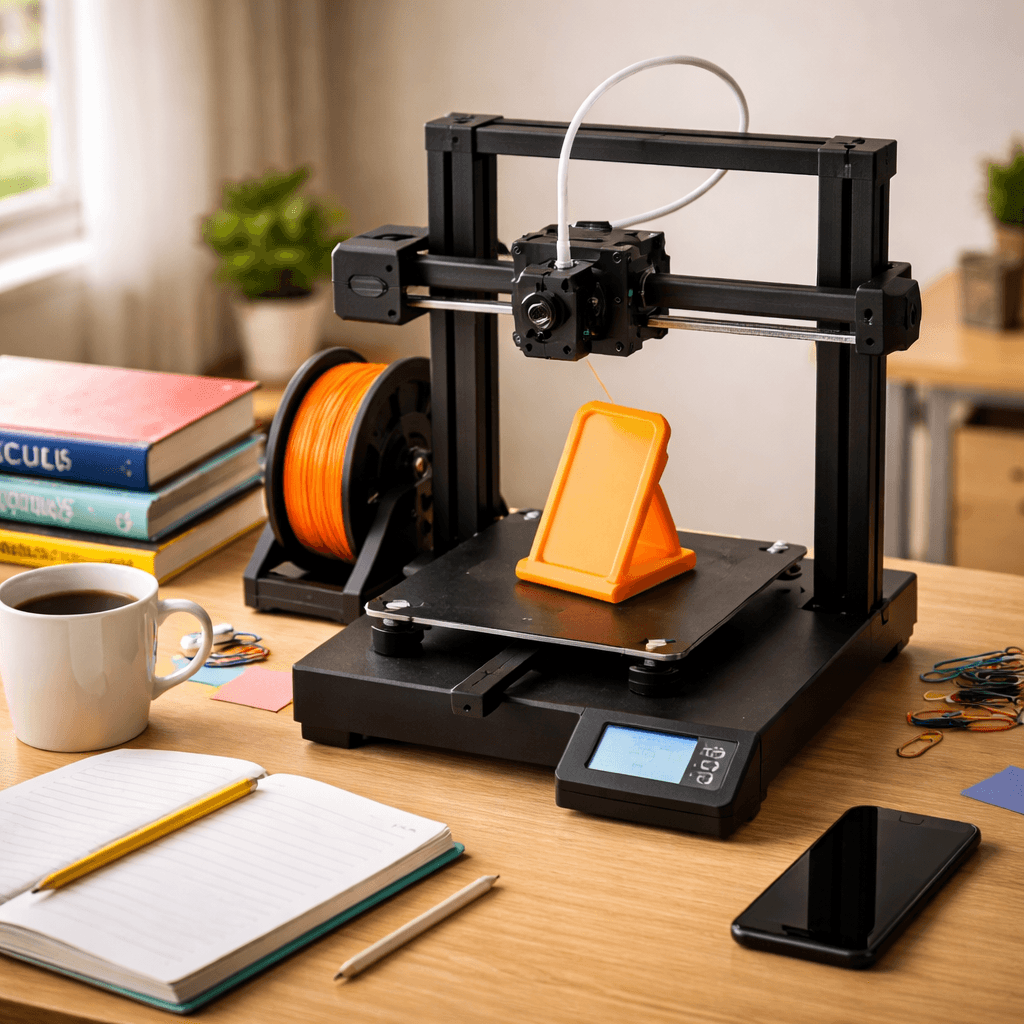
The Ender 3 V3 SE is the budget entry point to actual TPU reliability, and the direct drive extruder is the reason it works where the older Bowden-equipped Ender 3 models failed. With direct drive, 95A TPU prints consistently when you adjust a few settings: speed down to 25-30mm/s, retraction at 0.5-1mm distance and 25mm/s speed, temperature between 220-230C, and fan off for the first few layers. OrcaSlicer's TPU profiles are better starting points than Creality's defaults. The Ender 3 community has documented all of this thoroughly. If something goes wrong on the V3 SE with TPU, someone on Reddit has already solved it. The honest expectation: plan for 1-3 calibration prints before a successful TPU job. That is more friction than the Bambu A1 Combo, and the A1 costs $200 more for a reason. But once the V3 SE is dialed in, it runs reliably at a price where the trade-off makes sense for budget-focused makers.
Prusa MK4S
Best for Production-Grade TPU Reliability, Score: 7.8/10, $929
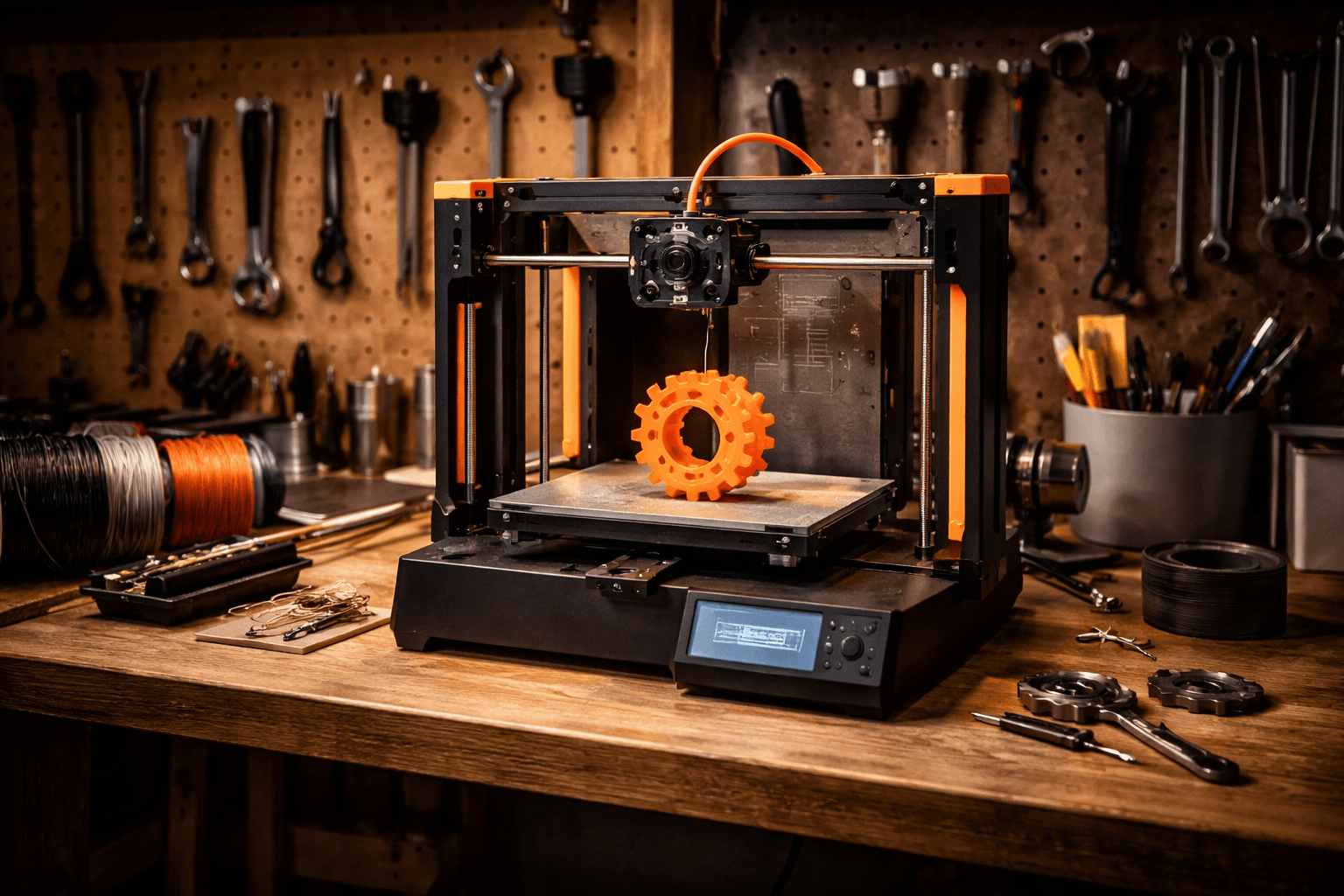
If you need TPU to work every time, the Prusa MK4S is the machine. The Nextruder redesigned the extruder geometry from the MK3S specifically to handle flexible filaments better: shorter path, tighter tolerances around the drive gear, and geometry that constrains the filament through the melt zone more effectively. Fewer jams. More consistent extrusion. This matters most at mid-range hardnesses, 87A-95A, where the material is stiff enough to cause inconsistency but flexible enough to buckle if the path is loose. PrusaSlicer's TPU profiles are tested against specific filament brands including Polymaker PolyFlex and Bambu TPU-95A. They get updated with each firmware release. For rigid materials, the MK4S at 200mm/s is noticeably slower than the Bambu A1. For TPU, where practical print speed caps at 50mm/s regardless of machine, that speed difference is completely irrelevant. Open-source design also means community mods are available, including a silicone heater block sock that reduces TPU ooze on travel moves. The $799 price is not cheap. But for production runs of flexible components where a failed print has real consequences, the reliability record justifies it.
The Bottom Line
Start with the A1 Combo if you want TPU to work out of the box with no setup. For dimensional consistency across batches, the enclosed P1S is worth the extra $200. Budget-focused makers who are comfortable spending an afternoon on calibration should look at the Ender 3 V3 SE's direct drive at around $200. For production runs where failures have real cost consequences, the Prusa MK4S's Nextruder is the proven choice. One rule regardless of which printer you buy: no Bowden tube. Flexible filaments and long Bowden tubes are incompatible. Simple as that.
Our Pick
Polymaker PolyFlex TPU95 is the brand PrusaSlicer profiles target out of the box. Consistent hardness across spools, minimal moisture pickup, and fewer jams on direct-drive extruders. Polymaker's Summer Restock is live: use our code for 35% off storewide through July 5.
Code: SHADMANRAHMAN(Summer Restock: 35% off storewide, ends July 5)
Related Articles
5 Best 3D Printers for Beginners in 2026
New to 3D printing? These five printers go from box to first print in under 30 minutes. No tinkering, no calibration headaches.
Best 3D Printers for Small Business in 2026
Starting a 3D printing business? Reliability and uptime matter more than peak specs. These are the printers production environments actually run.
Best 3D Printers for Schools & Classrooms in 2026
Safety, ease of use, and HEPA filtration. The 3D printers that actually work in school environments without becoming a full-time maintenance job.