Best 3D Printers for Schools & Classrooms in 2026
Safety, ease of use, and HEPA filtration. The 3D printers that actually work in school environments without becoming a full-time maintenance job.
Top pick in this guide
Flashforge Adventurer 5M Pro
$379, PrintPick score 8.6/10. Check the live price before it moves.
Flashforge Adventurer 5M Pro
Best Overall for Schools, Score: 8.6/10, $379
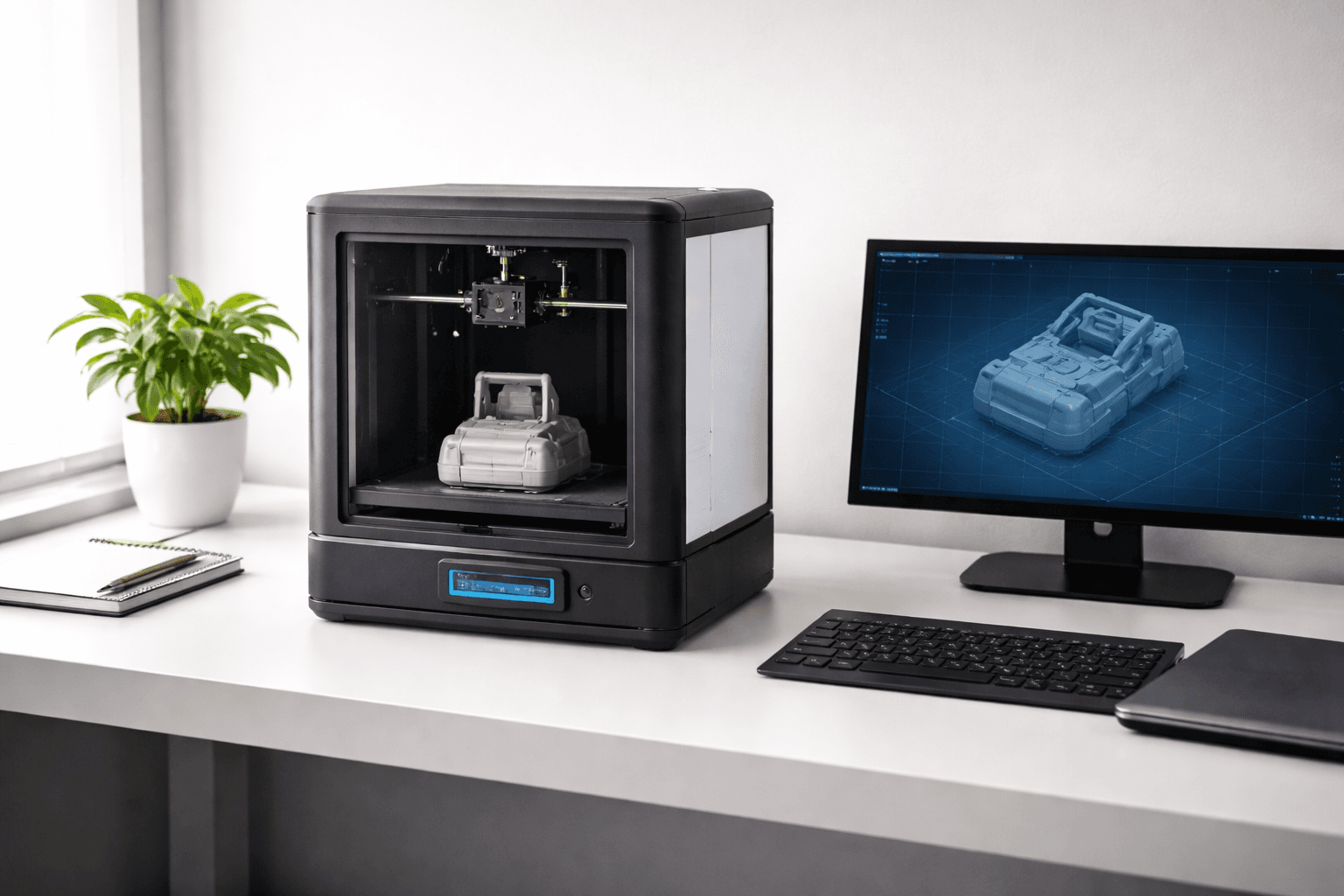
The Flashforge Adventurer 5M Pro at $379 was genuinely designed with educational environments in mind. The fully enclosed body physically prevents students from touching the 260-degree hotend. Not a marketing claim. The HEPA filtration system captures ultrafine particles released when PLA melts. Particularly important in classrooms where students spend hours per day in the same enclosed space as the printer. Schools and district purchasing offices increasingly require HEPA filtration for classroom equipment. The Adventurer 5M Pro satisfies that requirement without an add-on. The toolless nozzle swap system means a teacher can change a clogged nozzle in 30 seconds with no tools and no technical knowledge. Most other printers require a specialist or ten-plus minutes of effort. Print speed reaches 600mm/s, making class projects feasible within a single period for smaller models. At $379, it allows multiple units per classroom within typical education budgets. The 220x220x220mm build volume handles most student project types: scale architectural models, simple mechanical assemblies, artistic sculptures, and STEM prototypes. The software is more approachable than open-source alternatives. Students can load a model and print it with minimal training. Best for any classroom where safety, filtration, and teacher-friendly maintenance are the primary requirements.
Bambu Lab A1 Mini
Best Value for STEM Labs, Score: 9.2/10, $199
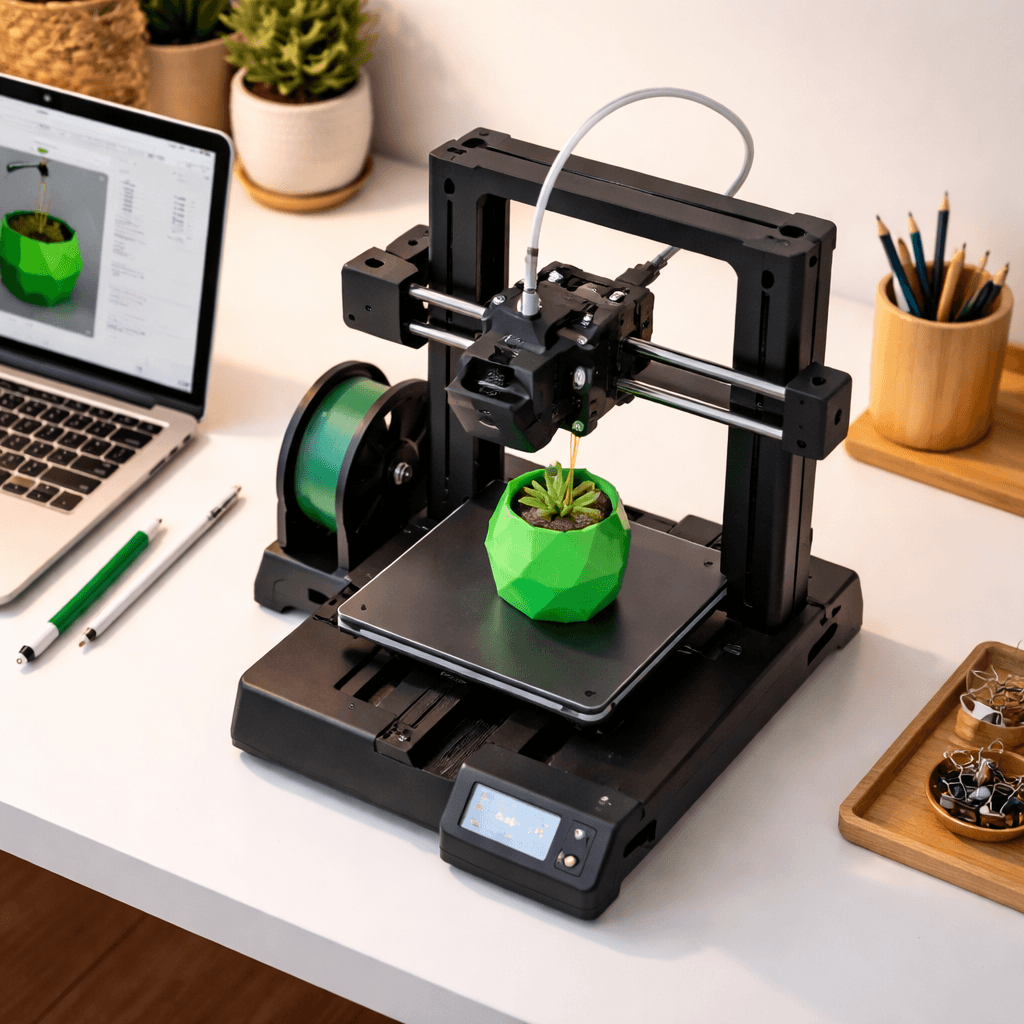
At $199, the A1 Mini enables a fundamentally different lab configuration. Instead of one $600 printer per classroom, you can equip a lab with six to eight A1 Minis for the same budget. With eight printers running simultaneously, 25 students can work in small groups and each group has hands-on access to a running printer rather than watching a demonstration. Bambu Studio includes pre-configured profiles for every common filament. Students select PLA, choose print quality (Draft, Standard, or Fine), and click print. No bed-leveling adjustments, no temperature tuning, no manual calibration. Auto-leveling runs a 49-point mesh scan before each print and compensates automatically. First-print success rates exceed 95%. Critical in a classroom setting where a failed print derails a student's project and a teacher's lesson plan. The honest safety caveat: the A1 Mini is open-frame. Students can potentially touch the moving parts and hot nozzle. It requires supervision, particularly with younger students. For high school STEM labs where students are old enough to follow safety protocols, the A1 Mini's print quality, ease of use, and per-unit cost make it the most practical choice for equipping an entire class.
Bambu Lab A1 Combo
Best for Creative and Art Programs, Score: 9.2/10, $399
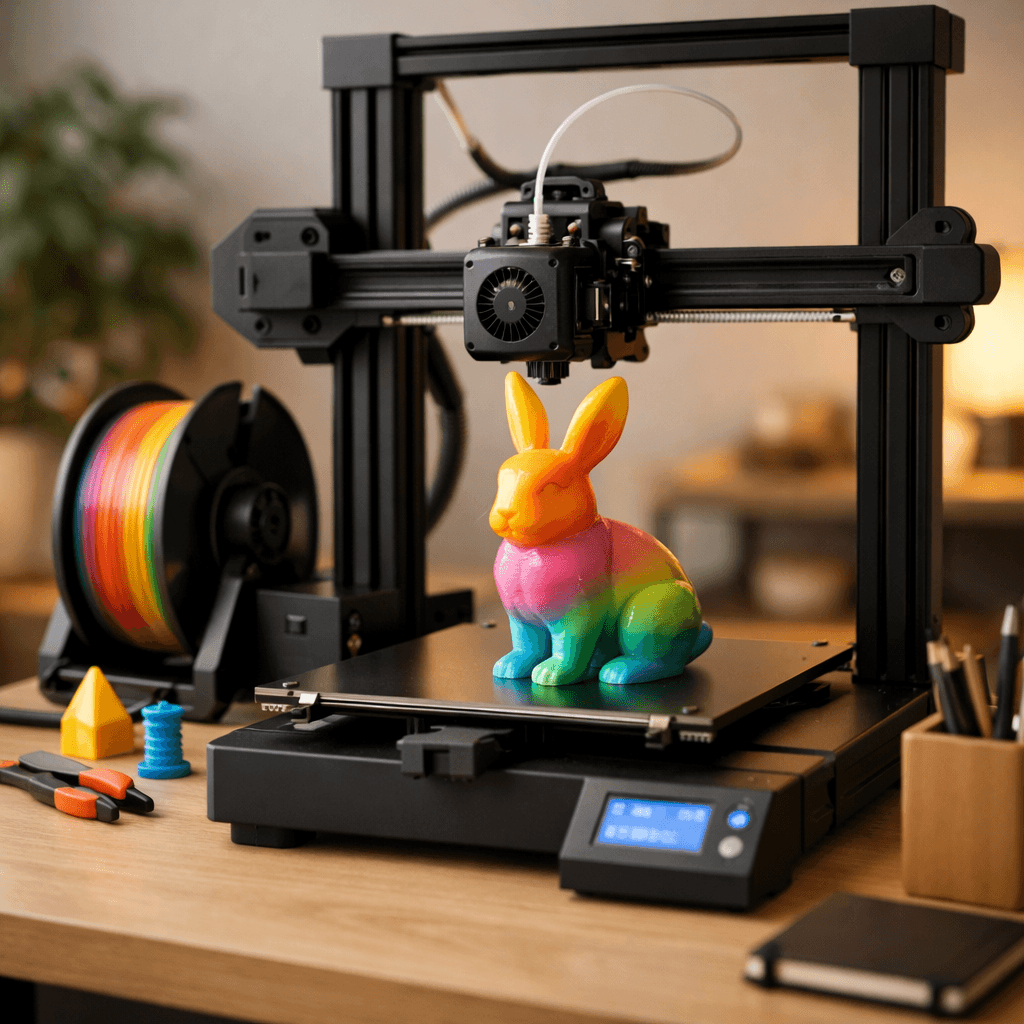
Multi-color 3D printing changes what students can make. A single-color printer produces objects that look like 3D printer output. A multi-color printer produces designed artifacts: phone stands with logos in two colors, architectural models with labeled components, artistic sculptures with integrated gradients. The A1 Combo's AMS Lite handles up to four simultaneous filament colors with automatic switching. Bambu Studio's paint-on color tool works like coloring a 3D model in drawing software. Students with no technical background can create multi-color prints after 20 minutes of instruction. The educational applications are wide. Art classes explore color theory and 3D design. Engineering classes print assemblies with color-coded components. Science classes produce molecular structure models and geological formations with color differentiation. The AMS Lite also teaches material science concepts naturally: why different plastics behave differently, why filament diameter consistency matters, and how temperature affects material behavior. At $399, the A1 Combo costs twice an A1 Mini but produces dramatically richer creative outcomes. For art programs, makerspaces, and creative STEM curricula, the investment is justified.
Creality Ender 3 V3 SE
Best for Teaching How 3D Printing Works, Score: 8/10, $218
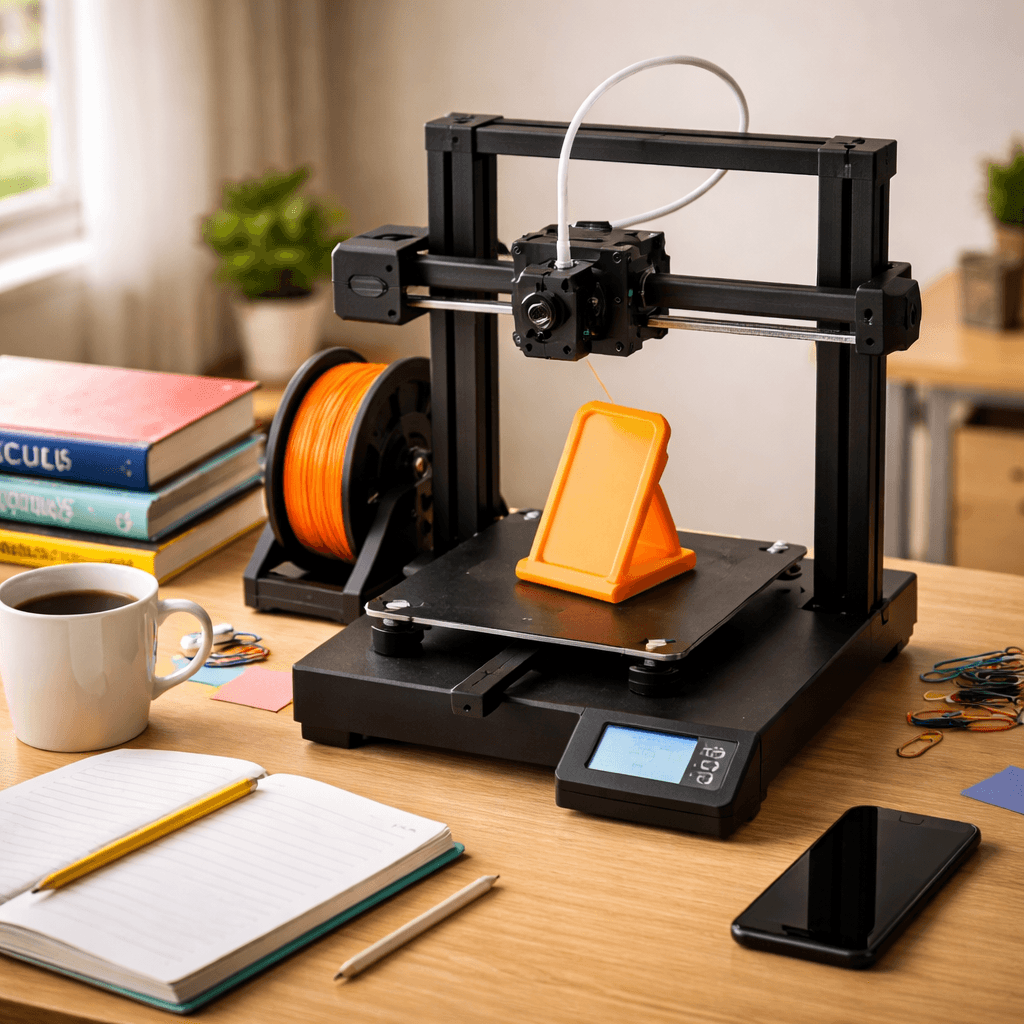
There's a meaningful difference between using a 3D printer and understanding one. If the educational goal is the latter, teaching students the mechanics, technology, and engineering principles behind additive manufacturing, the Creality Ender 3 V3 SE at approximately $200 is the better learning tool. It exposes its workings rather than hiding them. The open frame lets students observe the entire print process: stepper motors moving the printhead, the extruder feeding filament, the heated bed maintaining adhesion temperature, layer-by-layer construction in real time. That visual transparency is pedagogically valuable in ways an enclosed machine can't match. The Ender 3 platform has the largest community resource base in consumer 3D printing. Thousands of hours of YouTube tutorials covering every aspect of the machine. Free curriculum materials, project guides, and lesson plans specifically designed for Ender 3 machines exist across teacher platforms. The V3 SE includes auto bed leveling and direct drive, improvements over older Ender 3 models that reduce frustration without obscuring how the printer works. 220x220x250mm build volume handles most student projects. The honest limitation: the Ender 3 requires more teacher expertise to maintain than a Bambu or Flashforge. Nozzle clogs need manual clearing. Bed leveling needs periodic manual verification. Right machine if you want to teach printing technology. Wrong machine if you want to use printing as a tool without learning its internals. Choose the Flashforge or Bambu in that case.
The Bottom Line
Younger students, safety-critical environments: the Flashforge Adventurer 5M Pro's enclosed design, HEPA filtration, and toolless maintenance make it the responsible institutional choice at $379. STEM labs on a per-student budget: equip the room with multiple Bambu Lab A1 Minis at $199 each. More machines means more hands-on time per student. Art and creative programs: the A1 Combo's four-color AMS Lite changes what students can design and make. Programs teaching printing technology itself rather than using it as a tool: the Creality Ender 3 V3 SE's transparent mechanics and massive curriculum community are hard to beat.
Related Articles
5 Best 3D Printers for Beginners in 2026
New to 3D printing? These five printers go from box to first print in under 30 minutes. No tinkering, no calibration headaches.
5 Best Quiet 3D Printers for Apartments in 2026
Living in an apartment doesn't mean you can't 3D print. These are the quietest printers that won't disturb your neighbors or your sleep.
Best Budget 3D Printers Under $300 in 2026
You don't need to spend $500 for great prints. Under $300 now gets you auto bed leveling, direct drive, and speeds that were $400+ features two years ago.