5 Best 3D Printers for Beginners in 2026
New to 3D printing? These five printers go from box to first print in under 30 minutes. No tinkering, no calibration headaches.
Top pick in this guide
Bambu Lab A1 Combo
$399, PrintPick score 9.2/10. Check the live price before it moves.
Bambu Lab A1 Combo
Best Overall for Beginners, Score: 9.2/10, $399
The A1 Combo is the one I'd tell my non-technical friends to buy. Setup is genuinely 15 minutes: remove the foam, plug it in, run auto-calibration, print. Bambu Studio comes with pre-tuned profiles for every filament type, so you don't touch retraction settings or Z-offset on day one. The AMS Lite is what separates this from every other printer at the price. Multi-color used to mean a $2,000+ machine. The A1 Combo does it for $399, up to 4 colors. Your first multi-color benchy will feel like cheating. The built-in camera is genuinely useful for overnight prints, not just a marketing spec. One real limitation: no enclosure. Drafts affect ABS and Nylon prints. For PLA and PETG, which covers 95% of what beginners actually print, it's irrelevant. If someone asks me which printer to buy, this is still the answer.
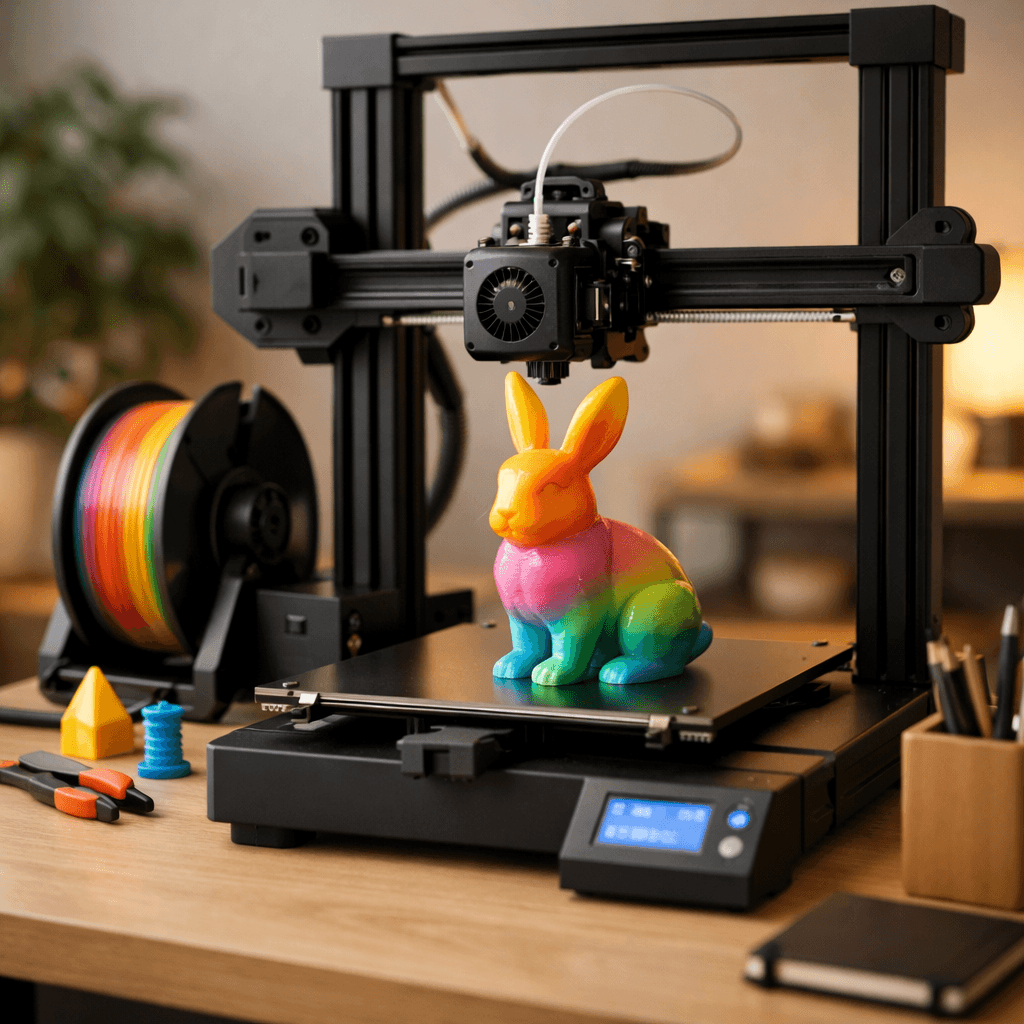
Bambu Lab A1 Mini
Best Budget Beginner Printer, Score: 9.2/10, $199
The A1 Mini is the A1 Combo with the build plate shrunk and $200 knocked off. Same auto-leveling, same WiFi, same camera, same Bambu Studio software. Print quality is identical. At $199, it's the best dollar-for-dollar value in 3D printing. No caveats. The 180mm build volume covers phone stands, planters, figurines, desk organizers, and small cosplay pieces. Honestly, most beginners never need bigger. Your first prints should be small anyway: a phone stand takes 30 minutes, a cable clip takes 10, a figurine takes 2 hours. The Mini handles all of it. No AMS multi-color out of the box, but you can add the AMS Lite for $69 later. If you definitely want bigger prints from day one, spend the extra $200 on the A1 Combo. Otherwise, this is where I'd start.
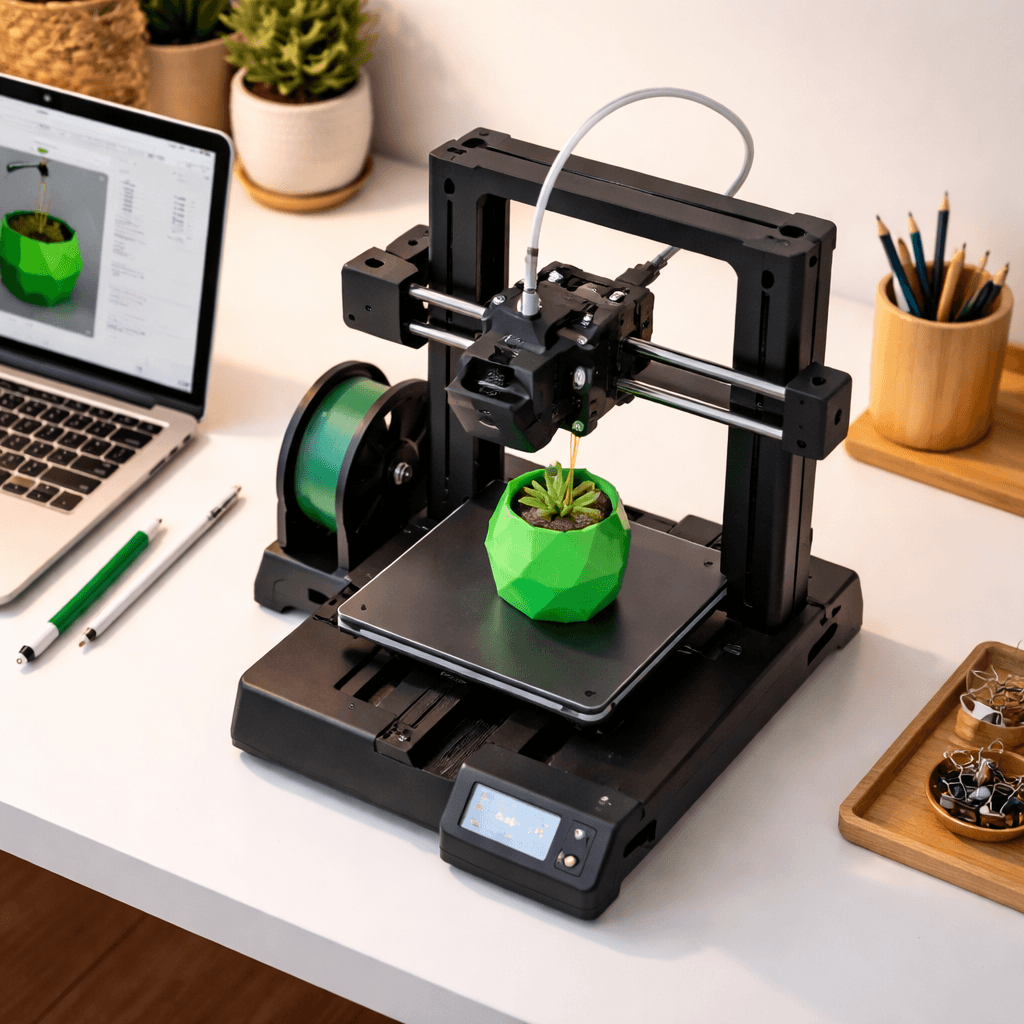
Creality Ender 3 V3 SE
Best Under $200 (No Compromises), Score: 8/10, $218
Creality actually nailed it with the V3 SE. Auto-leveling, direct drive, 250mm/s speed. These features didn't exist at this price two years ago. No WiFi, no camera, no multi-color. What you get instead is the biggest community in 3D printing. The Ender 3 series is the most popular printer ever made. Every problem you'll hit has been solved on Reddit, YouTube, or the Ender 3 Facebook groups. The 220x220x250mm build volume is larger than the A1 Mini. Upgrade path is basically infinite: BLTouch, all-metal hotends, silent boards, LED bars. The stock profiles aren't as dialed as Bambu's, which means you'll spend time in the slicer learning layer height, infill, and support settings. Annoying at first. Later you'll realize it made you a better user. Buy this if you want to understand how 3D printing works, not just press a button.
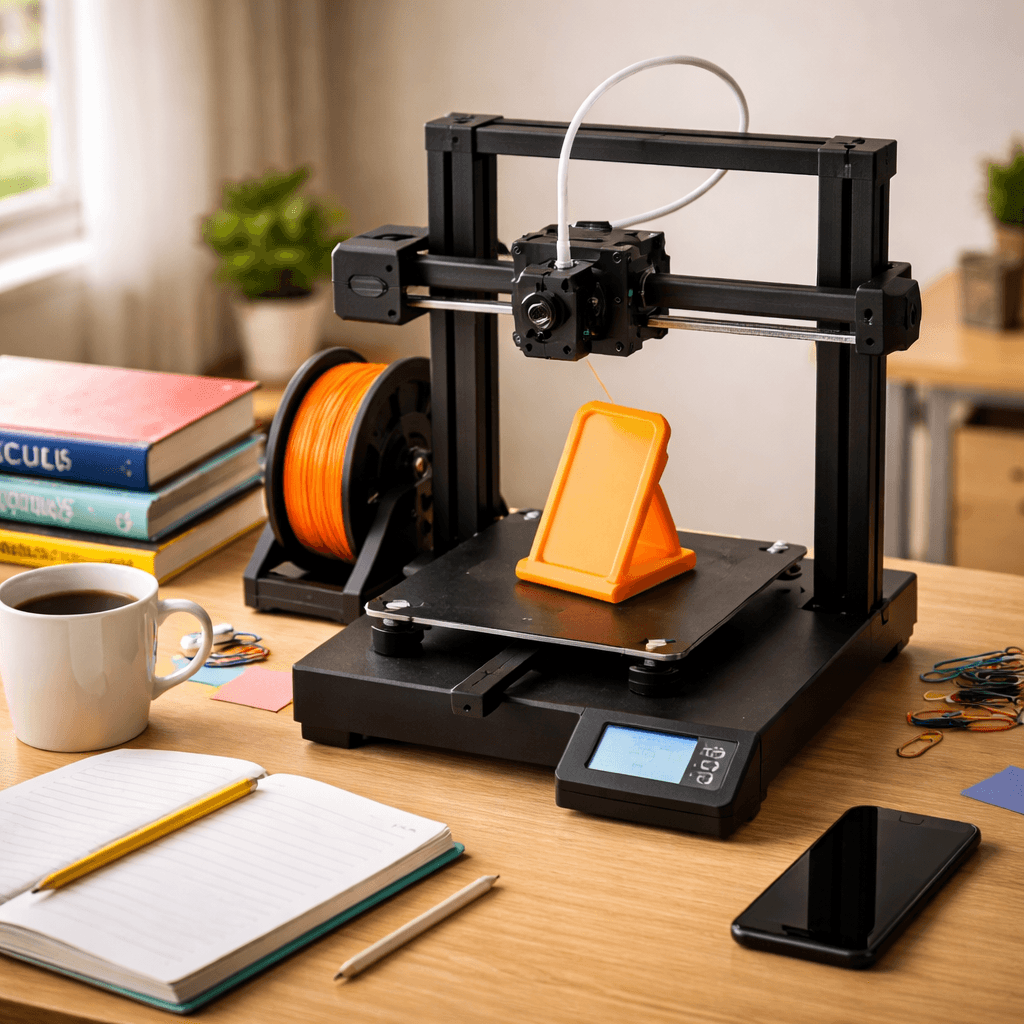
Elegoo Neptune 4 Pro
Best for Speed Enthusiasts, Score: 8/10, $259
The Neptune 4 Pro does a benchy in 15 minutes. A standard Ender 3 takes 2 hours. That difference changes how you use a printer. Quick iterations, same-day gifts, batch runs of small parts all become practical when print time drops that dramatically. Klipper comes pre-installed at 500mm/s maximum. Full-speed quality is good but not perfect. Ringing artifacts show up at the top end. Most users settle at 300-400mm/s where quality is excellent and throughput is still impressive. The learning curve is real. Klipper gives you control over pressure advance, input shaping, and acceleration curves but also more settings than the A1 Combo. Auto bed leveling, direct drive, and a PEI plate are included. 225x225x265mm build volume. At $269, it sits between the budget picks and the A1 Combo. If plug-and-play matters more than speed, the A1 Combo wins. If fast results are the priority and you don't mind time in settings, this is your printer.
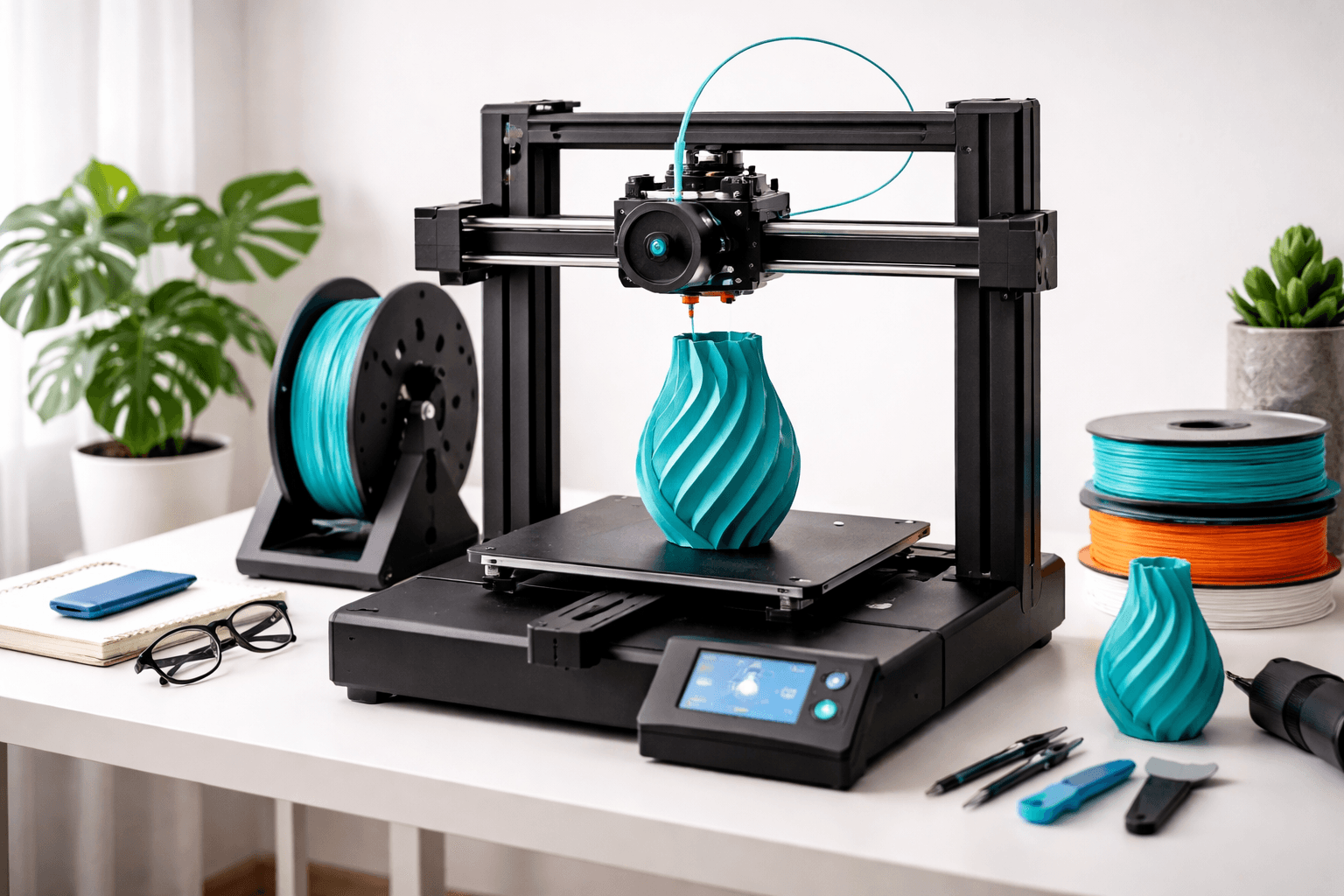
Anycubic Kobra S1 Combo
Best Multi-Color on a Budget, Score: 8.2/10, $499
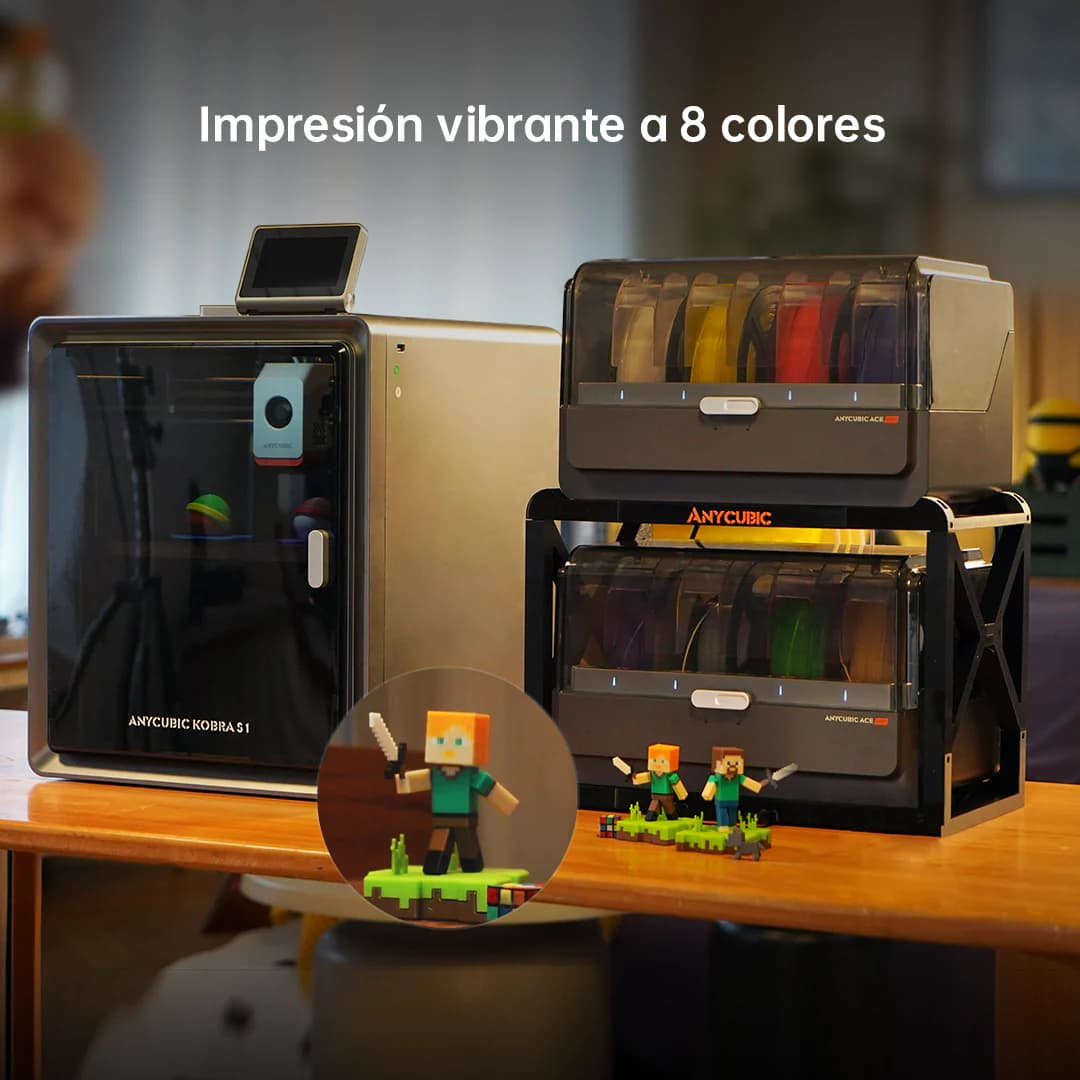
The Kobra S1 Combo succeeds the now-discontinued Kobra 3 Combo and goes further: 8 colors out of the box via the ACE Pro 2 system. The A1 Combo does 4. To beat 8 with Bambu, you're stacking extra AMS units and spending more. At $499 this is the only machine under $500 that ships with 8-color capability. The improved ACE Pro 2 wastes less filament on color swaps than the original. The Anycubic slicer includes a paint-on color tool similar to Bambu Studio. Build quality and reliability are both meaningfully better than the Kobra 3 generation. The honest caveat: Anycubic's software ecosystem is less mature than Bambu's. The community is growing but smaller. For most beginners who just need 4 colors, the A1 Combo at $399 is the safer choice with better software support. But if 8-color printing is what you're after and staying under $500 matters, there's nothing else.
The Bottom Line
The A1 Combo at $399 is the right starting point for most people. It works, prints 4 colors, and has the best software in the category. Budget tight? The A1 Mini at $199 is unbeatable value and a sensible way to find out if you actually enjoy the hobby before spending more. Want 8-color capability? The Kobra S1 Combo at $499 is the only option under $500 that ships with it. Want to understand how printing works from the ground up? The Ender 3 V3 SE has the community and upgrade path to support years of tinkering. Whichever you pick: start with PLA, grab free models from Printables.com, and don't stress about perfect first prints. They won't be. That's fine.
Our Pick
The A1 Combo is the easiest recommendation we make. Multi-color, fast, and backed by the best beginner community in consumer 3D printing. Currently $399 on Amazon with AMS Lite included.
Related Articles
Best Budget 3D Printers Under $300 in 2026
You don't need to spend $500 for great prints. Under $300 now gets you auto bed leveling, direct drive, and speeds that were $400+ features two years ago.
Best 3D Printers for Schools & Classrooms in 2026
Safety, ease of use, and HEPA filtration. The 3D printers that actually work in school environments without becoming a full-time maintenance job.
Best 3D Printers for TPU & Flexible Filament
Printing flexible filaments like TPU requires a direct drive extruder. These printers handle flex without jamming.