Best 3D Printers Under $200 in 2026
Four genuinely good 3D printers under $200. What you actually get and what you give up at each price point.
Top pick in this guide
Bambu Lab A1 Mini
$199, PrintPick score 9.2/10. Check the live price before it moves.
Bambu Lab A1 Mini
Best Overall Under $200, Score: 9.2/10, $199
At $199, the A1 Mini is the best dollar-for-dollar value in consumer 3D printing. The gap between this and the next-best option at the price is significant, not marginal. Auto bed leveling with a 49-point mesh scan, WiFi with full Bambu Studio integration, a built-in camera for remote monitoring, and print quality that rivals machines costing $400-500. The 180x180x180mm build volume is the only limitation worth discussing. Phone stands, desk organizers, small figurines, cable clips, planters, and prototypes up to roughly 18cm. Most people overestimate how much build volume they actually use. The majority of everyday 3D prints fit within 150mm. Out of the box, zero calibration, the A1 Mini produces first prints that look polished. Bambu Studio handles filament profiles, supports, and settings. You import a model, pick a material, press print. First-print success rate is above 95%. That's genuinely remarkable at this price. No multi-color support out of the box (AMS Lite is a separate $69 add-on). For anyone new to 3D printing who wants to start making things immediately rather than learning printer mechanics, this is the right starting point.
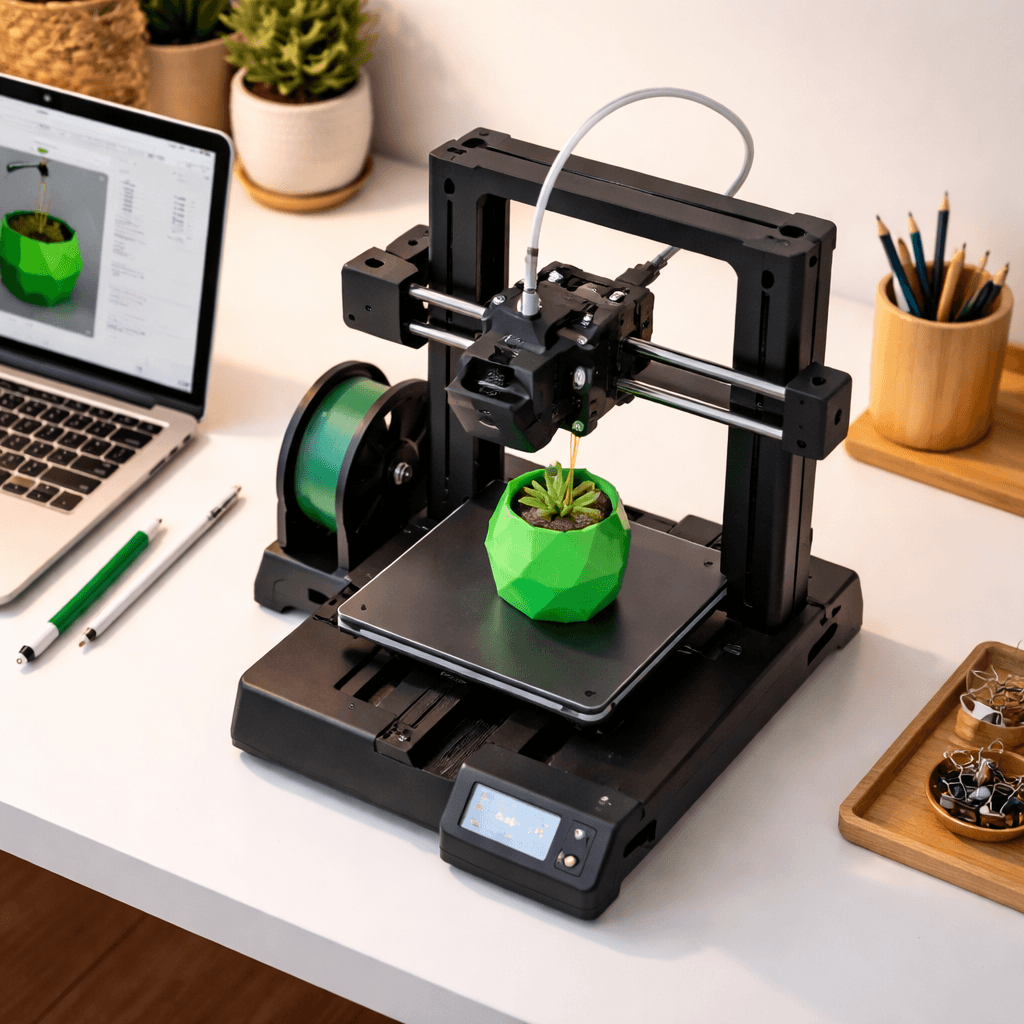
Voxelab Aquila X2
Best for Learning the Fundamentals, Score: 6.6/10, $179
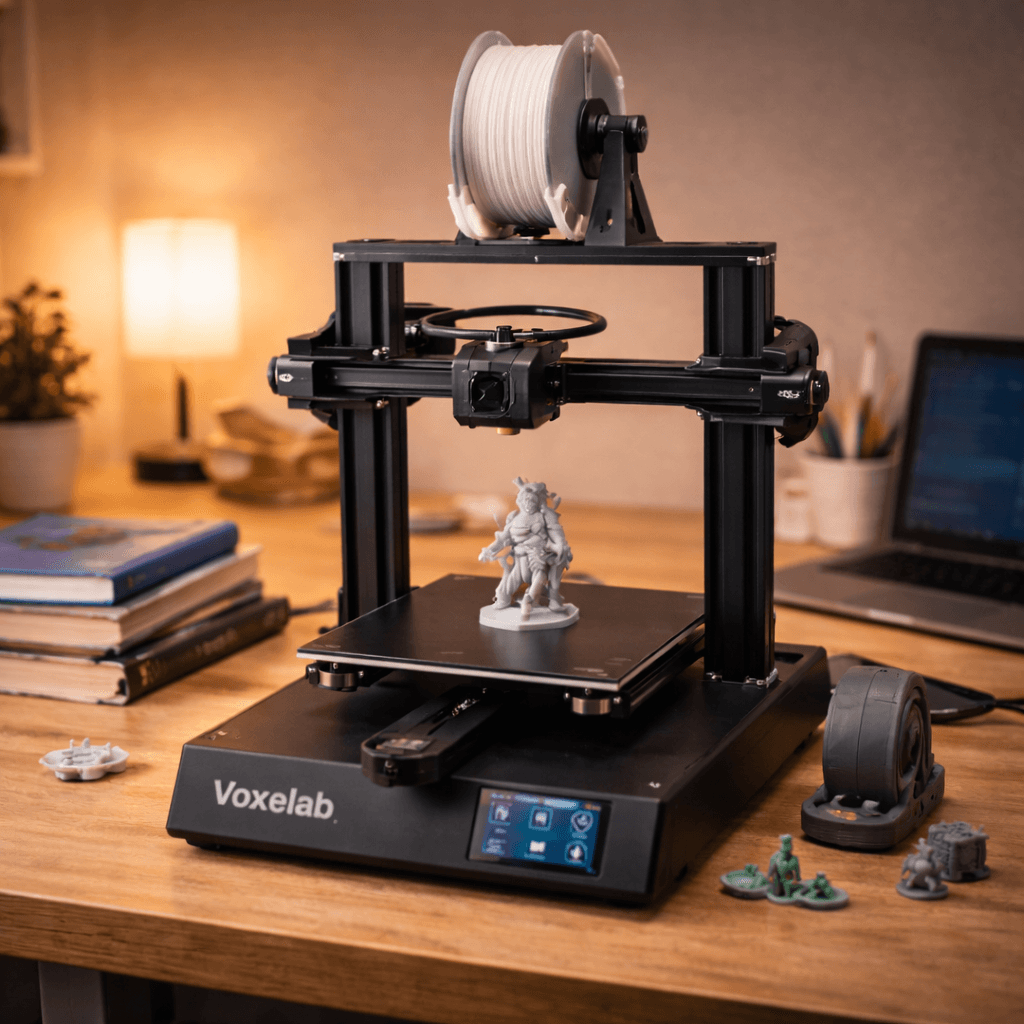
The Aquila X2 at $179 is instructive precisely because it's manual. Manual bed leveling teaches you what Z-offset is and why it matters. A Bowden extruder teaches you how filament path length affects retraction settings. Adjusting temperatures manually teaches you how PLA, PETG, and ABS behave differently. This sounds like a disadvantage. For people who want to understand 3D printing from the ground up rather than use it as a black box, it's actually a better teacher than any auto-everything machine. The hardware is essentially an Ender 3 clone. 220x220x250mm build volume, glass build plate, full compatibility with the Ender 3 mod ecosystem. BLTouch kits ($15-25), all-metal hotends ($20-30), direct drive conversions ($30-40), silent stepper boards. All available and well-documented. You can upgrade an Aquila X2 into a capable machine for $100-150 over six months. The honest caveat: the A1 Mini at $199 is only $20 more and requires zero troubleshooting. If you want to print from day one, go there. If patience and curiosity describe you, the Aquila X2 is an excellent starting point.
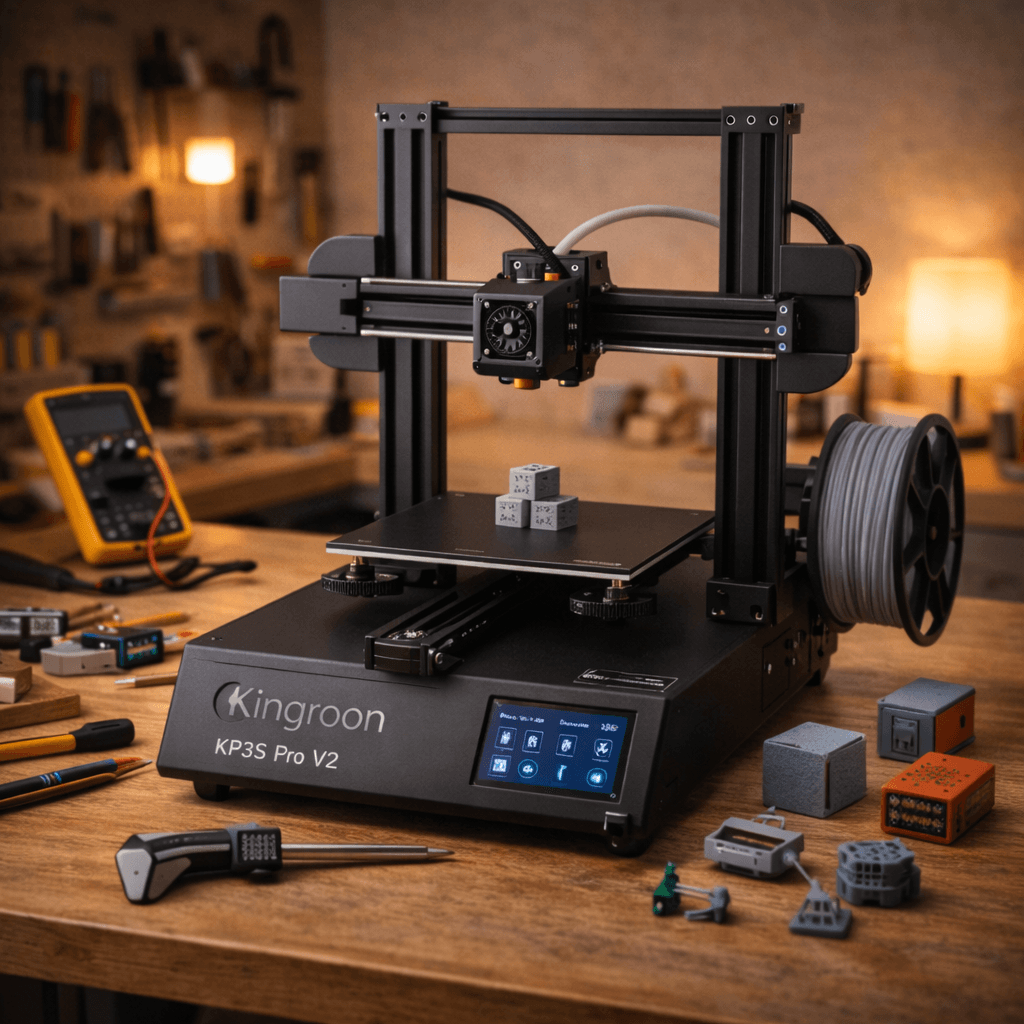
Kingroon KP3S Pro V2
Best Compact Hardware Under $200, Score: 7.2/10, $159
At $159, the KP3S Pro V2 has hardware that has no business being at this price: linear rail motion on all three axes and a direct drive extruder. Linear rails give smoother, more precise movement than the V-slot wheel systems most budget printers use. Better dimensional accuracy, less maintenance, cleaner print surfaces. The direct drive handles TPU and flexible filaments reliably. Phone cases, gaskets, flexible brackets. 200x200x200mm build volume. The honest tradeoffs: Kingroon is a small brand with a small community. When something goes wrong, troubleshooting resources online are sparse compared to Creality or Bambu. Stock firmware is basic. Upgrading to Klipper for advanced features requires technical comfort. Print quality is good but needs more slicer tuning than an A1 Mini to hit optimal results. Best for makers who want premium motion hardware at minimum cost and are comfortable being self-reliant when things go sideways.
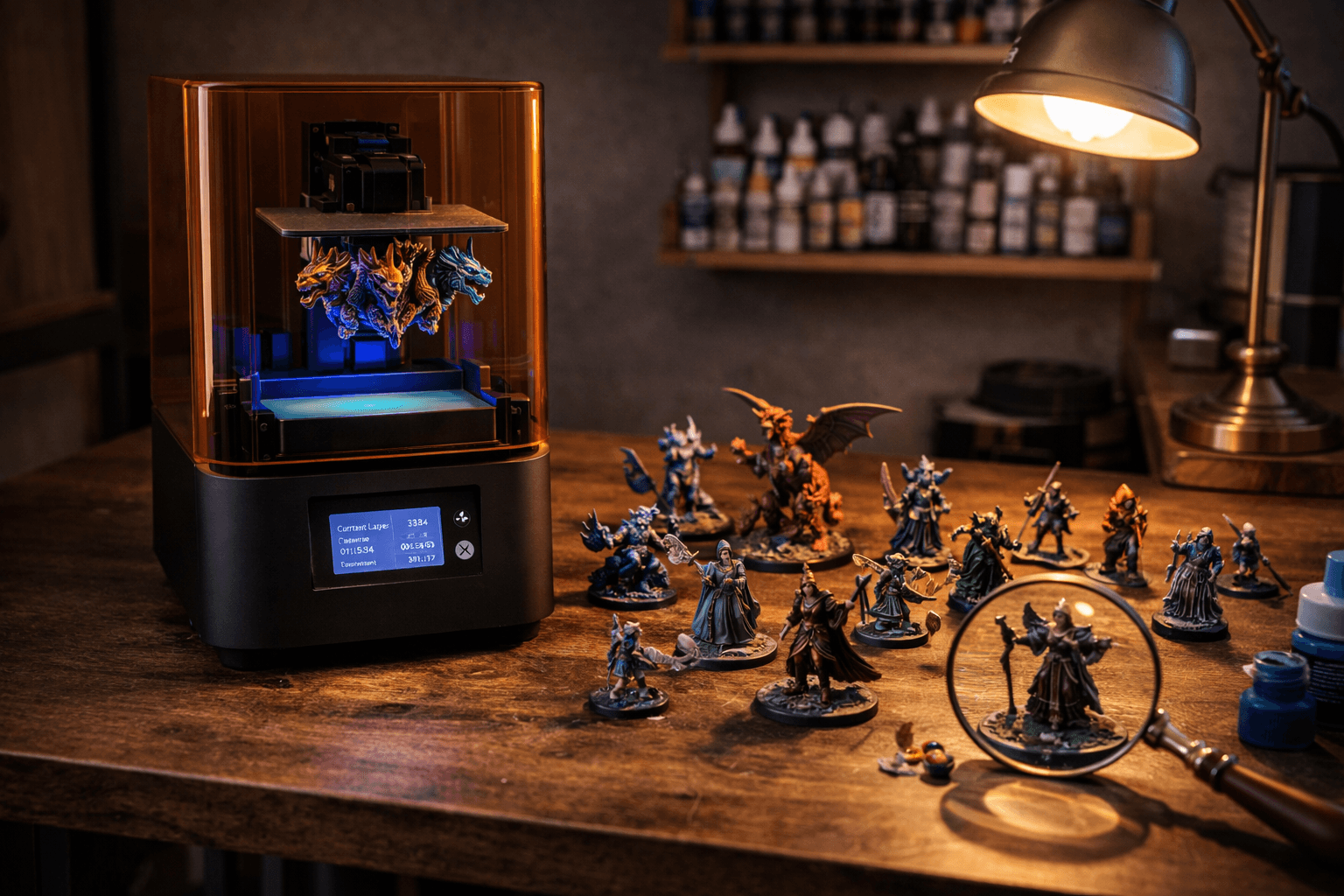
Anycubic Photon Mono 4
Best Entry into Resin Printing, Score: 7.4/10, $159
The Photon Mono 4 at $159 opens a completely different category of 3D printing. MSLA resin at a price that makes experimentation viable. Resin produces detail no FDM printer under $500 can match. Chainmail links on a 28mm miniature, facial expressions on a bust, engraved text on a ring. All of it with clarity that looks injection-molded. The 10K mono LCD delivers 49-micron XY resolution across a 153x77mm build plate. Enough for two to three 28mm miniatures per run. Fast exposure times at 1.5-3 seconds per layer, and mono LCD longevity far beyond older RGB screens. The things you need to know before buying: resin printing requires post-processing FDM doesn't. Every print needs a 5-10 minute wash in IPA, followed by 5-10 minutes of UV curing. You'll need a wash-and-cure station ($80-120). Budget for it separately. Resin fumes require ventilation. Uncured resin needs nitrile gloves and proper disposal. If you accept those requirements, the detail quality for miniatures and jewelry-scale objects is genuinely stunning at $159.
The Bottom Line
The A1 Mini at $199 is the right call for most buyers here. Nothing else under $200 combines print quality, ease of use, and reliable first-print success like it does. Want to understand how 3D printers actually work? The Aquila X2's manual approach teaches you more than any auto-everything machine. Want premium motion hardware in a compact footprint? The KP3S Pro V2's linear rails at $159 punch well above their price. Want miniature-quality detail from resin rather than FDM? The Photon Mono 4 opens that world at the same $159. Use our comparison tool to check current pricing. These machines go on sale for 10-20% off regularly.
Related Articles
Best Budget 3D Printers Under $300 in 2026
You don't need to spend $500 for great prints. Under $300 now gets you auto bed leveling, direct drive, and speeds that were $400+ features two years ago.
5 Best 3D Printers for Beginners in 2026
New to 3D printing? These five printers go from box to first print in under 30 minutes. No tinkering, no calibration headaches.
Best Resin 3D Printers for Miniatures & Detail in 2026
Resin printers produce detail FDM simply can't match. Best picks for miniatures, jewelry casting, and precision models in 2026.