Best Budget 3D Printers Under $300 in 2026
You don't need to spend $500 for great prints. Under $300 now gets you auto bed leveling, direct drive, and speeds that were $400+ features two years ago.
Top pick in this guide
Bambu Lab A1 Mini
$199, PrintPick score 9.2/10. Check the live price before it moves.
Bambu Lab A1 Mini
Best Value Overall, Score: 9.2/10, $199
At $199, the A1 Mini produces prints that embarrass machines twice its price. The 180mm build volume is the only real limitation. If your projects fit, just buy this. Auto bed leveling, WiFi, camera monitoring, pre-tuned slicer profiles, and build quality that feels premium. With zero calibration, out of the box, the A1 Mini hits 95%+ first-print success. Budget printers from 2023 were around 60%. The gap is enormous. Download a model, pick a filament, hit print. First successful print from unboxing is about 30 minutes. At 180x180x180mm you can't print full-size helmets or large vases. But phone stands, figurines, desk organizers, keycaps, cable clips, and small functional parts? All day. Most people significantly overestimate how much build volume they actually use.
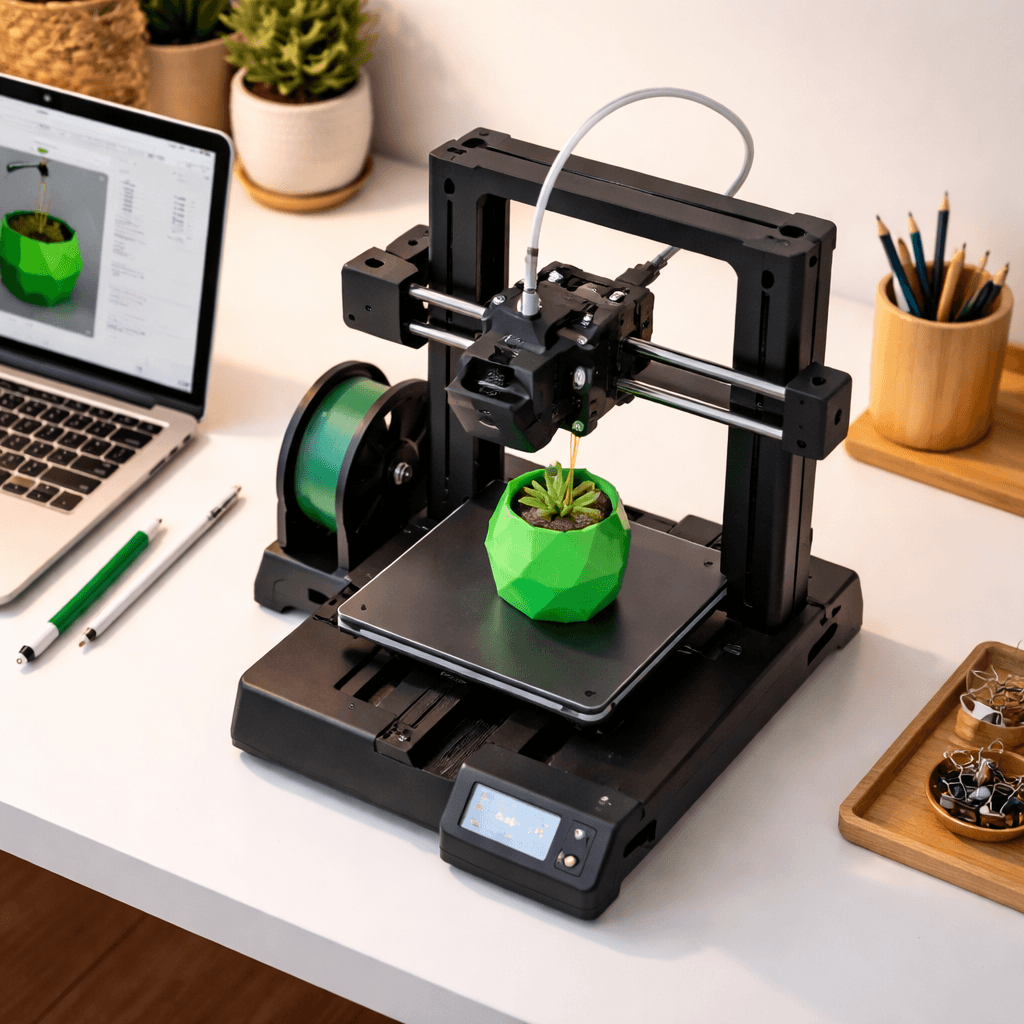
Creality Ender 3 V3 SE
Best for DIY Learners, Score: 8/10, $218
The V3 SE is the best Ender 3 yet. At roughly $200 you get auto-leveling and direct drive, two things the original Ender 3 notoriously lacked. The community around this series is unmatched. Thousands of mods, guides, and upgrade paths across Reddit, YouTube, Facebook, and Discord. The 220x220x250mm build volume is notably larger than the A1 Mini. Direct drive handles TPU and flexible filaments well. No WiFi, no camera, no cloud slicing. You'll use OrcaSlicer or Cura on your computer and move files via USB or SD card. Inconvenient at first. Over time it teaches you how slicer settings actually work, which makes you a more capable user than the plug-and-play path. The Ender 3 V3 SE is the Honda Civic of 3D printers: not flashy, but reliable, well-supported, and with more aftermarket parts than anything else on earth.
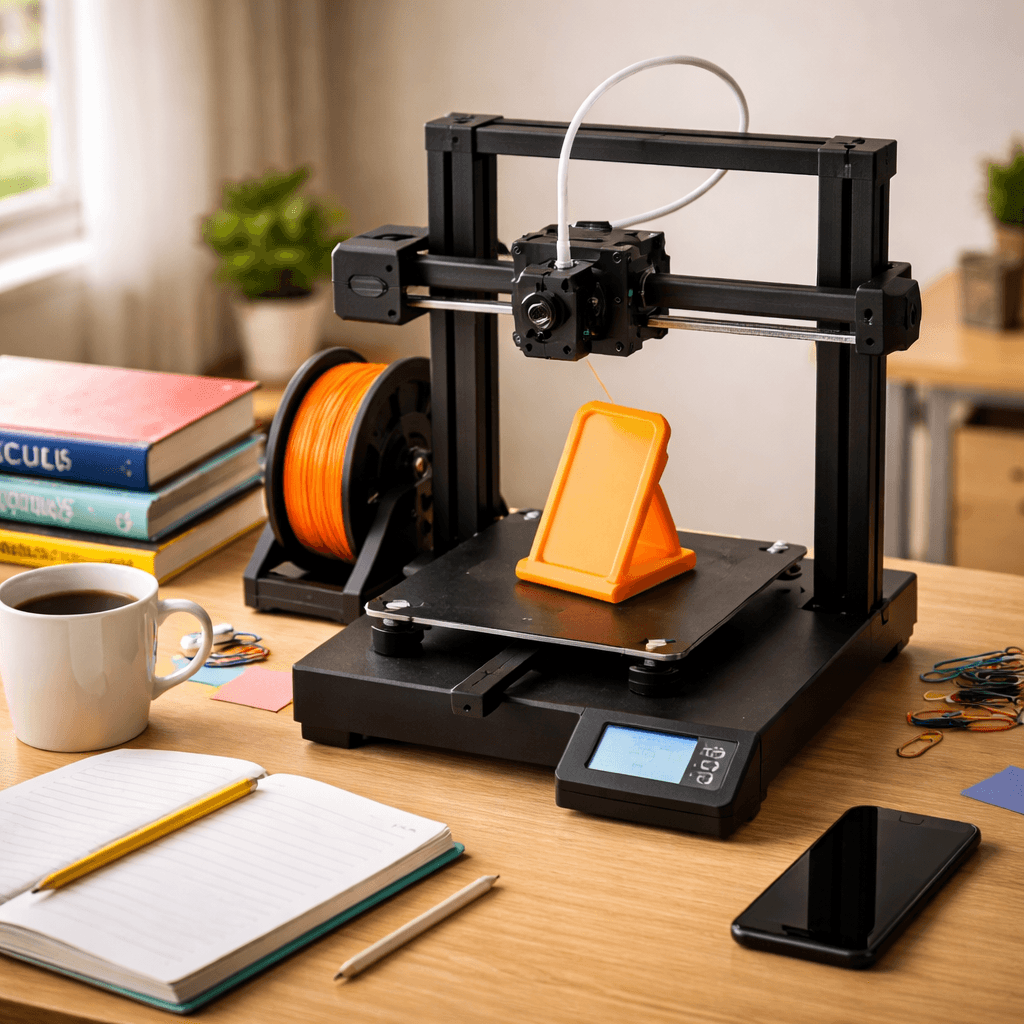
Elegoo Neptune 4 Pro
Best Speed for the Money, Score: 8/10, $259
500mm/s with Klipper pre-installed, for under $270. A benchy takes 25 minutes on this printer. Older budget machines take 2 hours. That gap matters when you're iterating on a design, batch running small parts, or need prints done same day. Quality at full speed is good, not perfect. Ringing artifacts appear at the top end. Most users settle at 300-400mm/s where quality is excellent and throughput is still impressive. Auto bed leveling, PEI plate, and direct drive included. Klipper gives fine control over pressure advance, input shaping, and acceleration. The downside: Elegoo's ecosystem is smaller than Creality or Bambu. Fewer guides when things go wrong. Klipper is powerful but has a real learning curve. If speed is your priority and budget is under $300, nothing in this range beats it.
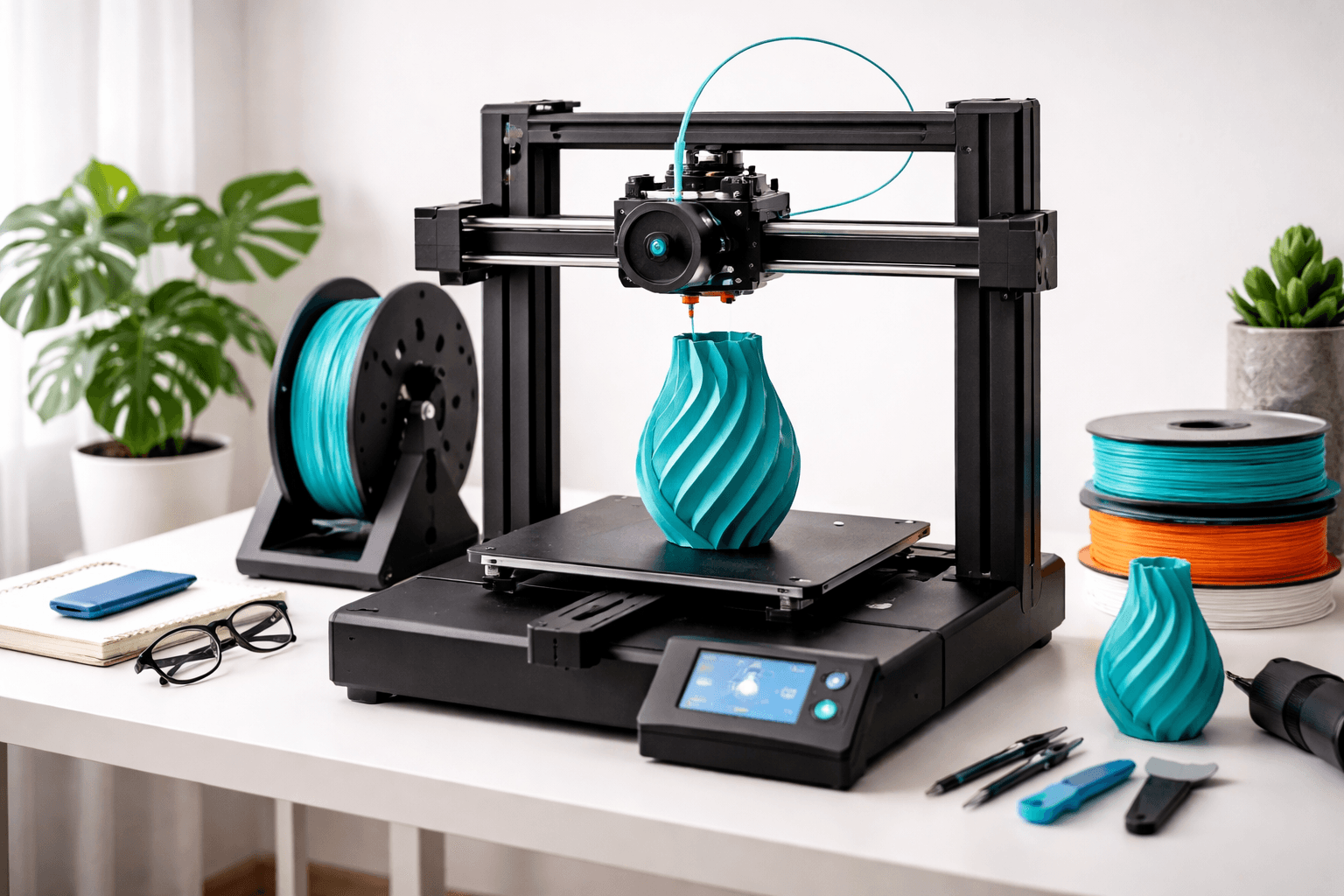
Kingroon KP3S Pro V2
Best Compact Budget Printer, Score: 7.2/10, $159
At $159, the KP3S Pro V2 has hardware that has no business being this cheap: linear rails on all axes and a direct drive extruder. Linear rails give smoother, more precise movement than the V-slot wheel systems most budget printers use. Better dimensional accuracy, less maintenance, cleaner print surfaces. Direct drive handles TPU and flexible filaments reliably, which Bowden setups struggle with. 200x200x200mm build volume. The tradeoff is the ecosystem. Kingroon is a small brand with a small community. When something goes wrong, there are fewer guides online compared to Creality or Bambu. The stock firmware is basic. Upgrading to Klipper requires technical comfort. Best for makers who want premium motion hardware at minimum cost and are comfortable being self-reliant when troubleshooting.
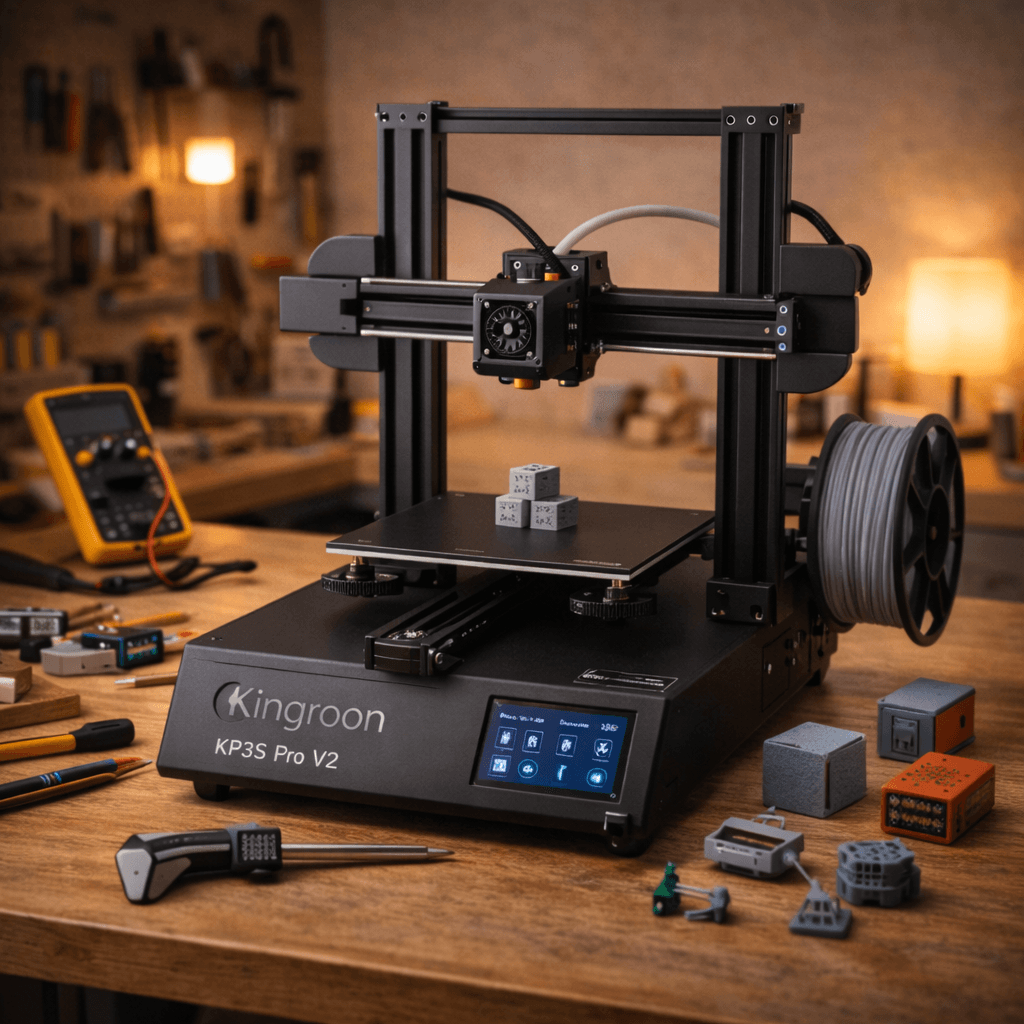
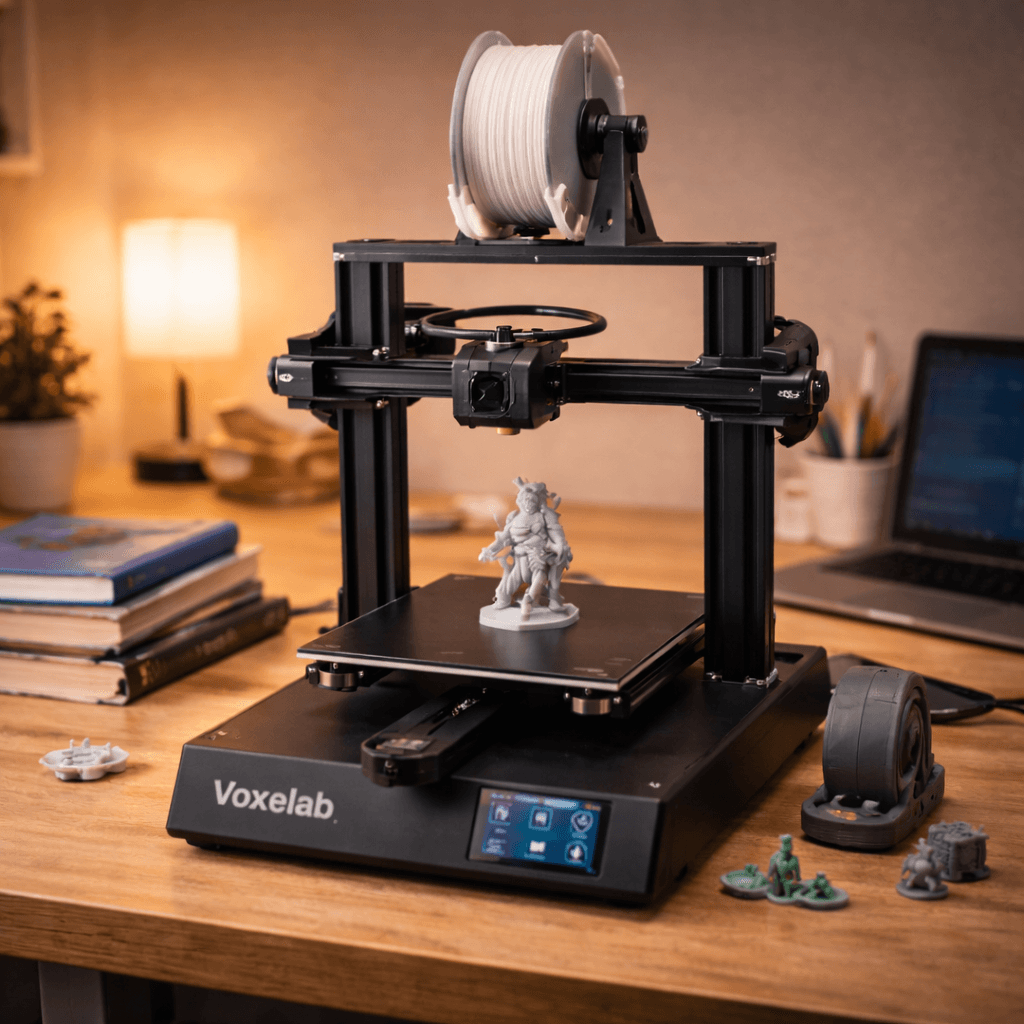
Voxelab Aquila X2
Best Ultra-Budget Option, Score: 6.6/10, $179
The Aquila X2 prints reliably for around $170. Won't win any speed or quality awards. But it works, and it teaches you the fundamentals. It's an Ender 3 clone in all but name: same general design, same mod compatibility, slightly lower price. Manual bed leveling is the biggest friction point. You'll level it every few prints with the paper method. Takes 5 minutes once you learn it, but it's a step that better printers eliminate entirely. The upside is the upgrade path. The entire Ender 3 mod ecosystem applies directly: BLTouch kits, all-metal hotends, direct drive conversions, silent stepper boards. All $10-30 each, all well-documented. Many experienced makers suggest starting cheap, learning the machine, and upgrading gradually rather than buying the perfect printer upfront. The Aquila X2 is built for that approach. One honest counter-point: the A1 Mini at $199 is only $29 more and requires zero tinkering. If plug-and-play matters, go there instead.
The Bottom Line
The A1 Mini at $199 is the easy call for most people. Bambu quality at this price is genuinely remarkable. Need more build volume? The Ender 3 V3 SE at $200 gives you 220mm and the largest community in 3D printing. Want fast prints? The Neptune 4 Pro's 500mm/s at $270 is hard to beat under $300. On the tightest budget? The Aquila X2 at $170 teaches you the fundamentals while leaving upgrade headroom. The sub-$300 tier has never been this capable.
Related Articles
5 Best 3D Printers for Beginners in 2026
New to 3D printing? These five printers go from box to first print in under 30 minutes. No tinkering, no calibration headaches.
Best 3D Printers Under $200 in 2026
Four genuinely good 3D printers under $200. What you actually get and what you give up at each price point.
Best 3D Printers for Schools & Classrooms in 2026
Safety, ease of use, and HEPA filtration. The 3D printers that actually work in school environments without becoming a full-time maintenance job.