Best Multi-Color 3D Printers in 2026
Print in 4+ colors without painting. These printers handle multi-color and multi-material out of the box.
Top pick in this guide
Bambu Lab A1 Combo
$399, PrintPick score 9.2/10. Check the live price before it moves.
Bambu Lab A1 Combo
Best Overall Multi-Color Printer, Score: 9.2/10, $399
The Bambu Lab A1 Combo at $399 is the printer that made multi-color accessible to the mainstream, and two years after launch it is still the standard the industry chases. The AMS Lite (Automatic Material System Lite) holds up to four 1kg spools and switches between them automatically during a print, with a retract-and-load cycle that completes in about 3-4 seconds. The color mapping workflow in Bambu Studio is the clearest competitive advantage: you load your model, switch to the paint tool, select a color, and paint it onto the 3D model surface using brush, fill, or gradient tools. The software handles all the filament-change logic automatically, calculating when to switch, how much purge material to generate, and how to sequence the color zones. You do not need to modify the model or understand toolpath generation. The A1 Combo prints at 500mm/s with the AMS Lite active, though color-change prints run slower in practice due to the purging cycles. A four-color figurine that takes 3 hours in single color takes approximately 4-5 hours with color changes, depending on how many color zones exist in the model. The purge waste tower uses roughly 5-10% additional filament per color-change print, which adds $0.30-1.00 in material cost per job. Print quality is excellent at 256x256x256mm build volume. The open frame means ABS multi-color is less reliable than PLA, if you need multi-color in ABS, look at the Creality K2 Plus. For PLA and PETG multi-color, which is 95% of consumer use cases, the A1 Combo is the correct answer.
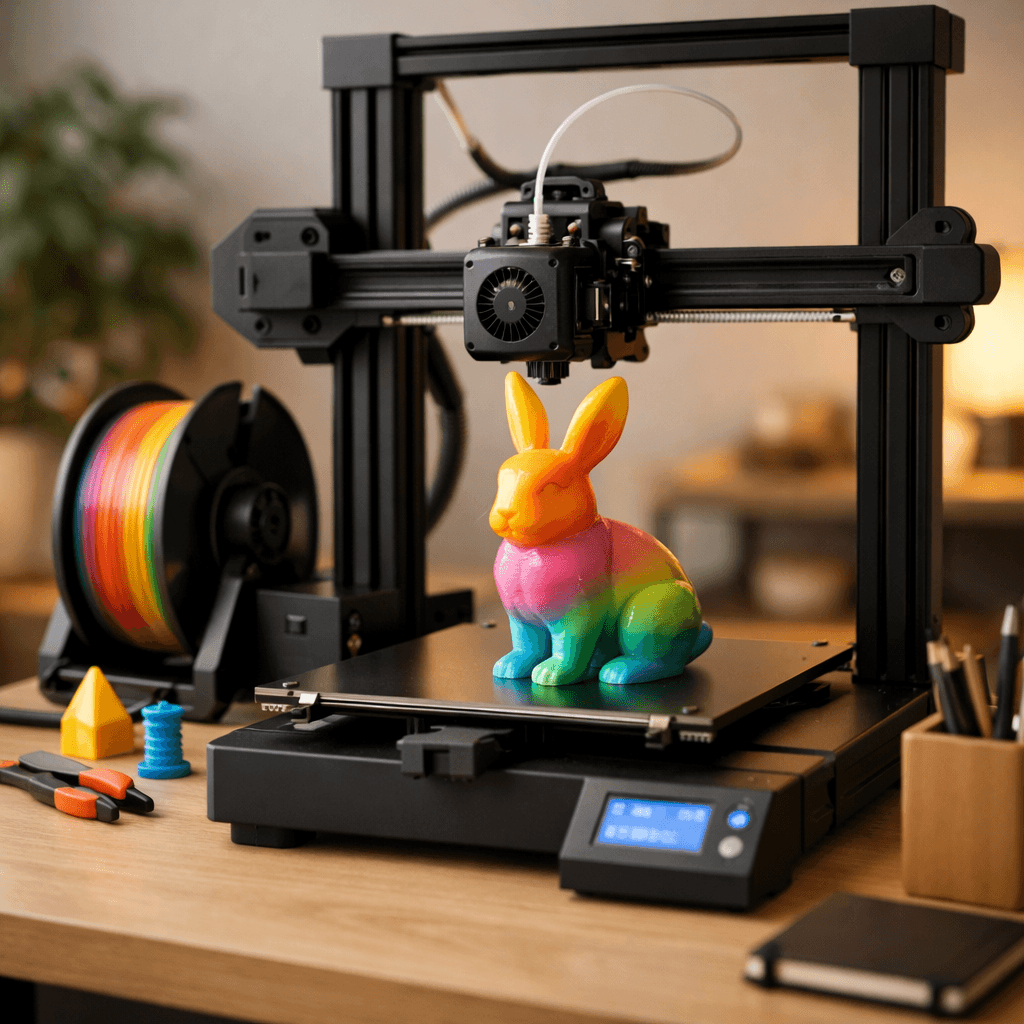
Anycubic Kobra 3 Combo
Best Alternative Multi-Color Printer, Score: 8/10, $399
The Anycubic Kobra 3 Combo exists as the credible non-Bambu option for multi-color printing at the same $399 price point. The ACE Pro color system operates on the same principle as the AMS Lite, four filament spools feeding a single direct-drive extruder, with similar automatic switching and purging behavior. Print speed nominally reaches 600mm/s, slightly faster than the A1 Combo's 500mm/s, though real-world multi-color print times are comparable due to the purging cycles and travel moves involved in color-change prints. Anycubic's slicer has improved substantially and now includes a paint-on color tool functionally similar to Bambu Studio's. The workflow is comparable for standard multi-color figurines and logo models. The honest comparison: the Kobra 3 Combo has less operational history than the A1 Combo. The ACE Pro color system has fewer user-hours behind it, meaning edge cases (filament jams during color changes, unusual purge behaviors with specific filaments) are less well-documented in community resources. Anycubic's support response times and software update cadence have historically been slower than Bambu's. The build volume at 250x250x250mm is slightly smaller. For most buyers, the A1 Combo is the safer investment. The Kobra 3 Combo makes sense if you specifically want to avoid the Bambu ecosystem, if it is priced below $350 during a sale, or if you value supporting competitive alternatives to a dominant market player.
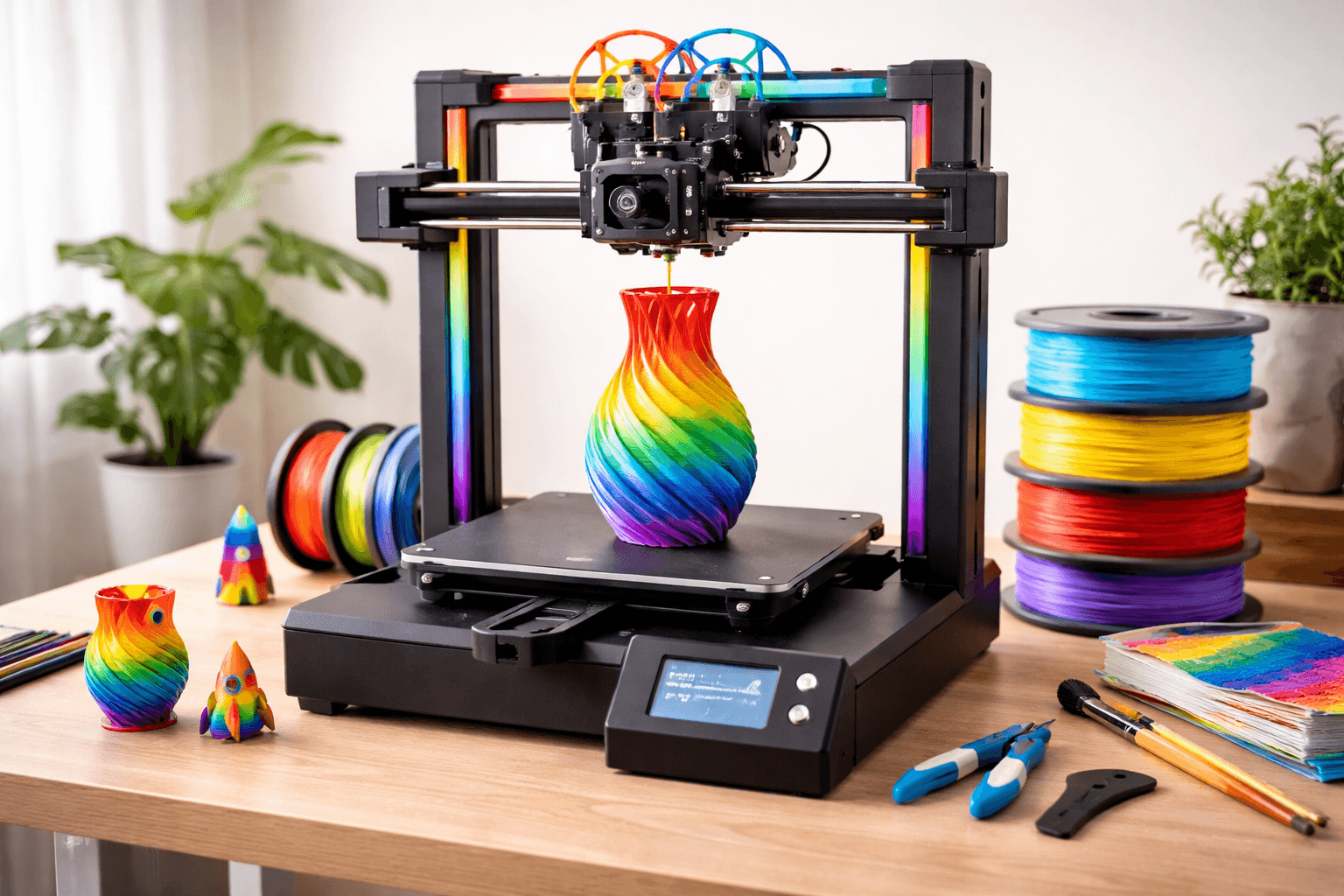
Creality K2 Plus
Best Large-Format Multi-Color Printer, Score: 7.8/10, $899
The Creality K2 Plus solves a gap that other multi-color printers leave unfilled: printing large multi-color objects inside an enclosure. The A1 Combo and Kobra 3 Combo are both open-frame machines with build volumes capped at 256mm and 250mm respectively. The K2 Plus offers a fully enclosed 350x350x350mm build volume with active carbon filtration, combined with the CFS (Creative Filament System) multi-color unit handling up to four colors. This combination enables use cases that smaller open-frame machines cannot: full-size cosplay helmets with integrated color patterns, large architectural models with color-differentiated zones, oversized decorative vases and sculptures, and production-sized print runs of multi-color items. The enclosure means multi-color printing in ABS and ASA is reliable, you can print a large full-color cosplay prop in ABS that sands and paints to a professional finish, with color zones pre-printed into the model. Print speed reaches 600mm/s. At $899, the K2 Plus costs more than twice the A1 Combo. The premium reflects the larger build volume, enclosure, and filtration system. For cosplayers who regularly need large multi-color props, the K2 Plus eliminates the need to buy separate FDM and enclosure machines. For most users whose multi-color projects fit within 250mm, the A1 Combo is the better value. Buy the K2 Plus when your projects consistently require more than 256mm in any dimension.
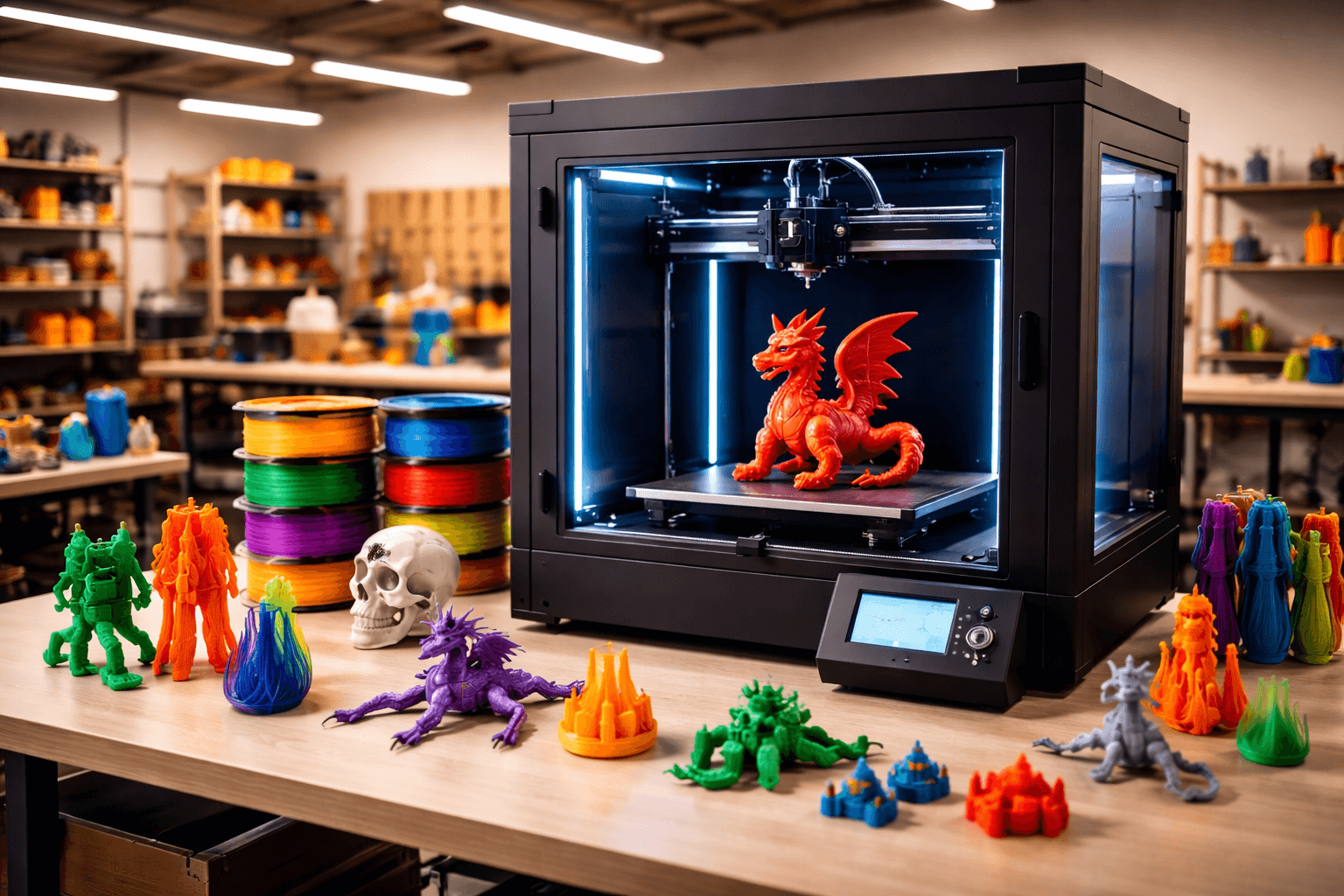
Prusa XL
Best True Multi-Material Printer, Score: 6.8/10, $1999
The Prusa XL at $1,999 operates on a fundamentally different principle from every other printer on this list, and understanding that difference is essential before evaluating it. The AMS Lite, ACE Pro, and CFS systems all feed multiple filaments into a single shared nozzle, switching between them and purging the transition. This enables multiple colors but not true multi-material in the engineering sense, you cannot simultaneously print with a material that requires 200 degrees and one that requires 280 degrees, because they share the same hotend temperature. The Prusa XL is a tool-changer: it has up to five independent print heads, each with its own nozzle, heater, and temperature. During a print, the printer physically swaps between tool heads as needed, docking and picking them up from a garage on the side. This means each material operates at its optimal temperature simultaneously, enabling combinations that filament-switcher systems cannot achieve: PLA bodies with soluble PVA supports that dissolve in water, PETG structures with flexible TPU elements printed in one run, nylon functional parts with watertight PC interfaces, or five completely different materials in a single print. The Prusa XL is also fully open source, supports third-party filaments without restriction, and has Prusa's legendary support behind it. At $1,999 (or $1,699 as a kit), the price reflects genuine capability that no other consumer printer offers. The trade-offs are also real: the tool-changing process adds time, the footprint is larger, and the calibration and maintenance requirements are higher than simpler machines. Best for: engineers, researchers, and advanced makers who need true multi-material capability for functional parts, not just multi-color decorative printing.
The Bottom Line
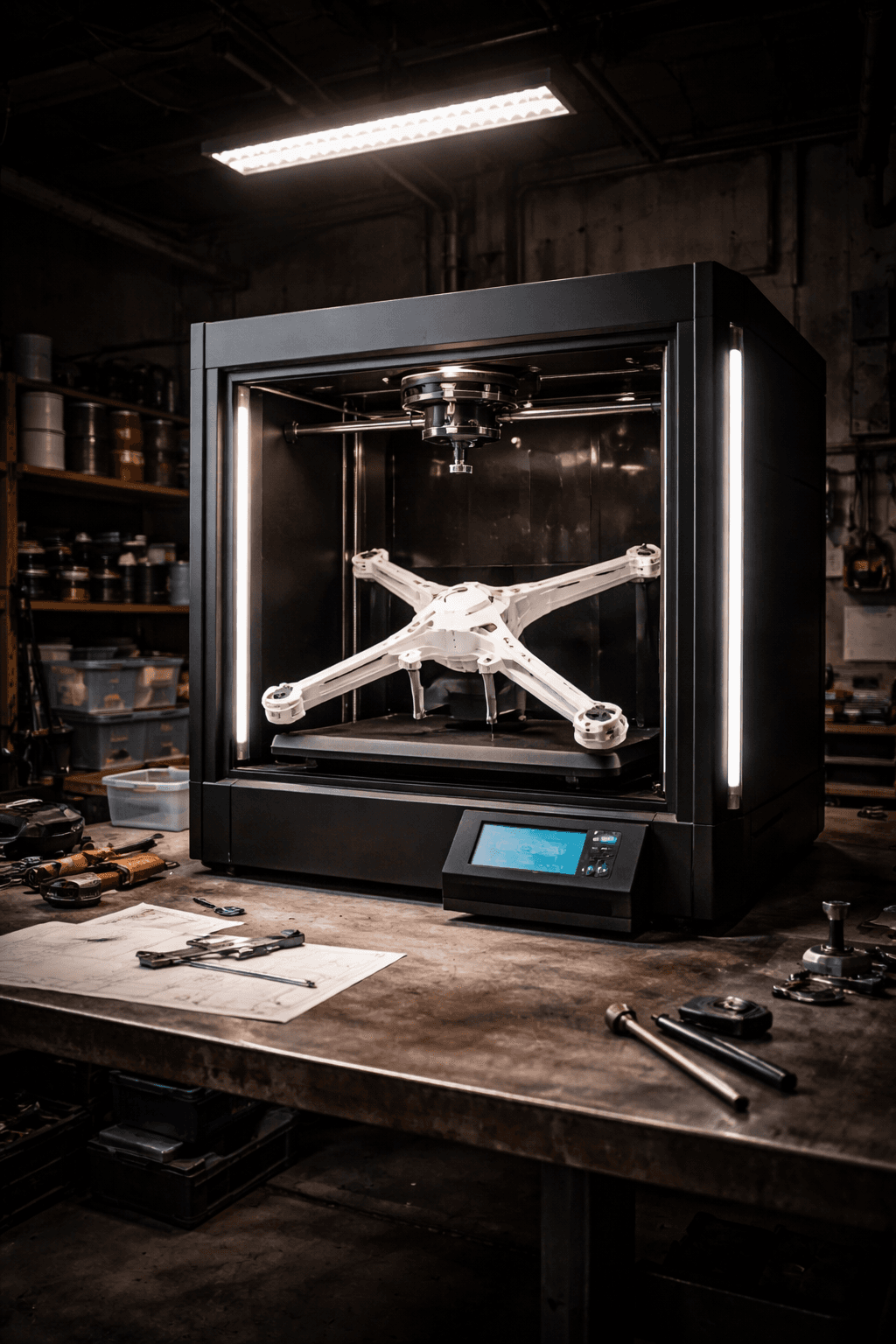
The Bambu Lab A1 Combo at $399 is the entry point and the best choice for most buyers, four-color printing, excellent software, and proven reliability in one package. If you need large-format multi-color in an enclosed environment, the Creality K2 Plus's 350mm enclosed build volume at $899 is the only consumer option. And if you need true multi-material capability, not just color swapping but combining materials with different temperature requirements, the Prusa XL's tool-changer at $1,999 is in a category of its own. Use our comparison tool to check current pricing, as these machines frequently go on sale.
Our Pick
Multi-color printing is only as good as the filament feeding it. Polymaker PolyLite PLA comes in 30+ colors with spool-to-spool consistency that keeps the AMS purging predictable. Polymaker's Summer Restock is live: use our code for 35% off storewide through July 5.
Code: SHADMANRAHMAN(Summer Restock: 35% off storewide, ends July 5)
Related Articles
Best 3D Printers Under $500 in 2026
Under $500 now gets you multi-color, CoreXY motion, enclosed designs, and features that cost $1,000+ just two years ago.
Best Large Format 3D Printers (300mm+) in 2026
Need to print big? These printers have 300mm+ build volumes for helmets, props, and functional parts.
5 Best 3D Printers for Beginners in 2026
New to 3D printing? These five printers go from box to first print in under 30 minutes. No tinkering, no calibration headaches.