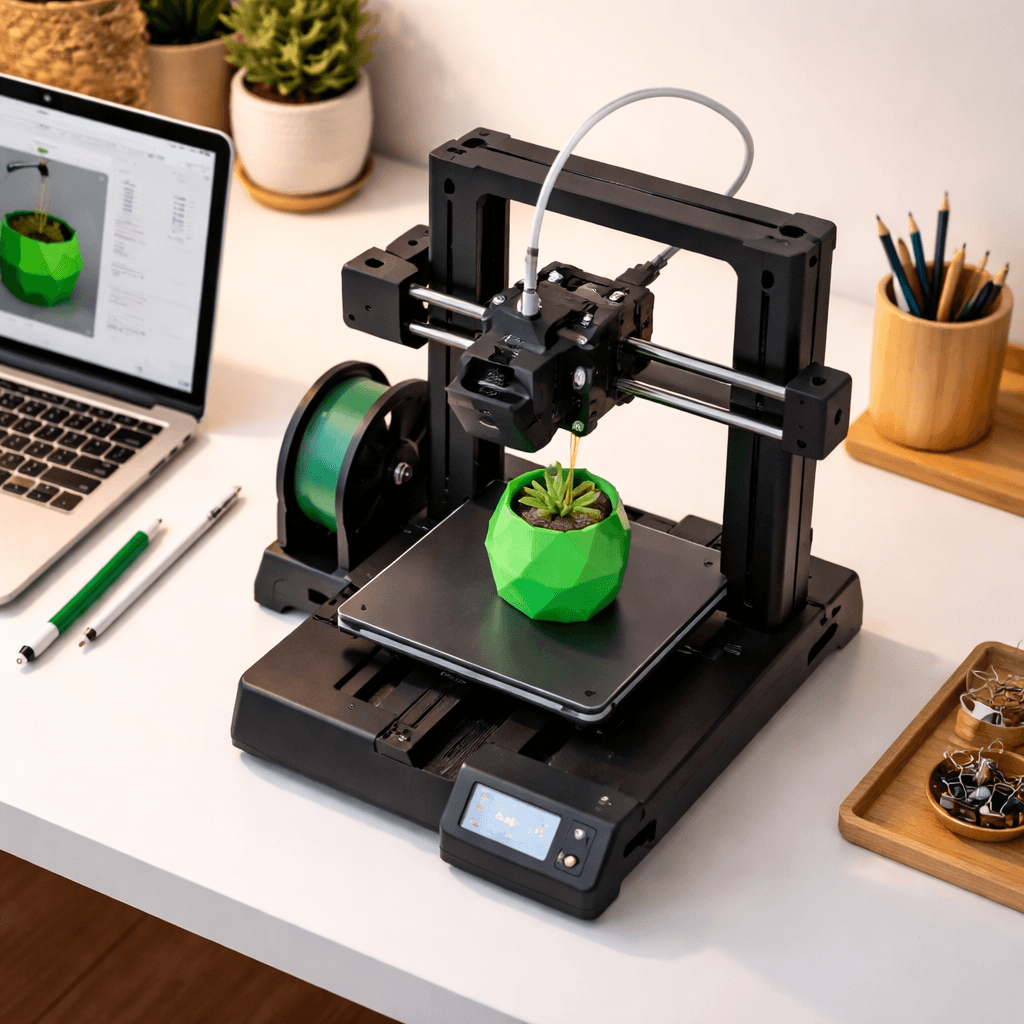
Bambu Lab A1 Mini
- Price
- $199
- Score
- 9.2/10
- Wins
- 3/5
Specs and US prices from the PrintPick catalog, checked 2026-09-29. Scores are PrintPick ratings out of 10.
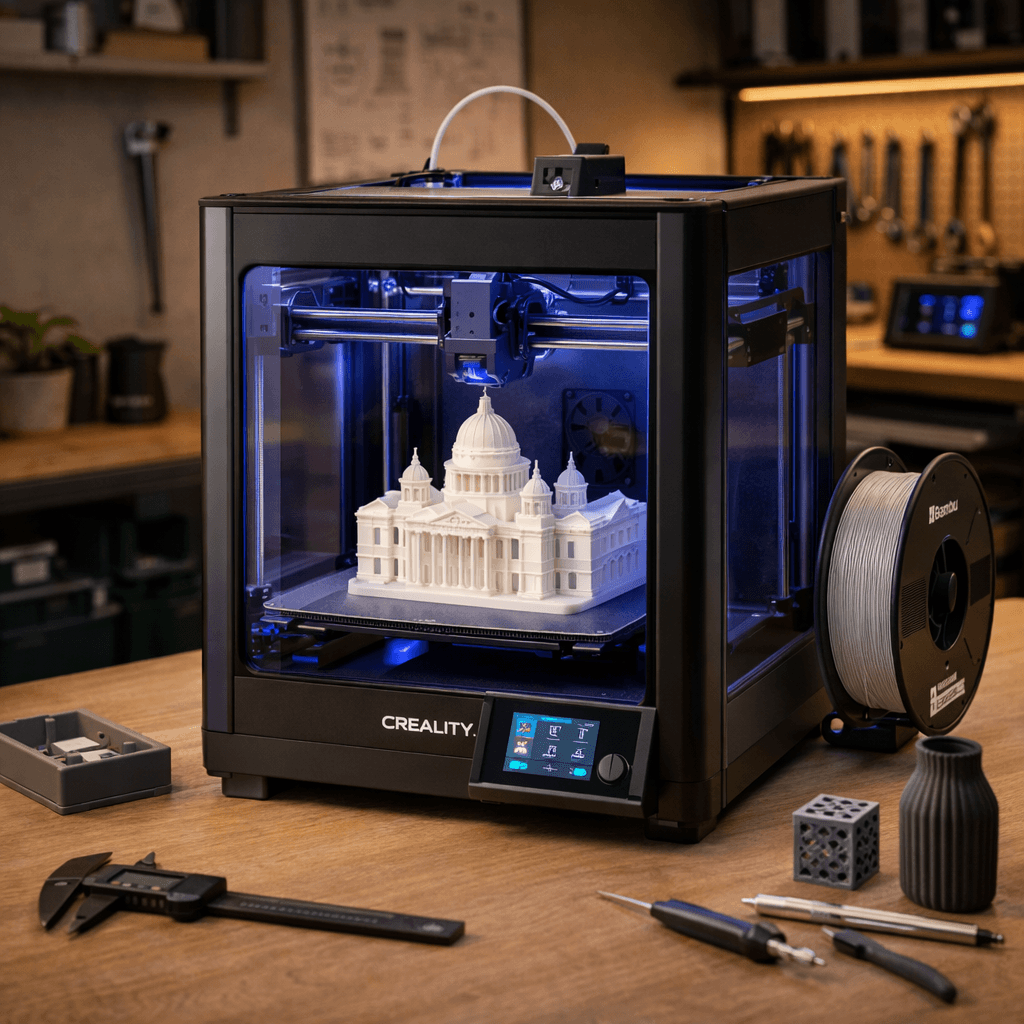
Buy the A1 Mini.
9.2/10 vs K1's 8.6/10, and it wins 3 of 5 categories. If your prints fit in 180mm, stop reading and buy this. It's $199 with Bambu reliability baked in. The only real decision is whether to add an AMS Lite now or later.
Teal wins the row.
| A1 Mini | Spec | K1 |
|---|---|---|
| $199 (wins) | Price | $419 |
| 5.8 L | Build volume | 12.1 L (wins) |
| 500 mm/s | Top speed | 600 mm/s (wins) |
| 0.05 mm | Finest layer | 0.05 mm |
| 5.5 kg | Weight | 12.5 kg |
| A1 Mini | Feature | K1 |
|---|---|---|
| Yes | Auto bed leveling | Yes |
| Yes | WiFi | Yes |
| Yes | Camera | Yes |
| Yes | Compact footprint | No |
| Yes | All-metal hotend | No |
| No | Enclosed CoreXY | Yes |
| No | Direct drive | Yes |
| No | Quick-release nozzle | Yes |
$199 ÷ 5.8 L and $419 ÷ 12.1 L. Lower is more printer for the money.
| A1 Mini | Spec | K1 |
|---|---|---|
| $34.12 (wins) | $ per liter | $34.63 |
| $0.40 (wins) | $ per mm/s | $0.70 |
| A1 Mini | Spec | K1 |
|---|---|---|
| 10 (wins) | Value | 9 |
| 10 (wins) | Beginner Friendliness | 8 |
| 8 | Print Quality | 8 |
| 9 | Speed | 10 (wins) |
| 9 (wins) | Reliability | 8 |
| 9.2 (wins) | Overall | 8.6 |
For $199, this thing is a miracle. Print quality rivals machines 3x the price.A1 Mini owner, r/BambuLab
The Mini is my most-used printer. It just works, every single time.A1 Mini owner, Thomas Sanladerer (YouTube)
600mm/s enclosed for under $450. The K1 is genuinely impressive.K1 owner, r/3Dprinting
Creality's best sub-$500 printer. The K1 just gets out of your way and prints.K1 owner, Modbot (YouTube)
A printer does nothing without these. Grab them in the same order.
By the numbers, the Bambu Lab A1 Mini scores higher (9.2/10). But "better" depends on your use case, the Creality K1 may be the smarter buy if you need speed.
The Bambu Lab A1 Mini is more beginner-friendly (10/10 vs 8/10) with easier setup and a gentler learning curve.
The Bambu Lab A1 Mini actually scores higher (9.2/10) despite costing $220 less. The Creality K1 only makes sense if you specifically need speed.
Build volume (180x180x180mm vs 220x220x250mm) and print speed (500 vs 600 mm/s). The Bambu Lab A1 Mini is best for beginners; the Creality K1 targets speed.