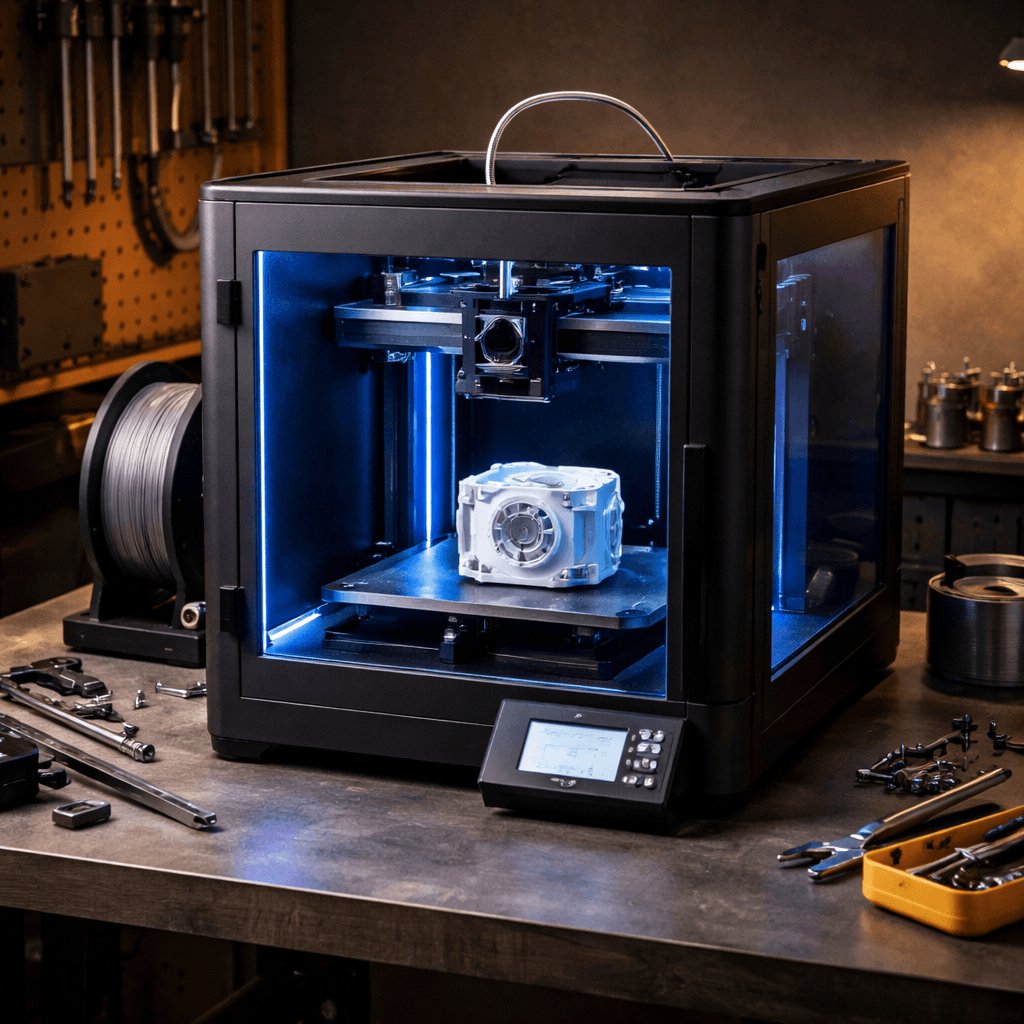
Bambu Lab P1S
- Price
- $449
- Score
- 9/10
- Wins
- 3/5
Specs and US prices from the PrintPick catalog, checked 2026-09-29. Scores are PrintPick ratings out of 10.
Buy the P1S.
9/10 vs K1 Max's 8/10, and it wins 3 of 5 categories. Buy this if you print ABS, ASA, or anything that smells or warps in open air. The enclosure and filtration aren't optional extras, they're the whole point. If you only print PLA, save $50 and get the A1 Combo.
Teal wins the row.
| P1S | Spec | K1 Max |
|---|---|---|
| $449 (wins) | Price | $794 |
| 16.8 L | Build volume | 27.0 L (wins) |
| 500 mm/s | Top speed | 600 mm/s (wins) |
| 0.05 mm | Finest layer | 0.05 mm |
| 14.13 kg | Weight | 18 kg |
| P1S | Feature | K1 Max |
|---|---|---|
| Yes | Enclosed | No |
| Yes | Multi-material (AMS) | No |
| Yes | WiFi | Yes |
| Yes | Camera | No |
| Yes | HEPA filter | No |
| Yes | Active chamber heating | No |
| No | Large build volume | Yes |
| No | AI camera | Yes |
| No | Auto bed leveling | Yes |
| No | Direct drive | Yes |
$449 ÷ 16.8 L and $794 ÷ 27.0 L. Lower is more printer for the money.
| P1S | Spec | K1 Max |
|---|---|---|
| $26.76 (wins) | $ per liter | $29.41 |
| $0.90 (wins) | $ per mm/s | $1.32 |
| P1S | Spec | K1 Max |
|---|---|---|
| 8 | Value | 8 |
| 8 (wins) | Beginner Friendliness | 7 |
| 10 (wins) | Print Quality | 8 |
| 9 | Speed | 10 (wins) |
| 10 (wins) | Reliability | 7 |
| 9 (wins) | Overall | 8 |
The P1S is the printer I tell people to buy when they say 'I want something that just works.'P1S owner, r/3Dprinting
Refreshing a best seller. The P1S is the strong choice for anyone wanting to print ABS without headaches.P1S owner, Tom's Hardware
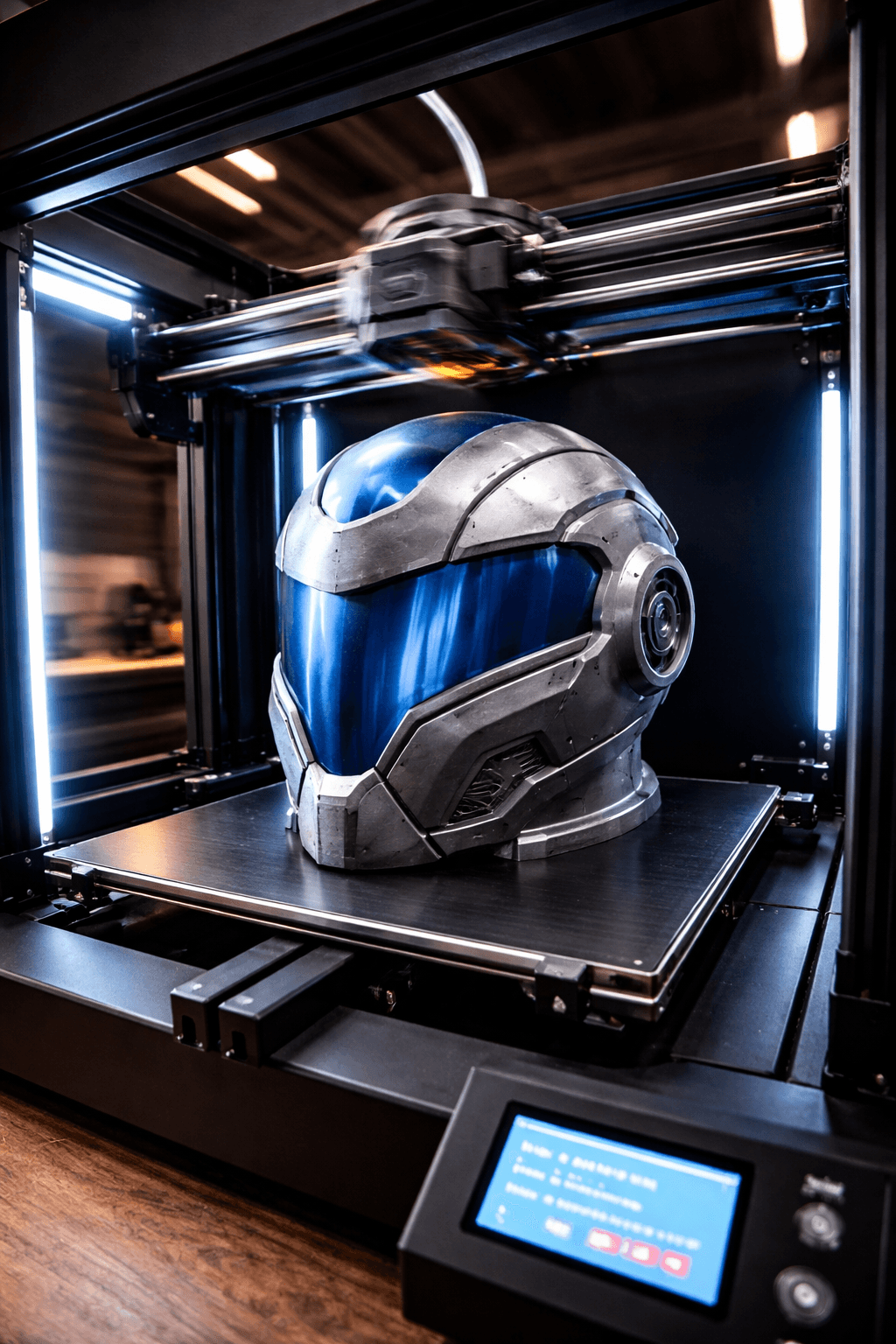
Printed a full Mandalorian helmet in one piece. This thing is a beast.K1 Max owner, r/3Dprinting
A fully enclosed Core XY powerhouse machine at an incredible price.K1 Max owner, 3DPrintBeginner
A printer does nothing without these. Grab them in the same order.
By the numbers, the Bambu Lab P1S scores higher (9/10). But "better" depends on your use case, the Creality K1 Max may be the smarter buy if you need large-prints.
The Bambu Lab P1S is more beginner-friendly (8/10 vs 7/10) with easier setup and a gentler learning curve.
The Bambu Lab P1S actually scores higher (9/10) despite costing $345 less. The Creality K1 Max only makes sense if you specifically need large-prints.
Build volume (256x256x256mm vs 300x300x300mm) and print speed (500 vs 600 mm/s). The Bambu Lab P1S is best for engineering; the Creality K1 Max targets large-prints.