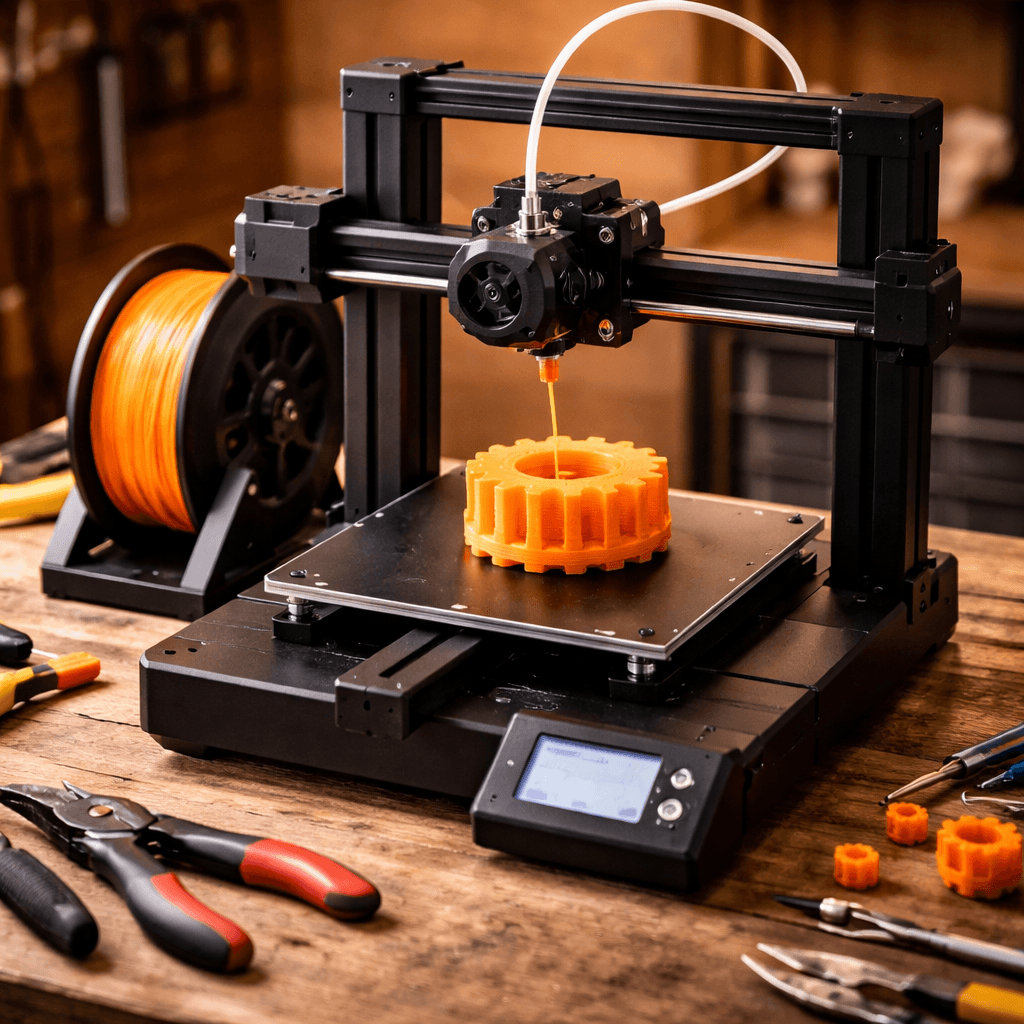
Creality Ender 3 V3
- Speed
- 600 mm/s
- Score
- 8.4/10
- Wins
- 0/5
Specs from the PrintPick catalog, checked 2026-09-29. Scores are PrintPick ratings out of 10.
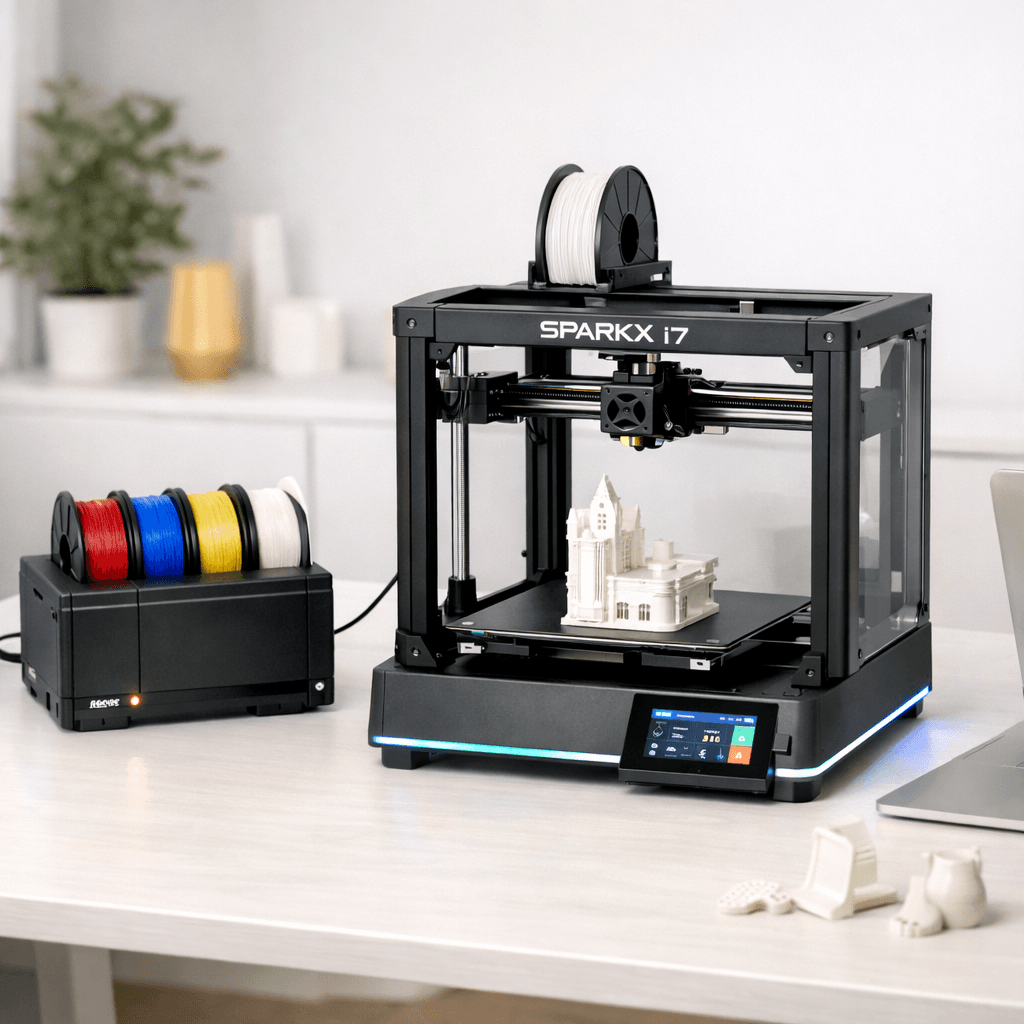
Tied at 8.4/10. Buy the Ender 3 V3, the cheaper one.
If you want real speed on a real budget and you're not precious about WiFi or a camera, this is the answer. It's a meaningful step up from the V3 SE and doesn't cost much more.
Teal wins the row.
| Ender 3 V3 | Spec | SPARKX i7 |
|---|---|---|
| 12.1 L | Build volume | 17.2 L (wins) |
| 600 mm/s (wins) | Top speed | 500 mm/s |
| 0.05 mm | Finest layer | 0.05 mm |
| 8.6 kg | Weight | 11.8 kg |
| Ender 3 V3 | Feature | SPARKX i7 |
|---|---|---|
| Yes | CoreXZ | No |
| Yes | Auto bed leveling | Yes |
| Yes | Direct drive | No |
| Yes | PEI build plate | No |
| Yes | Klipper firmware | No |
| No | CFS Lite multi-color (4 colors) | Yes |
| No | AI-assisted print monitoring | Yes |
| No | WiFi + touchscreen | Yes |
| No | Direct drive extruder | Yes |
| No | 95% pre-assembled | Yes |
| No | Tom's Hardware CES 2026 Best 3D Printer | Yes |
| Ender 3 V3 | Spec | SPARKX i7 |
|---|---|---|
| 9 | Value | 9 |
| 9 | Beginner Friendliness | 9 |
| 8 | Print Quality | 8 |
| 8 | Speed | 8 |
| 8 | Reliability | 8 |
| 8.4 | Overall | 8.4 |
Klipper at this price point is a game changer. This is what the Ender 3 should have always been.Ender 3 V3 owner, Modbot (YouTube)
Huge upgrade from my V3 SE. Speed difference alone is worth it.Ender 3 V3 owner, r/Creality
Tom's Hardware Best 3D Printer of CES 2026. Creality finally has a real Bambu competitor.SPARKX i7 owner, Tom's Hardware
Very beginner friendly, almost plug and play. No tuning or adjustment needed out of the box.SPARKX i7 owner, Creality Community Forum
The AI monitoring actually works. Caught a spaghetti failure at layer 12 and paused the print automatically.SPARKX i7 owner, r/Creality
When 3D printing stops feeling intimidating, that's the SparkX i7 experience.SPARKX i7 owner, The Gadgeteer
A printer does nothing without these. Grab them in the same order.
They tie at 8.4/10. The Creality Ender 3 V3 suits beginners and budget, while the Creality SPARKX i7 is aimed at multi-color and beginners.
Both score 9/10 for beginners. Go with the Creality Ender 3 V3, the cheaper of the two.
The Creality Ender 3 V3 actually scores higher (8.4/10) despite costing less. The Creality SPARKX i7 only makes sense if you specifically need multi-color.
Build volume (220x220x250mm vs 260x260x255mm) and print speed (600 vs 500 mm/s). The Creality Ender 3 V3 is best for beginners; the Creality SPARKX i7 targets multi-color.