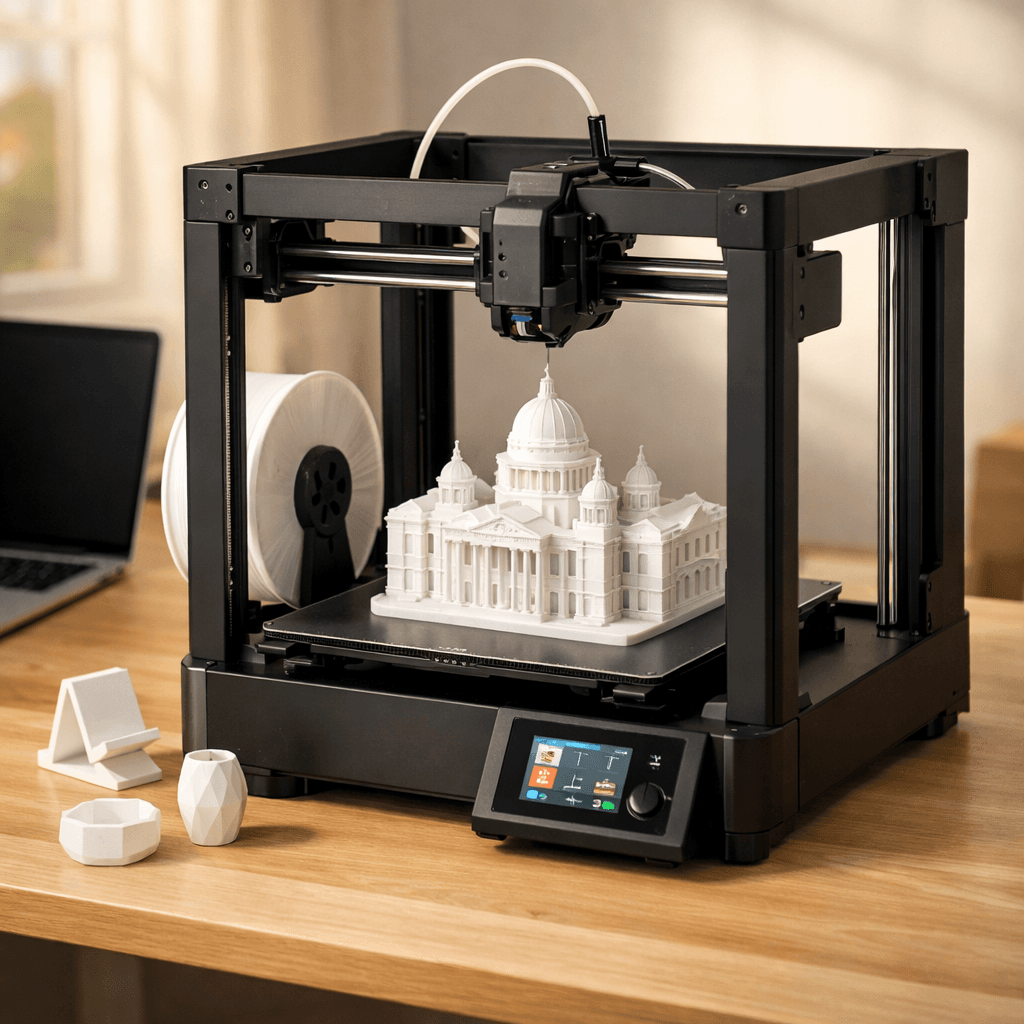
Creality Ender 3 V3
$289
Illustration generated with AI from the manufacturer's published design. Not a photograph.
Creality · FDM
Creality Ender 3 V3
By Shadman Rahman · Prices checked
CoreXZ with Klipper pre-installed for under $300. The budget speed machine the Ender 3 V3 SE isn't.
via Amazon
How It Scores
Pros
- +CoreXZ architecture at $289 is genuinely absurd value
- +Klipper comes pre-installed, no flashing required
- +600mm/s keeps up with machines twice the price
- +Upgrade path is wide open: Klipper means the community has covered everything
Cons
- −No WiFi means you're walking to the printer with a USB stick
- −No enclosure: ABS will warp, ABS will warp, ABS will warp
- −Creality's own software is clunky; Bambu Studio is just better
What Owners Say
“Klipper at this price point is a game changer. This is what the Ender 3 should have always been.”
— Modbot (YouTube)
“Huge upgrade from my V3 SE. Speed difference alone is worth it.”
— r/Creality
Specs
| Build Volume | 220 x 220 x 250 mm |
| Layer Resolution | 0.05mm - 0.35mm |
| Max Print Speed | 600 mm/s |
| Weight | 8.6 kg |
| Type | FDM (Filament) |
| Features | CoreXZ, Auto bed leveling, Direct drive, PEI build plate, Klipper firmware |
Verdict
If you want real speed on a real budget and you're not precious about WiFi or a camera, this is the answer. It's a meaningful step up from the V3 SE and doesn't cost much more.
You'll Also Need
Things you'll want before your first print.
In Our Guides
The Creality Ender 3 V3 shows up in these buying guides.
Creality Ender 3 V3 vs Bambu Lab A1 Mini: Budget Showdown
Best 3D Printing Slicers in 2026: Cura vs PrusaSlicer vs Bambu Studio vs OrcaSlicer
Ender 3 V3 vs V3 SE: Upgrade or Save?
Neptune 4 Pro vs Ender 3 V3: Speed vs Community
Premium vs Budget: MK4S vs Ender 3 V3
Also Worth Considering
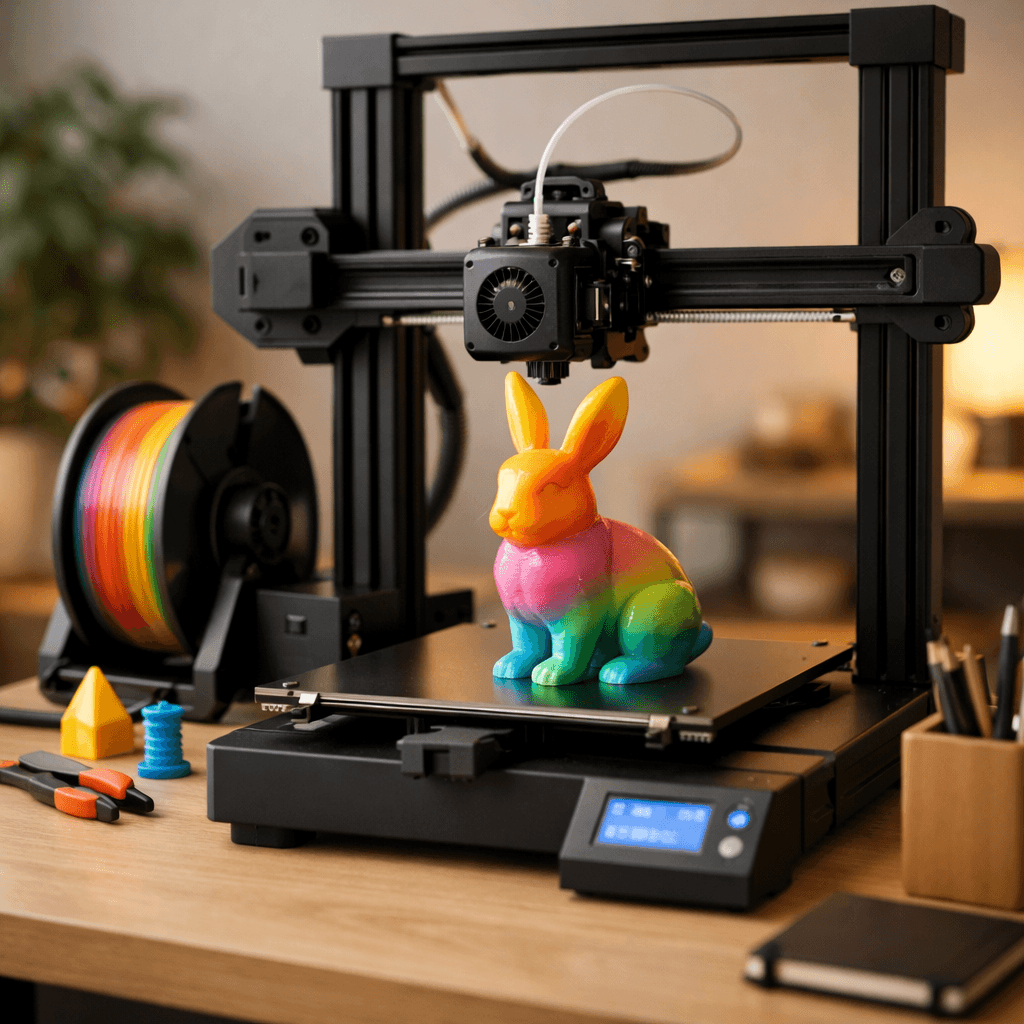 fdm
fdmBambu Lab A1 Combo
Bambu Lab
Multi-color printing out of the box, reliable enough for beginners, fast enough for anyone who's tired of watching a print head crawl.
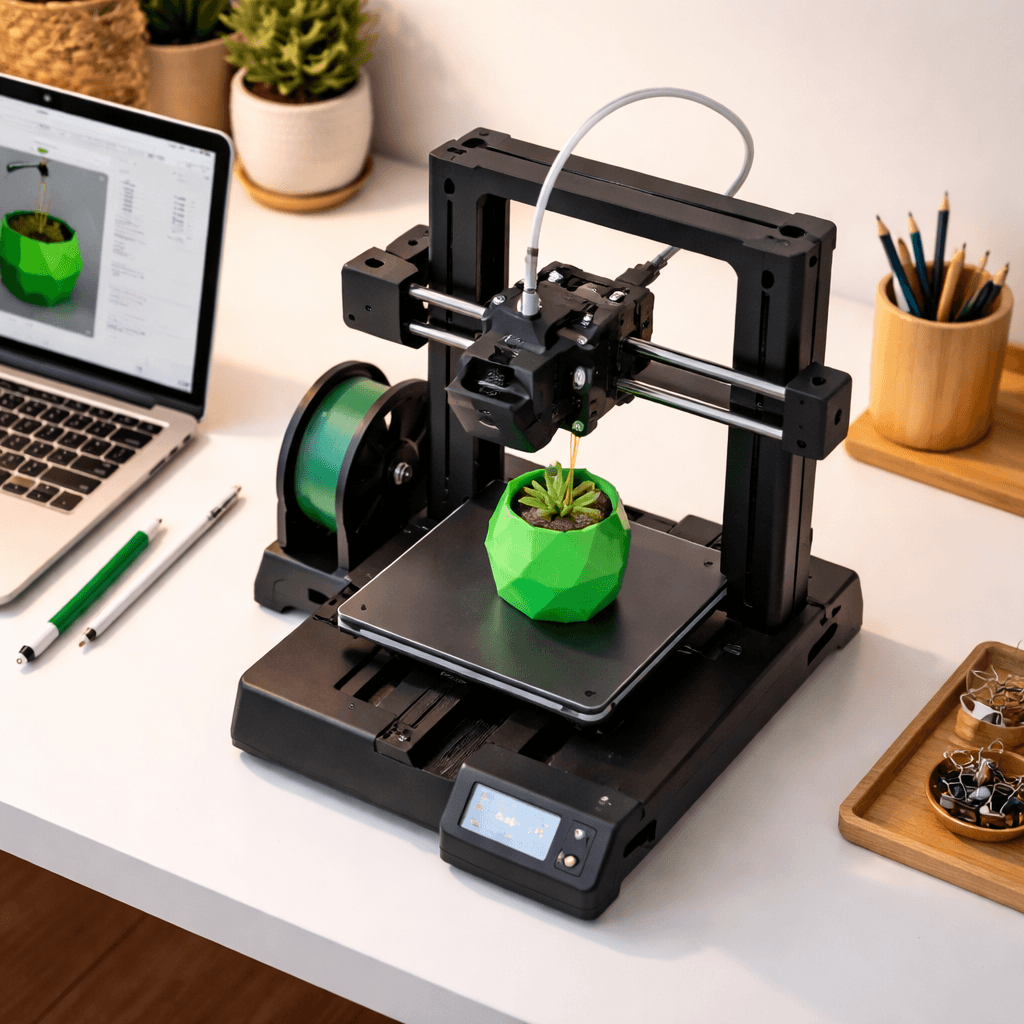 fdm
fdmBambu Lab A1 Mini
Bambu Lab
Bambu quality at $199. Desk footprint small enough that it fits next to your monitor without crowding anything out.