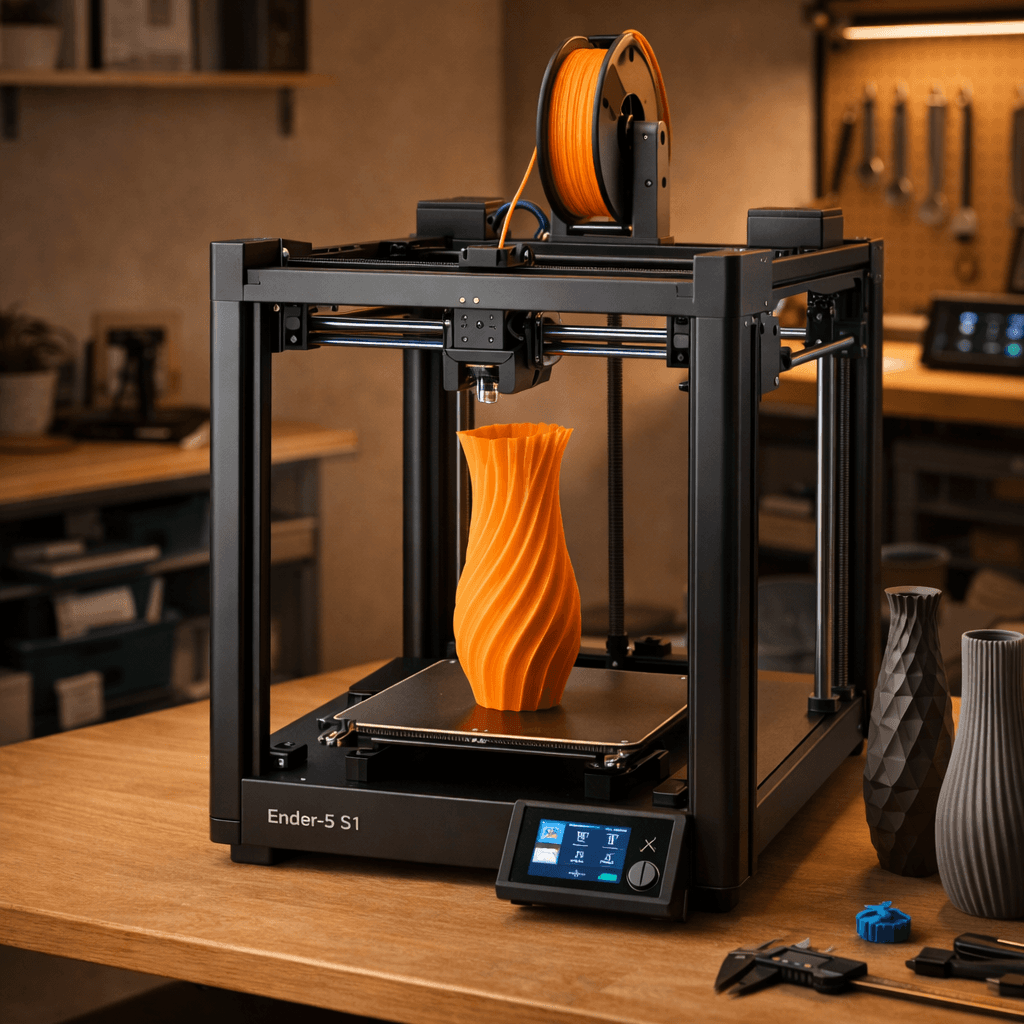
Creality Ender 5 S1
- Price
- $399
- Score
- 7.4/10
- Wins
- 4/5
Specs and US prices from the PrintPick catalog, checked 2026-09-29. Scores are PrintPick ratings out of 10.
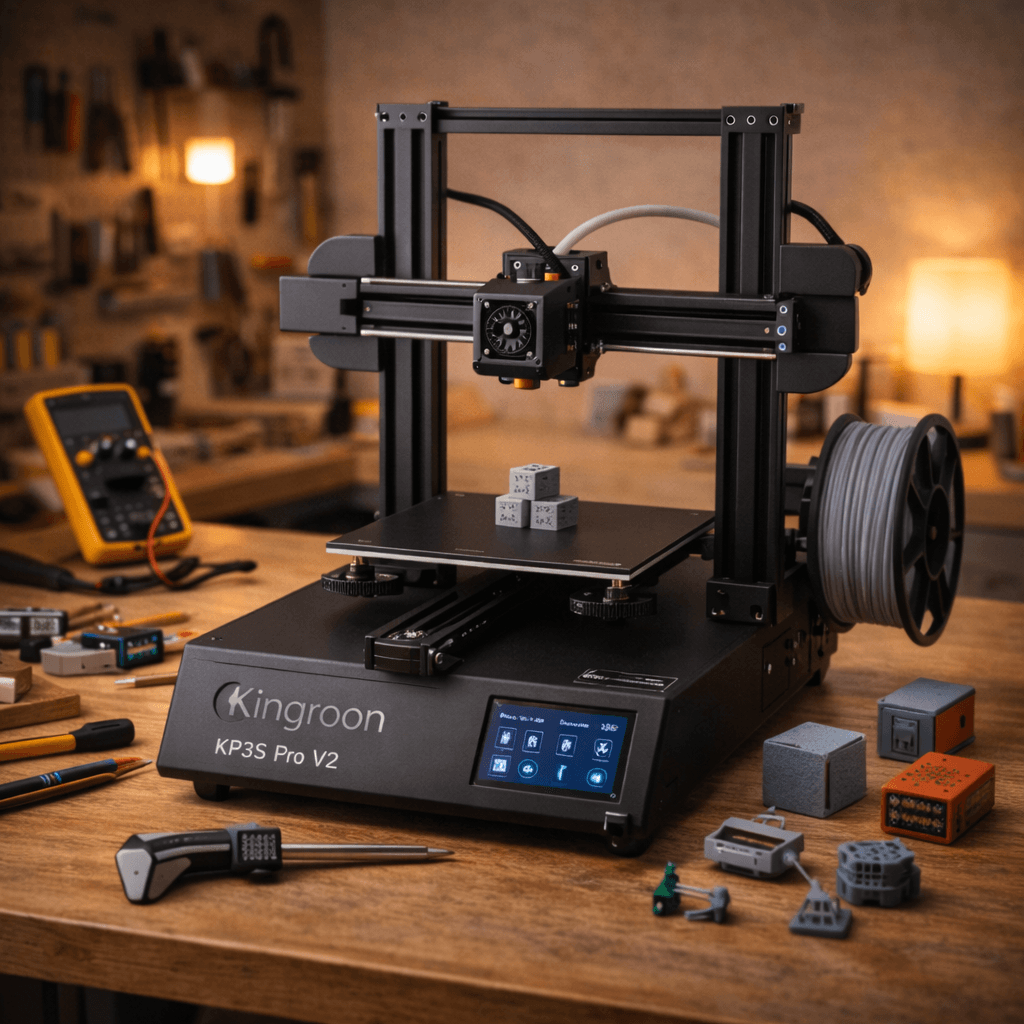
Buy the Ender 5 S1.
7.4/10 vs KP3S Pro V2's 7.2/10, and it wins 4 of 5 categories. If you print tall objects regularly, the cube frame rigidity genuinely shows in the output. If speed or feature count matter more, spend the money on a Bambu instead.
Teal wins the row.
| Ender 5 S1 | Spec | KP3S Pro V2 |
|---|---|---|
| $399 | Price | $159 (wins) |
| 13.6 L (wins) | Build volume | 8.0 L |
| 250 mm/s | Top speed | 250 mm/s |
| 0.05 mm | Finest layer | 0.05 mm |
| 10.2 kg | Weight | 6.5 kg |
| Ender 5 S1 | Feature | KP3S Pro V2 |
|---|---|---|
| Yes | Cube frame | No |
| Yes | Direct drive | Yes |
| Yes | Auto bed leveling | Yes |
| Yes | PEI build plate | Yes |
| Yes | Sprite extruder | No |
| Yes | CR Touch | No |
| No | Linear rails | Yes |
$399 ÷ 13.6 L and $159 ÷ 8.0 L. Lower is more printer for the money.
| Ender 5 S1 | Spec | KP3S Pro V2 |
|---|---|---|
| $29.44 | $ per liter | $19.88 (wins) |
| $1.60 | $ per mm/s | $0.64 (wins) |
| Ender 5 S1 | Spec | KP3S Pro V2 |
|---|---|---|
| 7 | Value | 10 (wins) |
| 8 (wins) | Beginner Friendliness | 7 |
| 8 (wins) | Print Quality | 7 |
| 6 (wins) | Speed | 5 |
| 8 (wins) | Reliability | 7 |
| 7.4 (wins) | Overall | 7.2 |
The rigid frame makes a real difference. First layers are incredibly consistent.Ender 5 S1 owner, r/ender5
Underrated machine. If you print tall objects, the Ender 5 S1 shines.Ender 5 S1 owner, Teaching Tech (YouTube)
Linear rails at $159 is genuinely wild. This is the budget printer the community sleeps on.KP3S Pro V2 owner, r/3Dprinting
A printer does nothing without these. Grab them in the same order.
By the numbers, the Creality Ender 5 S1 scores higher (7.4/10). But "better" depends on your use case, the Kingroon KP3S Pro V2 may be the smarter buy if you need budget.
The Creality Ender 5 S1 is more beginner-friendly (8/10 vs 7/10) with easier setup and a gentler learning curve.
The Creality Ender 5 S1 scores higher overall (7.4/10 vs 7.2/10). The extra $240 gets you cube frame is mechanically stiffer than bed-slinger designs: first layers are more consistent.
Build volume (220x220x280mm vs 200x200x200mm) and print speed (250 vs 250 mm/s). The Creality Ender 5 S1 is best for beginners; the Kingroon KP3S Pro V2 targets budget.