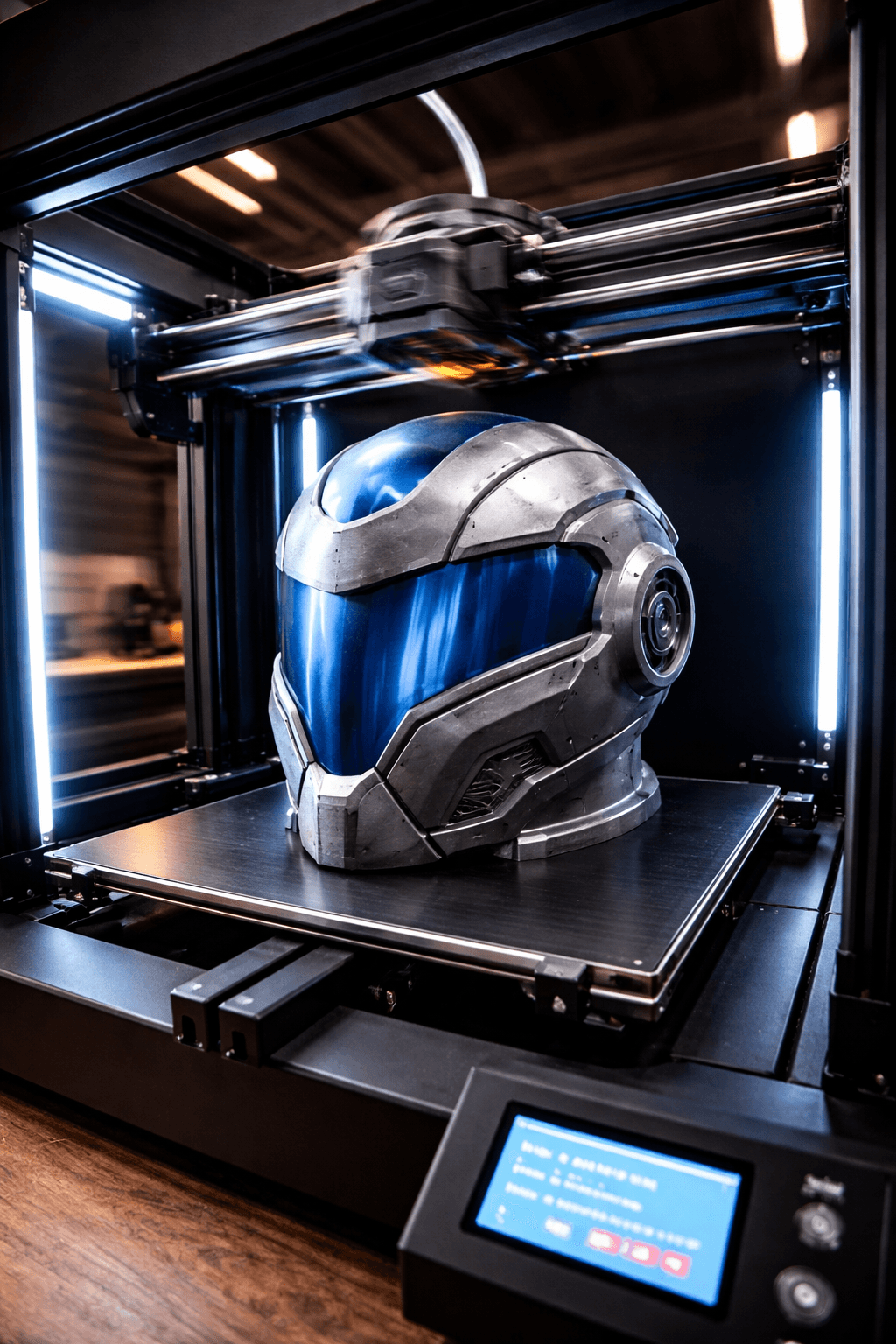
Creality K1 Max
- Speed
- 600 mm/s
- Score
- 8/10
- Wins
- 2/5
Specs from the PrintPick catalog, checked 2026-09-29. Scores are PrintPick ratings out of 10.
Buy the K1 Max.
8/10 vs Aquila X2's 6.6/10, and it wins 2 of 5 categories. If 256mm isn't enough, this is the obvious call. The AI camera is a genuine feature at this price, not a gimmick. Just make sure you have the desk space before it arrives.
Teal wins the row.
| K1 Max | Spec | Aquila X2 |
|---|---|---|
| 27.0 L (wins) | Build volume | 12.1 L |
| 600 mm/s (wins) | Top speed | 180 mm/s |
| 0.05 mm | Finest layer | 0.05 mm |
| 18 kg | Weight | 7.8 kg |
| K1 Max | Feature | Aquila X2 |
|---|---|---|
| Yes | Large build volume | No |
| Yes | AI camera | No |
| Yes | Auto bed leveling | No |
| Yes | Direct drive | No |
| Yes | WiFi | No |
| No | Resume printing | Yes |
| No | Filament runout sensor | Yes |
| No | Glass build plate | Yes |
| No | Silent stepper drivers | Yes |
| K1 Max | Spec | Aquila X2 |
|---|---|---|
| 8 | Value | 9 (wins) |
| 7 | Beginner Friendliness | 7 |
| 8 (wins) | Print Quality | 6 |
| 10 (wins) | Speed | 4 |
| 7 | Reliability | 7 |
| 8 (wins) | Overall | 6.6 |
Printed a full Mandalorian helmet in one piece. This thing is a beast.K1 Max owner, r/3Dprinting
A fully enclosed Core XY powerhouse machine at an incredible price.K1 Max owner, 3DPrintBeginner
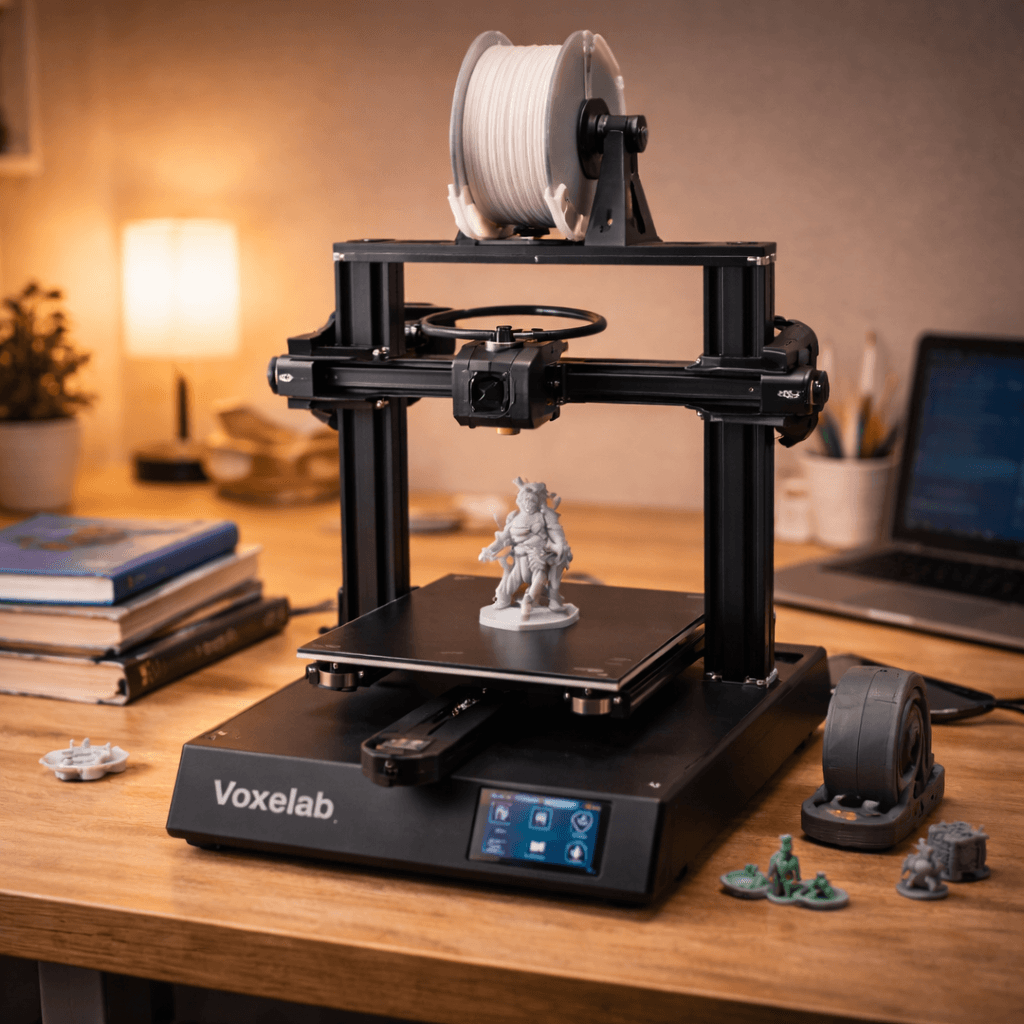
Solid starter printer. Not flashy, but it works and teaches you the fundamentals.Aquila X2 owner, r/3Dprinting
A printer does nothing without these. Grab them in the same order.
By the numbers, the Creality K1 Max scores higher (8/10). But "better" depends on your use case, the Voxelab Aquila X2 may be the smarter buy if you need budget.
Both score 7/10 for beginners. Go with the Voxelab Aquila X2, the cheaper of the two.
The Creality K1 Max scores higher overall (8/10 vs 6.6/10). The extra money gets you 300mm cube enclosed: print a mandalorian helmet without splitting it.
Build volume (300x300x300mm vs 220x220x250mm) and print speed (600 vs 180 mm/s). The Creality K1 Max is best for large-prints; the Voxelab Aquila X2 targets budget.