Best Value
At a glance
Anycubic · FDM (filament)
- Score
- 8.2/10
- Rank
- n/a/51
- Build
- 16.3 L
- Speed
- 600 mm/s
- Layer
- 0.05 mm
Specs from the PrintPick catalog, checked 2026-09-29. Scores are PrintPick ratings out of 10.
By Shadman Rahman · Prices checked
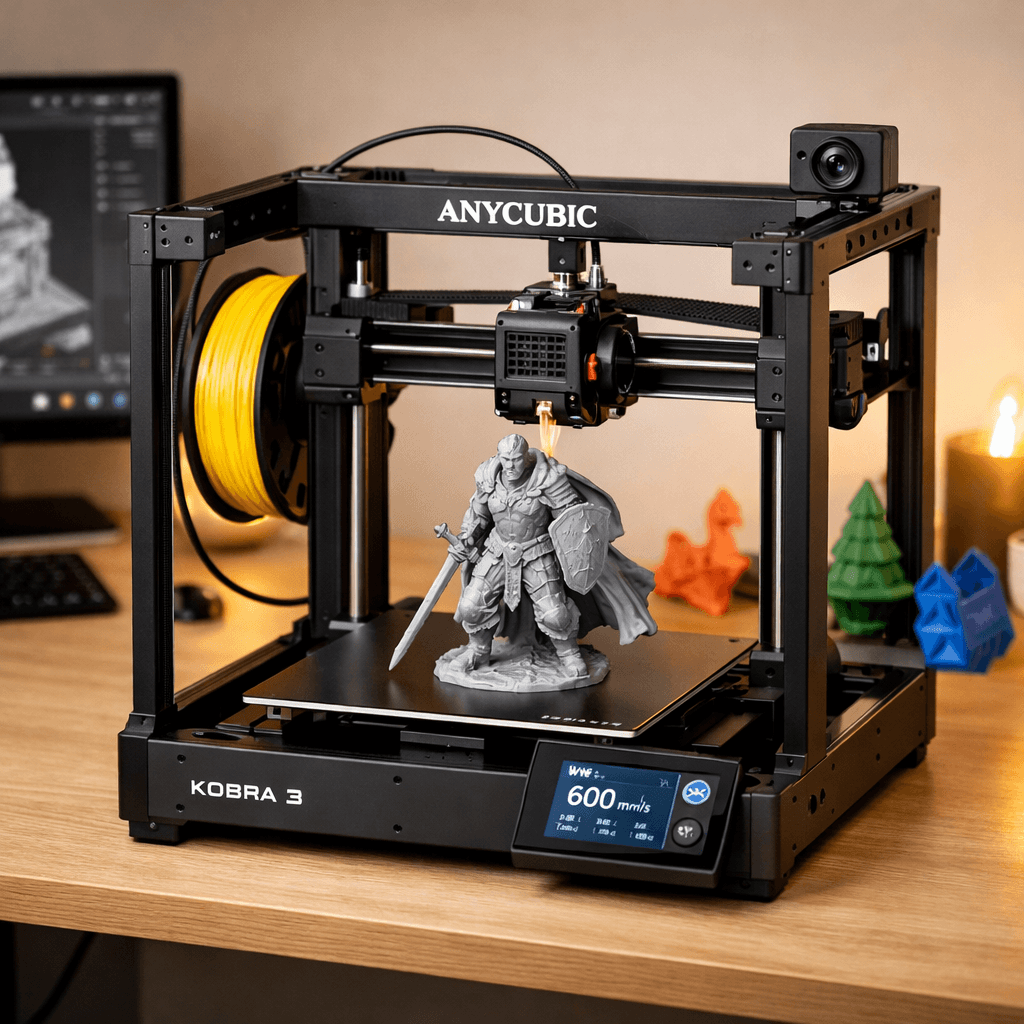
Anycubic · FDM (filament)
Skip it. Buy the Kobra S1 Combo.
Discontinued, replaced by the Kobra S1 Combo. If you find this at a real discount, it's a capable machine. At full price, the S1 Combo offers more for slightly more money.
Right side is the average of the 51 current FDM printers we track. Teal wins the row.
| Kobra 3 | Spec | Average of 51 |
|---|---|---|
| 16.3 L | Build volume | 21.6 L (wins) |
| 600 mm/s (wins) | Top speed | 476 mm/s |
| 0.05 mm (wins) | Finest layer | 0.054 mm |
| 9.0 kg | Weight | 14.7 kg |
| Kobra 3 | Spec | Average of 51 |
|---|---|---|
| 9 (wins) | Value | 8.5 |
| 8 (wins) | Beginner | 7.4 |
| 8 | Print quality | 8.4 (wins) |
| 9 (wins) | Speed | 7.9 |
| 7 | Reliability | 8.1 (wins) |
| 8.2 (wins) | Overall | 8.1 |
600mm/s CoreXY for [this price] is wild. Anycubic has really stepped up their game.r/3Dprinting
Solid standalone machine. Add the ACE Pro later if you want multi-color.Teaching Tech (YouTube)
| Build volume | 250 × 250 × 260 mm |
|---|---|
| Layer resolution | 0.05 to 0.35 mm |
| Top speed | 600 mm/s |
| Weight | 9 kg |
| Type | FDM (filament) |
A printer does nothing without these. Grab them in the same order.
The Anycubic Kobra 3 has a build volume of 250 x 250 x 260 mm.
The Anycubic Kobra 3 scores 8/10 for beginner-friendliness. It's a great choice for beginners.
Pros: CoreXY at 600mm/s at this price is Bambu A1 territory. WiFi and camera come standard without paying extra. Add the ACE Pro multi-color system later if you want it. Open frame is accessible for maintenance. Cons: Anycubic's slicer software is behind Bambu Studio in polish and usability. No multi-color out of the box: the A1 Combo already includes it. Limited long-term data: first-gen product with fewer community fixes documented.
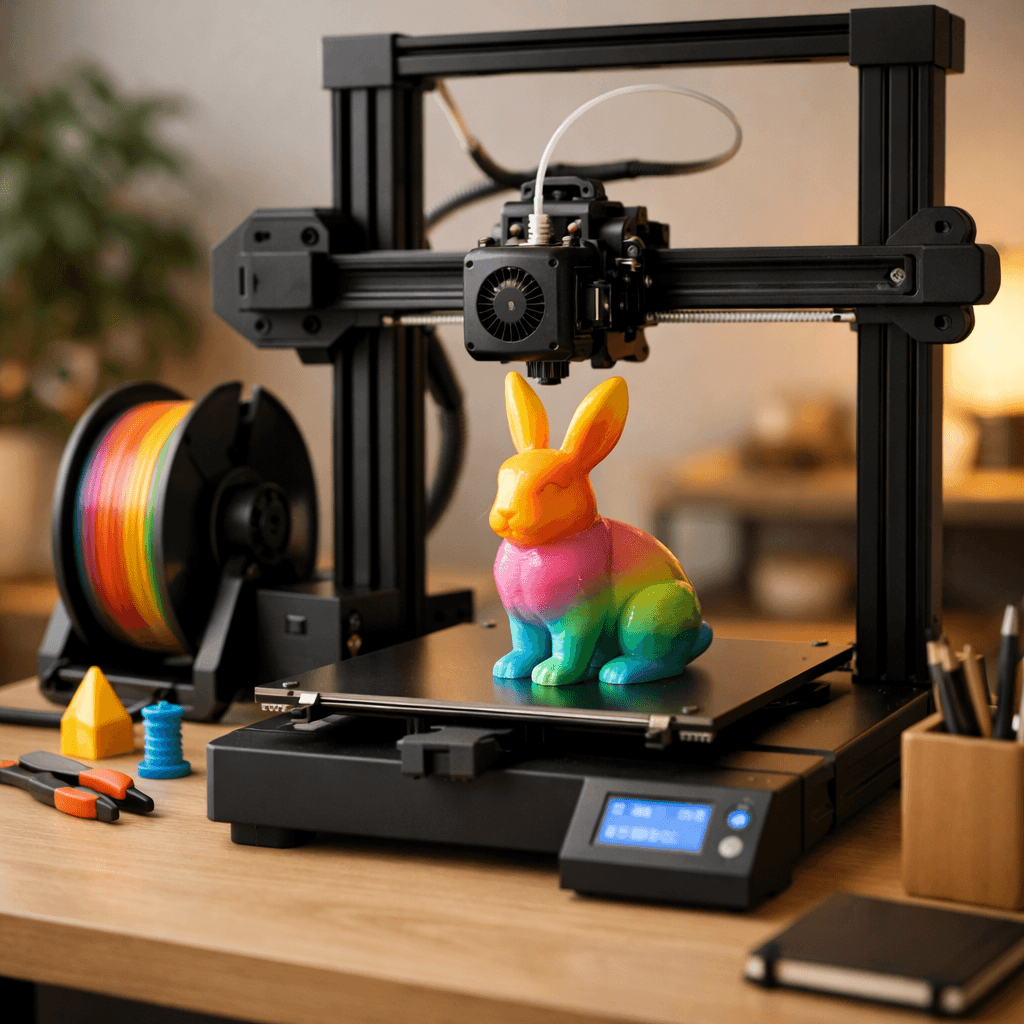 fdm
Bambu Lab
Multi-color printing out of the box, reliable enough for beginners, fast enough for anyone who's tired of watching a print head crawl.
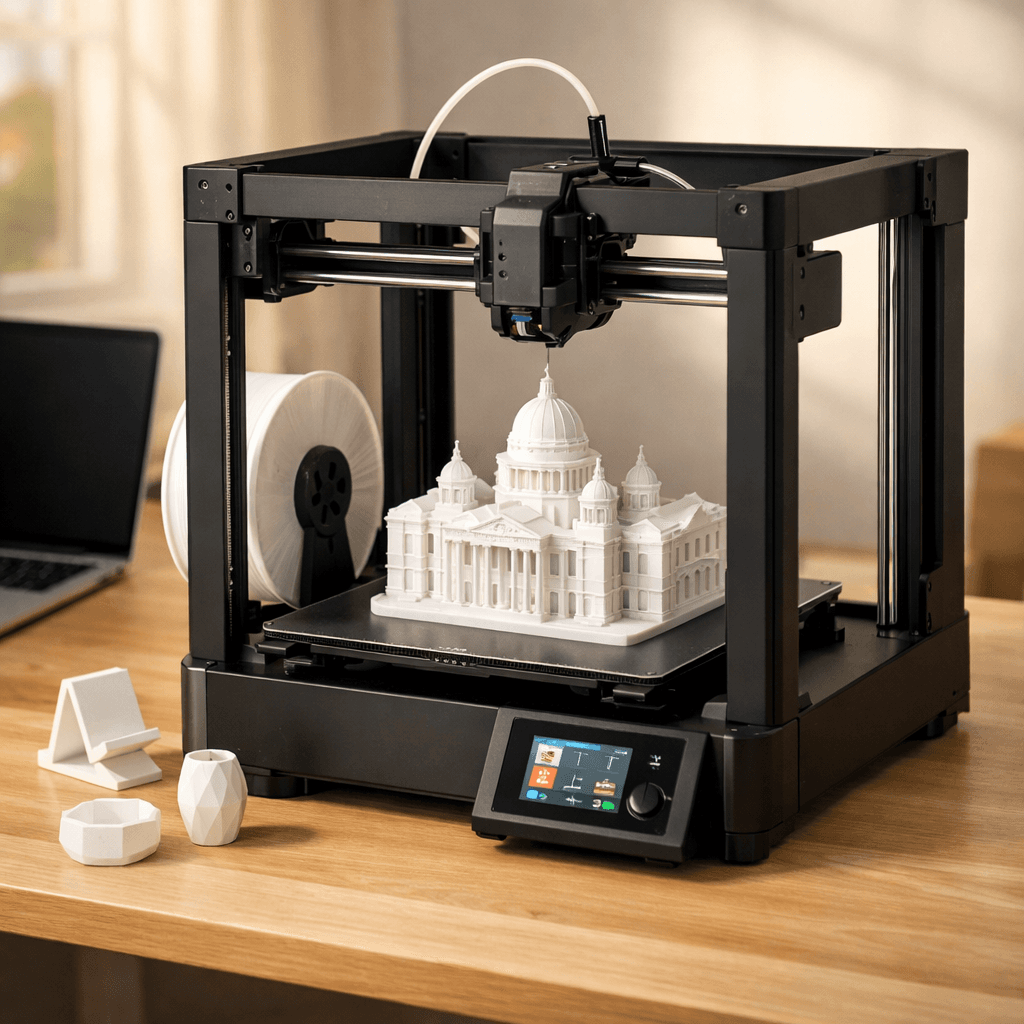 fdm
Bambu Lab
The A1 without the AMS Lite. Full 256mm bed, full Bambu quality, single-color only.