Which Bambu Lab A1 Should You Buy?
Bambu Lab A1 Combo vs A1 Mini: same DNA, very different capabilities. We break down who should buy which.
Top pick in this guide
Bambu Lab A1 Combo
$399, PrintPick score 9.2/10. Check the live price before it moves.
Bambu Lab A1 Combo
Bambu Lab A1 Combo ($399), Score: 9.2/10, $399
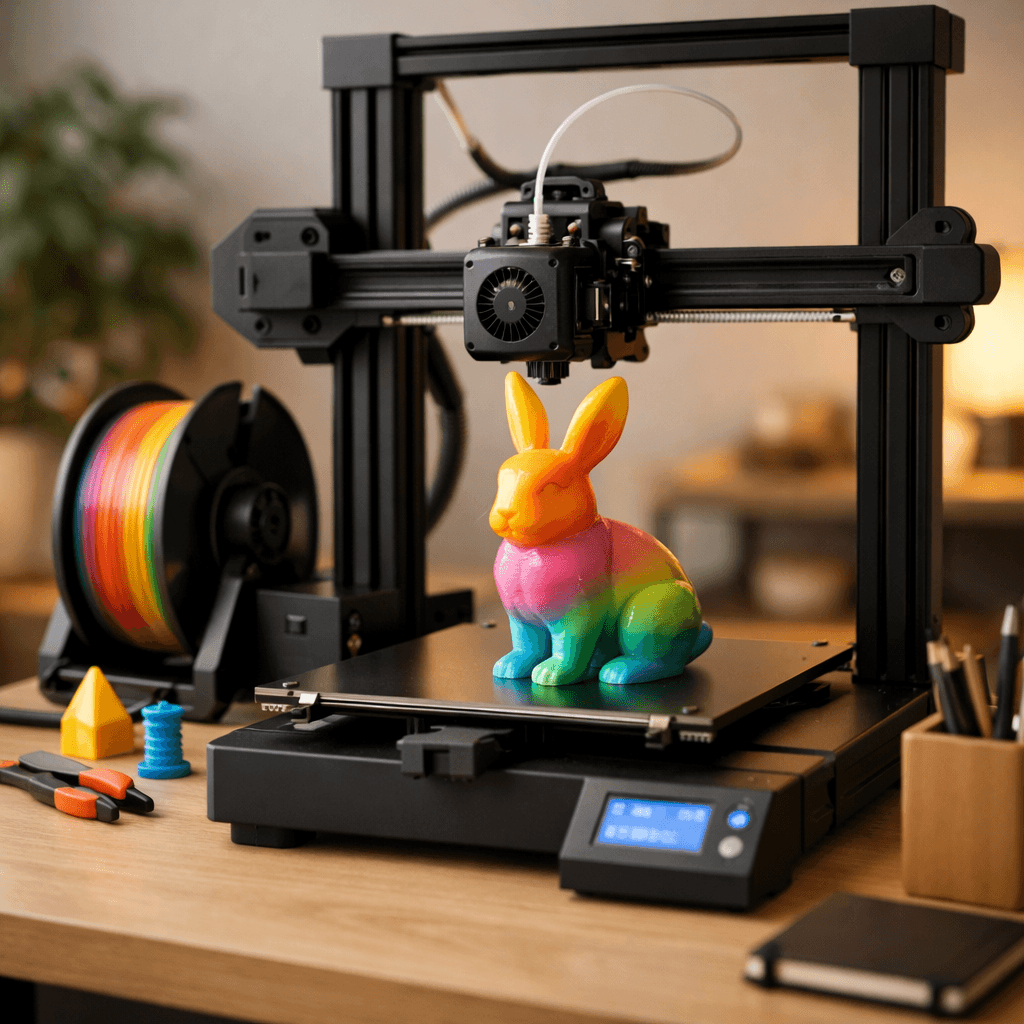
The A1 Combo is the A1 Mini with two major additions: the AMS Lite multi-color system and a slightly larger 256mm build volume. The AMS Lite slots four filament spools and handles automatic switching mid-print, so you can print a multi-color figurine, a two-tone badge, or a color-coded functional part without any manual intervention. Bambu Studio's color-painting tool maps colors onto your model surface directly in the slicer, and the result is genuinely impressive. You won't need to pause prints, swap filament, or do any post-print painting for most multi-color projects. The 256mm build plate is a meaningful upgrade from the Mini's 180mm, you gain 42% more surface area, which opens up larger single-piece prints like helmet sections, large planters, and box lids. Print quality is identical to the Mini because the motion system and hotend are the same. Speed is the same at 500mm/s. The camera, WiFi, and Bambu Studio integration are all the same. What you're paying for is the AMS Lite and those 76 extra millimeters. If multi-color printing is even remotely interesting to you, the A1 Combo is worth the $200 premium, multi-color used to cost $800+ and was unreliable. At $399, it's the most approachable multi-color setup ever made. One downside: the AMS Lite occasionally requires manual intervention on color changes, and the waste tower uses extra filament on every color transition. But these are minor friction points for a system that works reliably most of the time.
Bambu Lab A1 Mini
Bambu Lab A1 Mini ($199), Score: 9.2/10, $199
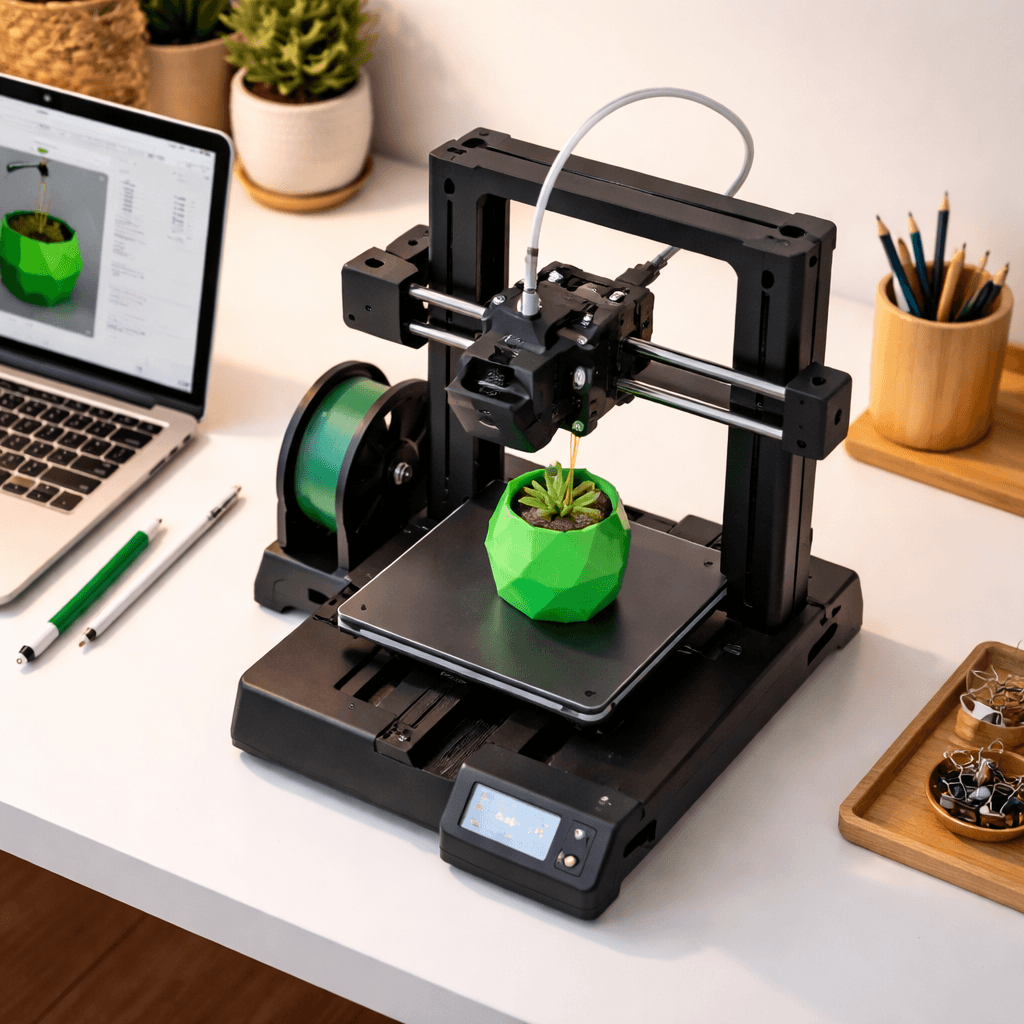
The A1 Mini is not a stripped-down printer, it's a complete, polished product that happens to cost less. You get the same CoreXY-like motion system, the same all-metal hotend, the same auto bed leveling with 49-point calibration, the same WiFi connectivity, the same built-in camera for remote monitoring, and the same Bambu Studio software experience. First-print setup takes 15 minutes from unboxing. The 180x180x180mm build volume handles the vast majority of beginner and intermediate projects: phone stands, planters, figurines, cable clips, keycaps, small cosplay pieces, and household replacement parts all fit comfortably. You can add the AMS Lite ($69 separately) to the A1 Mini later if you want multi-color, this is a genuine upgrade path, not vaporware. At $199, the A1 Mini is arguably the best dollar-for-dollar value in all of consumer 3D printing. Print quality on PLA rivals machines at $500+. The Bambu ecosystem is mature, the community is enormous, and the printer rarely fails. For someone who prints primarily functional parts, household items, or single-color figurines, there is genuinely no reason to spend the extra $200. The only things you're missing are multi-color printing and the extra 76mm of build space. If neither of those matters to your use case, the Mini is the smarter buy.
The Bottom Line
Buy the A1 Mini if you print functional parts, single-color prints, or small decorative items, the print quality is identical and you save $200. Buy the A1 Combo if multi-color printing is on your wishlist at all: the AMS Lite is a genuine differentiator at this price point, and the larger 256mm build plate is a bonus. The Mini is the pragmatic choice; the Combo is the aspirational one.
Related Articles
Bambu Lab A1 Combo vs Anycubic Kobra 3 Combo: Which Multi-Color Printer Wins?
Two multi-color printers at the same price. We compare scores, speed, print quality, and ecosystem.
Creality Ender 3 V3 vs Bambu Lab A1 Mini: Budget Showdown
The classic budget battle. Creality's speed demon vs Bambu's tiny powerhouse.
Safe vs Smart: Adventurer 5M Pro vs A1 Mini
Flashforge Adventurer 5M Pro vs Bambu Lab A1 Mini: enclosed safety vs open-frame value. Which is the better beginner printer?