Creality Ender 3 V3 vs Bambu Lab A1 Mini: Budget Showdown
The classic budget battle. Creality's speed demon vs Bambu's tiny powerhouse.
Top pick in this guide
Creality Ender 3 V3
$289, PrintPick score 8.4/10. Check the live price before it moves.
Creality Ender 3 V3
Creality Ender 3 V3 ($289), Score: 8.4/10, $289
The Ender 3 V3 is a substantial departure from earlier Ender 3 models. The original Ender 3 used a bed-slinger design where the Y-axis moved the build plate, fine at low speeds, but increasingly problematic as speeds increased because the print itself accelerates back and forth, causing ringing artifacts. The V3 uses a CoreXZ design (sometimes called a cantilever system) where the toolhead moves in X and Z while the build plate only moves in Y for smaller adjustments, reducing the mass being accelerated and enabling the 600mm/s maximum speed with pre-installed Klipper firmware. At these speeds, the Ender 3 V3 completes a standard benchy benchmark in about 14 minutes, comparable to Bambu machines at this price. The 220x220x250mm build volume is larger than the A1 Mini's 180mm in every dimension, which matters for users who want to print medium-sized objects like helmets, vases, or mechanical assemblies. The Ender 3 community is the largest in consumer 3D printing, hundreds of thousands of users, thousands of upgrade guides, and an ecosystem of compatible mods that extends the printer's capability indefinitely. OrcaSlicer, which many users prefer, provides excellent calibration tools and a growing profile library for third-party filaments. The honest tradeoffs: no WiFi or camera in the base configuration (WiFi can be added with an Octoprint/Mainsail setup, but it requires separate hardware). No integrated monitoring app means more manual management. First-print success requires more initial setup than the A1 Mini, bed leveling mesh calibration, pressure advance tuning, and input shaping configuration are recommended before serious printing. Best for: users who enjoy optimizing, want the largest budget build volume, or plan to grow into more advanced 3D printing capability over time.
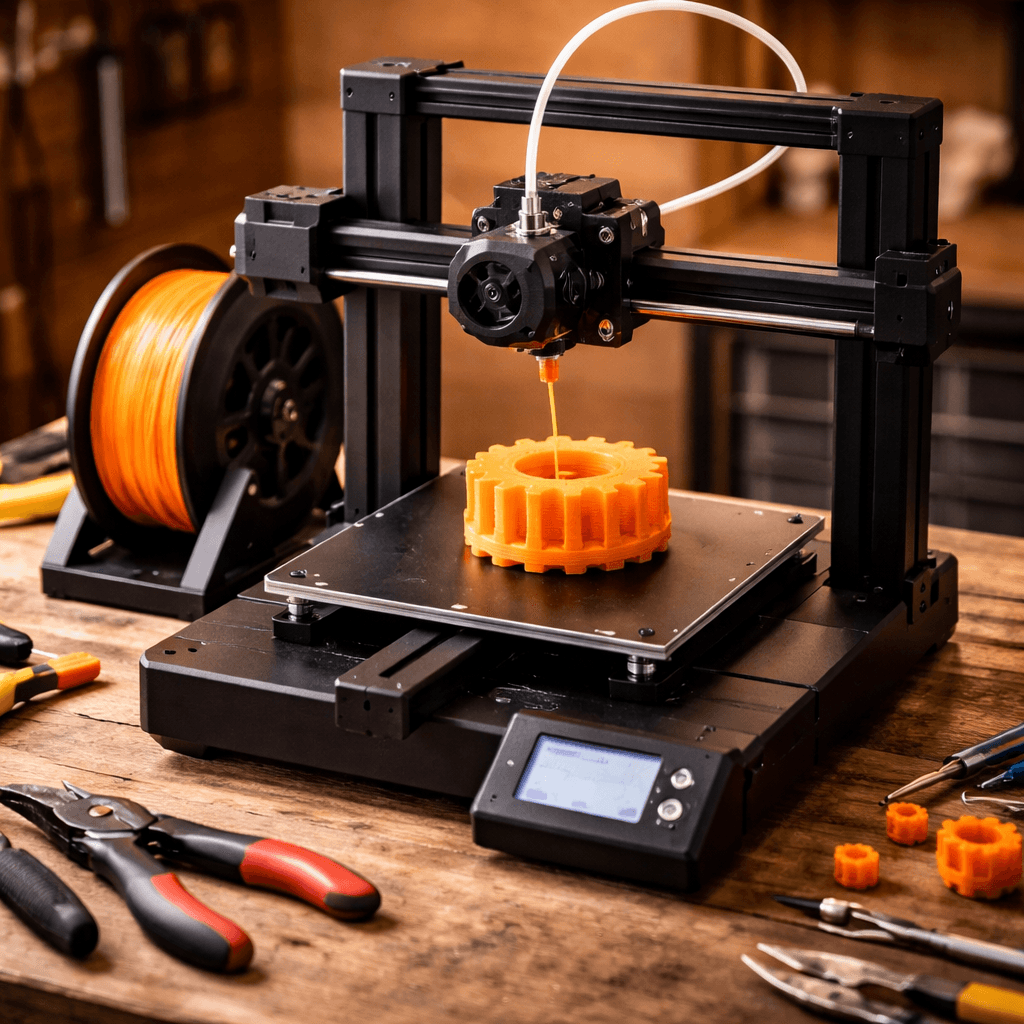
Bambu Lab A1 Mini
Bambu Lab A1 Mini ($199), Score: 9.2/10, $199
The A1 Mini is $90 cheaper than the Ender 3 V3, has integrated WiFi, a camera, and the most polished software ecosystem in consumer 3D printing. The out-of-box experience is legitimately different in class: assemble (one bolt and a power cable), run the auto-calibration routine (4 minutes), download a model in Bambu Studio, and print. From unboxing to first completed print in under 30 minutes is achievable and common. First-print success rates for A1 Mini users exceed 95% on stock settings, the auto bed leveling, pre-tuned filament profiles, and factory calibration mean most users never touch advanced settings. The 49-point bed mesh scan compensates for any build plate variation automatically before each print. Bambu Studio includes pre-configured profiles for PLA, PETG, ABS, TPU, and specialty filaments that produce good results without manual tuning. Remote monitoring via the Bambu app lets you check on prints from your phone with camera live view, pause or cancel remotely, and receive notifications on completion or failure. Speed reaches 500mm/s maximum, with 300mm/s being the practical sweet spot for quality prints. The tradeoff is build volume: 180x180x180mm means any object larger than roughly 18cm in any dimension requires splitting and assembly. This excludes full-size helmets, large vases, and many functional parts, though it handles the majority of beginner and casual projects without issue. The proprietary ecosystem is the other honest limitation: Bambu's cloud services are required for WiFi printing, and their RFID spool system encourages Bambu-brand filament. Third-party filament works with manual profile configuration. Best for: anyone who wants the simplest possible path from unboxing to successful prints, particularly beginners and users who value their time over total capability.
The Bottom Line
The Bambu Lab A1 Mini wins on ease of use, total cost, and the out-of-box experience, and wins by a larger margin than the $90 price difference suggests. If you want to print and not think about printer mechanics, the A1 Mini is the correct choice. The Creality Ender 3 V3 wins on build volume, speed potential, and the depth of the Ender community ecosystem, and is the better choice for users who want to understand and optimize their printer, or who specifically need more than 180mm in any dimension. Both are excellent machines. The mistake is buying the Creality when you wanted plug-and-play, or buying the Bambu when you know you will want to tinker.
Related Articles
Which Bambu Lab A1 Should You Buy?
Bambu Lab A1 Combo vs A1 Mini: same DNA, very different capabilities. We break down who should buy which.
Ender 3 V3 vs V3 SE: Upgrade or Save?
Creality Ender 3 V3 vs V3 SE: $289 vs $218. Is CoreXZ and Klipper worth the $70 premium?
Neptune 4 Pro vs Ender 3 V3: Speed vs Community
Elegoo Neptune 4 Pro vs Creality Ender 3 V3: two Klipper-powered budget speed machines go head-to-head.