Ender 3 V3 vs V3 SE: Upgrade or Save?
Creality Ender 3 V3 vs V3 SE: $289 vs $218. Is CoreXZ and Klipper worth the $70 premium?
Top pick in this guide
Creality Ender 3 V3
$289, PrintPick score 8.4/10. Check the live price before it moves.
Creality Ender 3 V3
Creality Ender 3 V3 ($289), Score: 8.4/10, $289
The Ender 3 V3 represents a genuine architectural leap from the V3 SE. The CoreXZ motion system, where both X and Z axes move together while the bed handles Y, is more rigid and capable of higher speeds than the traditional Cartesian design of the SE. Pair that with Klipper firmware pre-installed and you get input shaping, pressure advance, and resonance compensation out of the box, features that significantly reduce ringing artifacts at speed. The result is a rated 600mm/s maximum speed (realistic quality printing at 300-400mm/s) versus the SE's 250mm/s. A standard 3DBenchy print that takes 45 minutes on the V3 SE finishes in about 18 minutes on the V3. For people who print frequently, that time savings compounds significantly. Klipper also gives you a web interface for managing prints, webcam integration, and real-time tuning. The 220x220x250mm build volume is identical to the SE, which is a minor disappointment, you would hope the more expensive sibling offered more space. The print quality ceiling on the V3 is genuinely higher: at optimized settings, the V3 produces sharper corners, cleaner overhangs, and better surface quality on complex geometry than the SE. Main downsides: no WiFi, no camera, and the Klipper interface has a slightly steeper learning curve for absolute beginners.
Creality Ender 3 V3 SE
Creality Ender 3 V3 SE ($218), Score: 8/10, $218
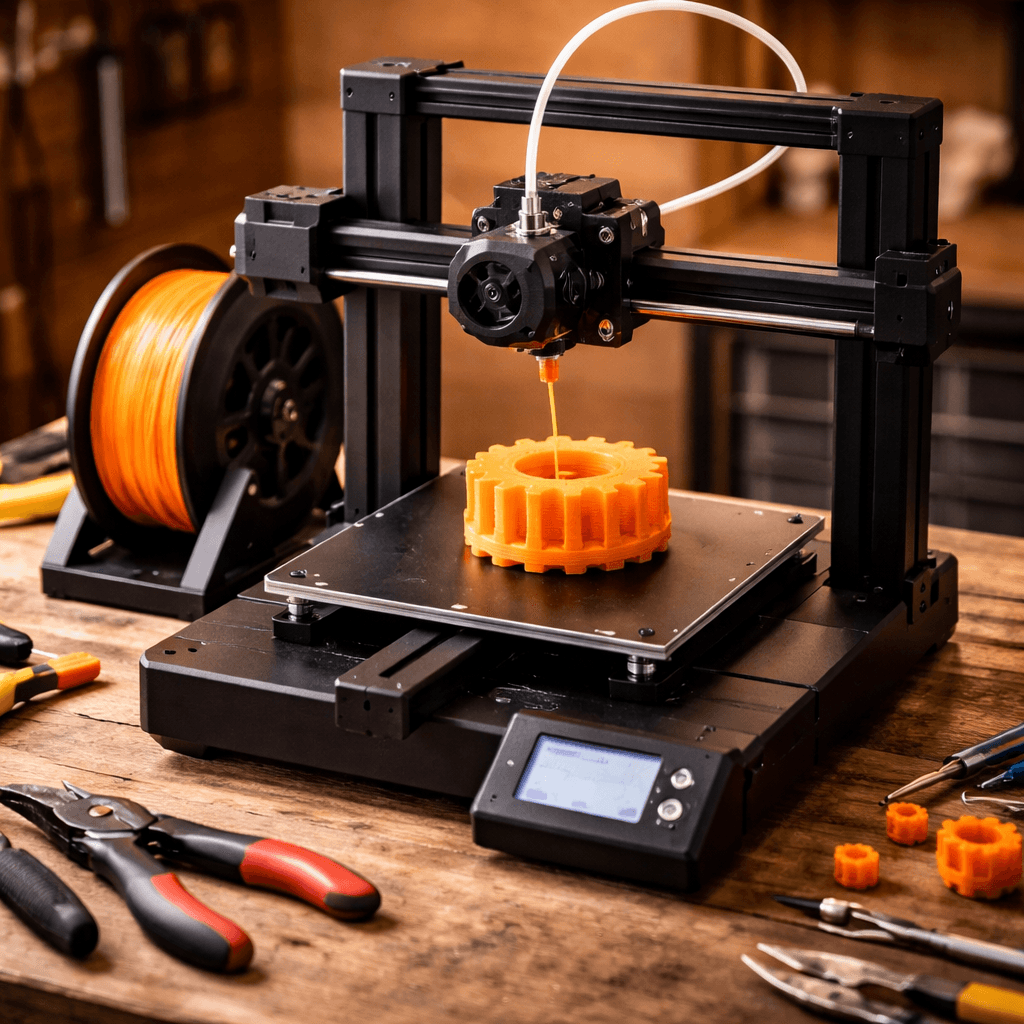
The Ender 3 V3 SE is the refinement of everything the Ender 3 series learned from a decade of community feedback. Auto bed leveling (finally, properly implemented), a direct drive extruder that handles TPU without drama, a PEI spring steel build plate that makes part removal trivially easy, and a clean touchscreen interface. At $218, it packs features that used to require $300+ printer budgets just two years ago. The 250mm/s print speed is modest compared to the V3, but more than enough for most projects. A standard benchy takes 45 minutes, slower than the V3, but the result is a clean, well-calibrated print without fuss. The SE runs Marlin firmware, which is mature, stable, and widely understood. For beginners who don't want to deep-dive into firmware parameters, this is actually an advantage: fewer settings to accidentally break. The SE's open-frame design and large community mean you can add a BLTouch or Creality Sonic Pad (a Klipper adapter) later if you want Klipper without paying for it upfront. The upgrade path is well-documented. Best for: first-time Ender 3 buyers who want reliability and simplicity at the lowest price, and tinkerers who would rather start cheap and upgrade incrementally.
The Bottom Line
Buy the Ender 3 V3 SE if this is your first printer, you're on a budget, or you don't care about maximum speed, you get 95% of what makes the Ender 3 great for $70 less. Buy the Ender 3 V3 if you print frequently and speed matters, you want Klipper without adding a third-party board, or you've already had an SE and want a meaningful performance upgrade. The gap in speed is real; whether it's worth $70 depends on how much you print.
Related Articles
Creality Ender 3 V3 vs Bambu Lab A1 Mini: Budget Showdown
The classic budget battle. Creality's speed demon vs Bambu's tiny powerhouse.
Neptune 4 Pro vs Ender 3 V3: Speed vs Community
Elegoo Neptune 4 Pro vs Creality Ender 3 V3: two Klipper-powered budget speed machines go head-to-head.
Premium vs Budget: MK4S vs Ender 3 V3
Prusa MK4S ($799) vs Creality Ender 3 V3 ($289): is $510 worth it for Prusa's legendary reliability and open-source heritage?