Neptune 4 Pro vs Ender 3 V3: Speed vs Community
Elegoo Neptune 4 Pro vs Creality Ender 3 V3: two Klipper-powered budget speed machines go head-to-head.
Top pick in this guide
Elegoo Neptune 4 Pro
$259, PrintPick score 8/10. Check the live price before it moves.
Elegoo Neptune 4 Pro
Elegoo Neptune 4 Pro ($259), Score: 8/10, $259
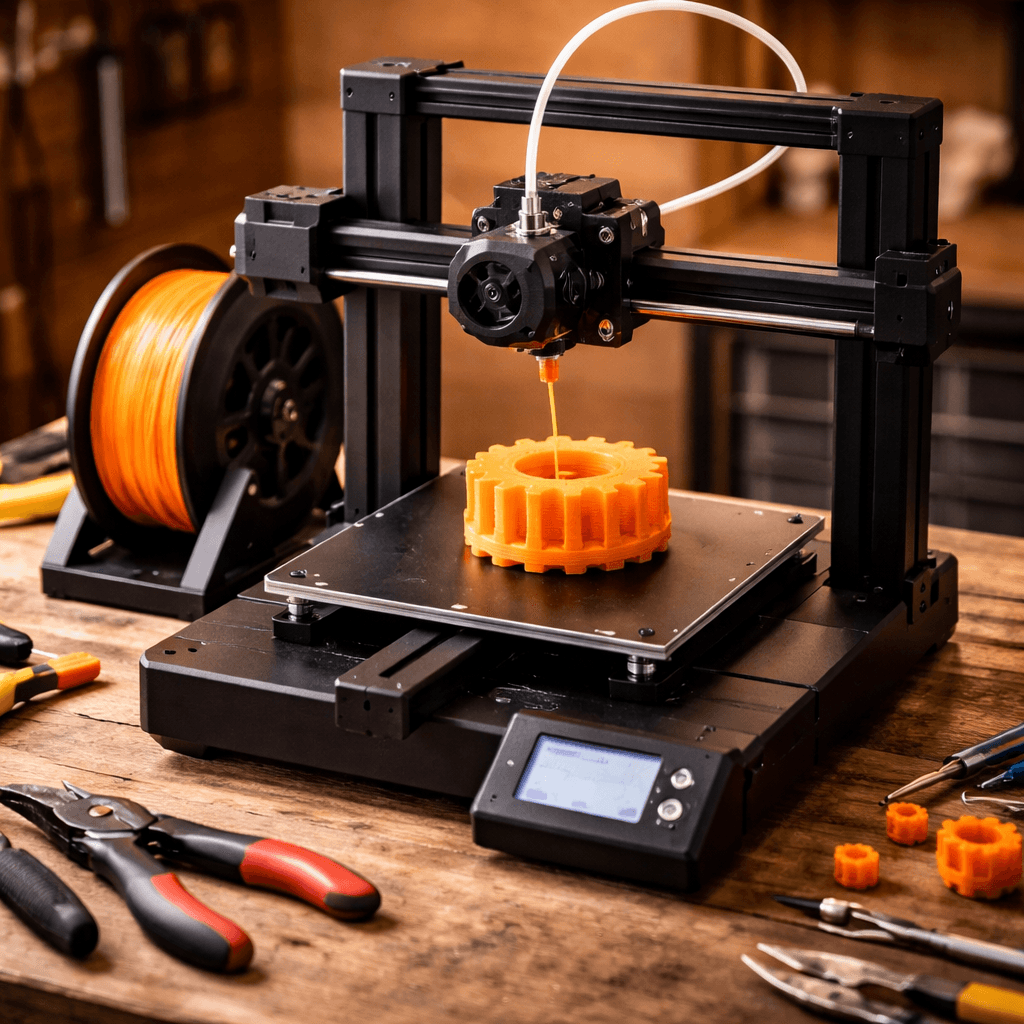
Linear rails on all axes at $259. Klipper pre-configured with input shaping and pressure advance. Direct drive extruder. The Neptune 4 Pro packs genuinely premium hardware into a budget frame, and you can realistically hit 300-400mm/s quality prints immediately. The 225x225x265mm build plate is a few millimeters larger than the Ender 3 V3 in every dimension. Not huge, but if you're pushing the limits on a print, it matters. The PEI sheet releases cleanly after cooling. The browser-based Klipper interface works fine, though there's no built-in camera. The real problem shows up when something goes wrong. Elegoo's community is smaller. Firmware updates in the Neptune 4 series had rough early patches that required community fixes. Third-party guides are scarcer. You will eventually hit a weird issue that isn't well documented, and you'll spend real time hunting for answers. The hardware is genuinely good. The support network around it is still catching up.
Creality Ender 3 V3
Creality Ender 3 V3 ($289), Score: 8.4/10, $289
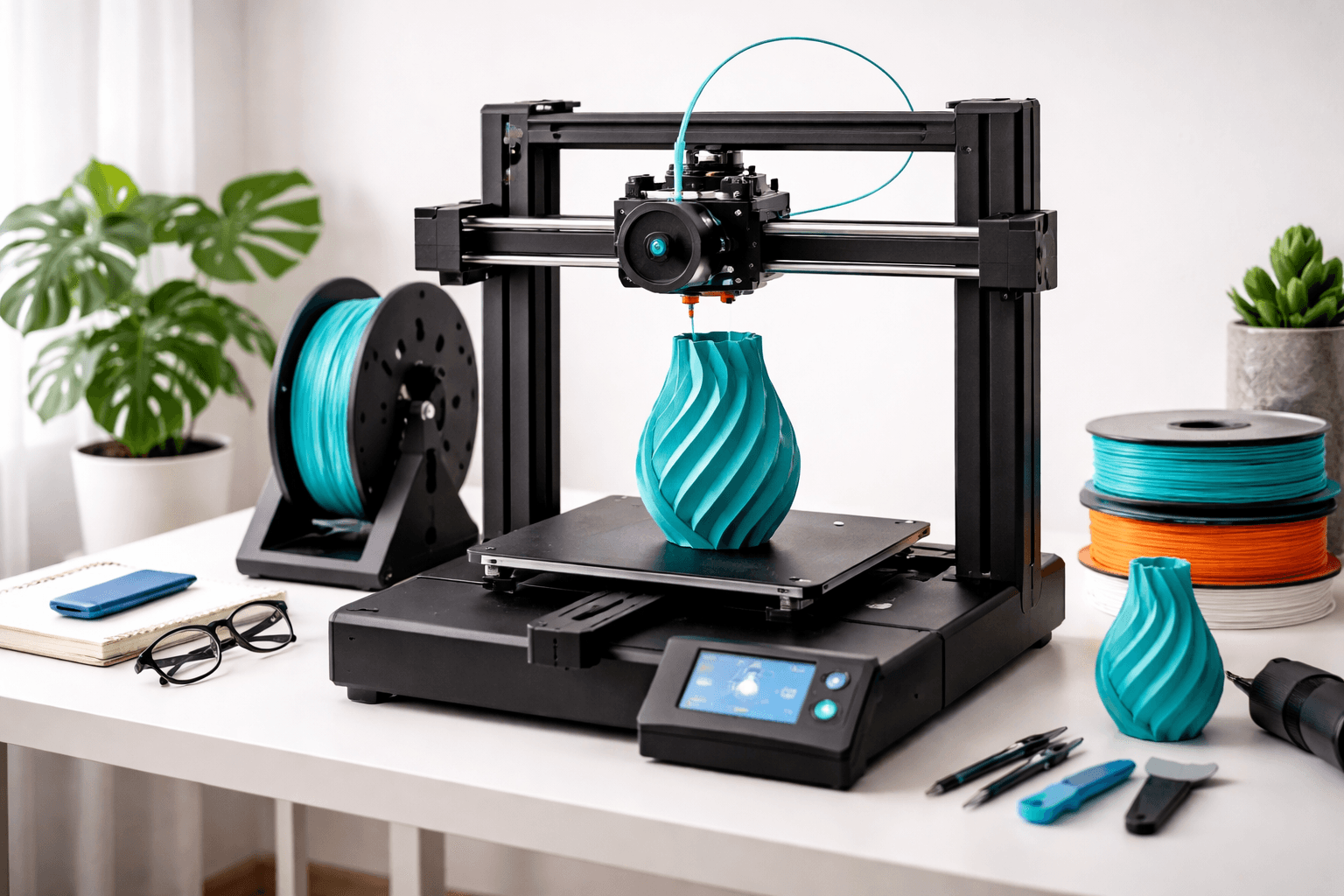
The Ender 3 V3 costs $30 more and uses CoreXZ kinematics instead of a bed-slinger. CoreXZ keeps the bed stationary on the Y axis, which cuts inertia on fast moves and lets the printer sustain speed without quality falling apart. Rated at 600mm/s, it's faster on paper than the Neptune, and that speed is more achievable in practice because of the motion system. Build volume is 220x220x250mm, slightly smaller than the Neptune 4 Pro's. Klipper comes pre-installed with a clean touchscreen. The stock configuration is increasingly well-tuned. But the real advantage isn't hardware. Creality has the largest consumer printer community on the planet. Every problem has been documented, debated, and solved on Reddit and YouTube. Mods, configs, troubleshooting threads. All of it. For a first-time Klipper user, that support network is genuinely valuable when things inevitably go sideways.
The Bottom Line
Get the Neptune 4 Pro if linear rails and a slightly larger build volume matter and you're comfortable being self-reliant when things break. Get the Ender 3 V3 if you want the security of the biggest community in budget 3D printing. The $30 difference is worth it for most people. The Neptune wins on hardware value per dollar. The Ender 3 V3 wins on not being stranded when something weird happens.
Related Articles
Creality Ender 3 V3 vs Bambu Lab A1 Mini: Budget Showdown
The classic budget battle. Creality's speed demon vs Bambu's tiny powerhouse.
Ender 3 V3 vs V3 SE: Upgrade or Save?
Creality Ender 3 V3 vs V3 SE: $289 vs $218. Is CoreXZ and Klipper worth the $70 premium?
Premium vs Budget: MK4S vs Ender 3 V3
Prusa MK4S ($799) vs Creality Ender 3 V3 ($289): is $510 worth it for Prusa's legendary reliability and open-source heritage?