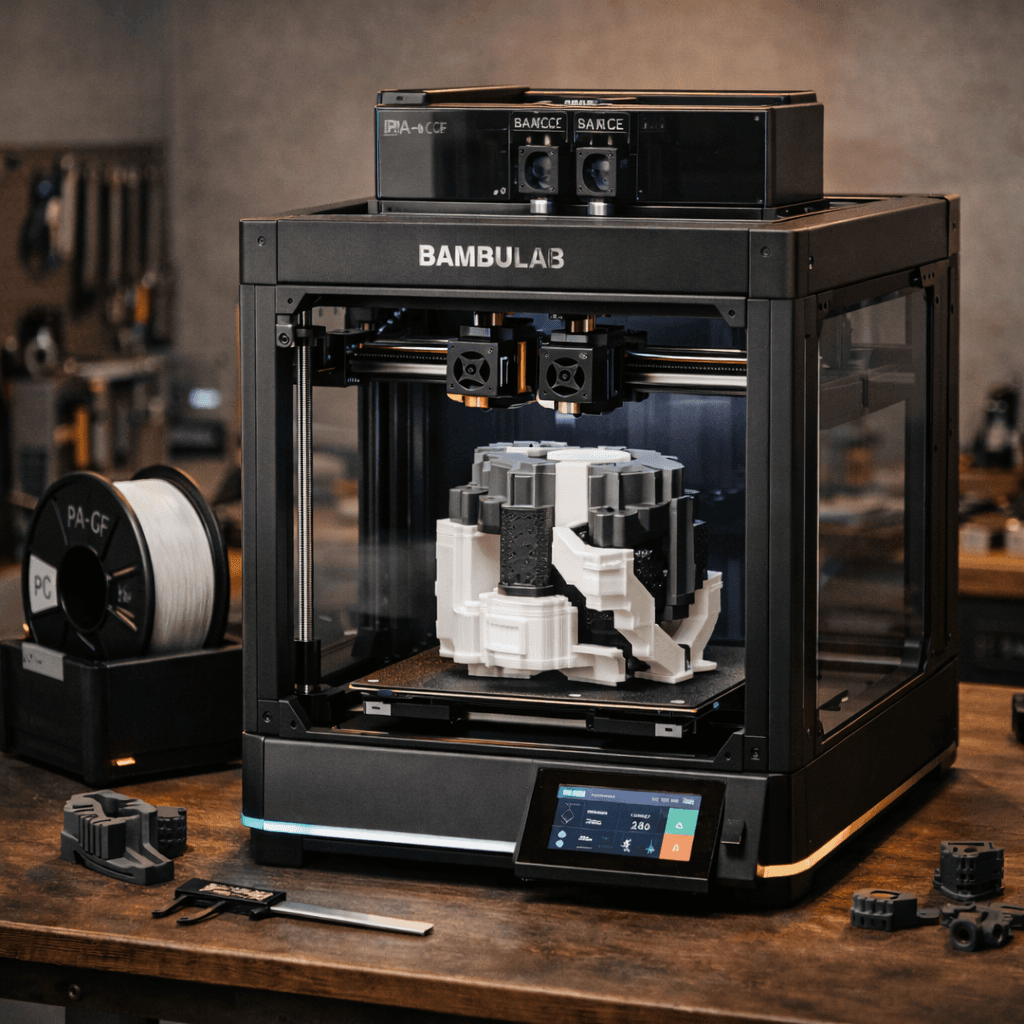
Bambu Lab P2S
- Price
- $549
- Score
- 9.2/10
- Wins
- 4/5
Specs and US prices from the PrintPick catalog, checked 2026-09-29. Scores are PrintPick ratings out of 10.
Buy the P2S.
9.2/10 vs K2 Plus's 7.8/10, and it wins 4 of 5 categories. Best enclosed CoreXY under $600 right now. New buyers: this is the answer, skip the P1S comparison. P1S owners: the nozzle system and AMS 2 Pro drying tip the scales toward upgrading, but only if you use those features regularly.
Teal wins the row.
| P2S | Spec | K2 Plus |
|---|---|---|
| $549 (wins) | Price | $899 |
| 16.8 L | Build volume | 42.9 L (wins) |
| 500 mm/s | Top speed | 600 mm/s (wins) |
| 0.05 mm | Finest layer | 0.05 mm |
| 14.9 kg | Weight | 27 kg |
| P2S | Feature | K2 Plus |
|---|---|---|
| Yes | Enclosed CoreXY | No |
| Yes | AMS 2 Pro compatible | No |
| Yes | 5-inch touchscreen | No |
| Yes | 1080p AI camera | No |
| Yes | Quick-swap nozzle system | No |
| Yes | PMSM servo extruder (8.5kg force) | No |
| No | Enclosed | Yes |
| No | 350mm build volume | Yes |
| No | CFS multi-color | Yes |
| No | WiFi | Yes |
| No | Camera | Yes |
| No | Active carbon filter | Yes |
$549 ÷ 16.8 L and $899 ÷ 42.9 L. Lower is more printer for the money.
| P2S | Spec | K2 Plus |
|---|---|---|
| $32.72 | $ per liter | $20.97 (wins) |
| $1.10 (wins) | $ per mm/s | $1.50 |
| P2S | Spec | K2 Plus |
|---|---|---|
| 9 (wins) | Value | 7 |
| 9 (wins) | Beginner Friendliness | 6 |
| 10 (wins) | Print Quality | 9 |
| 9 | Speed | 9 |
| 9 (wins) | Reliability | 8 |
| 9.2 (wins) | Overall | 7.8 |
The quick nozzle swap makes me jealous even as an X1C owner.P2S owner, r/BambuLab
Goldilocks gets a glow up. The P2S refreshes a best seller with meaningful upgrades.P2S owner, Tom's Hardware
For new buyers, the P2S is recommended without hesitation. Meaningfully better than the P1S in every way.P2S owner, 3DTechValley
Nothing else gives you 350mm enclosed at this price. Period.K2 Plus owner, r/3Dprinting
The K2 Plus is Creality's most ambitious machine yet, and it mostly delivers.K2 Plus owner, Make Anything (YouTube)
A printer does nothing without these. Grab them in the same order.
By the numbers, the Bambu Lab P2S scores higher (9.2/10). But "better" depends on your use case, the Creality K2 Plus may be the smarter buy if you need large-prints.
The Bambu Lab P2S is more beginner-friendly (9/10 vs 6/10) with easier setup and a gentler learning curve.
The Bambu Lab P2S actually scores higher (9.2/10) despite costing $350 less. The Creality K2 Plus only makes sense if you specifically need large-prints.
Build volume (256x256x256mm vs 350x350x350mm) and print speed (500 vs 600 mm/s). The Bambu Lab P2S is best for speed; the Creality K2 Plus targets large-prints.