Bambu Lab P2S vs Elegoo Neptune 4 Plus
Head-to-head 3D printer comparison, 2026

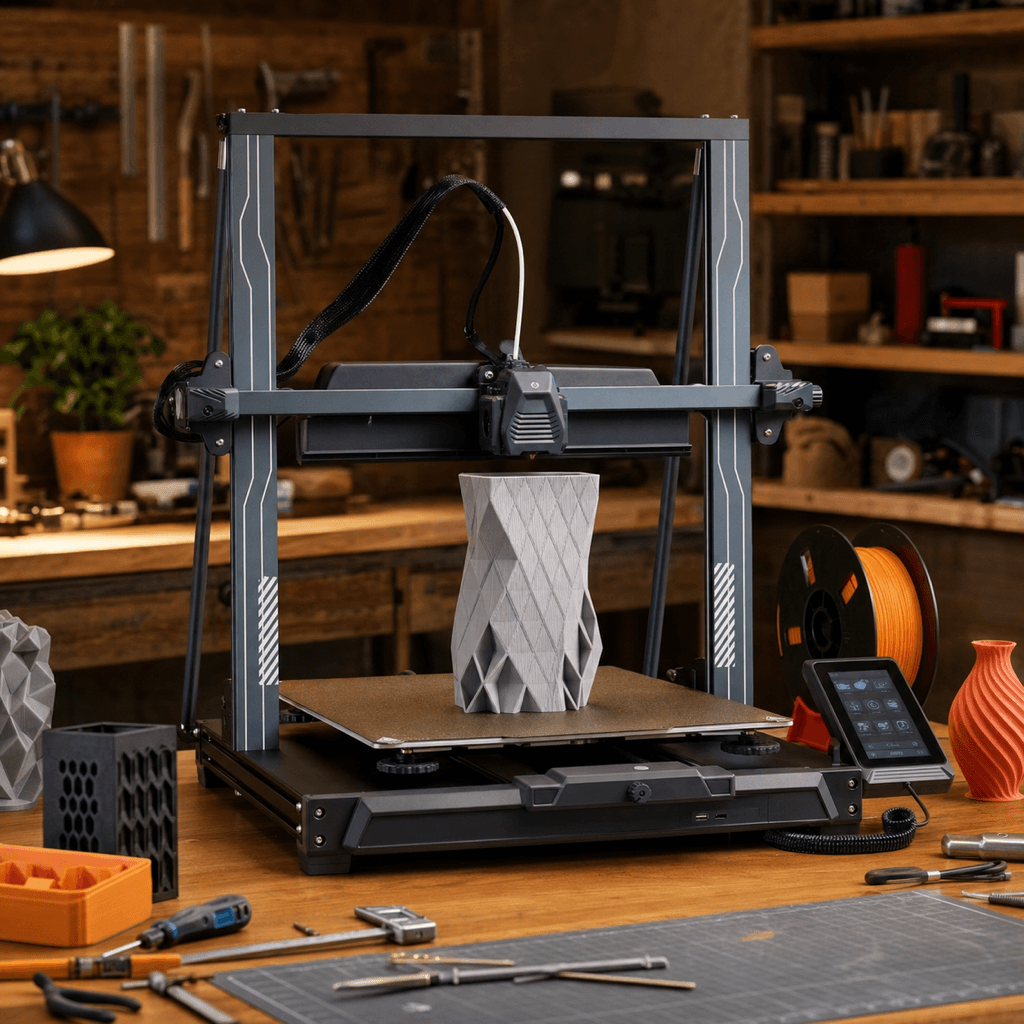
The Bambu Lab P2S and Elegoo Neptune 4 Plus are both FDM 3D printers competing in different tiers, $549 vs $299. Both are scored across value, beginner-friendliness, quality, speed, and reliability. Here's the full breakdown.
Our Verdict
The Bambu Lab P2S takes the crown with 9.2/10 vs 8.4/10. It pulls ahead in Beginner Friendliness, Print Quality, Speed, Reliability. That said, the Elegoo Neptune 4 Plus saves you $250 and wins on Value.
Direct answer
Bambu Lab P2S is the better pick for most buyers.
Choose Bambu Lab P2S if you want the stronger overall score, better fit for speed and enclosed, and the safer recommendation. Choose Elegoo Neptune 4 Plus only if its specific strengths matter more to you than the overall result.
Winner by buyer type
Best overall
Bambu Lab P2S
Best value
Elegoo Neptune 4 Plus
Best build volume
Elegoo Neptune 4 Plus
Score Breakdown
Specifications
| Spec | Bambu Lab P2S | Elegoo Neptune 4 Plus |
|---|---|---|
| Price | $549 | $299 |
| Type | FDM | FDM |
| Build Volume | 256 x 256 x 256 mm | 320 x 320 x 385 mm |
| Print Speed | 500 mm/s | 500 mm/s |
| Min Resolution | 0.05 mm | 0.05 mm |
| Weight | 14.9 kg | 12.5 kg |
| Overall Score | 9.2/10 | 8.4/10 |
Pros & Cons
Bambu Lab P2S
+Quick-swap nozzle: no tools, no waiting for cool-down, no thread damage from hot-tightening
+1080p AI camera pauses the print when it detects layer failures, not just notifies you
+AMS 2 Pro dries filament while printing so you don't need a separate drybox for standard materials
+5-inch touchscreen is large enough to actually use without squinting at a 2-inch screen
−No LiDAR sensor: that capability is still exclusive to the X-series
−P1S owners have no trade-in path; the upgrade cost is the full $549
−Multi-color purges still waste filament; purge blocks help but don't fix the root issue
−The $799 Combo version gets close enough to the H2D's price that a comparison is warranted
Elegoo Neptune 4 Plus
+320×320×385mm at $299 — the largest build volume at this price point
+Stock Klipper means real input shaping, pressure advance, and Moonraker API access
+Direct-drive handles TPU and flexible filaments without clog risk
+Mainsail interface enables remote monitoring and print farm integration
+Dual Z-axis prevents gantry sag on tall prints
−Open-frame limits material compatibility — ABS/ASA require an enclosure
−500mm/s achievable but optimal quality typically at 200-300mm/s
−Large bed means longer homing and leveling cycles
−Elegoo's support and community is smaller than Creality's
Who Should Buy Which?
Choose the Bambu Lab P2S if you want:
- A great printer for speed
- A great printer for enclosed
- A great printer for multi-color
- A great printer for engineering
- Enclosed CoreXY
- AMS 2 Pro compatible
- 5-inch touchscreen
Choose the Elegoo Neptune 4 Plus if you want:
- A great printer for large-format
- A great printer for value
- A great printer for beginner
- A great printer for speed
- Stock Klipper firmware with Mainsail web interface
- 320×320×385mm XL build volume
- 500mm/s max print speed with input shaping
Frequently Asked Questions
Is the Bambu Lab P2S better than the Elegoo Neptune 4 Plus?
By the numbers, the Bambu Lab P2S scores higher (9.2/10). But "better" depends on your use case, the Elegoo Neptune 4 Plus may be the smarter buy if you need large-format.
Which is better for beginners, Bambu Lab P2S or Elegoo Neptune 4 Plus?
The Bambu Lab P2S is more beginner-friendly (9/10 vs 8/10) with easier setup and a gentler learning curve.
Is the Bambu Lab P2S worth $250 more than the Elegoo Neptune 4 Plus?
The Bambu Lab P2S scores higher overall (9.2/10 vs 8.4/10). The extra $250 gets you quick-swap nozzle: no tools, no waiting for cool-down, no thread damage from hot-tightening.
What's the main difference between Bambu Lab P2S and Elegoo Neptune 4 Plus?
Build volume (256x256x256mm vs 320x320x385mm) and print speed (500 vs 500 mm/s). The Bambu Lab P2S is best for speed; the Elegoo Neptune 4 Plus targets large-format.