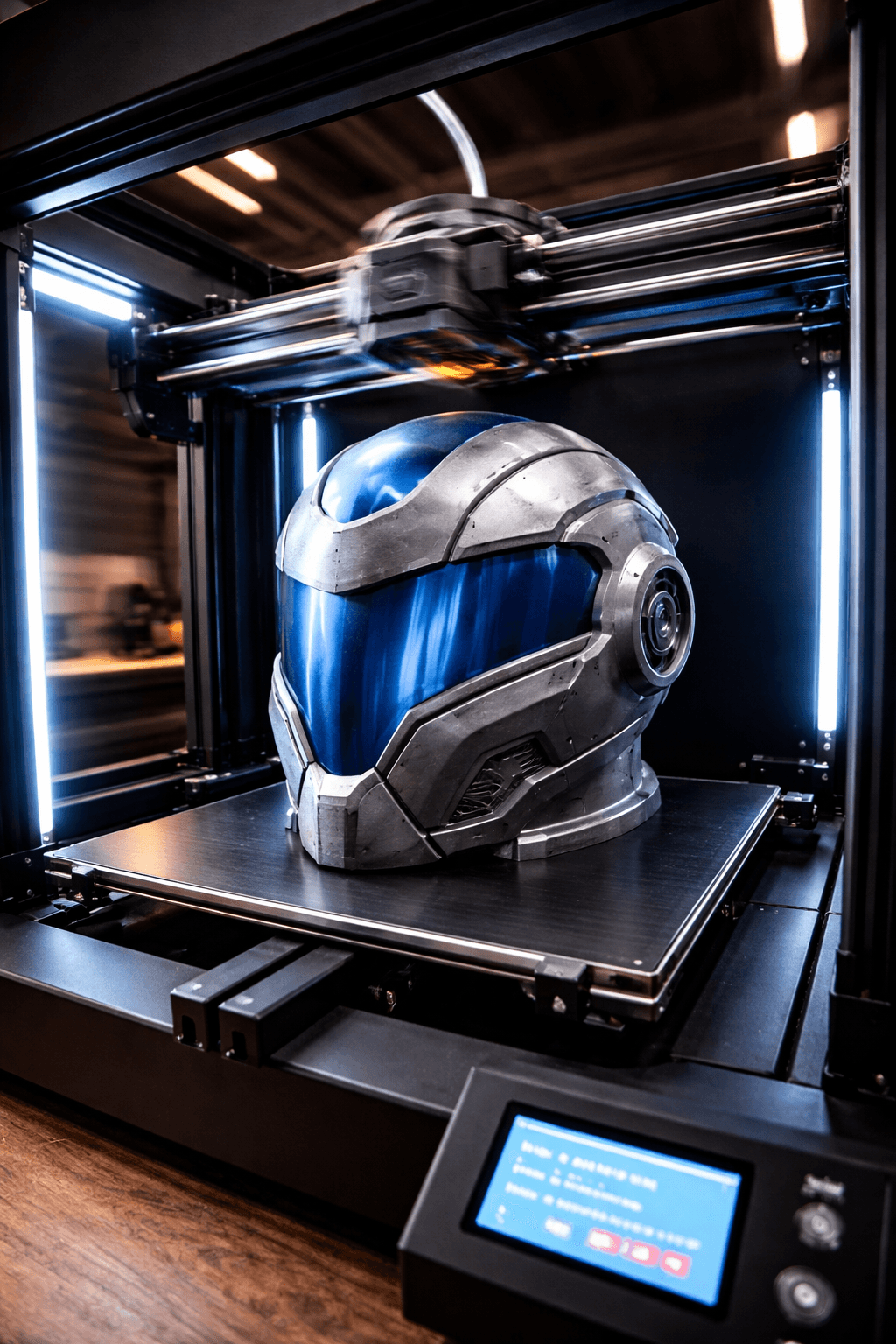
Creality K1 Max
- Speed
- 600 mm/s
- Score
- 8/10
- Wins
- 1/5
Specs from the PrintPick catalog, checked 2026-09-29. Scores are PrintPick ratings out of 10.
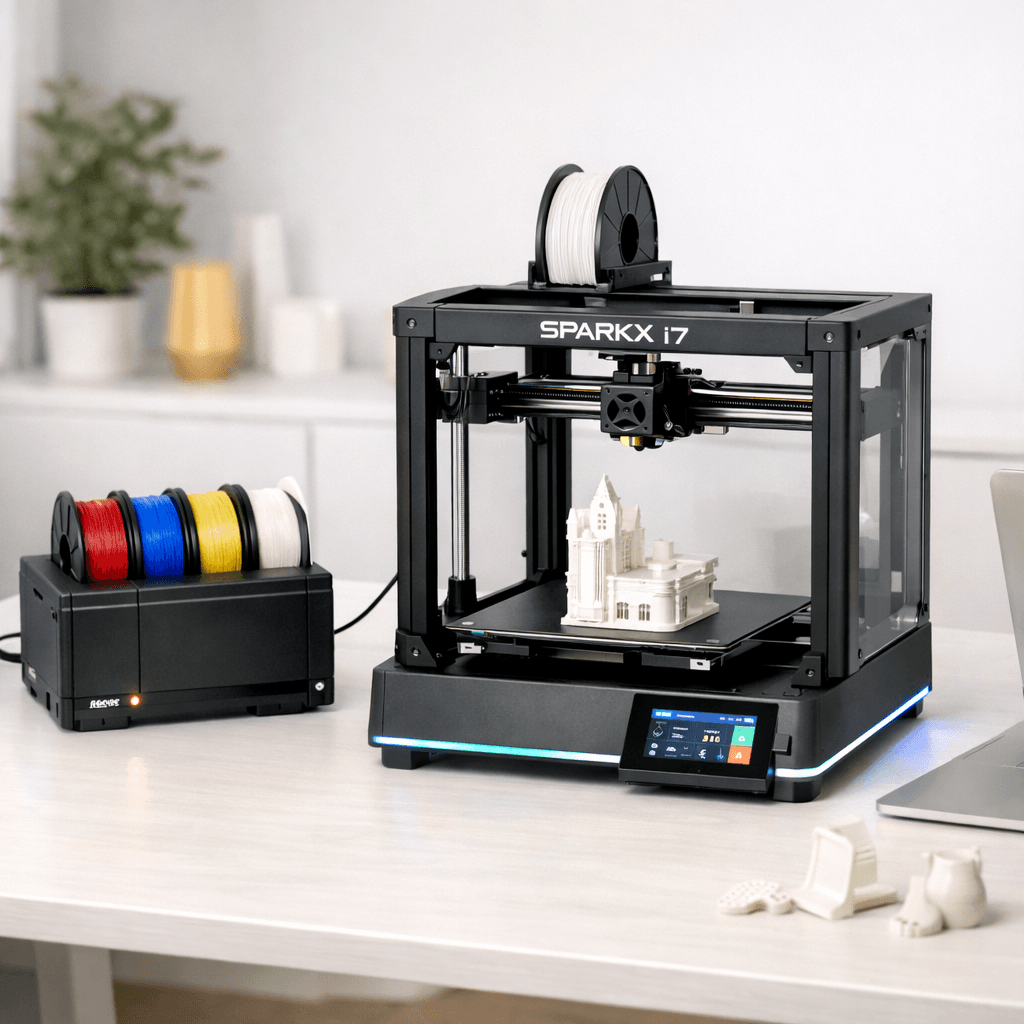
Buy the SPARKX i7.
8.4/10 vs K1 Max's 8/10, and it wins 3 of 5 categories. Creality's best multi-color printer yet. CES recognition and AI monitoring are the real deal. Best for buyers already in the Creality ecosystem or who want the community behind them.
Teal wins the row.
| K1 Max | Spec | SPARKX i7 |
|---|---|---|
| 27.0 L (wins) | Build volume | 17.2 L |
| 600 mm/s (wins) | Top speed | 500 mm/s |
| 0.05 mm | Finest layer | 0.05 mm |
| 18 kg | Weight | 11.8 kg |
| K1 Max | Feature | SPARKX i7 |
|---|---|---|
| Yes | Large build volume | No |
| Yes | AI camera | No |
| Yes | Auto bed leveling | Yes |
| Yes | Direct drive | No |
| Yes | WiFi | No |
| No | CFS Lite multi-color (4 colors) | Yes |
| No | AI-assisted print monitoring | Yes |
| No | WiFi + touchscreen | Yes |
| No | Direct drive extruder | Yes |
| No | 95% pre-assembled | Yes |
| No | Tom's Hardware CES 2026 Best 3D Printer | Yes |
| K1 Max | Spec | SPARKX i7 |
|---|---|---|
| 8 | Value | 9 (wins) |
| 7 | Beginner Friendliness | 9 (wins) |
| 8 | Print Quality | 8 |
| 10 (wins) | Speed | 8 |
| 7 | Reliability | 8 (wins) |
| 8 | Overall | 8.4 (wins) |
Printed a full Mandalorian helmet in one piece. This thing is a beast.K1 Max owner, r/3Dprinting
A fully enclosed Core XY powerhouse machine at an incredible price.K1 Max owner, 3DPrintBeginner
Tom's Hardware Best 3D Printer of CES 2026. Creality finally has a real Bambu competitor.SPARKX i7 owner, Tom's Hardware
Very beginner friendly, almost plug and play. No tuning or adjustment needed out of the box.SPARKX i7 owner, Creality Community Forum
The AI monitoring actually works. Caught a spaghetti failure at layer 12 and paused the print automatically.SPARKX i7 owner, r/Creality
When 3D printing stops feeling intimidating, that's the SparkX i7 experience.SPARKX i7 owner, The Gadgeteer
A printer does nothing without these. Grab them in the same order.
By the numbers, the Creality SPARKX i7 scores higher (8.4/10). But "better" depends on your use case, the Creality K1 Max may be the smarter buy if you need large-prints.
The Creality SPARKX i7 is more beginner-friendly (9/10 vs 7/10) with easier setup and a gentler learning curve.
The Creality SPARKX i7 actually scores higher (8.4/10) despite costing less. The Creality K1 Max only makes sense if you specifically need large-prints.
Build volume (300x300x300mm vs 260x260x255mm) and print speed (600 vs 500 mm/s). The Creality K1 Max is best for large-prints; the Creality SPARKX i7 targets multi-color.