Bambu Lab P2S
What the P2S Gets Right
- Price
- $549
- Score
- 9.2/10
- Build
- 16.8 L
Buy at 3DJake
US price in USD, approximate. Your price at checkout can differ by store and country.
comparison · updated . Specs and US prices from the PrintPick catalog, checked 2026-09-29. Scores are PrintPick ratings out of 10.
By Shadman Rahman · Prices checked
What the P2S Gets Right
US price in USD, approximate. Your price at checkout can differ by store and country.
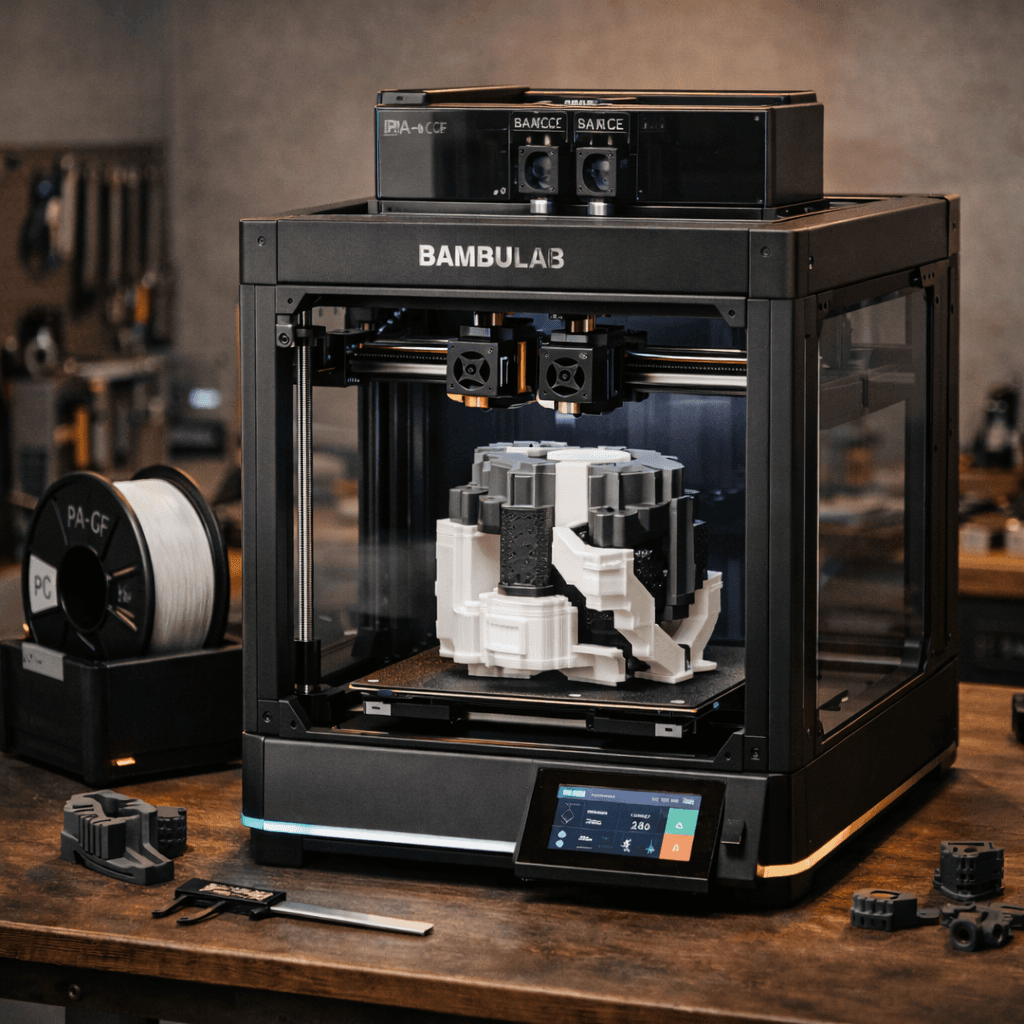
Buy the P2S. Top score of the 2 here.
For new buyers: get the P2S. The extra $100 over the P1S buys upgrades that are all pure upside, quick-swap nozzles, better camera, improved cooling, and the option for an AMS that dries filament. There is no reason to buy a new P1S at full price when the P2S exists. For P1S owners: the upgrade is worth it if you regularly change nozzles, want AI failure detection, or plan to buy the AMS 2 Pro for its drying capability. If you print mostly PLA with a 0.4mm nozzle and your P1S works fine, there is no urgent reason to switch, your P1S will serve you well for years to come. The P2S doesn't make the P1S obsolete for existing owners; it just makes it a harder recommendation for new buyers.
Quick answer
The Bambu Lab P2S is the better new buy because the quick-swap nozzle, 1080p AI camera, larger touchscreen, and AMS 2 Pro support are all practical upgrades. The P1S is still worth buying only when the discount is large enough, usually $350-$400 refurbished or on sale.
Same scale within each chart. Teal is the best of the 2.
| Difference | P2S | P1S |
|---|---|---|
| Price | $549 | $449 |
| Nozzle changes | Quick-swap, one hand, cold, under 5 seconds | Two wrenches, hotend must be hot, a few minutes |
| Screen | 5-inch touchscreen, manages prints without the app | Small non-touch display |
| Camera | 1080p with AI failure detection, pauses the print | 720p, notification only, no AI detection |
| Filament system | AMS 2 Pro, dries filament to 50C while feeding | AMS, no drying, needs a separate drybox |
The Bambu Lab P1S was the most recommended enclosed 3D printer of 2024-2025, reliable, fast, and reasonably priced. Now Bambu has replaced it with the P2S at $549, a $100 step up from the P1S. The question on every forum is simple: is the P2S a meaningful upgrade or just a spec bump? We compared both printers across every dimension that matters: print quality, speed, noise, features, firmware, and ecosystem. If you own a P1S, we'll tell you whether upgrading is worth it. If you're buying your first enclosed printer, we'll tell you why the P2S makes the P1S obsolete. The short answer: the P2S is better in almost every way. The longer answer involves quick-swap nozzles, a completely redesigned AMS, and AI monitoring that actually works.
The headline feature is the quick-swap nozzle system. On the P1S, changing a nozzle required heating the hotend, using two wrenches, and a few minutes of careful work. On the P2S, you pop the nozzle out with one hand in under 5 seconds, cold. This sounds minor until you realize it changes how you print: swap to a 0.2mm nozzle for detailed miniatures, then back to 0.6mm for fast functional parts, all in the same print session. The 5-inch touchscreen replaces the P1S's tiny screen and lets you manage prints without the app. The 1080p camera with AI failure detection catches spaghetti and layer shifts in real-time, pausing the print and notifying you instead of wasting hours of filament. The P1S had a camera, but it was 720p with no AI. The AMS 2 Pro (sold separately) is the other game-changer. It doubles as a filament dryer, maintaining 50C while feeding, a feature that previously required a separate drybox. For hygroscopic filaments like Nylon and PETG, this eliminates an entire step from the workflow. The enclosure now features adaptive cooling that pulls outside air for PLA or recirculates hot air for ABS, automatically adjusting based on the material profile.
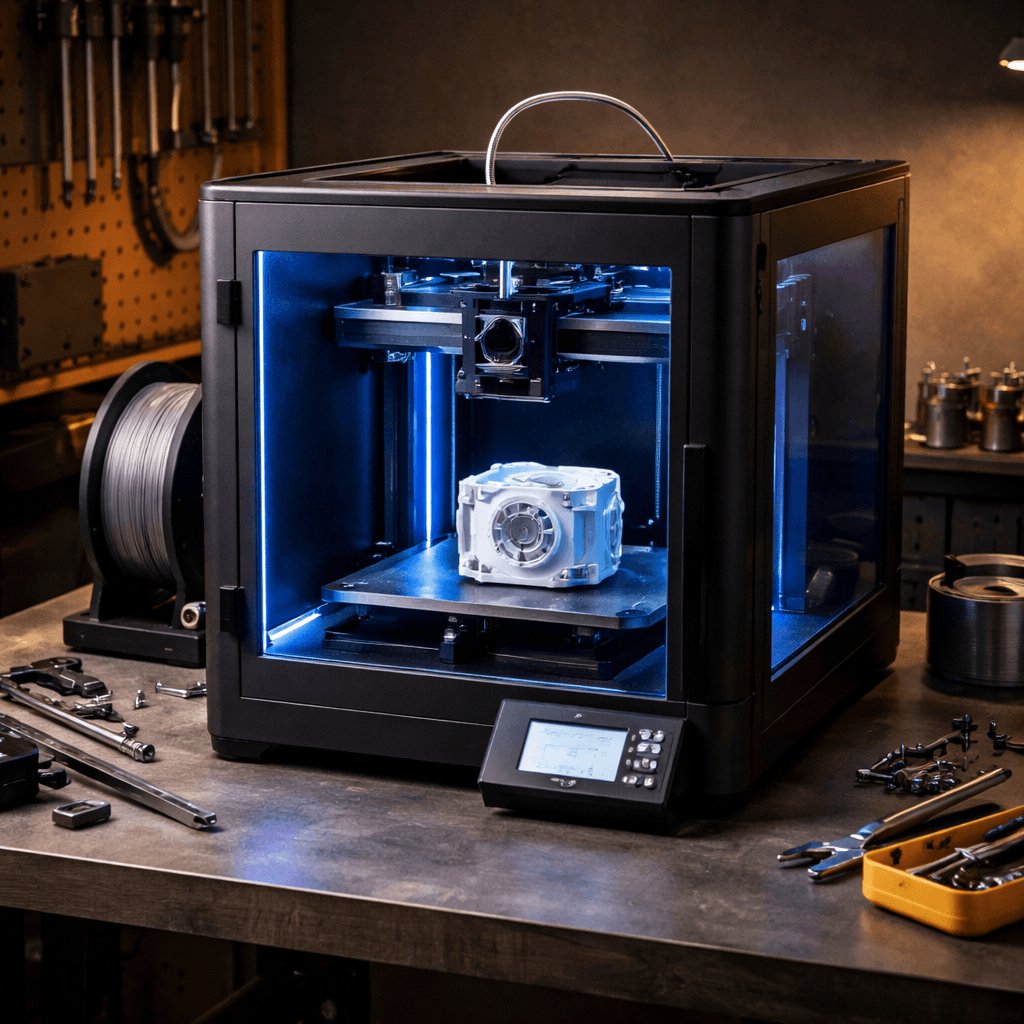
The P1S isn't suddenly a bad printer, it just got outclassed. For existing P1S owners, the core printing experience is nearly identical. Same 256mm build volume, same 500mm/s speed class, same excellent print quality with PLA and PETG. The P1S's enclosure still handles ABS and ASA well. The community has had two years to dial in profiles for every filament imaginable, and the aftermarket accessories ecosystem is massive. One genuine advantage the P1S retains: price. While the P2S launched at $549, $100 above the P1S, the P1S is available refurbished and on sale for $350-400. At that price, it remains the best enclosed printer deal in 3D printing. If you find a P1S on sale and don't need quick-swap nozzles or the AMS 2 Pro drying feature, it's still an excellent buy. The P1S also benefits from being a known quantity. Every firmware quirk has been documented. Every common issue has a community fix. The P2S is new enough that edge cases are still being discovered. For risk-averse buyers, the P1S's track record is a genuine selling point.