Best 3D Printing Slicers in 2026: Cura vs PrusaSlicer vs Bambu Studio vs OrcaSlicer
Your slicer matters more than your printer. Compare the top 4 slicers and find the best one for your workflow.
Top pick in this guide
Bambu Lab A1 Combo
$399, PrintPick score 9.2/10. Check the live price before it moves.
Bambu Lab A1 Combo
Bambu Studio: Best for Bambu Owners, Score: 9.2/10, $399
Bambu Studio is built exclusively for Bambu printers, and that focus shows. The filament profiles aren't guess-and-check approximations. Bambu's team empirically tested them on actual hardware, so temperature, retraction, speed, acceleration, and pressure advance are already set correctly for most materials. For a lot of filaments you genuinely just pick PLA, hit print, and it works. That's rare. The multi-color paint tool is the clearest software advantage in this category. Load a model, switch to paint mode, brush colors onto the 3D surface using brush, fill, or edge detection tools. The slicer handles all the filament change logic. For AMS users this workflow is faster and more intuitive than anything in PrusaSlicer or OrcaSlicer. Remote monitoring, camera view, print management from your phone are all built in. The cloud dependency is the one legitimate complaint: WiFi printing requires a Bambu account and cloud connection. No local-only mode unless you use OrcaSlicer's LAN implementation. If you own Bambu printers and that trade-off is fine, Bambu Studio is the right choice.
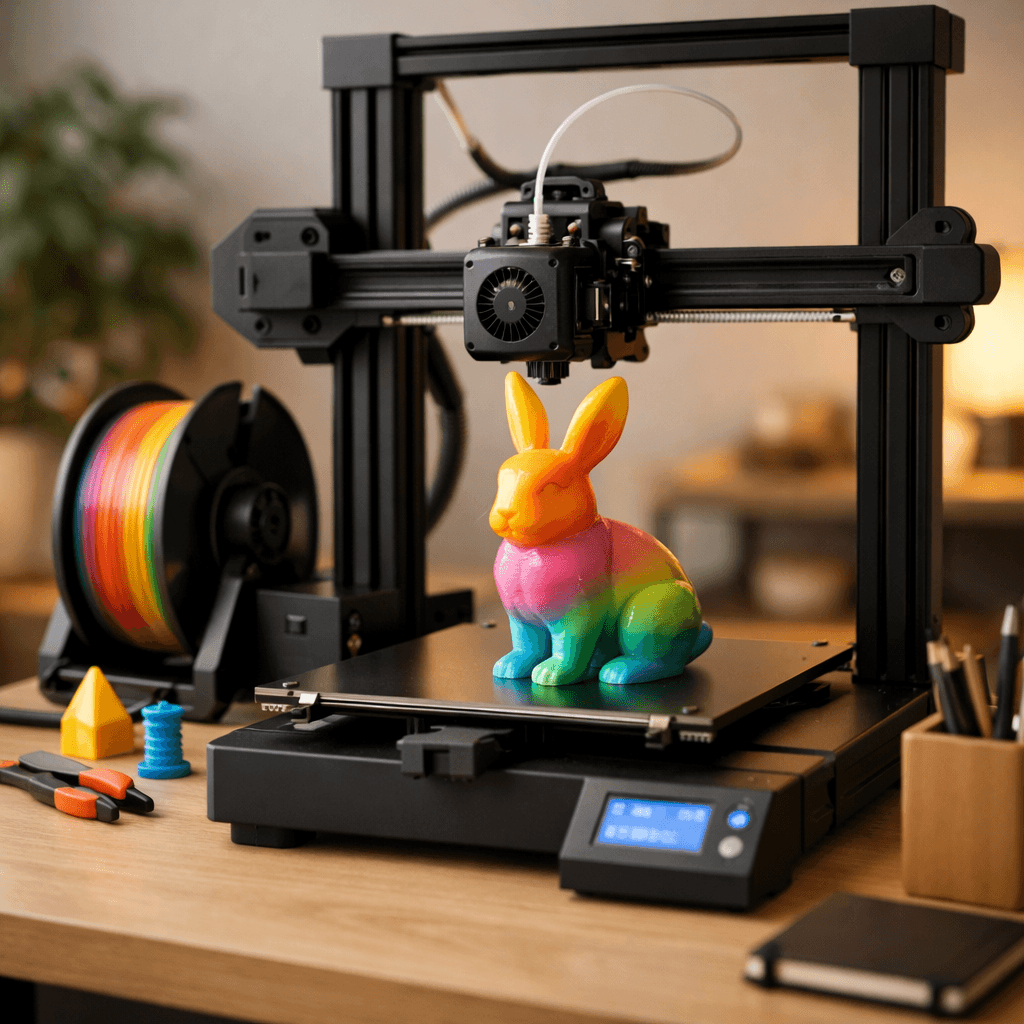
Prusa MK4S
PrusaSlicer: Best Open-Source Slicer, Score: 7.8/10, $929
PrusaSlicer is the reference open-source slicer and the one most experienced makers end up on eventually. It works with essentially every consumer FDM printer through community-maintained profiles, and Prusa printers have the same tight integration that Bambu gets from Bambu Studio. The tree support algorithm is the thing people talk about. Traditional block supports attach flat to overhanging surfaces and tear surface quality when you remove them. Tree supports grow up from the build plate like branches and touch overhangs at minimal contact points. They release cleanly. For miniatures, organic shapes, and anything with complex overhangs, this makes a real difference. Variable layer height is the other standout: 0.3mm on flat sides, 0.1mm on detailed top surfaces, in the same print, configured in a couple of minutes. Saves 20-40% print time without sacrificing detail where it matters. Free, open-source, runs on Windows, Mac, and Linux. If you own a non-Bambu printer and want a slicer that handles complex models well, PrusaSlicer is the first thing I'd recommend.
Creality Ender 3 V3
OrcaSlicer: Best for Multi-Brand and Calibration, Score: 8.4/10, $289
OrcaSlicer forked from PrusaSlicer and added two things most people actually want: built-in calibration tools and profiles for every printer. The calibration suite is the headline. Flow rate, pressure advance, temperature towers, retraction tests, first-layer calibration: all of these are built-in guided workflows. Other slicers make you download separate calibration models, run them manually, and enter results yourself. OrcaSlicer makes it a menu item: run the calibration, enter the result, profile updates automatically. If you regularly tune settings, this saves real time. Printer compatibility is the other advantage. Profiles exist for Bambu, Creality, Prusa, Elegoo, Anycubic, QIDI, Flashforge, Sovol, Artillery, and basically every other printer with a community presence. If you own multiple printers from different brands, OrcaSlicer is the obvious single slicer choice. Bambu LAN-mode printing also works without cloud dependency, which matters to users who don't want Bambu's cloud requirement. Updates come fast, occasionally bringing bugs that take a release or two to fix. That's the tradeoff for the faster development pace.
The Bottom Line
Bambu Studio if you own Bambu printers and don't mind the cloud ecosystem. OrcaSlicer if you own Bambu printers but want local-only LAN printing, or if you own multiple brands and want one slicer with built-in calibration. PrusaSlicer if you own a Prusa printer or want the best open-source tree support algorithm. Cura still works if you're used to it, but it has fallen behind all three in features and profile quality since 2024. Switching from Cura to OrcaSlicer is a noticeable upgrade for most users.
Related Articles
FDM vs Resin 3D Printers: The Complete Guide for 2026
FDM or resin? The definitive comparison covering cost, quality, speed, safety, and best use cases.
How to Fix Stringing on Your 3D Printer: The Complete Guide
Stringing ruining your prints? Learn exactly how to fix it with retraction settings, temperature tuning, and more.
30 Best Things to 3D Print as a Beginner (Actually Useful)
Skip the benchies, these are genuinely useful prints that teach you 3D printing skills along the way.